Edit Signature
-
Hi developers:
Where to edit the signature?
I mean that defualt desription/text under your name (looks like footnote, see mine below) when you create post.
It used to be in the account section but I can't find it anymore.
Thanks! -
 O onzki marked this topic as a question on
-
Click your avatar, the olive coloured circle with O in it at the top right of your screen, select Edit Profile from the dropdown list, scroll down to the signature box...
-
 T TIG has marked this topic as solved on
-
@Box said in Edit Signature:
scroll down to the signature box...
Hi, Is the signature box already removed? I can't see it anymore.
-
@onzki Click your avatar top right of page and choose Edit Profile
-
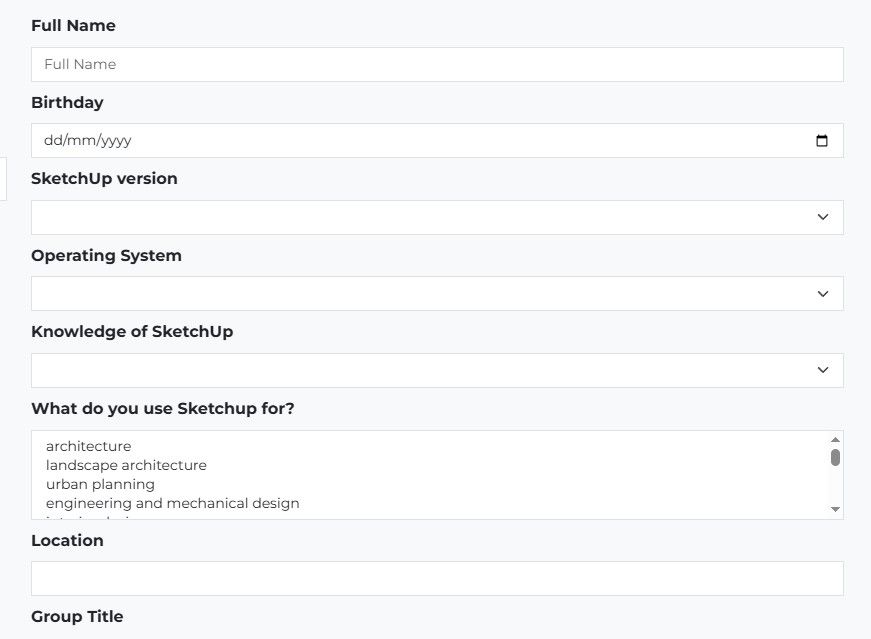
Edit Profile does not contain "signature box" anymore. Here's the screenshot:
-
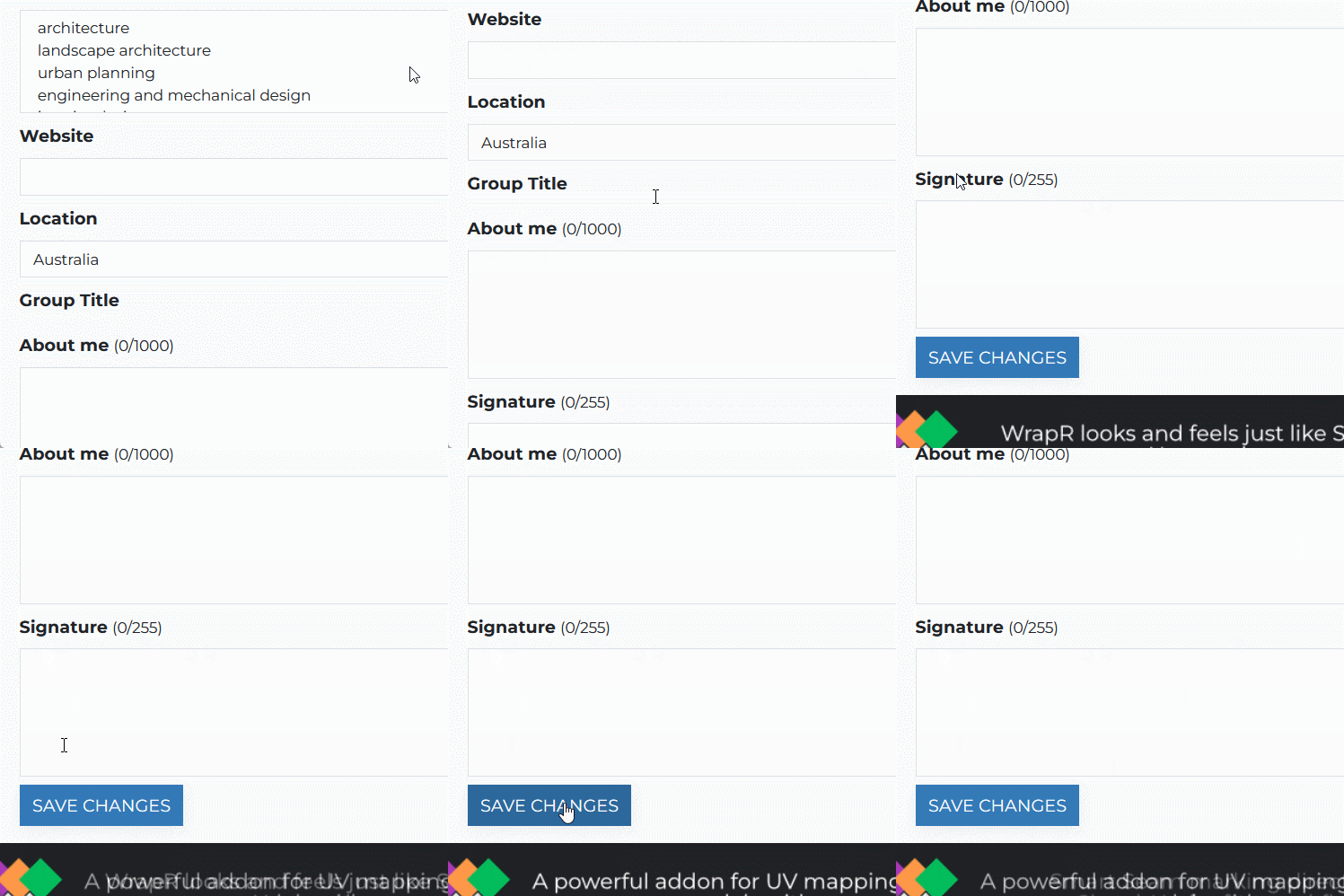
Have you tried scrolling down a bit.
-
I'm having the same issue. When I scroll down the edit profile page I get the same results as @onzki---the page ends at Group Title. I'd really love to change my sig because it's horribly outdated. Any other solutions out there? Thanks!
monsterzero
I live stream my work on my graphic novel:
https://www.youtube.com/@monsterz3r0 -
I'm having the same issue. When I scroll down the edit profile page I get the same results as @onzki---the page ends at Group Title. I'd really love to change my sig because it's horribly outdated. Any other solutions out there? Thanks!
Signature editing requires a reputation of 25 or higher.
I've set your reputation to 30 so try it again please.
Download the free D'oh Book for SketchUp 📖
-
Ah. Thanks. Yeah, I haven't posted in a while. I see it now. Thanks!
-
This post is deleted! -
Signature editing requires a reputation of 25 or higher.
Oh, mine is just 10.. and it's been some time, could you help amend? Just want to update my signature. Thanks!

-
@onzki Try it now



Hello! It looks like you're interested in this conversation, but you don't have an account yet.
Getting fed up of having to scroll through the same posts each visit? When you register for an account, you'll always come back to exactly where you were before, and choose to be notified of new replies (either via email, or push notification). You'll also be able to save bookmarks and upvote posts to show your appreciation to other community members.
With your input, this post could be even better 💗
Register Login


Advertisement