Playing arround with Sketchup diffusion
-
I am testing Sketchup diffusion.
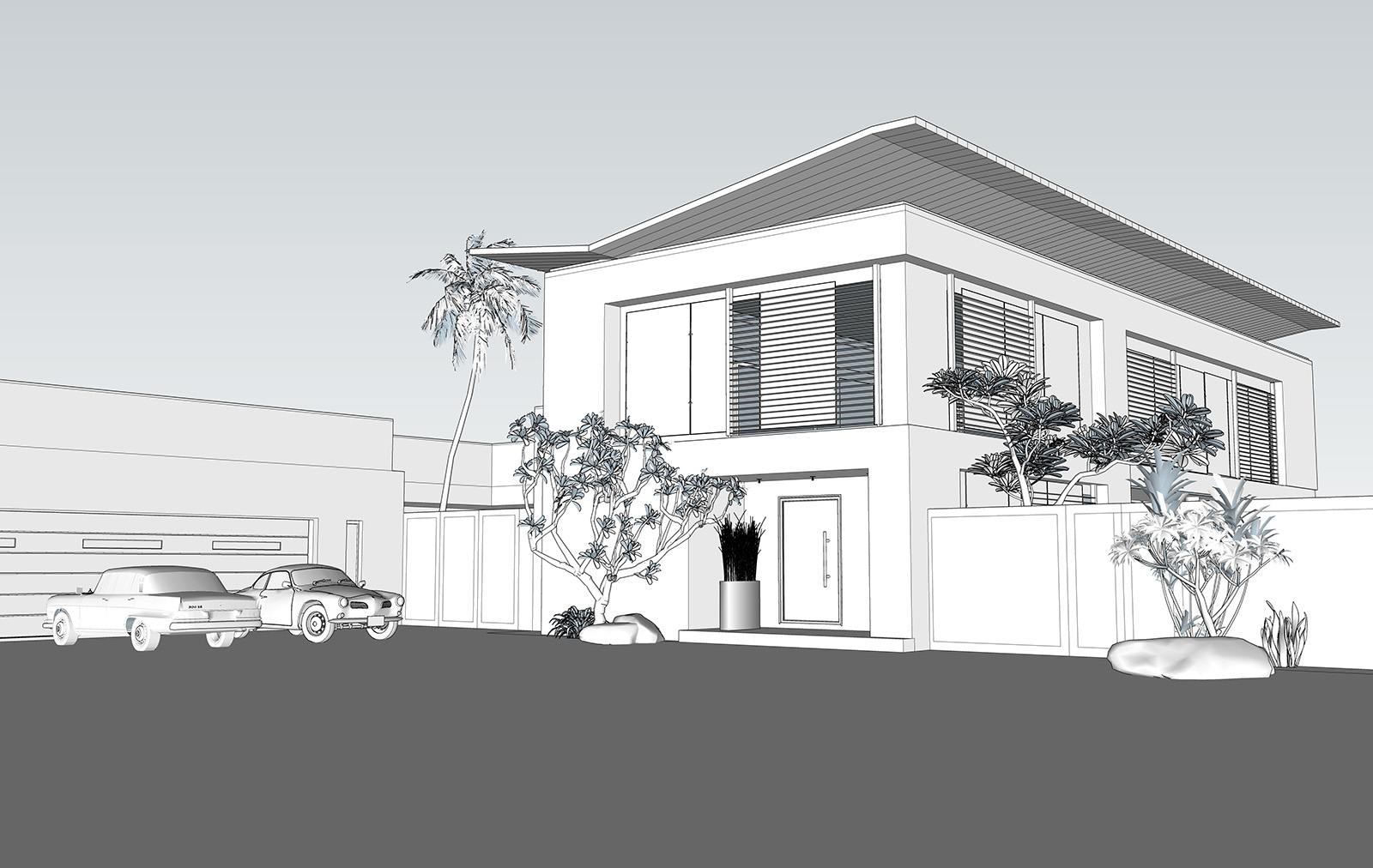
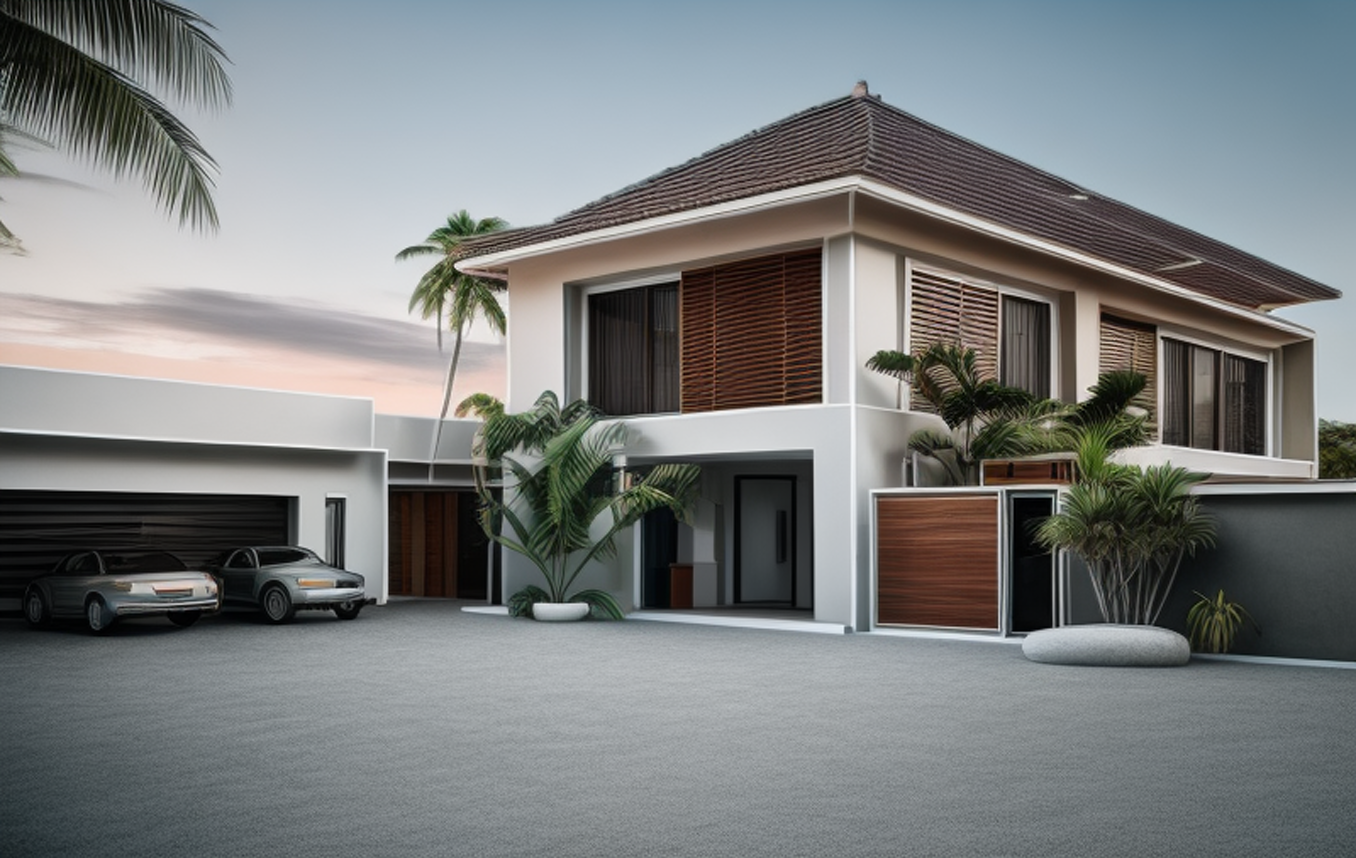
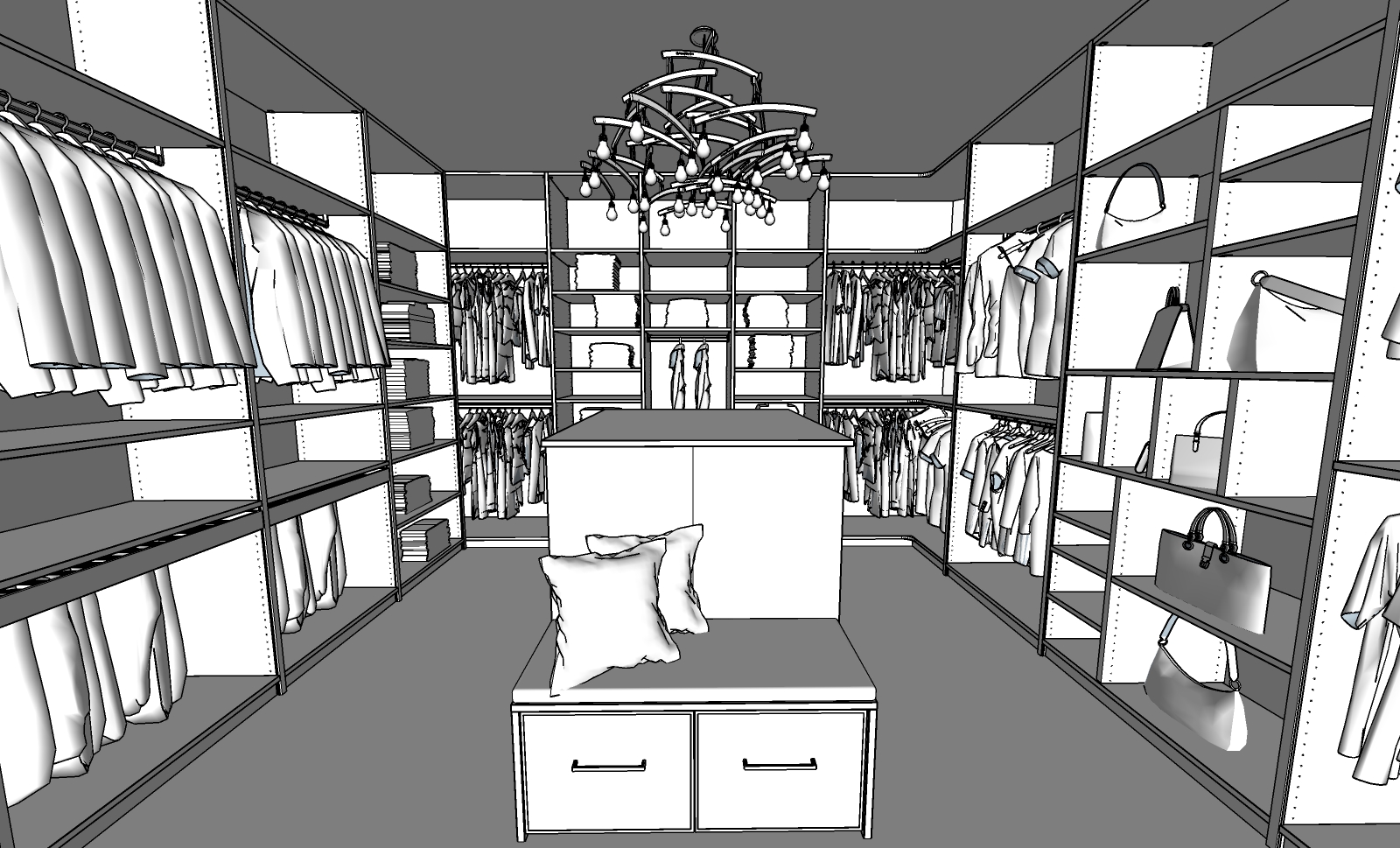
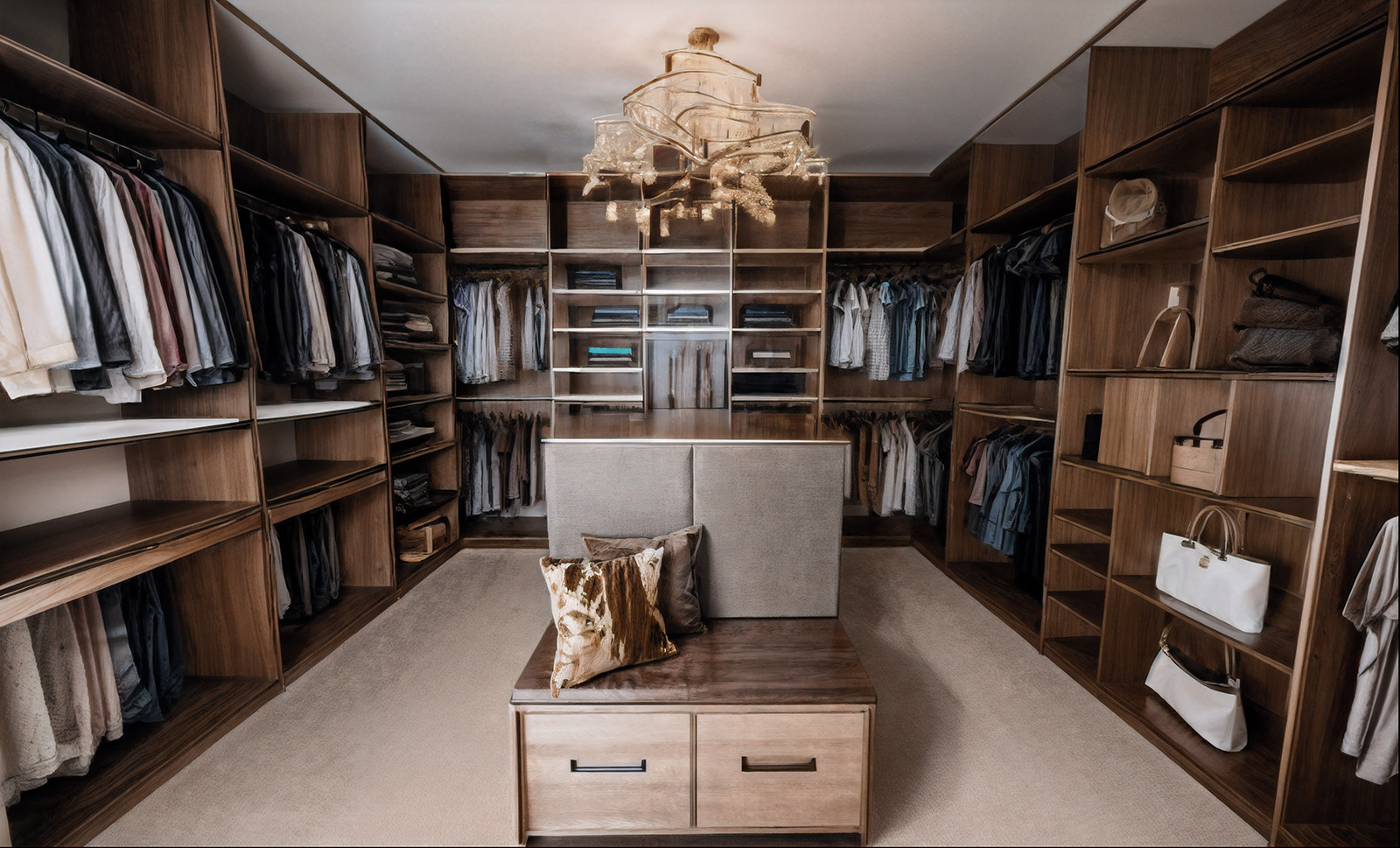
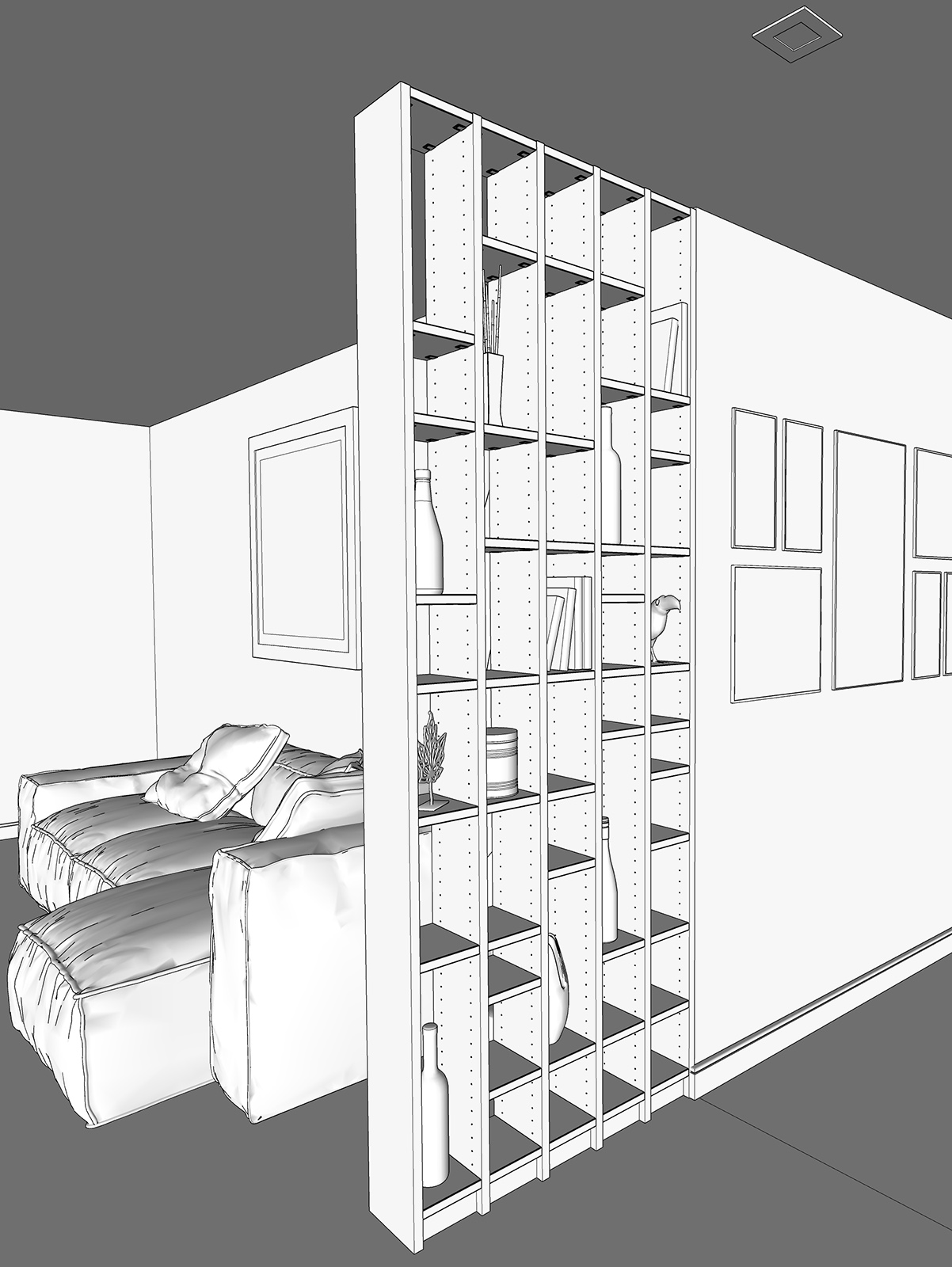
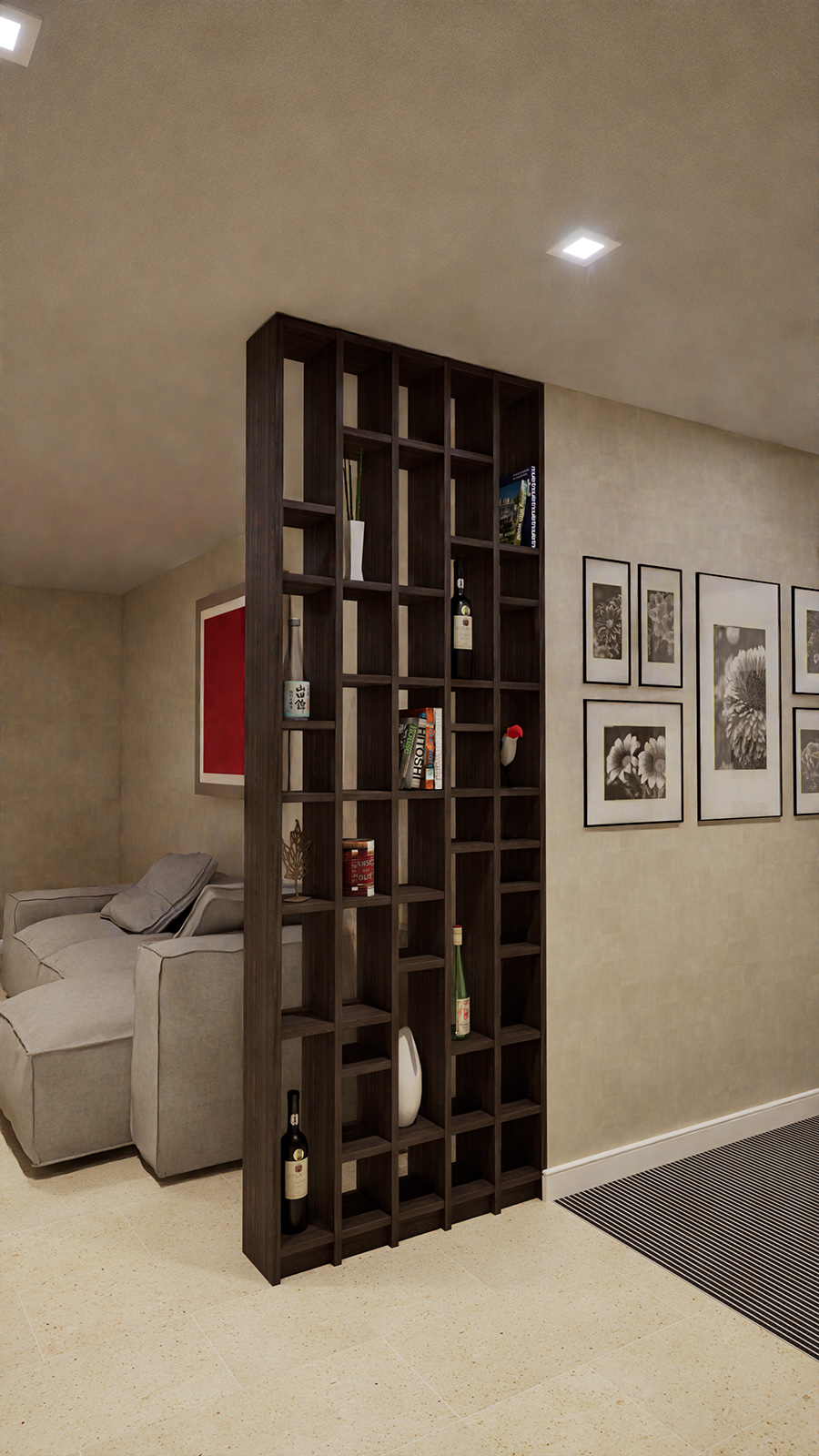
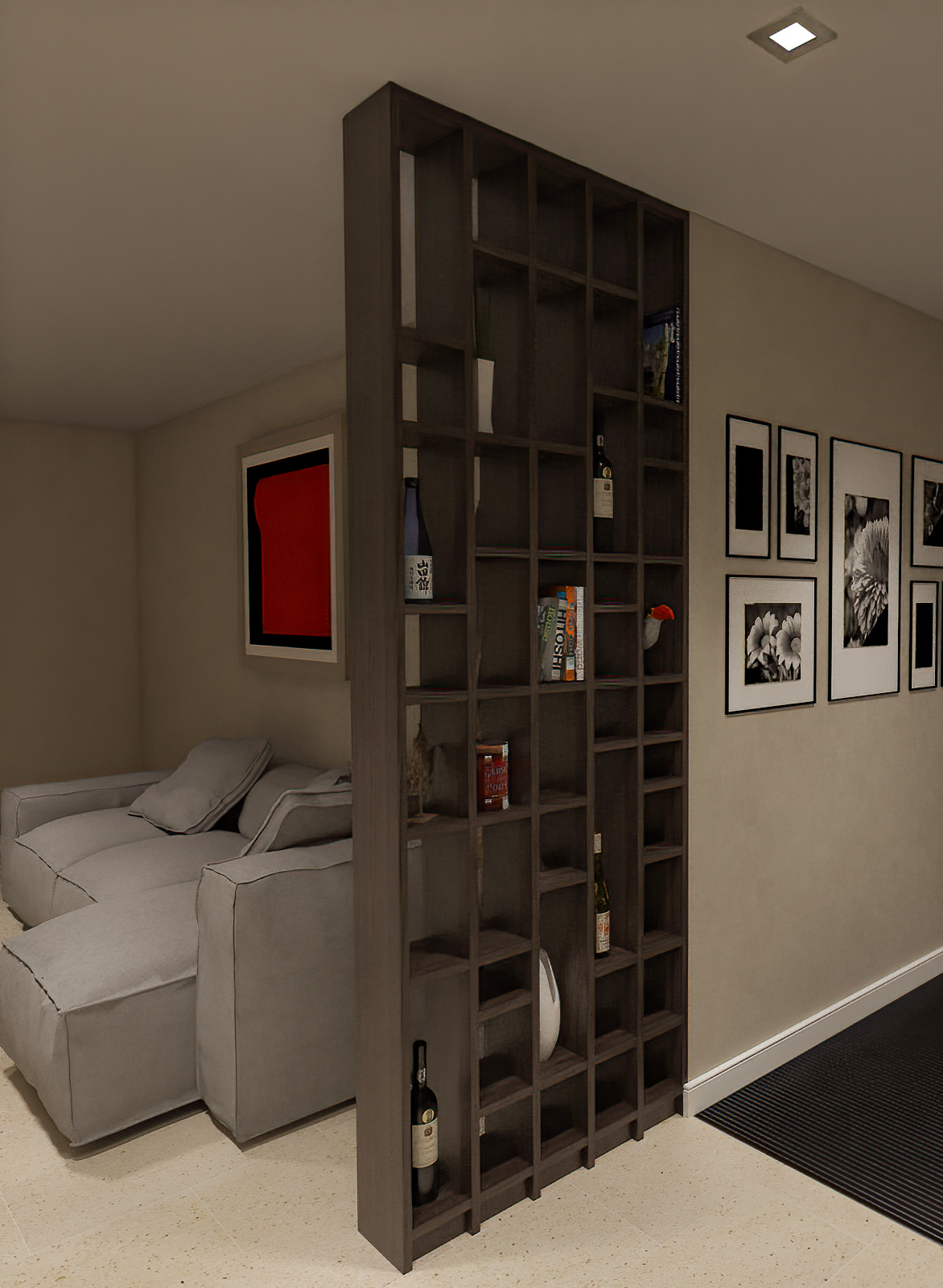
I took an old model and let it go through the new app sketchup diffusion. the result is quite good but the quality looks a bit like a sketch. I took the Picture to stable diffusion and developped it further with image2image and realistic vision. The result is really great...

-
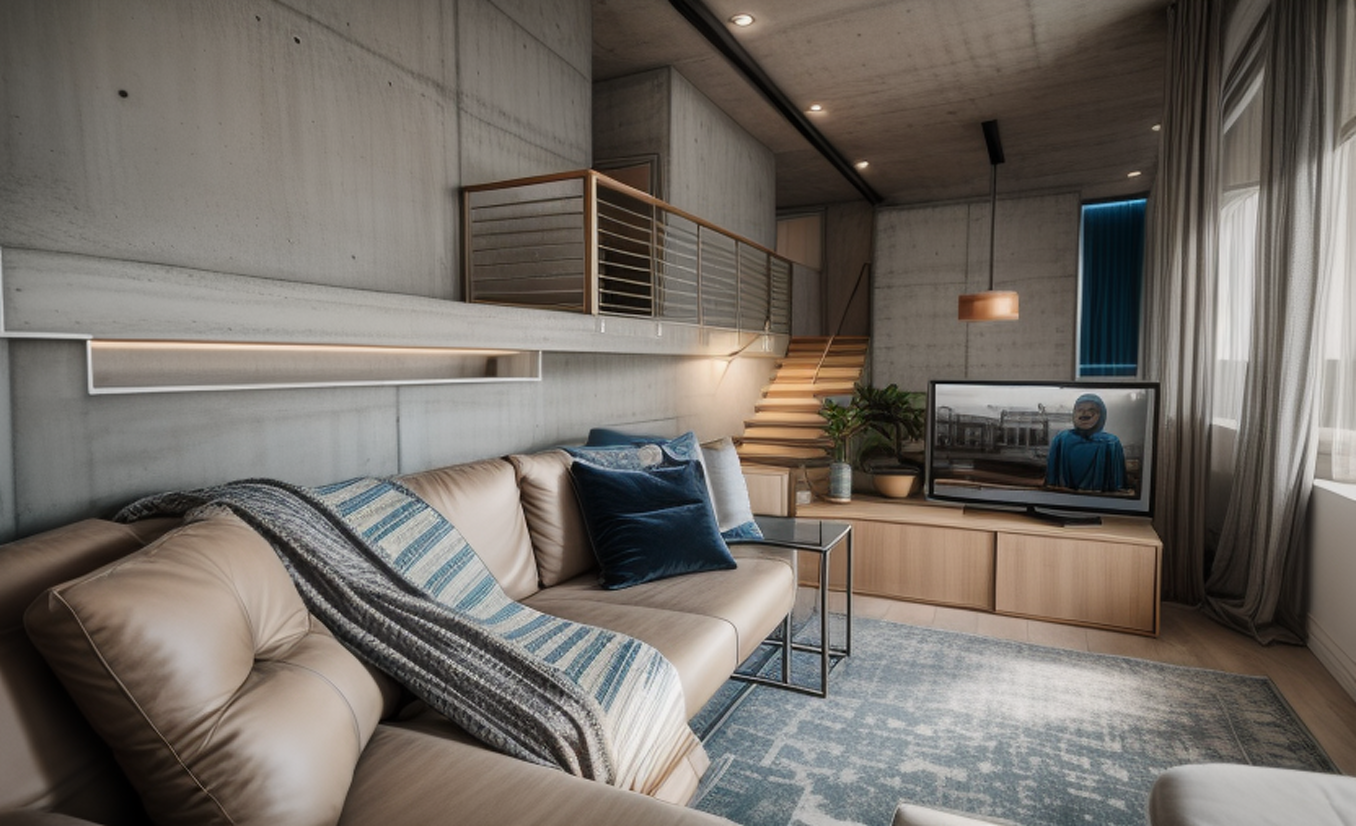
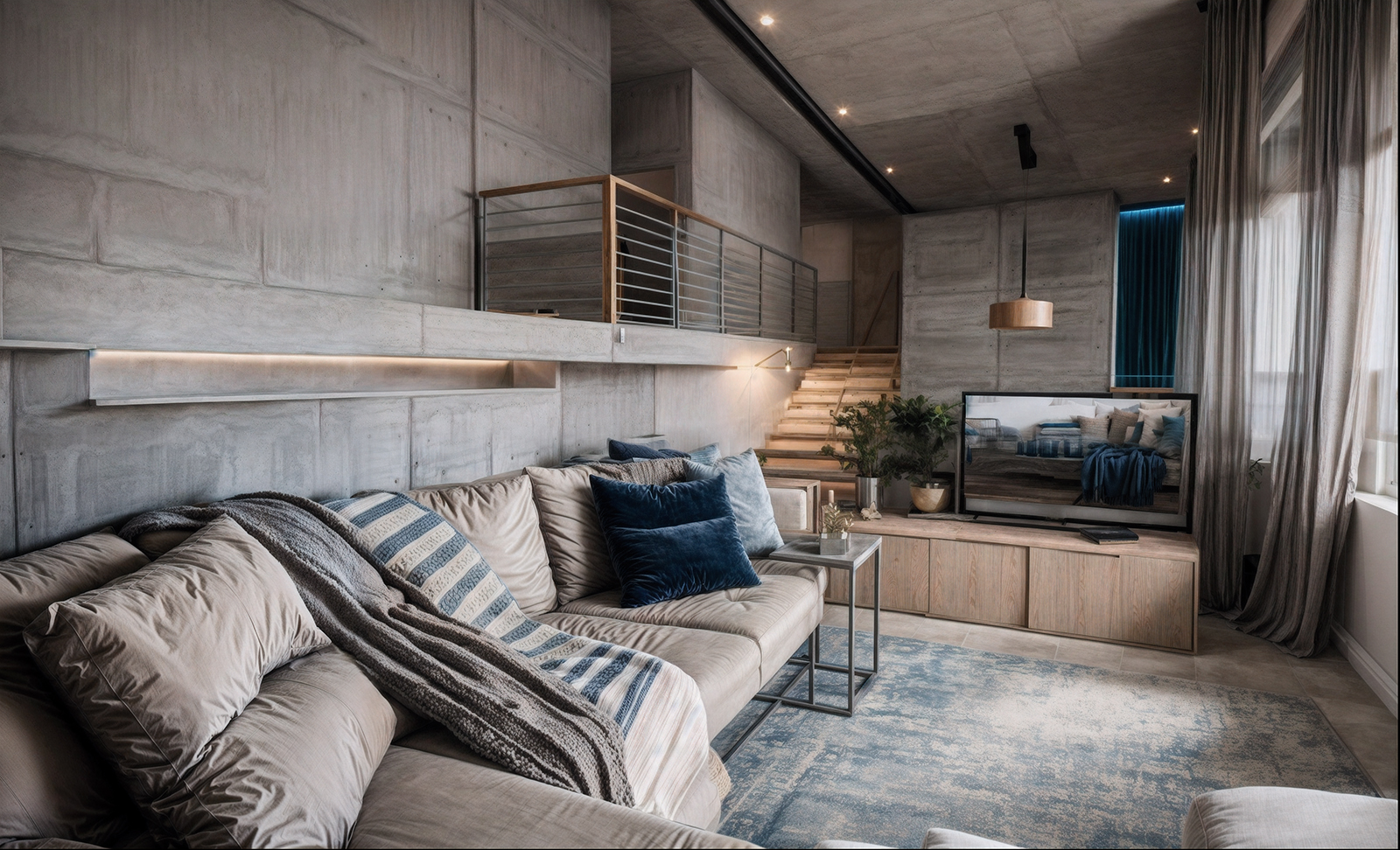
here a test with interior design:
and an additional pic with twinmotion

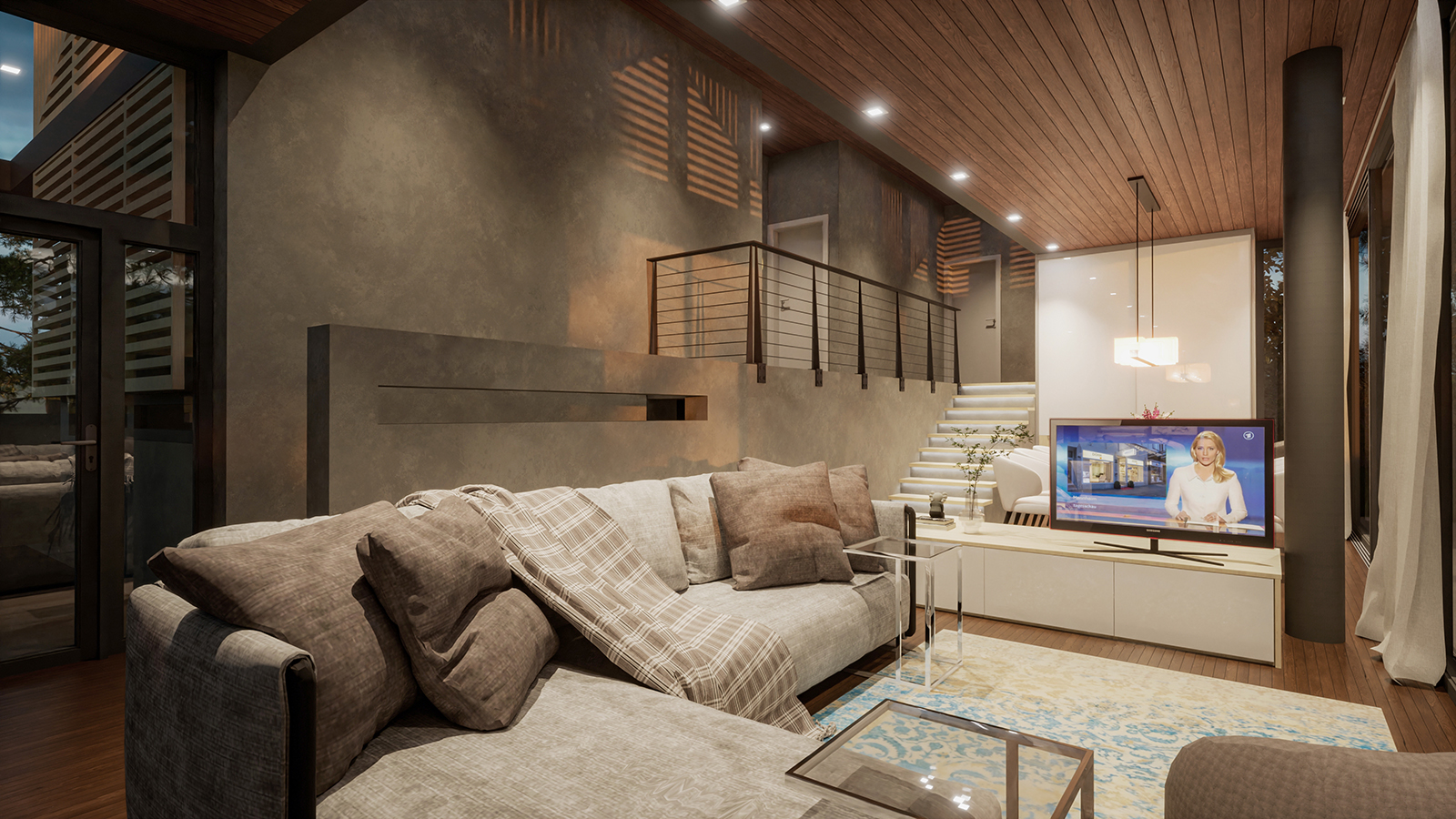
-
and a tramwaymodel:
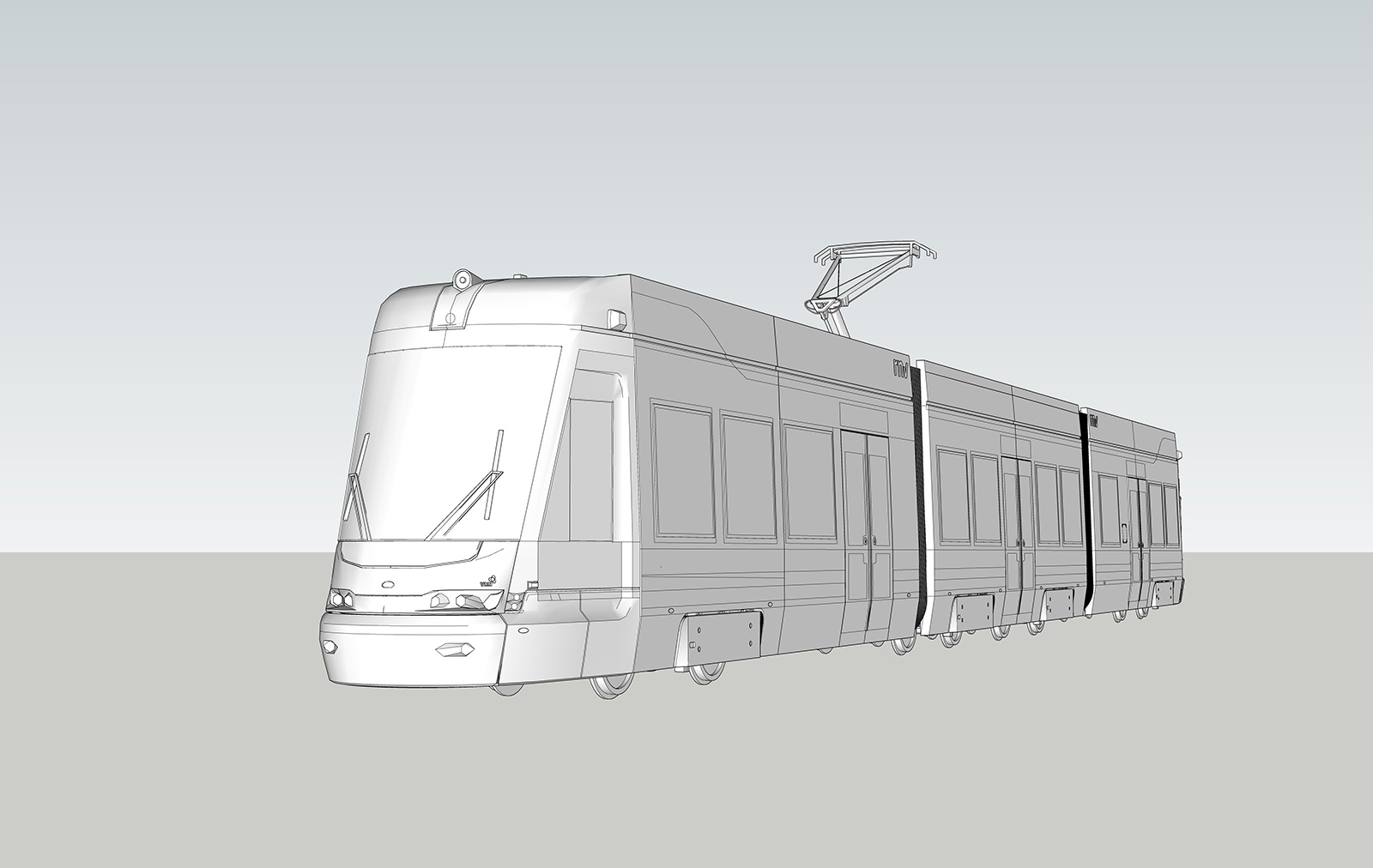
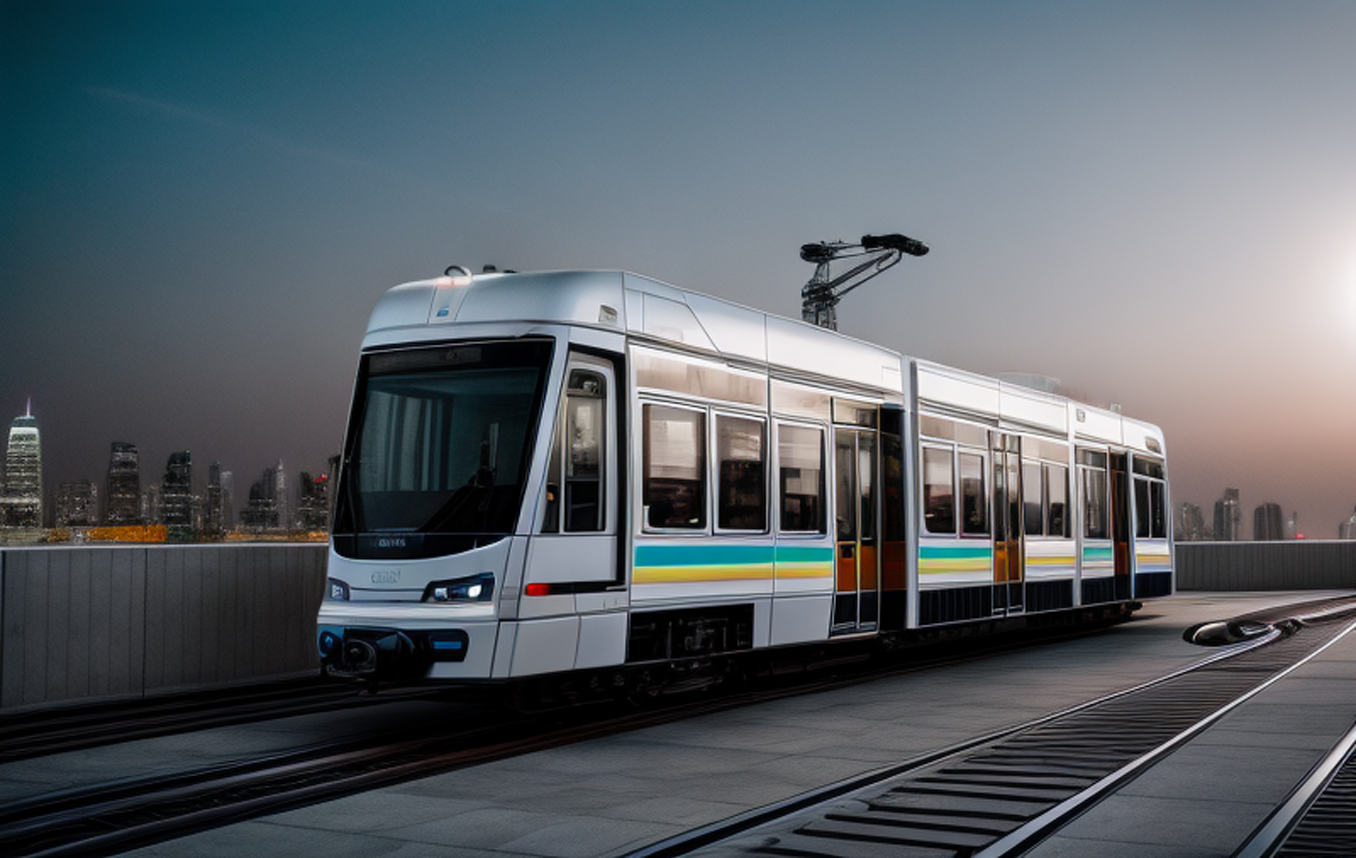
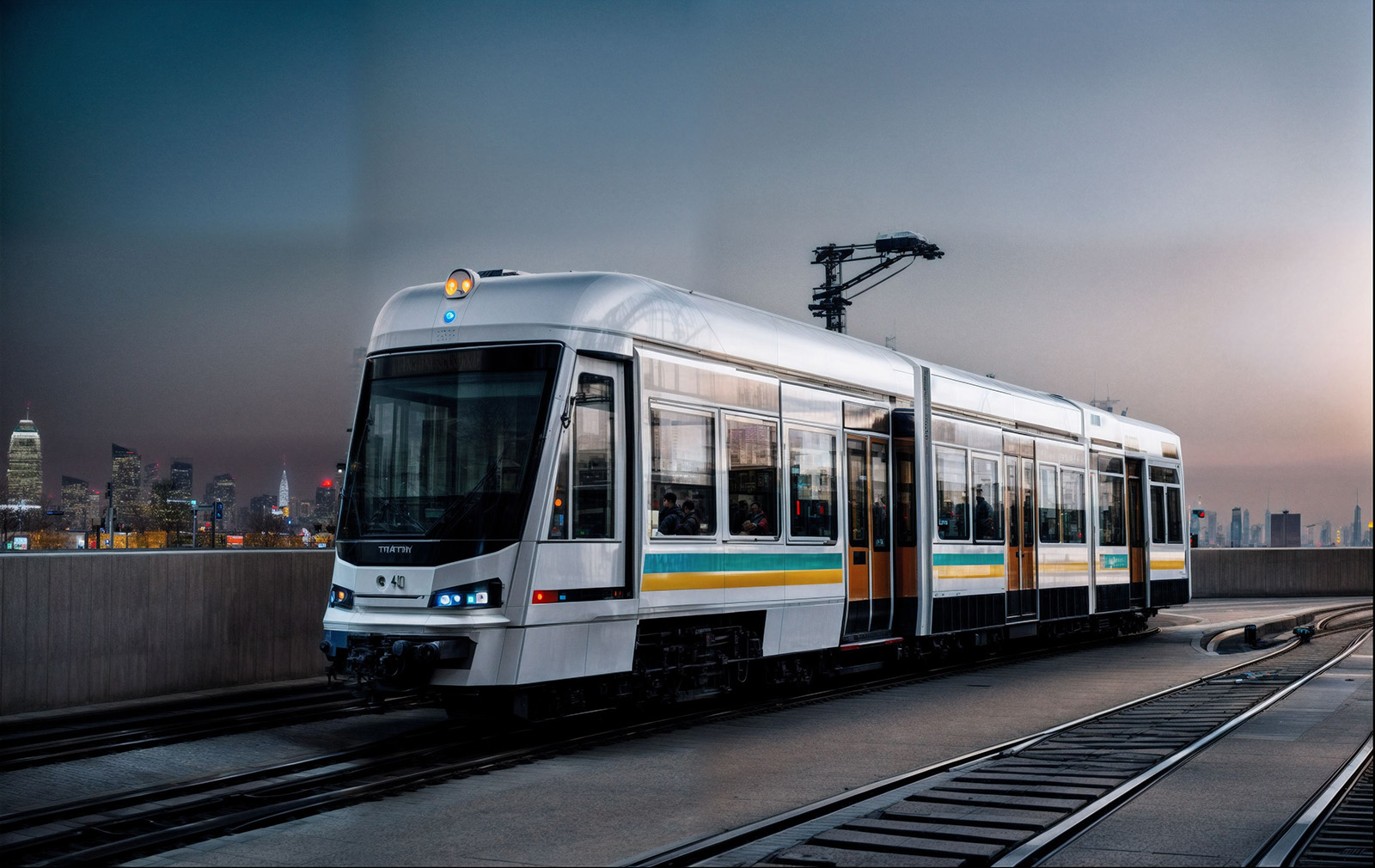
-
That is way cool, can you get multiple views of the same image? or will the AI create a different reult for different views?
-
Very cool Jo-ke, if you used/use prompts, would you mind posting the prompt? Would be very helpfull

-
@solo said:
That is way cool, can you get multiple views of the same image? or will the AI create a different reult for different views?
that's the typical AI problem, always different results.
I hope there will be more control in the future.
Stable diffusion has controlnet, a good tool to create consistant pictures but I have no idea to use it together with sketchup.
Maybe in the future there will be more development
-
@l i am said:
Very cool Jo-ke, if you used/use prompts, would you mind posting the prompt? Would be very helpfull
I've used very simple prompts like: ultrasharp photography of a modern dining room in beige and blue colors, tropical garden outside"
-
still testing the options....
I just started to combine render and AI.
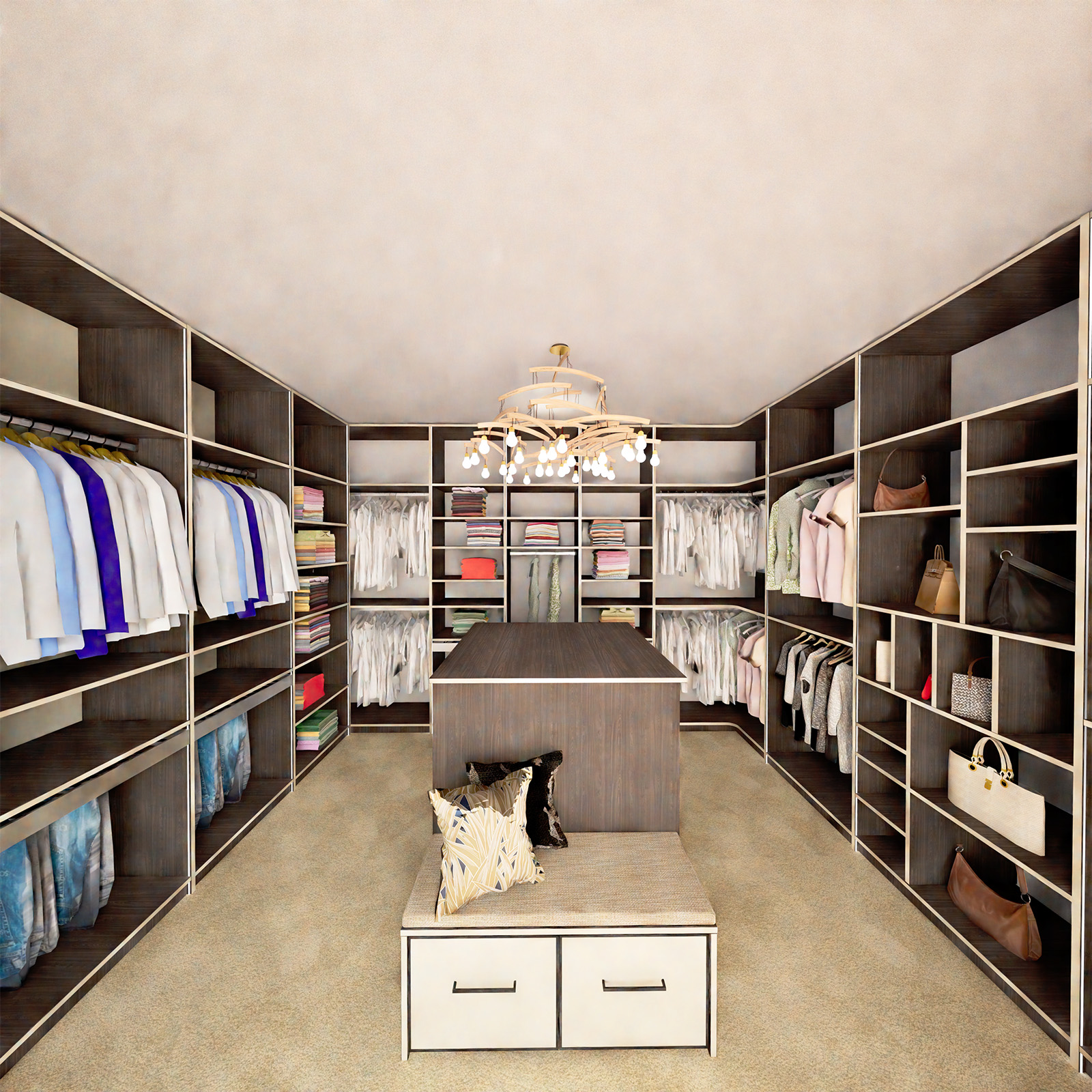
rendering cloth in wardrobes has really bad results, because of low resolution models. If I would take better models for cloth the filesize would rise enormously.
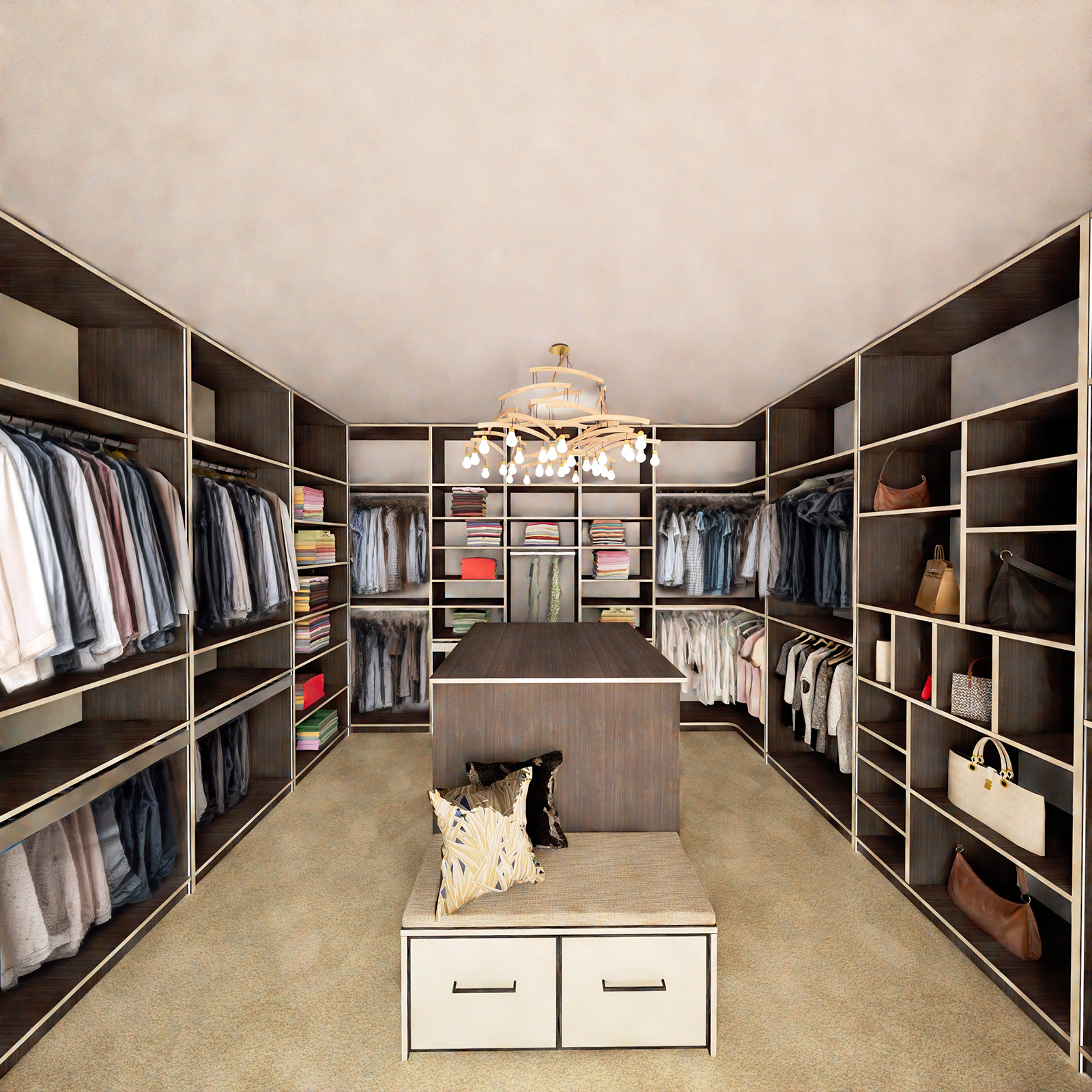
AI does really a goof job in makeing realisic cloth and a bad job in doing the rest in desired materials and colors.
so I took my render with the right setting for my wardrobe and took the cloth of the stablediffusion output and merge them in Photoshop:
unfortunately I can't export my POV Camera to twinmotion. this would be helpfull for later work in photoshop
-
Wow the first one is so impressive
Scarily so 
-
-
another one. diffusion is the loser in this case.
this time twinmotion wins.
all renders optimised in photoshop

-
Why not try the Free Vizcom online ?
So easy to use! And the first on this concept domain...
Team of 2 persons in free!
No limit of number images
Only limit is one image proposition by render (Pro 4)
From your image B&W
But you can import a 3D model... (obj format)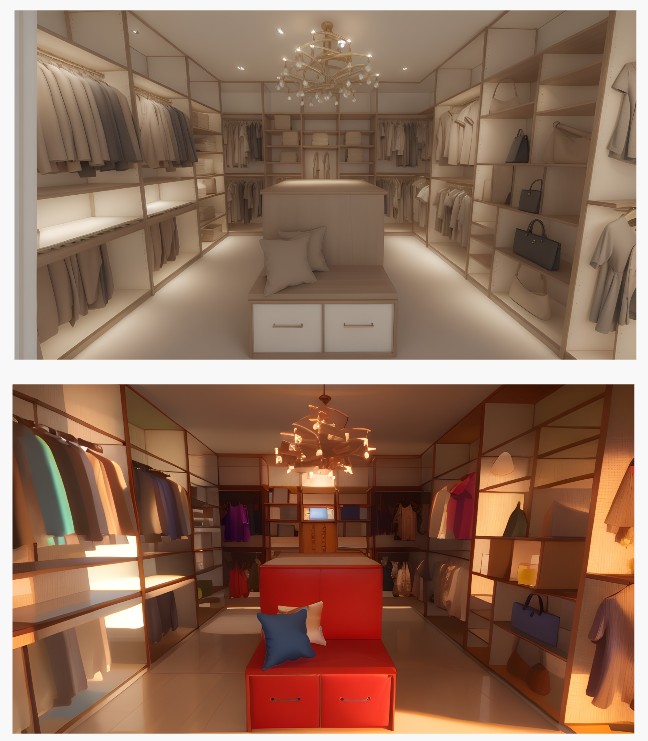
-
you can of course all detail...or modify by prompt...
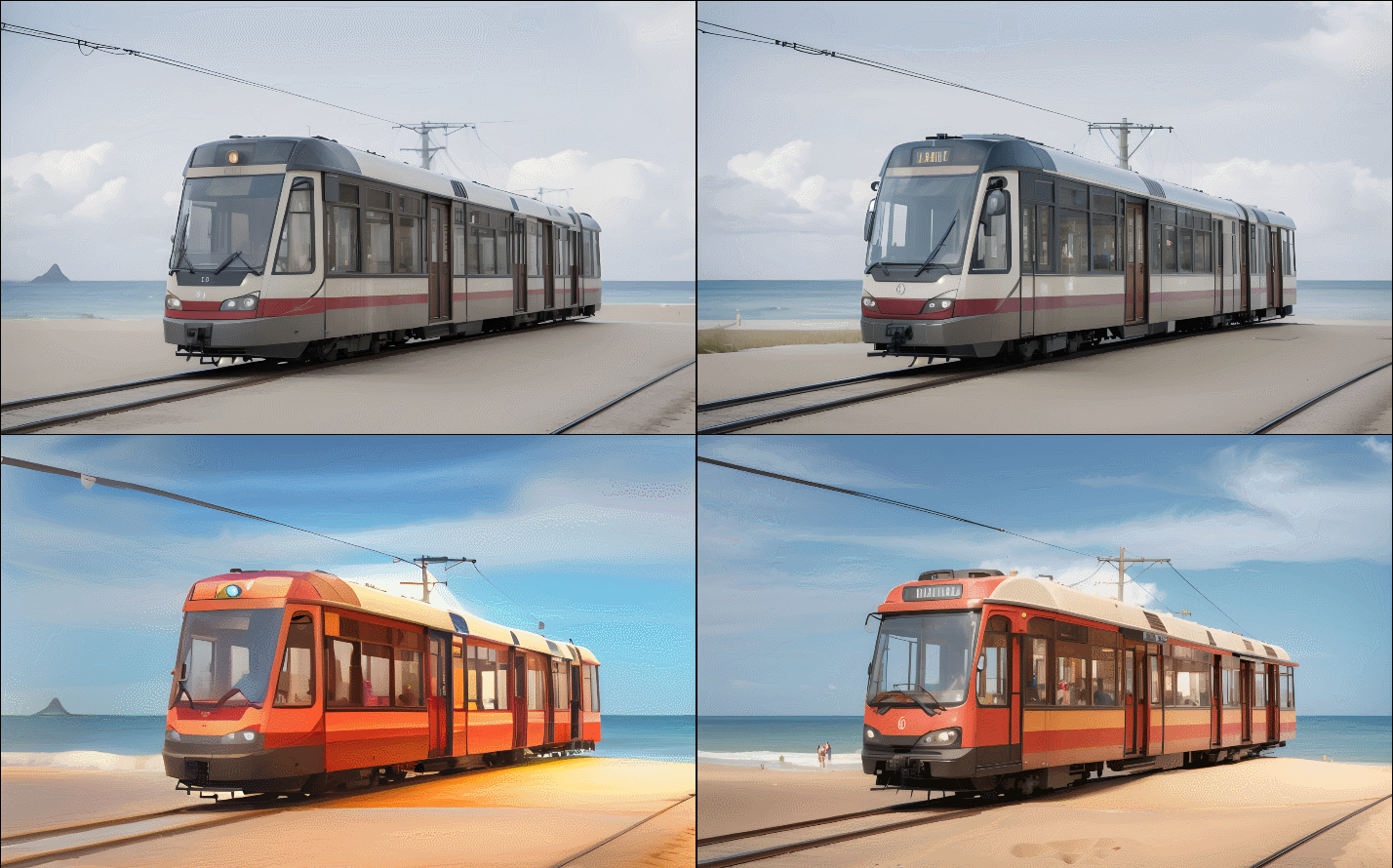
InPainting (G)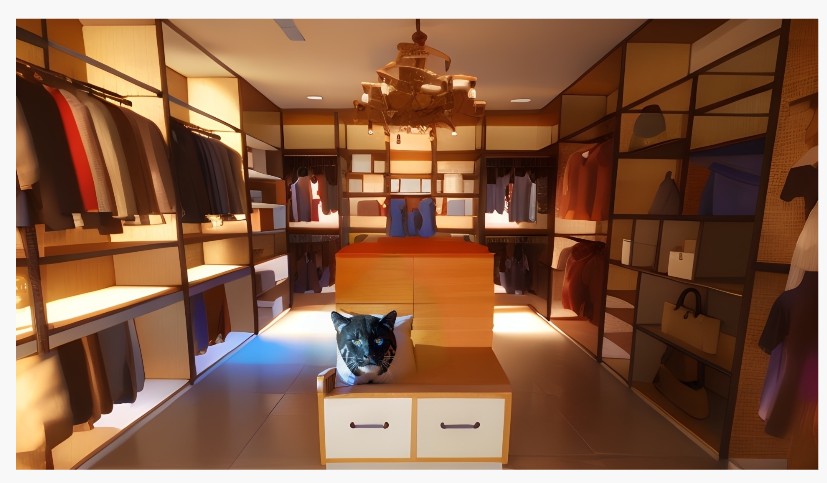
-
hmmm. I think su diffusion does a better job, what I can see.
-
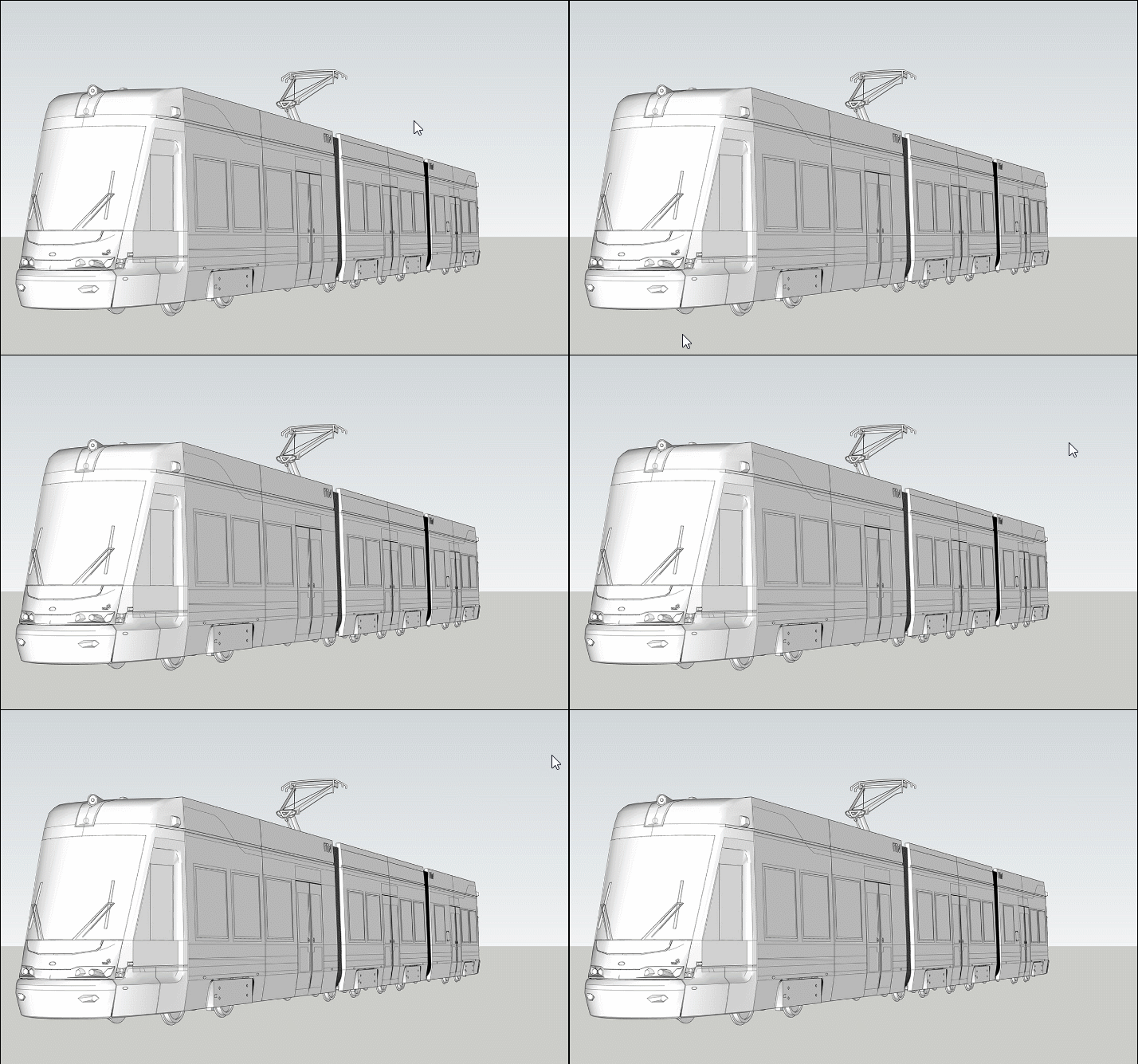
from your 2D image &W
-
Seems there is no change between original and render ...
-
This one looks better.
My general problem with AI is, that I have to less control over the result.
In my case, I want to sell a shelf or a wardrobe and it has to be a consistant look.
But AI does a wonderfull job in textiles and Lightning.
So I am trying to combine them in Photoshop.
-
Yep even some ai accept 3D input files i am quasi sure this 3D is translated in 2D before any process... in some months maybe this will be changed...
-
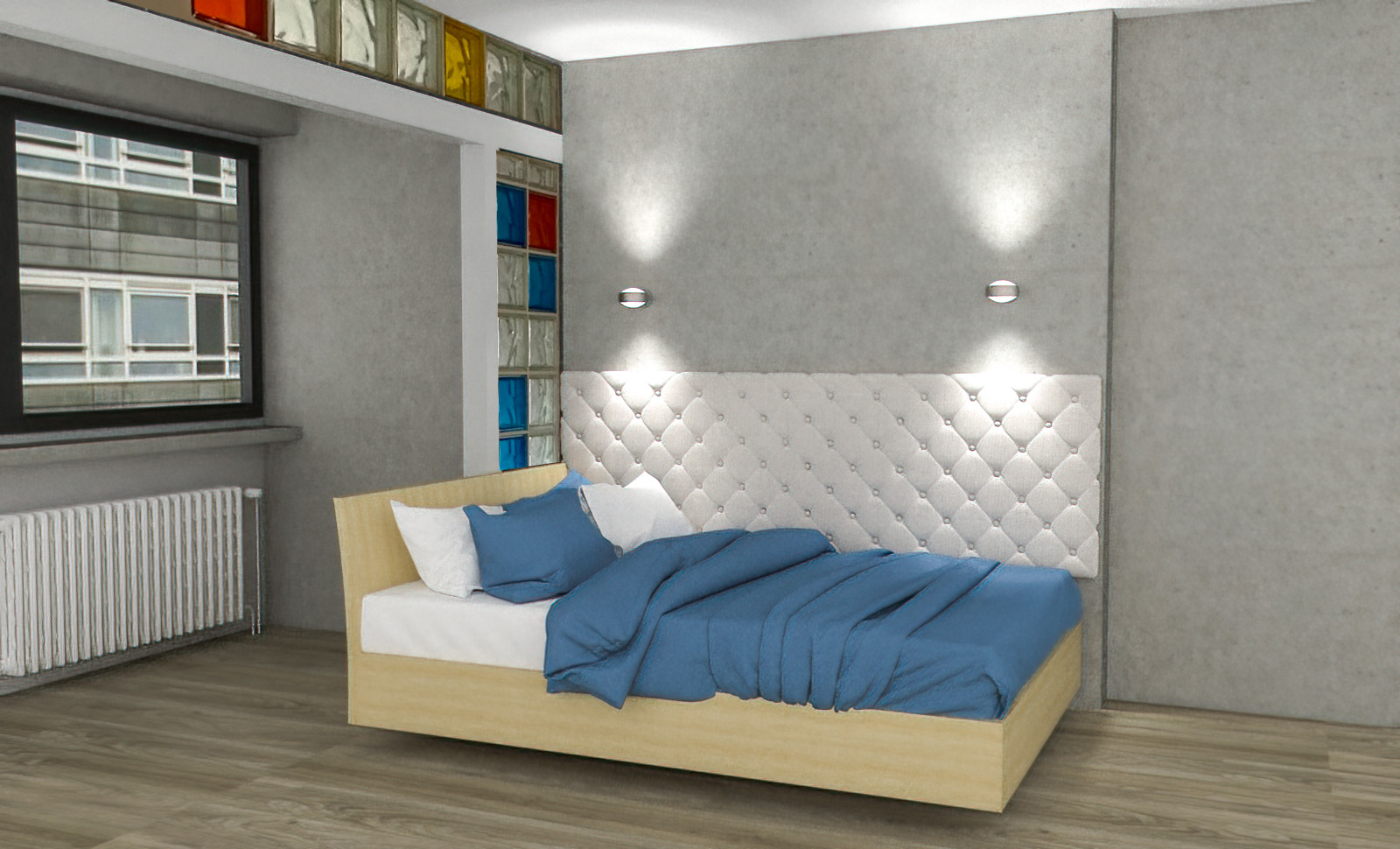
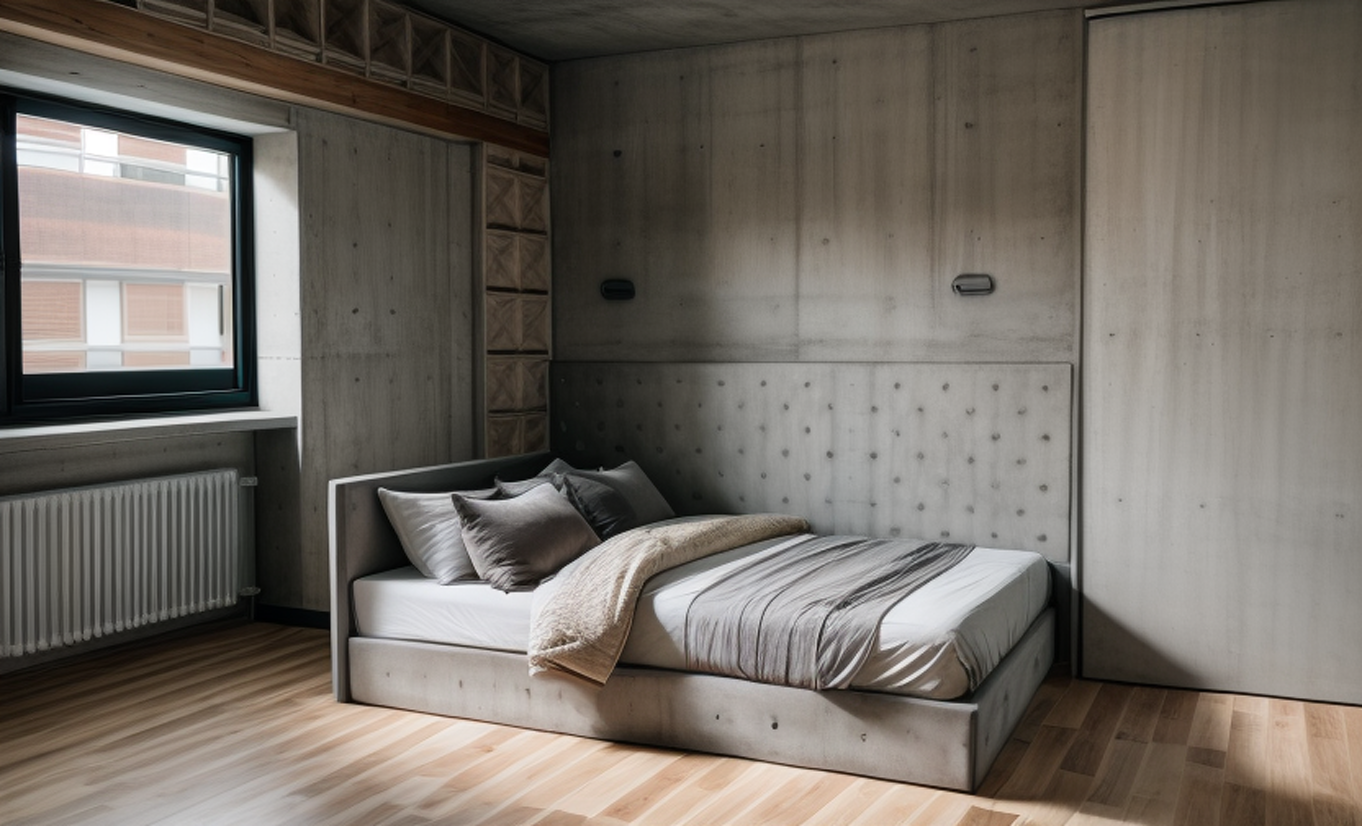
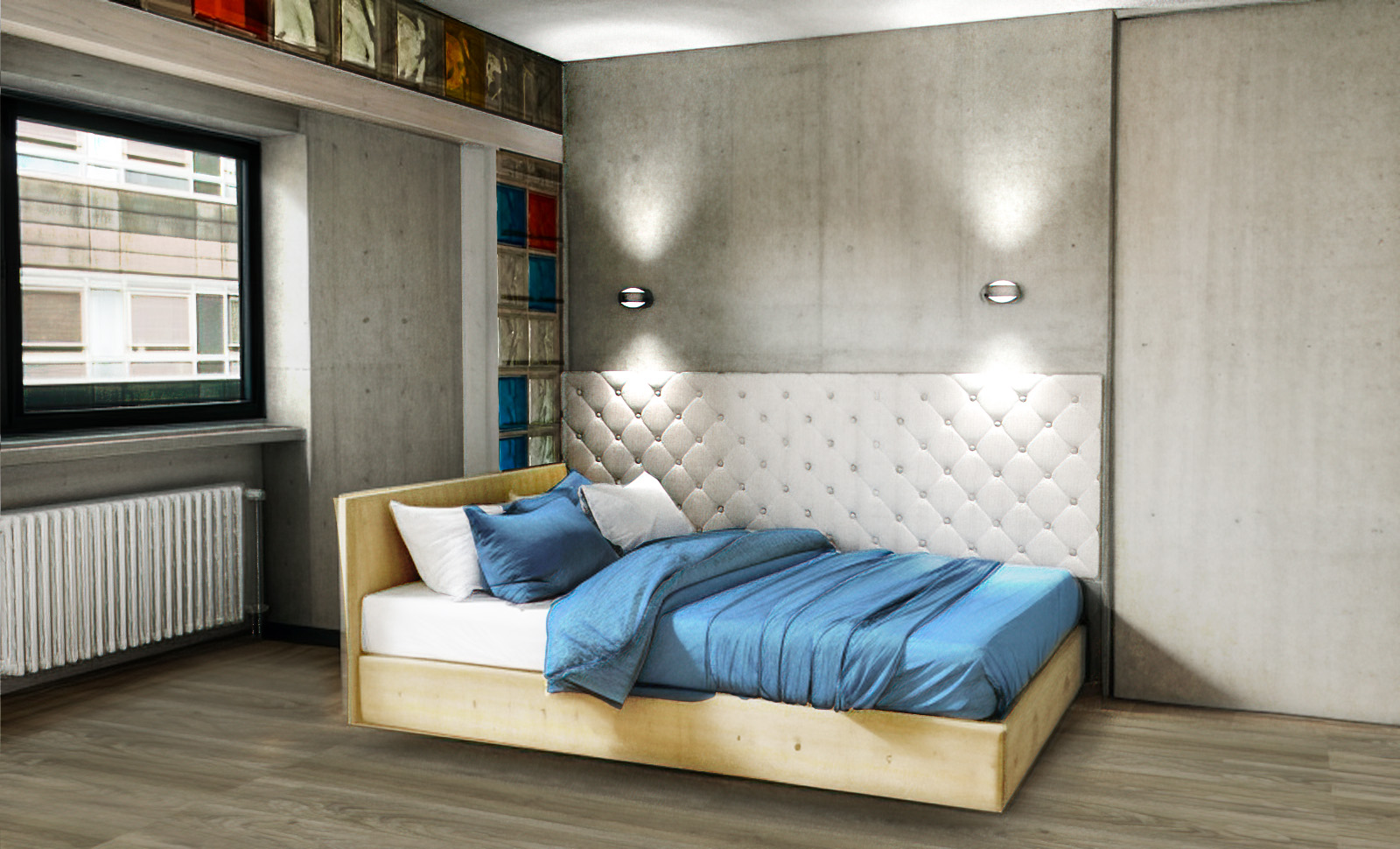
mixing AI and render in photoshop is a really good workflow:
especially the textiles come out much better
-
Have you try Krea ai or Magnific ai for enhance the first ai result ?
(Magnific ai has not try version)




Hello! It looks like you're interested in this conversation, but you don't have an account yet.
Getting fed up of having to scroll through the same posts each visit? When you register for an account, you'll always come back to exactly where you were before, and choose to be notified of new replies (either via email, or push notification). You'll also be able to save bookmarks and upvote posts to show your appreciation to other community members.
With your input, this post could be even better 💗
Register Login


Advertisement