[Plugin] SJ Batch Export Scenes To Thumbnails
-
Hello, (I'm not sure I'm in the right place!)
I want to share with you my SJ Batch Export Scenes To Thumbnails plugin.
SJ Batch Export Scenes To Thumbnails is a plugin for Sketchup.
The plugin allows to batch export the scenes of the model in JPG, PNG, TIF or BMP images, in a subfolder "Export_Scenes" of a folder bearing the same name as the model.
The name of the folder is purged of all accented characters. Spaces and other characters are substituted with underscores.
The name of the scenes which serves as a basis for exporting thumbnails is also cleaned up.
The plugin allows you to optionally add a prefix and a suffix to filenames.
This is useful when you want to export several variants according to different export parameters.You can configure the dimensions of the generated images, with or without proportion constraints (Window, square, 4/3, 16/9, free).
You can enable PNG transparency, antialiasing and compression rate for JPG outputs.The dialog uses Bootrap, Modus and JavaScript.
A progress box allows you to follow the export.The plugin is translated according to the language of Sketchup in French or English.
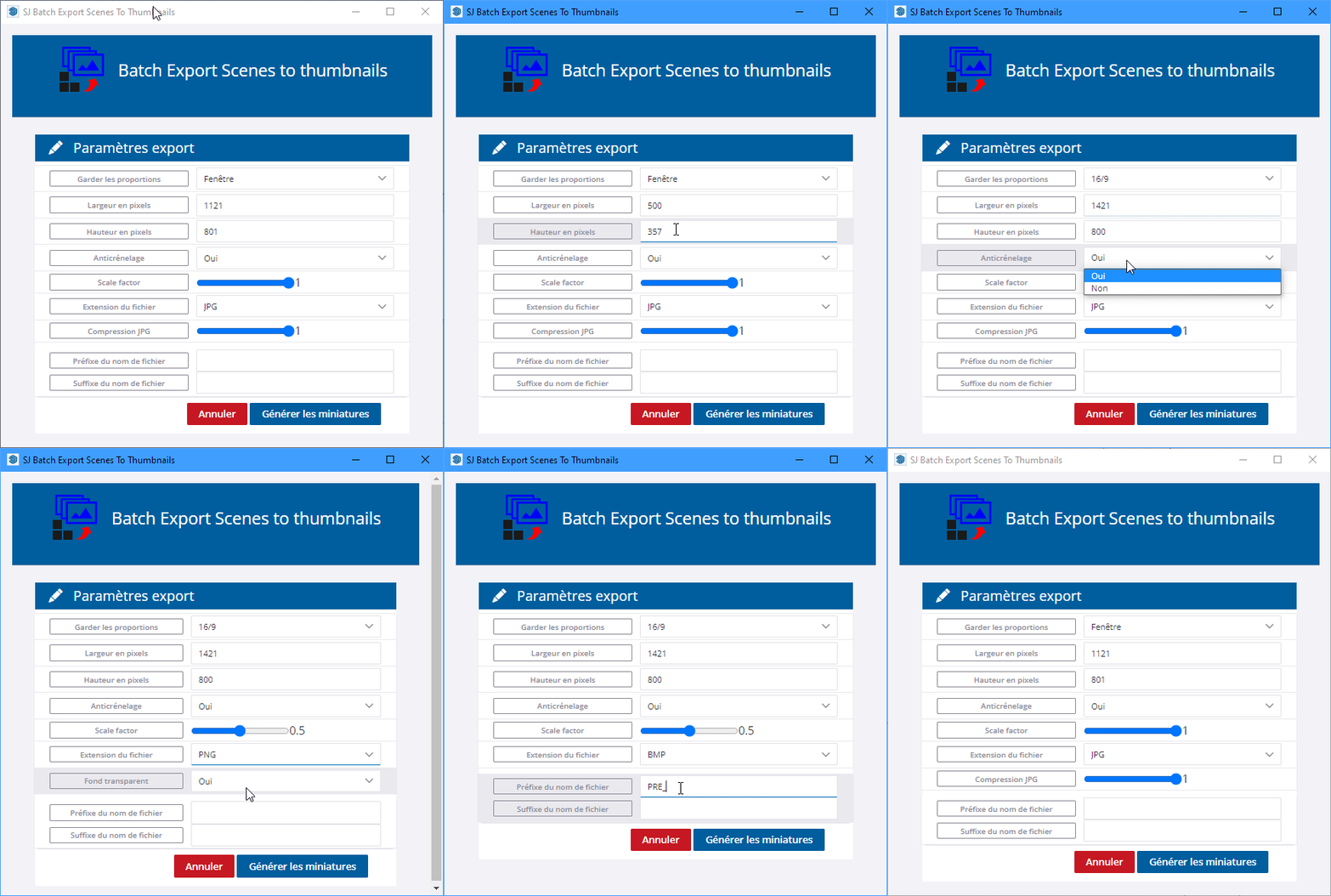
The plugin is free, the code is not encrypted and commented in French to help French Ruby beginners.
You can download the plugin :
- on my site : https://www.sketchup.simjoubert.com/my-plugins/sj-batch-export-scenes-to-thumbnails.html
- on the Sketchucation plugin store : https://sketchucation.com/plugin/2531-batchexportscenestothumb
Thank you for your feedback
Simon
-
Hi Simon,
Nice & Useful plugin.
-
Hi Simon,
your plugin is best for me around export the scenes to PNG. Thank you very much for this .
.I have an question for you.
How can I always save my selection for my preferred format PNG?
I have to re-enter it every time for every export.
Maybe my question is a tip for further improvement of an already very useful plugin .
.Thank you and look forward for your reply
-
@achilles69 said:
Hi Simon,
your plugin is best for me around export the scenes to PNG. Thank you very much for this .I have an question for you.
How can I always save my selection for my preferred format PNG?
I have to re-enter it every time for every export.
Maybe my question is a tip for further improvement of an already very useful plugin .Thank you and look forward for your reply
Good evening Achilles
I'm glad to read that you find my plugin useful for your workflow.
At the moment, I haven't made saving defaults available!
I add this to my "To do list".Don't hesitate to buy me a coffee to support the project.

See you soon -
Since updating to SketchUp 2026, clicking the SJ Batch Export Scenes To Thumbnails toolbar button opens a dialog window showing a browser error instead of the plugin UI:
This site can't be reached — Check if there is a typo in users — DNS_PROBE_FINISHED_NXDOMAIN
-
Un grand merci à toi: chat gpt m'a fait la recherche et je tombé en terrain connu... Ton plugin est précieux, l'interface est parfaite !!
-
par contre je ne sais pas comment régler SU pour éviter que cette couleur bleue apparaisse sur mon sol. Il n'est pourtant pas bleu dans les styles
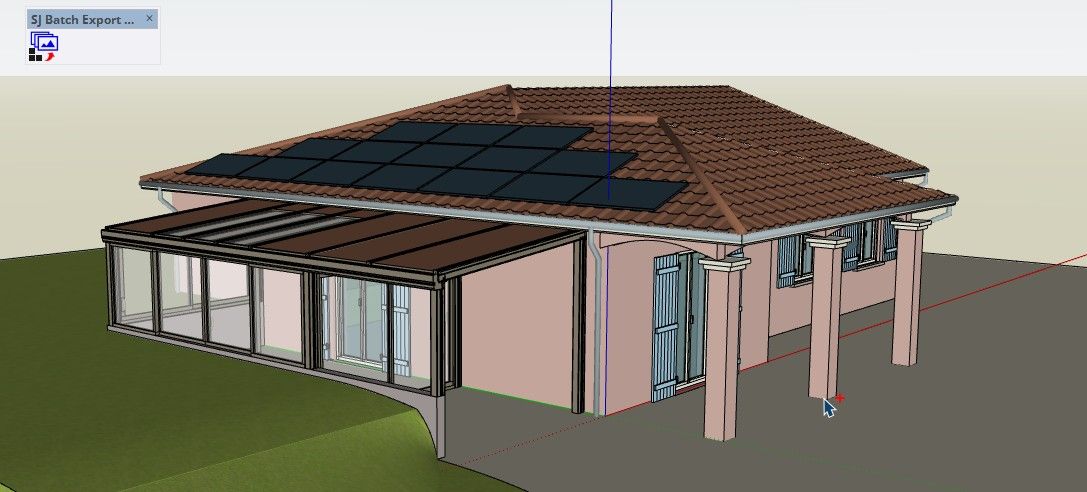
et les rendus 2D: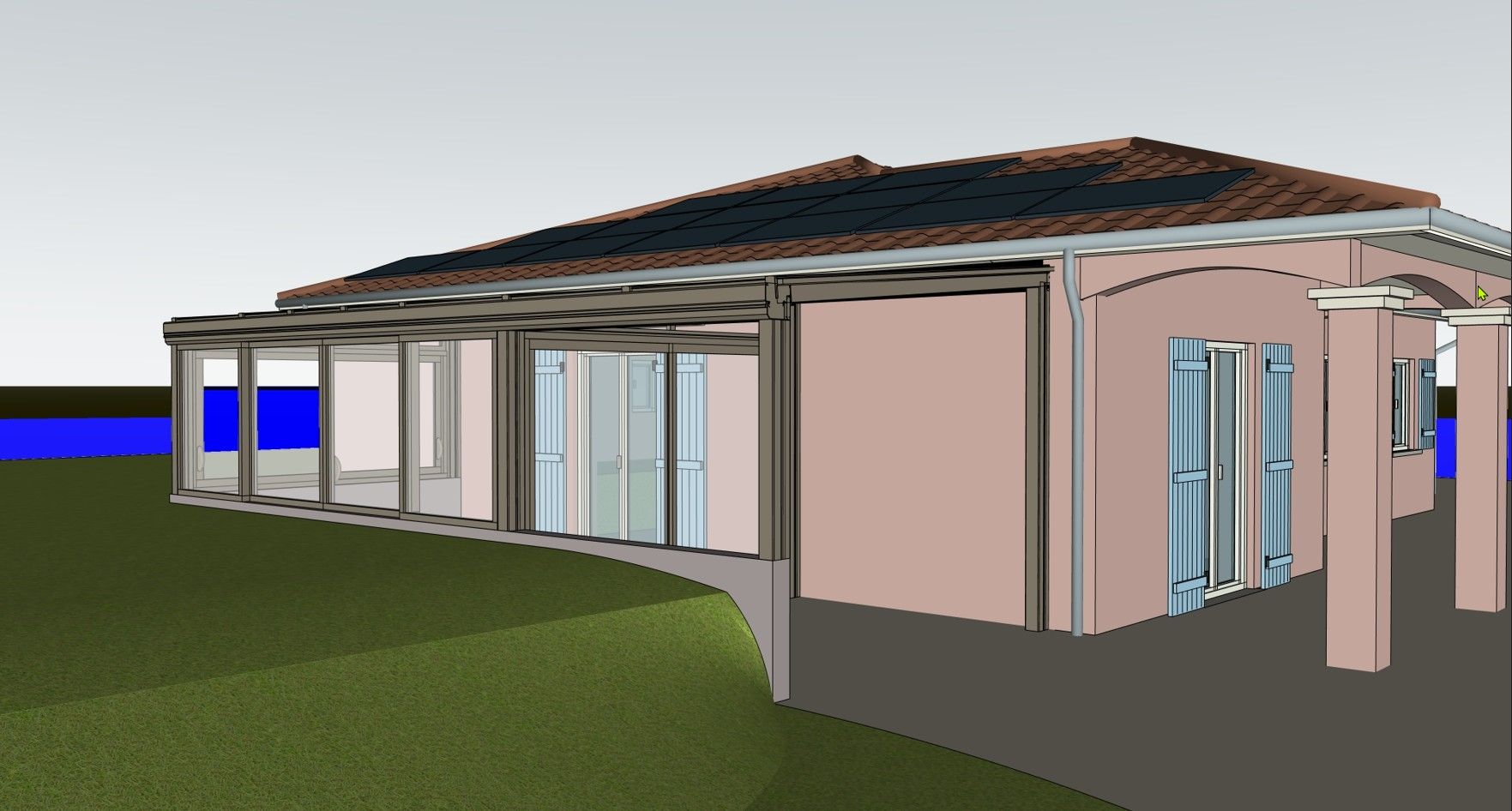
-
c'est de la faute du réglage de mon sol dans le style... j'ai supprimé toute transparence et c'est parfait. merci !!!



Hello! It looks like you're interested in this conversation, but you don't have an account yet.
Getting fed up of having to scroll through the same posts each visit? When you register for an account, you'll always come back to exactly where you were before, and choose to be notified of new replies (either via email, or push notification). You'll also be able to save bookmarks and upvote posts to show your appreciation to other community members.
With your input, this post could be even better 💗
Register Login


Advertisement