sketchucation logo sketchucation
    • Login
    Oops, your profile's looking a bit empty! To help us tailor your experience, please fill in key details like your SketchUp version, skill level, operating system, and more. Update and save your info on your profile page today!
    Mac User? | Join the Rayscaper Beta for Mac Learn More

    [Plugin] Parametric Modeling - v0.0.7 - 03 June 2021

    Scheduled Pinned Locked Moved Plugins
    86 Posts 31 Posters 124.8k Views 31 Watching
    Loading More Posts
    • Oldest to Newest
    • Newest to Oldest
    • Most Votes
    Reply
    • Reply as topic
    Log in to reply
    This topic has been deleted. Only users with topic management privileges can see it.
    • pilouP
      pilou
      last edited by

      Bravo! ☀

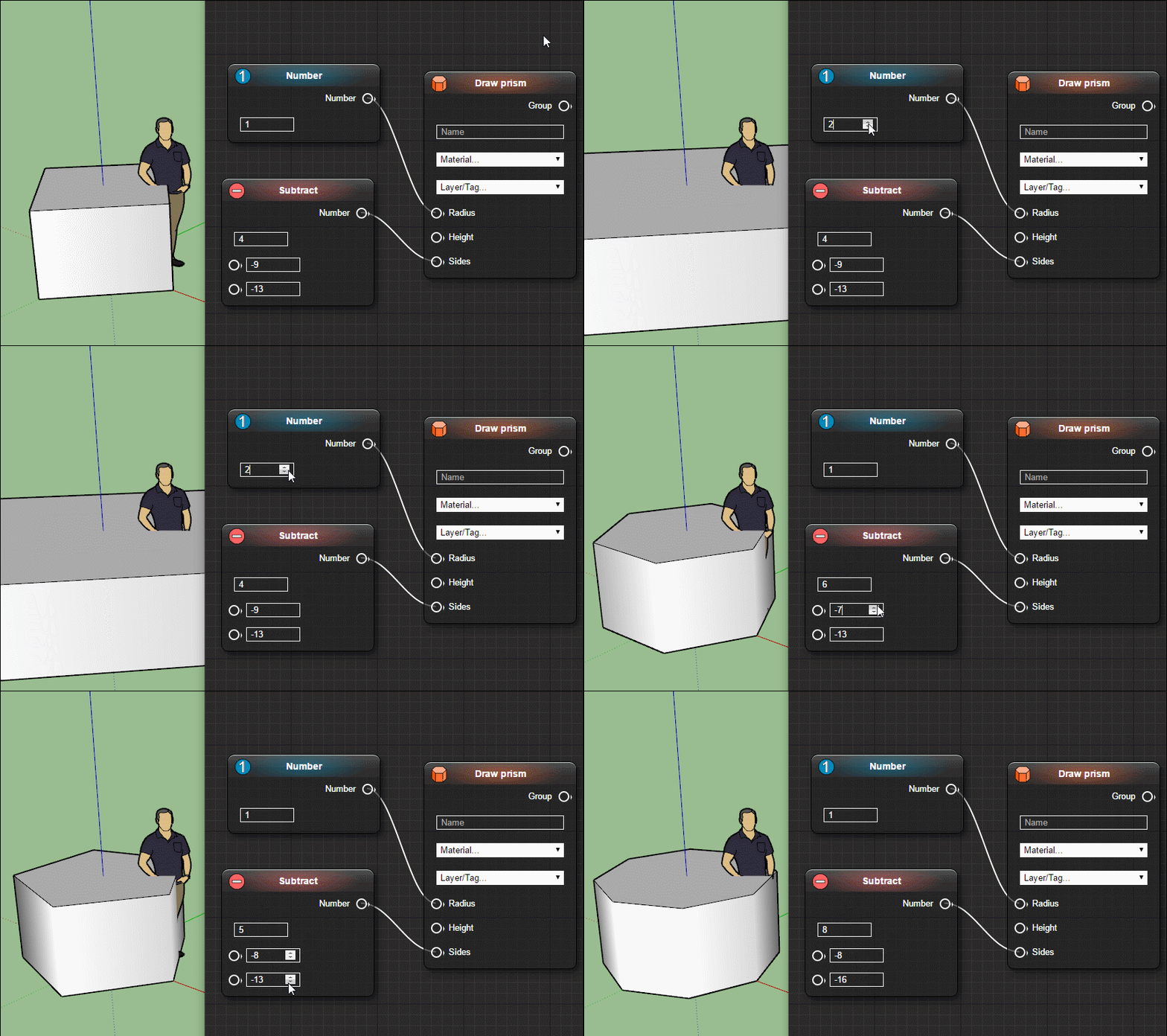
      Works fine! 2017 Make for me! 😄

      https://images2.imgbox.com/de/ed/pw2wldjZ_o.gif

      Frenchy Pilou
      Is beautiful that please without concept!
      My Little site :)

      1 Reply Last reply
      Reply Quote 0
      • T
        tenrev
        last edited by

        well done Samuel

        you are the best, I installed and I will do some tests

        tenrev

        biblio3d forum sketchup - artlantis - piranesi
        http://www.biblio3d.com

        1 Reply Last reply
        Reply Quote 0
        • jenujacobJ
          jenujacob
          last edited by

          A cool tutorial from tutorials Up!

          1 Reply Last reply
          Reply Quote 0
          • K
            kenancakir
            last edited by

            Thank you.. 😍

            1 Reply Last reply
            Reply Quote 0
            • K
              Kruegen
              last edited by

              This is amazing!!!! Thank you so much for doing this. You have no idea how much time this will save me. Thank you!!!

              1 Reply Last reply
              Reply Quote 0
              • C
                cloo
                last edited by

                Looks really cool, and a lot of work ahead.
                Since you GPL it, do you have plans to move development to github or so and let other cool folks contribute to the progress?

                1 Reply Last reply
                Reply Quote 0
                • samuel_tS
                  samuel_t
                  last edited by

                  @cloo said:

                  Looks really cool, and a lot of work ahead.
                  Since you GPL it, do you have plans to move development to github or so and let other cool folks contribute to the progress?

                  Yes. I will publish to GitHub the source code of this plugin in a near future.

                  1 Reply Last reply
                  Reply Quote 0
                  • N
                    numerobis
                    last edited by

                    Very cool!
                    It would be great, if this could be made non-destructive / as modifier. But i suppose it's not possible with SketchUp to store the operations in the model/component. Maybe this could change in the future with LiveComponents...

                    1 Reply Last reply
                    Reply Quote 0
                    • L
                      lelam11234
                      last edited by

                      Good plugin. But I have the suggestions.

                      1. Tab Number: It has an extra cell so we can name it
                      2. Tab Draw *** : It has an extra cell to Hide/Unhide
                        Thanks.
                      1 Reply Last reply
                      Reply Quote 0
                      • srxS
                        srx
                        last edited by

                        Thank you! 👍

                        www.saurus.rs

                        1 Reply Last reply
                        Reply Quote 0
                        • samuel_tS
                          samuel_t
                          last edited by

                          @lelam11234 said:

                          Good plugin. But I have the suggestions.

                          1. Tab Number: It has an extra cell so we can name it
                          2. Tab Draw *** : It has an extra cell to Hide/Unhide
                            Thanks.

                          Thanks for your suggestions.

                          1 Reply Last reply
                          Reply Quote 0
                          • T
                            turbodizayn
                            last edited by

                            Is there some manual? Sounds GRATE! If it is good I will donate)))

                            1 Reply Last reply
                            Reply Quote 0
                            • samuel_tS
                              samuel_t
                              last edited by

                              @turbodizayn said:

                              Is there some manual? Sounds GRATE! If it is good I will donate)))

                              Help will be available from next version.

                              1 Reply Last reply
                              Reply Quote 0
                              • jenujacobJ
                                jenujacob
                                last edited by

                                hi Samuel,
                                Great plugin! i really hope this grows into something like GH for Rhino.
                                now, I am no coder, and I have absolutely no idea how this thing works under the hood. But, would be it possible to click in the SU window to enter values for points instead of typing in the x.y.z coordinates?
                                thanks!

                                1 Reply Last reply
                                Reply Quote 0
                                • P
                                  pinoy
                                  last edited by

                                  This is good! Thank you

                                  1 Reply Last reply
                                  Reply Quote 0
                                  • samuel_tS
                                    samuel_t
                                    last edited by

                                    @jenujacob said:

                                    hi Samuel,
                                    Great plugin! i really hope this grows into something like GH for Rhino.
                                    now, I am no coder, and I have absolutely no idea how this thing works under the hood. But, would be it possible to click in the SU window to enter values for points instead of typing in the x.y.z coordinates?
                                    thanks!

                                    Hi Jacob, Thanks! I'm thinking about a "Parametric Modeling > Extract Point From Construction Point" entry in context menu when a construction point is selected in SketchUp window. This would be a shortcut to add a "Point" node.

                                    1 Reply Last reply
                                    Reply Quote 0
                                    • samuel_tS
                                      samuel_t
                                      last edited by

                                      What's new in 0.0.3 version?

                                      • Node adding process was enhanced: one can place new nodes quicker!
                                      • One can extract vectors and points from active model via context menu.
                                      • In "Calculate" nodes, one can use rand function to get random numbers.
                                      • As soon a material or a layer is added or removed: Nodes Editor reloads.
                                      • A door is available in examples schemas. Thanks Simon Joubert for this.
                                      • Although it's not recommended, one can read/edit .schema files easier.

                                      Download latest Parametric Modeling plugin from the SketchUcation PluginStore.

                                      1 Reply Last reply
                                      Reply Quote 0
                                      • Didier BurD
                                        Didier Bur
                                        last edited by

                                        Hi Samuel,

                                        First thank you for this stunning plugin 😮
                                        Just downloaded and installed v0.0.2 (v0.0.1 was working OK, apart from several Bug Splats) but this time the dialog is blank. Any idea ? (maybe I must uninstall v0.0.1 prior to installing v0.0.2 ?)
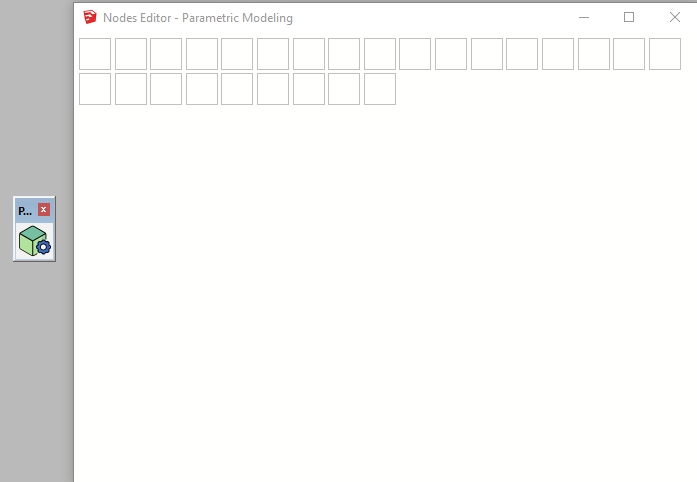
                                        parmod.jpg

                                        DB

                                        1 Reply Last reply
                                        Reply Quote 0
                                        • Didier BurD
                                          Didier Bur
                                          last edited by

                                          @samuel,

                                          😍 👍 it works now ! Thanks for the tip

                                          DB

                                          1 Reply Last reply
                                          Reply Quote 0
                                          • samuel_tS
                                            samuel_t
                                            last edited by

                                            @didier bur said:

                                            Just downloaded and installed v0.0.2 (v0.0.1 was working OK, apart from several Bug Splats) but this time the dialog is blank. Any idea ? (maybe I must uninstall v0.0.1 prior to installing v0.0.2 ?)

                                            Hi Didier,

                                            Try to remove it manually then install its 0.0.3 version (released today). Tell me if problem persists.


                                            1 Reply Last reply
                                            Reply Quote 0

                                            Hello! It looks like you're interested in this conversation, but you don't have an account yet.

                                            Getting fed up of having to scroll through the same posts each visit? When you register for an account, you'll always come back to exactly where you were before, and choose to be notified of new replies (either via email, or push notification). You'll also be able to save bookmarks and upvote posts to show your appreciation to other community members.

                                            With your input, this post could be even better 💗

                                            Register Login
                                            • 1
                                            • 2
                                            • 3
                                            • 4
                                            • 5
                                            • 1 / 5
                                            • First post
                                              Last post
                                            Buy SketchPlus
                                            Buy SUbD
                                            Buy WrapR
                                            Buy eBook
                                            Buy Modelur
                                            Buy Vertex Tools
                                            Buy SketchCuisine
                                            Buy FormFonts

                                            Advertisement