Weird mesh
-
Hi everyone,
I tried Ixlrlxi aka 600v aka SketchUp god SubD tutorial (https://3dwarehouse.sketchup.com/model/276574de12315fa9174441d8b698e801/tutorial-car-model-before-subdivision-and-after)
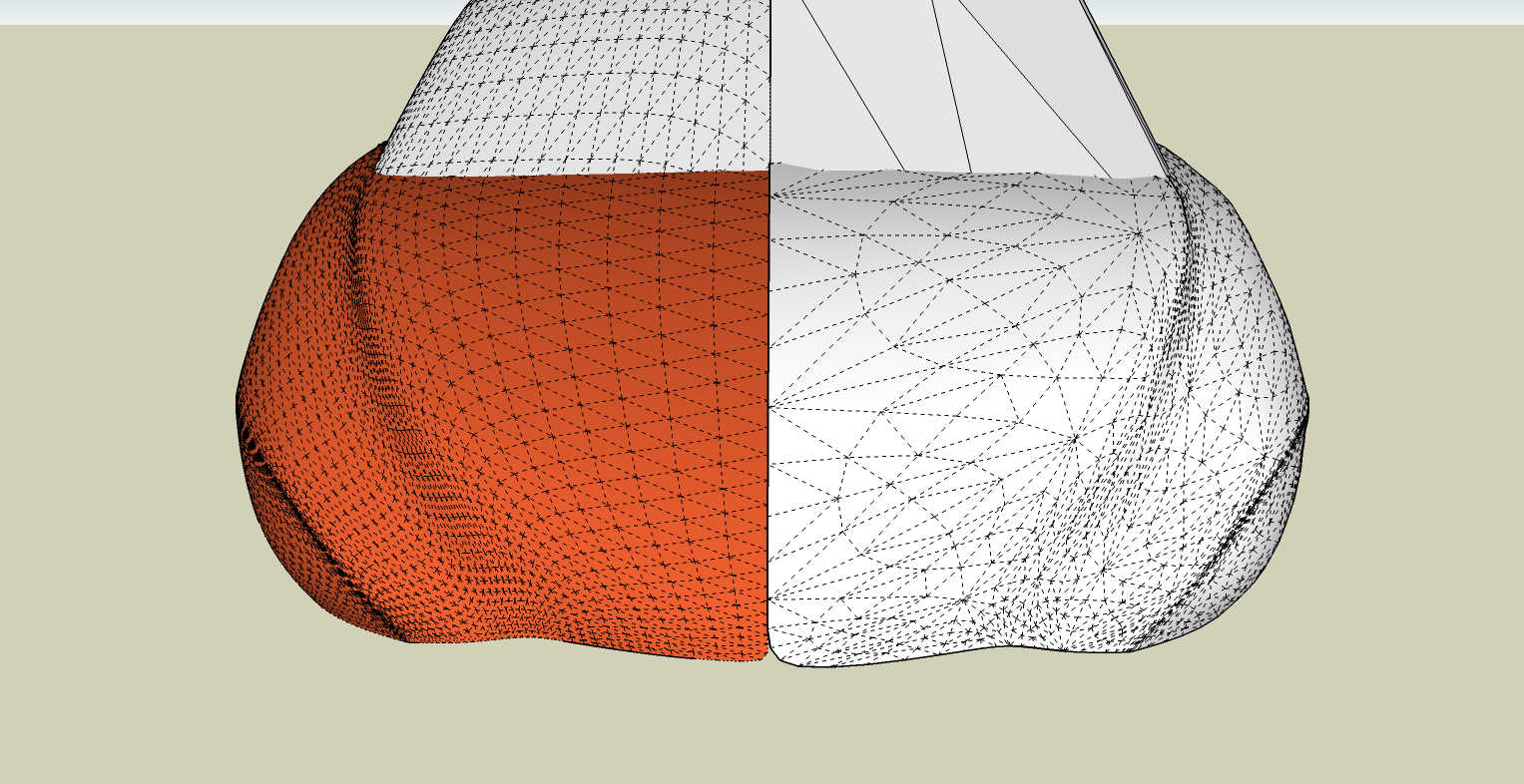
Well, the orange side is the original but when I tried to SubDivide the test part, the mesh looked weird and definitely not as it is supposed to be.
Any idea why? Can you please help me figure this out.
-
Problem your having is the test model you downloaded was created using the "Artisan" plugin, not SubD plugin.
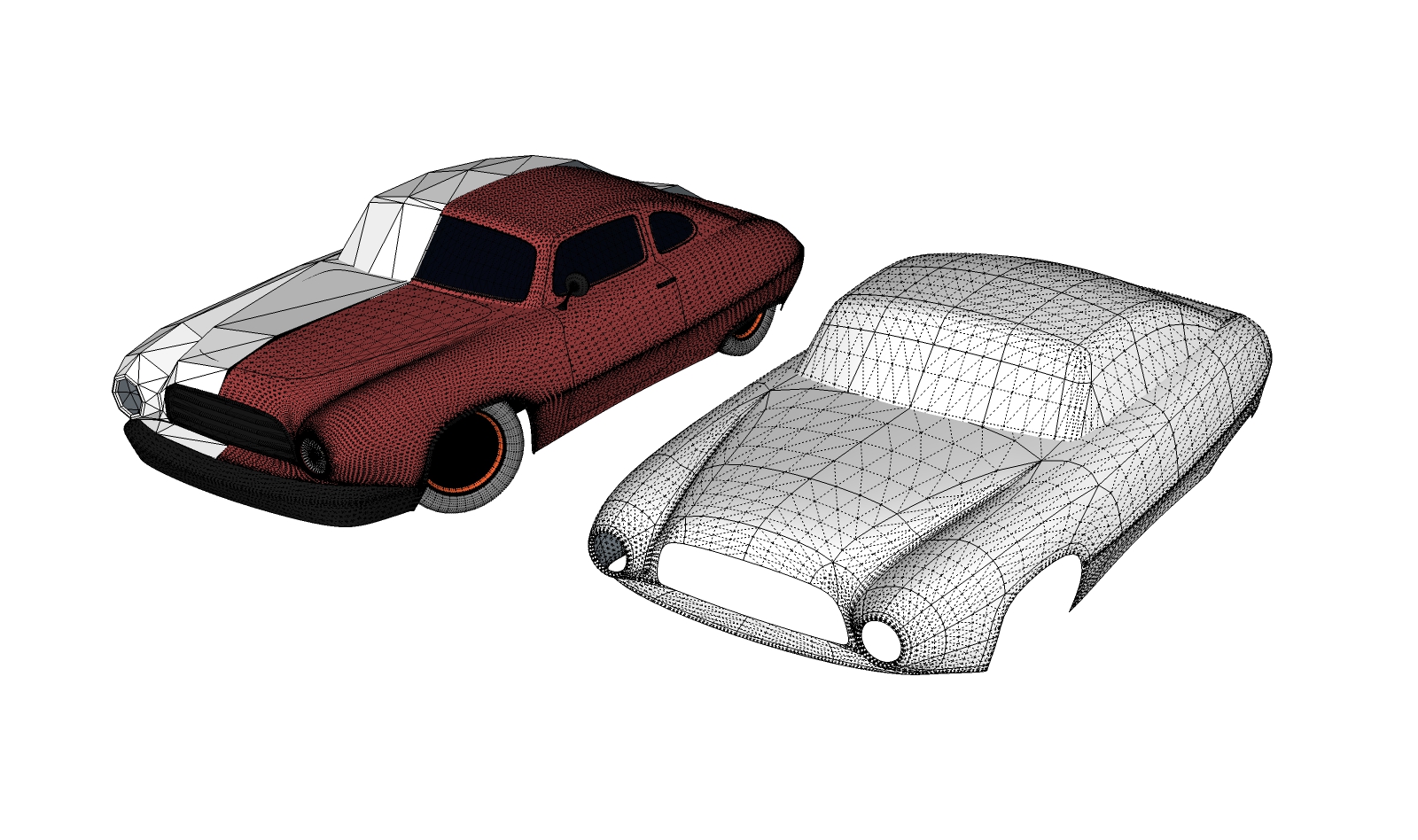
You can fix the "proxy" so SubD will work properly. Essentially soft-smooth the diagonals of the roof and body proxies and run the QuadFace Tools "convert sandbox quads to quad face quads" function. SubD will then work properly.
A warning ..... the proxy wasn't modeled with SubD in mind so you will end up with a few triangles here and there in the body proxy.Posting a screen shot of the fix I've described. I copied the proxies and made them unique so you can compare the fix for using SubD to the original.
-
Can't ask for better help!


Hello! It looks like you're interested in this conversation, but you don't have an account yet.
Getting fed up of having to scroll through the same posts each visit? When you register for an account, you'll always come back to exactly where you were before, and choose to be notified of new replies (either via email, or push notification). You'll also be able to save bookmarks and upvote posts to show your appreciation to other community members.
With your input, this post could be even better 💗
Register Login


Advertisement