How to draw a straight line with precise length
-
The Line tool will naturally snap to on-axis. You really shouldn't need to hold shift to draw a line on axis if you're going to type in its length anyway. The only time I would use Shift to lock a line on axis is if I'm using something else on the page for a reference for the end of the line. As in this GIF.
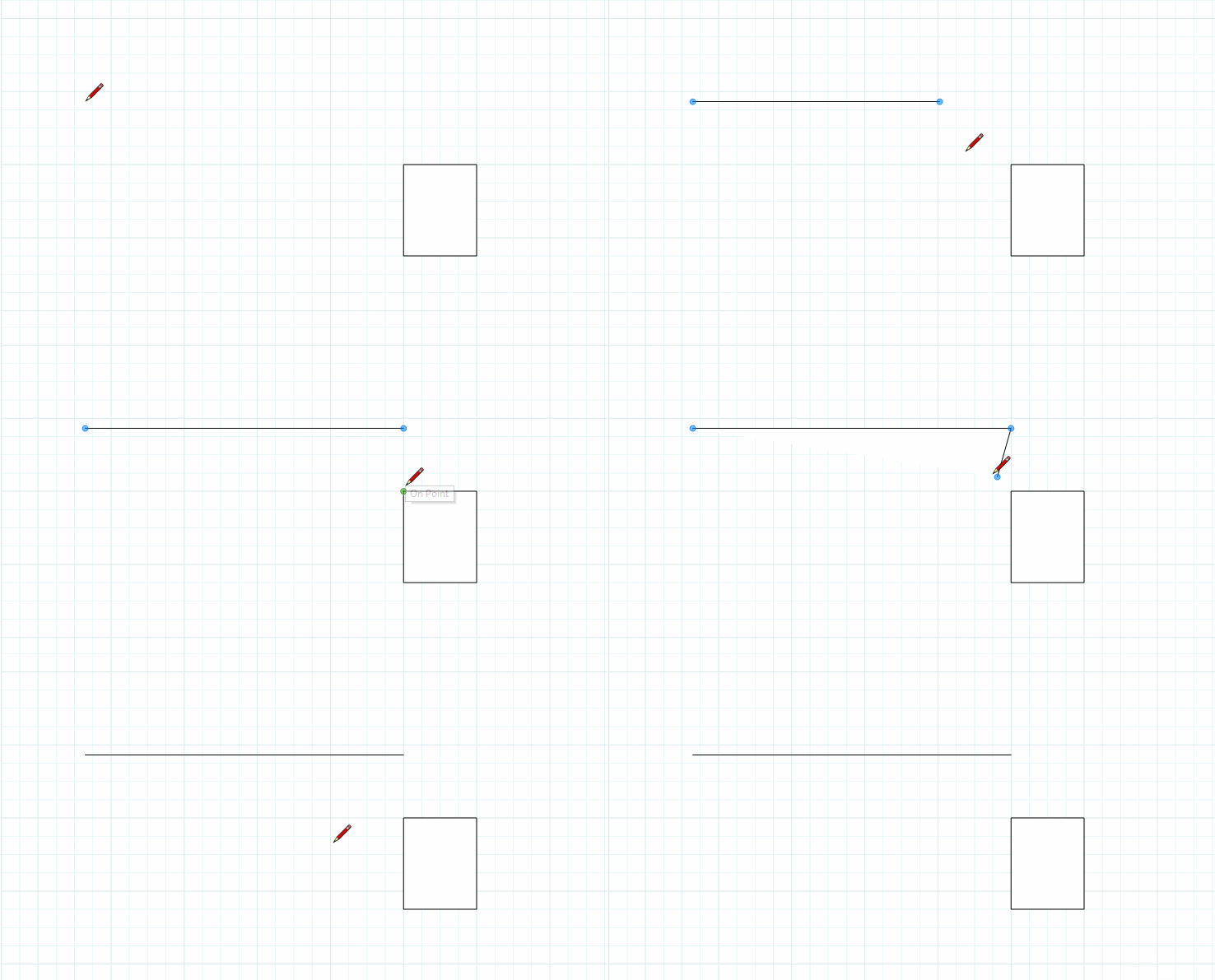
-
Tip:
Don’t be afraid to “overdraw” the length of the line before entering the desired length. (often helps to show RGB axis/or highlight when parallel/perpendicular in “crowded” drawing)IE: Draw line in desired direction (RGB axis/parallel/perpendicular to exisiting) approximately 20’ and enter 1’-8”
C
-
I find the references come anyway and are easy to snap without shift, In fact so many references--some of which I don't think I'll ever figure out, some arcane trig relationships I guess.


Hello! It looks like you're interested in this conversation, but you don't have an account yet.
Getting fed up of having to scroll through the same posts each visit? When you register for an account, you'll always come back to exactly where you were before, and choose to be notified of new replies (either via email, or push notification). You'll also be able to save bookmarks and upvote posts to show your appreciation to other community members.
With your input, this post could be even better 💗
Register Login


Advertisement