Copy components in place
-
@pilou said:
Curious result!

Re-Found the trick!

All "targets" rectangles must be at start the same "copy" component before select all them and named "Target" !As you have before using the plugin all different "target components"
So use the Thomthom ComponentComparaison!Correction! Sorry I just saw that the THomthom plugin you suggested WAS pretty much exactly what I was looking for great!!!!
It wasn't perfect here is the result below (all same components with reverse face showing)
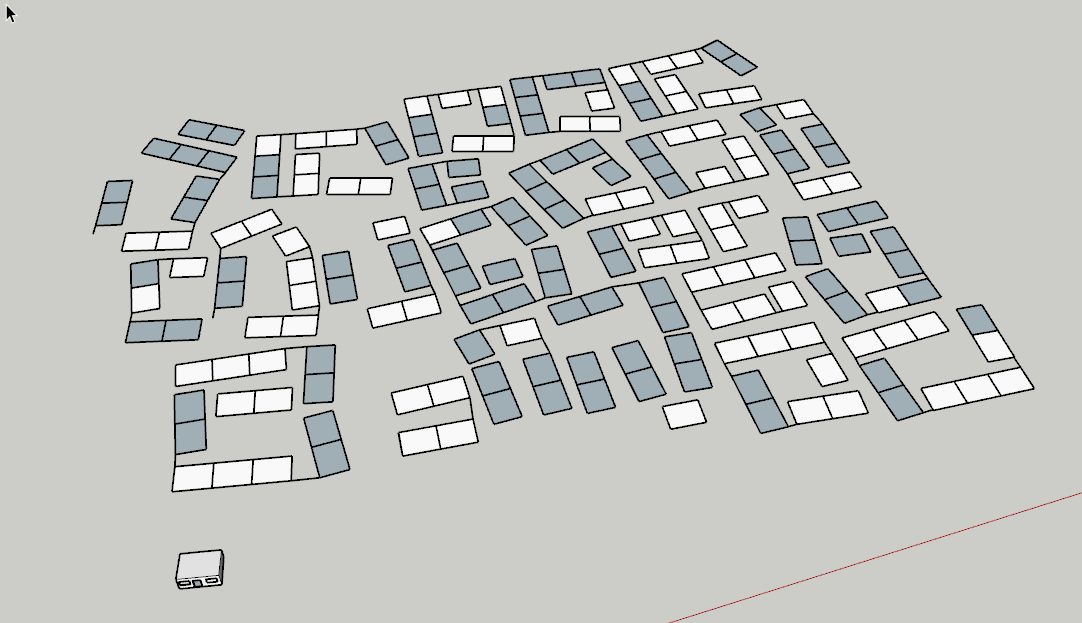
As you can see didnäy work on all of them but did more than half, which at this point, I would consider more or less a success! Maybe I can put the others in a different model and try again etc. But its definitely going to be a time saver!
Thanks!
-
Why not makes all faces in the same reversing before launch the Thomthom plugin ?
Automatic Face Reverser by Didier BurSelect faces : Right Click / View-Based Face Reverser / Scan Model

-
@pilou said:
Why not makes all faces in the same reversing before launch the Thomthom plugin ?
Automatic Face Reverser by Didier BurSelect faces : Right Click / View-Based Face Reverser / Scan Model
Because it wasn't me I promise!
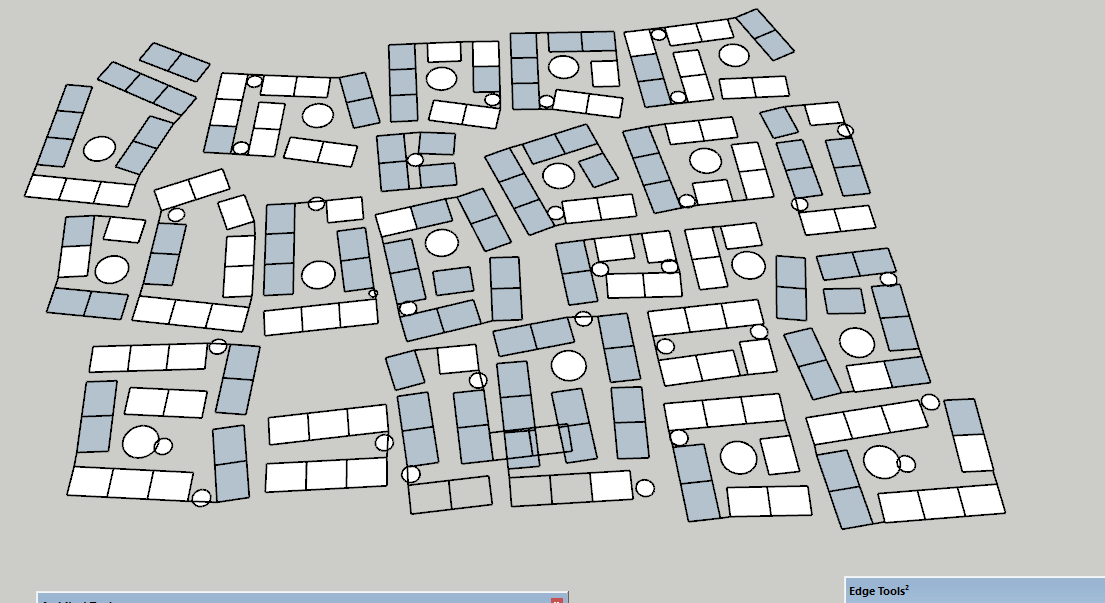
 It was Thomthoms plugin that did it for some reason, heres the before and after: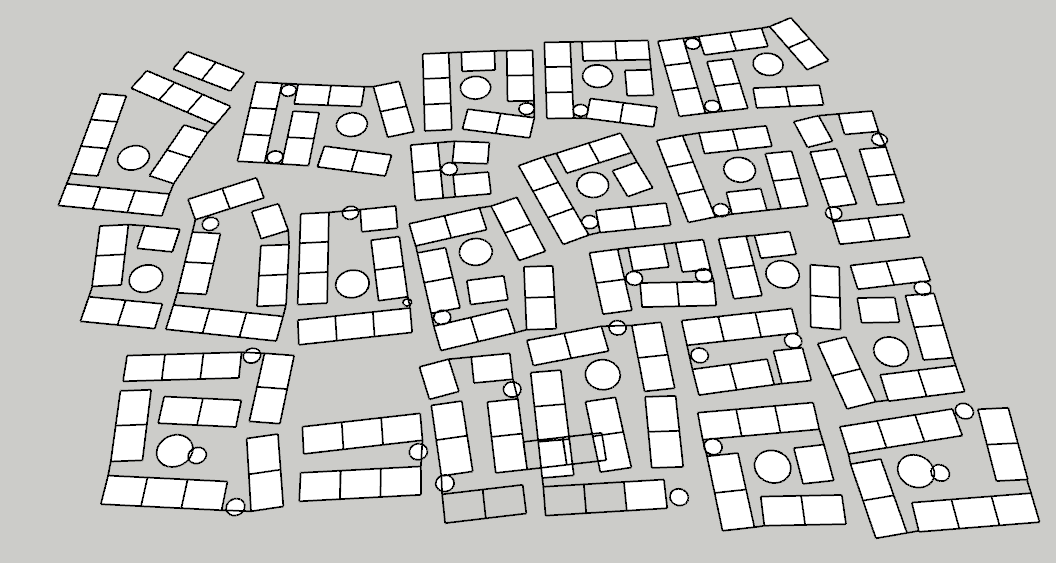
-
You wish all rectangles white or all grey?
I don't see why you can't have them with all that is said above!
(if all rectangles has same size)Can you send the file skp? (saved in v6 for a more large audience)
-
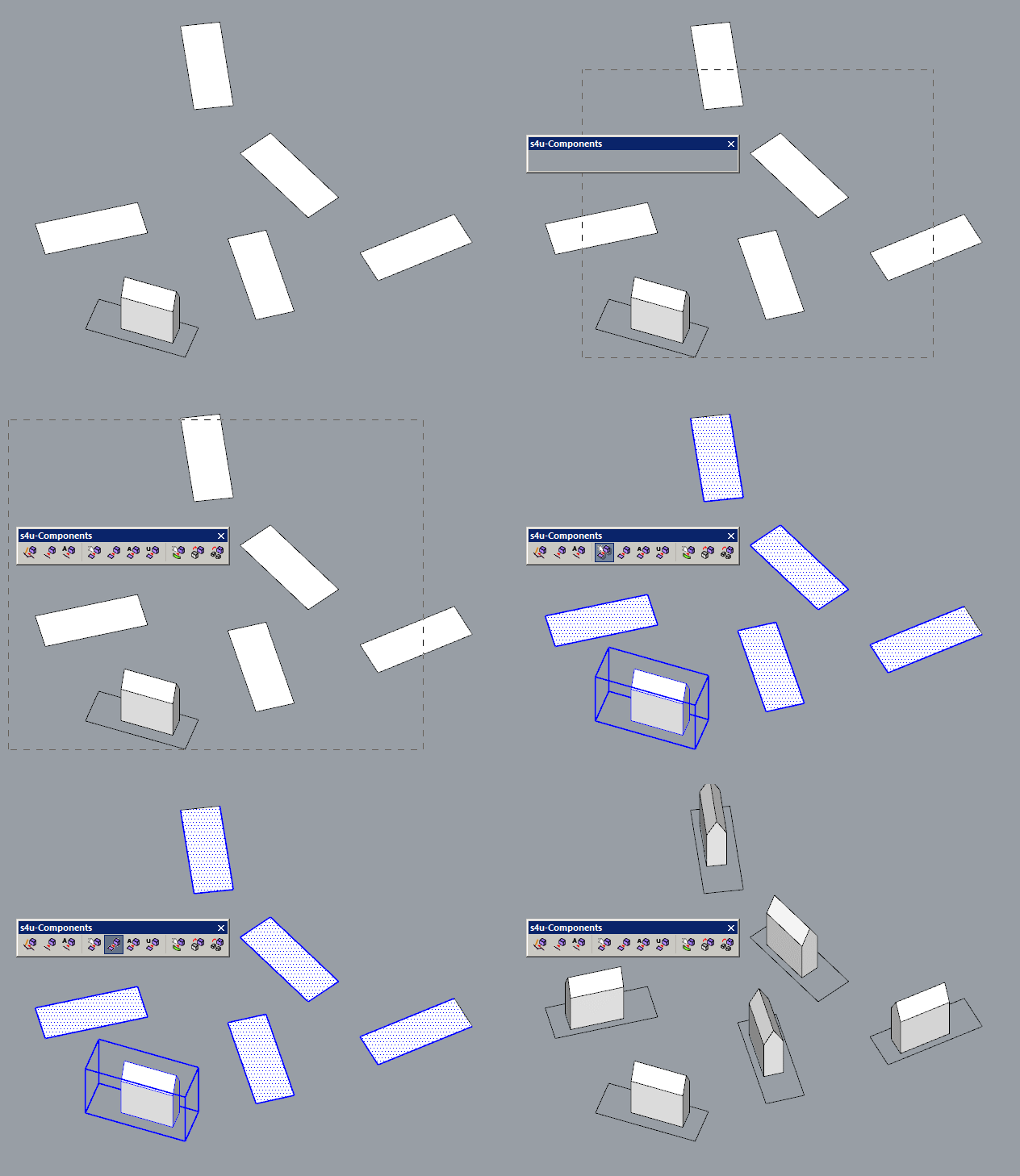
Mate, have you tried the link I posted above?
-
watch his promo video. you should mouse click axes to scatter precisely. use s4u Scale to reset possible distortions 'en mass'.
P.S. BTW, it's not a crime to do it semi-manually. with align (by 3 points) script.
say, you've got 200 plots. it takes ~10sec to align 1 (shortcut is a must!). ~30min to all of them. You've burned already much more time in this thread -
@unknownuser said:
plugin would create two different components no?
No! Only one!

You can increase the tolerance inside the Thomthom plugin...
but your problem is that you have not exactly the same module every where!
And sometime overlapsed! -
You can make more speed if you copy / draw manually a same diagonal (component) inside each rectangle
then use the Sdmitch plugin Maybe 10 minutes! You've burned already much more time in this thread!
But learn many funny things! -
@rv1974 said:
Mate, have you tried the link I posted above?
Hi yes I did have that plugin (sorry I thought your first post was regarding .rb files in general!)
Tried but it has rather unexpected results:
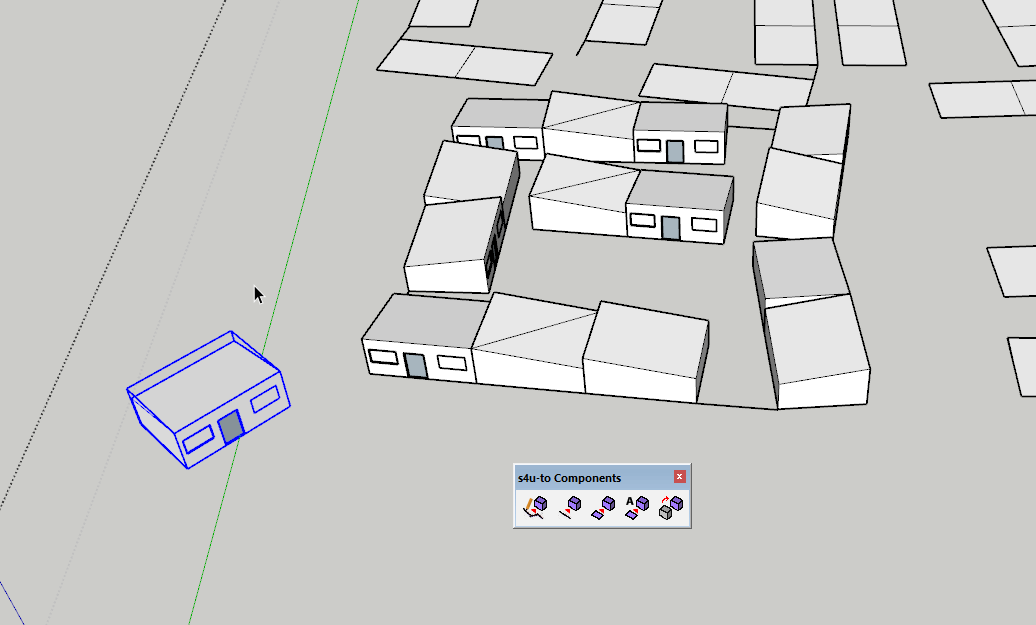
@pilou said:
You wish all rectangles white or all grey?
I don't see why you can't have them with all that is said above!
(if all rectangles has same size)Can you send the file skp? (saved in v6 for a more large audience)
Its not a problem if they are reversed faces or not; I was just highlighting that only half of them were made to components. HOWEVER, upon closer inspection it looks as though there are in fact TWO different sized rectangles in this model
 , but one would think that Thomthoms plugin would create two different components no? Here's the model:
 -
@pilou said:
You've burned already much more time in this thread!
But learn many funny things!@rv1974 said:
You've burned already much more time in this thread
Haha no doubt you're both correct! Still I feel I have learned useful things from both of you in this thread that I will experiment with, maybe I can find the perfect solution in the end, I do a lot of this plans so I think its on of those worth it once you learn how type things.
Thank you both!

Hello! It looks like you're interested in this conversation, but you don't have an account yet.
Getting fed up of having to scroll through the same posts each visit? When you register for an account, you'll always come back to exactly where you were before, and choose to be notified of new replies (either via email, or push notification). You'll also be able to save bookmarks and upvote posts to show your appreciation to other community members.
With your input, this post could be even better 💗
Register Login


Advertisement