Hi i need help with sketchup pro 2018
-
im having probelm with the workspace.
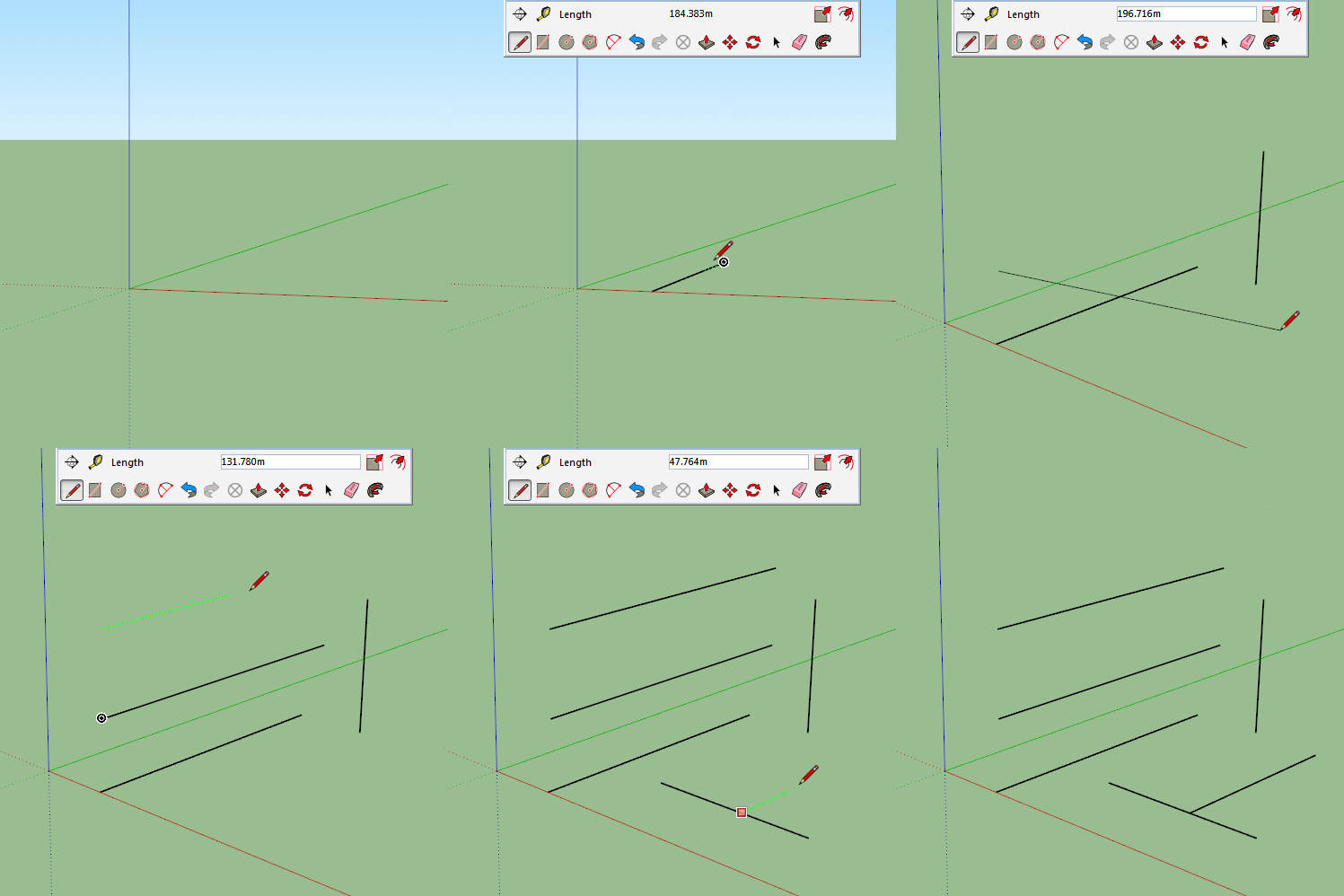
first i tried to move my mouse with the line tool and its not alligand to the green axes.
how can if fix it.
i also noticed that the workspace the is not straight and its annoying. i dont know how to fix it. see photos.
thank you
update: i also noticed that when i draw the line its doesnt stick to the surface and instead it looked like its draw in the sky ! see the 3rd photo !
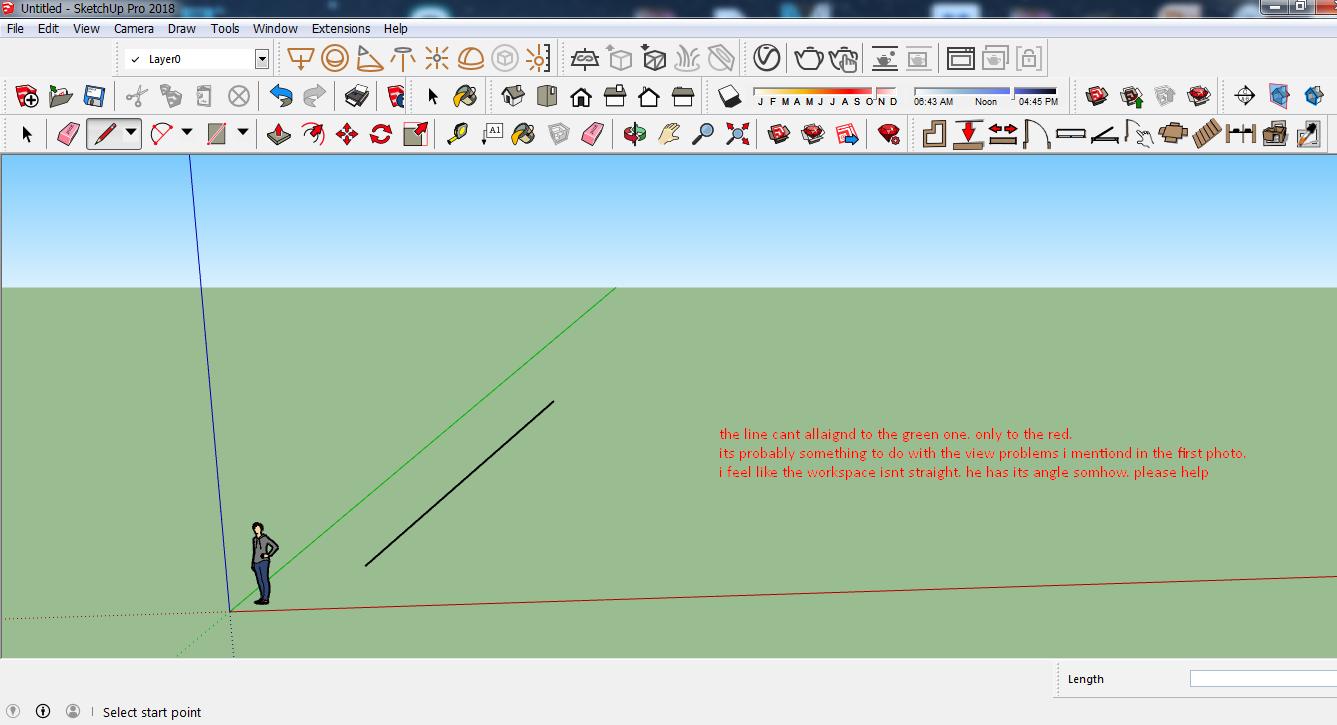
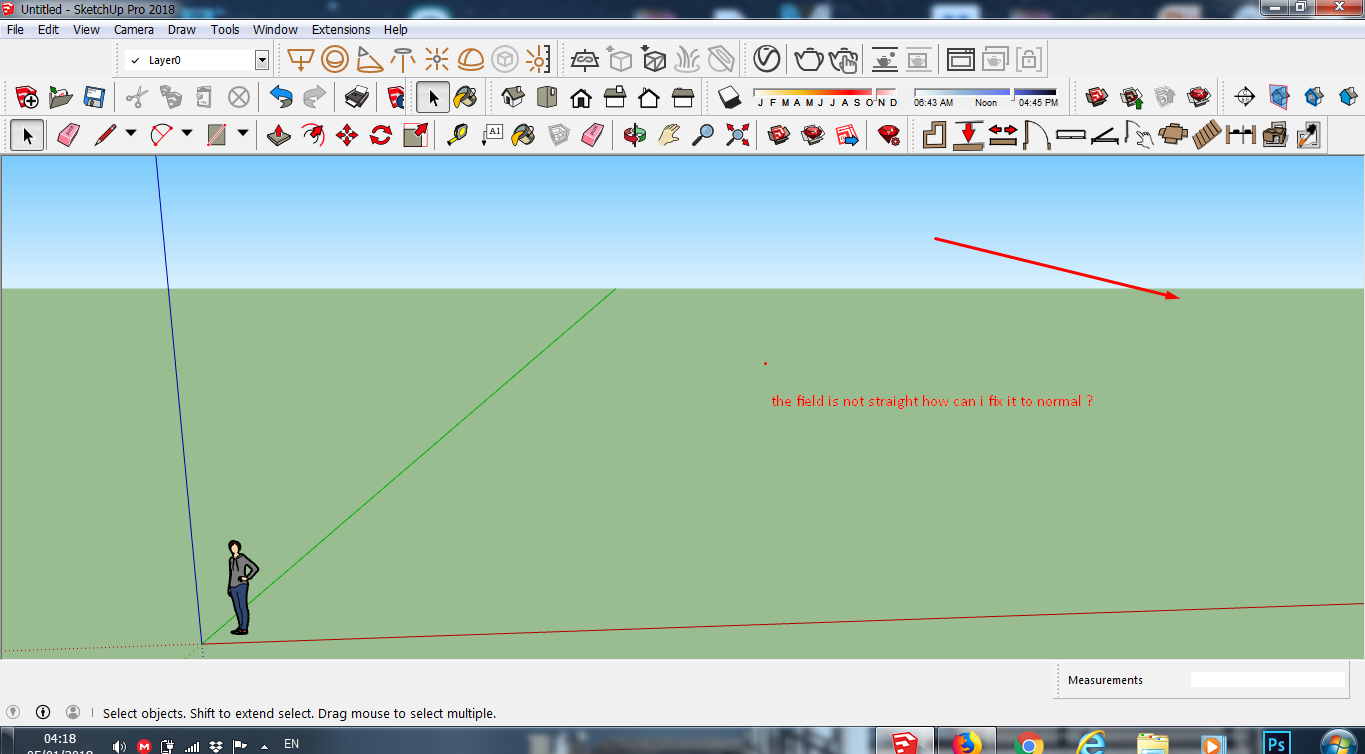
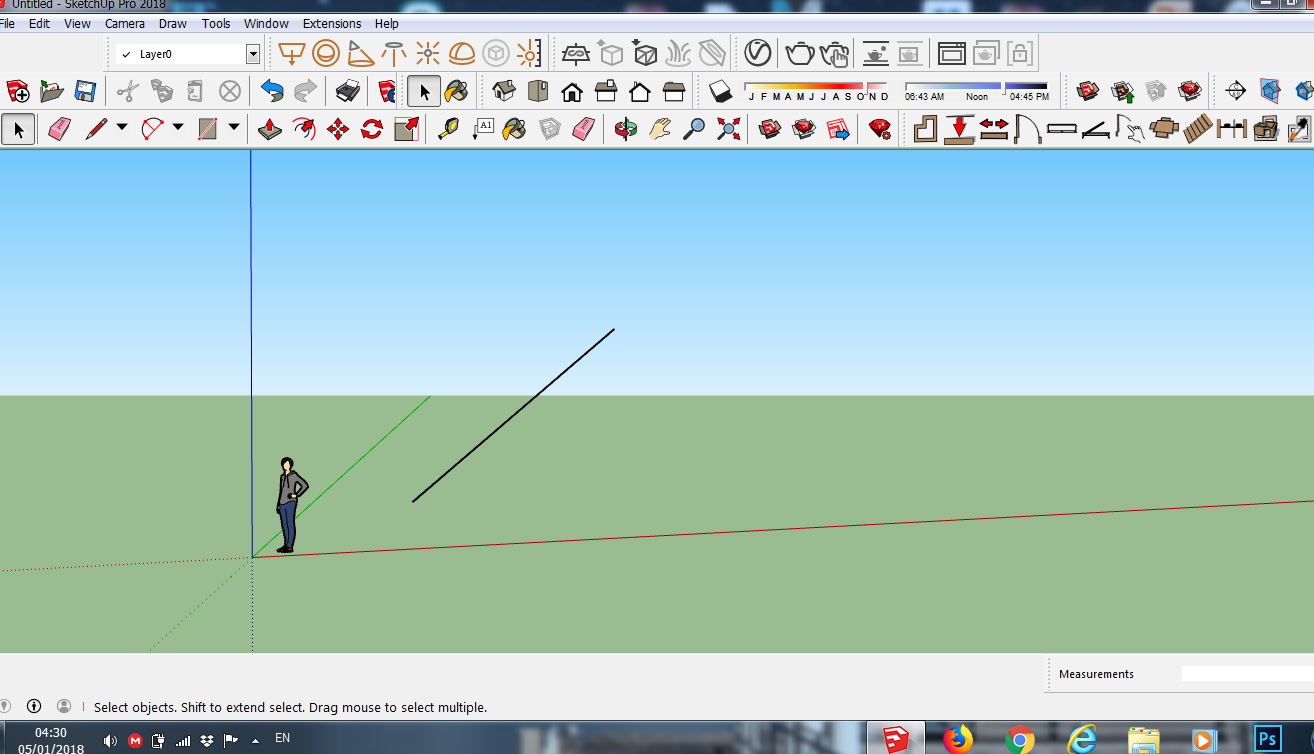
-
Hi Bag.
I see you have lots of plugins on your toolbars.
Are you a new user? Just asking because everything you are showing looks pretty normal.
You are not showing any geometry other than the xyz axis and the "Simple Style" template.
Try actually modeling something, even a rectangle. You actually don't have a surface yet. See if you have better results.
I'm not being critical, but I don't see what your issue is.
Chris
-
Your profile says you are an Intermediate user but these questions seem more like beginner question.
You can align to the green axis by orbiting to a better position or by hitting the left arrow key.
The line will not stick to the surface as there is no surface for it to stick to. Sketchup is a 3d program so you are drawing in 3 dimensions, so yes the edge you have drawn is sticking up into the sky.
Looks like you have hit control while orbiting which has tilted your workspace, holding down the scroll wheel on your mouse and moving should snap it back into place. Actually, looking at your images again I don't think you have tilted it, you may just not understand how to orbit in 3d space.
What is real level of experience? -
@box said:
...you have hit control while orbiting which has tilted your workspace...
 an other D'oh! moment for me
 didn't know this tilting is even possible so
 -
The horizon is level so I don't think the "tilt" function was invoked. It's just that the axes are not going to look straight up because it's in perspective setting.
-
i know how to orbit.
i just dont understand how to alligan my drawing line to the green axes.
-
Move your viewing angle to make it easier.
Basically move the cursor in the direction of the axis until it changes to the colour you want.
And as I mentioned in my earlier post you can use the arrow keys to set the axis.
Left for Green, Right for Red and Up for Blue.
-
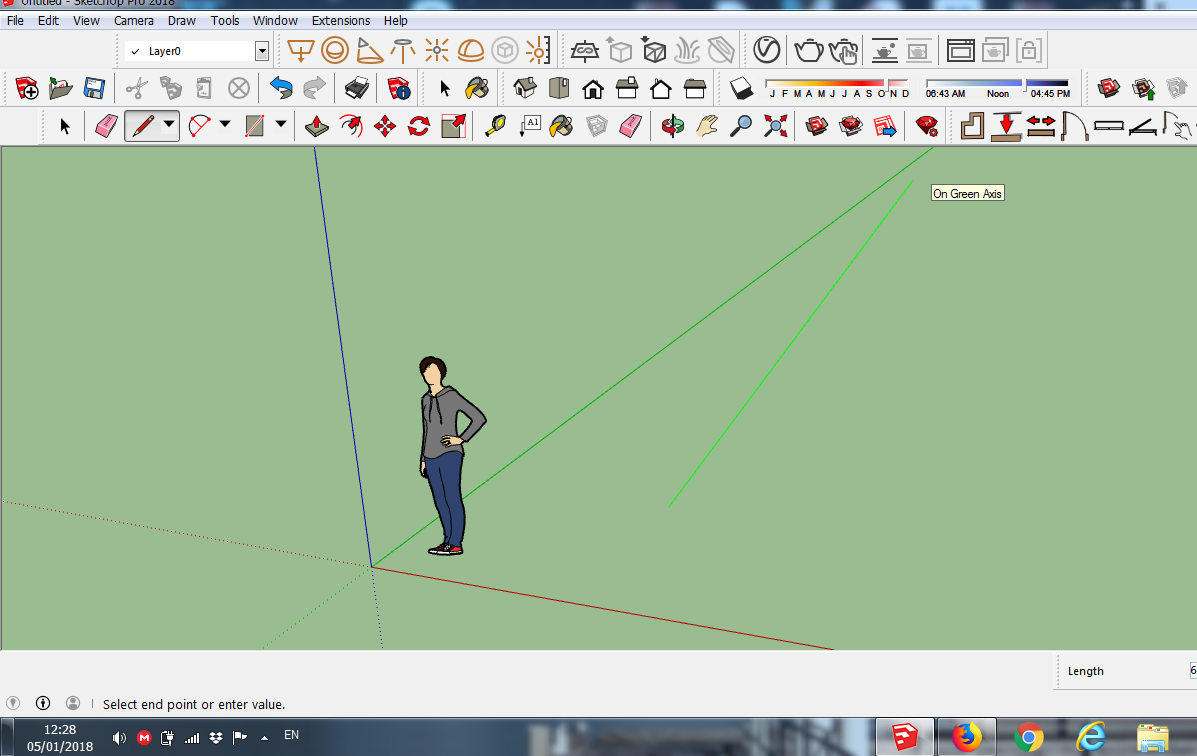
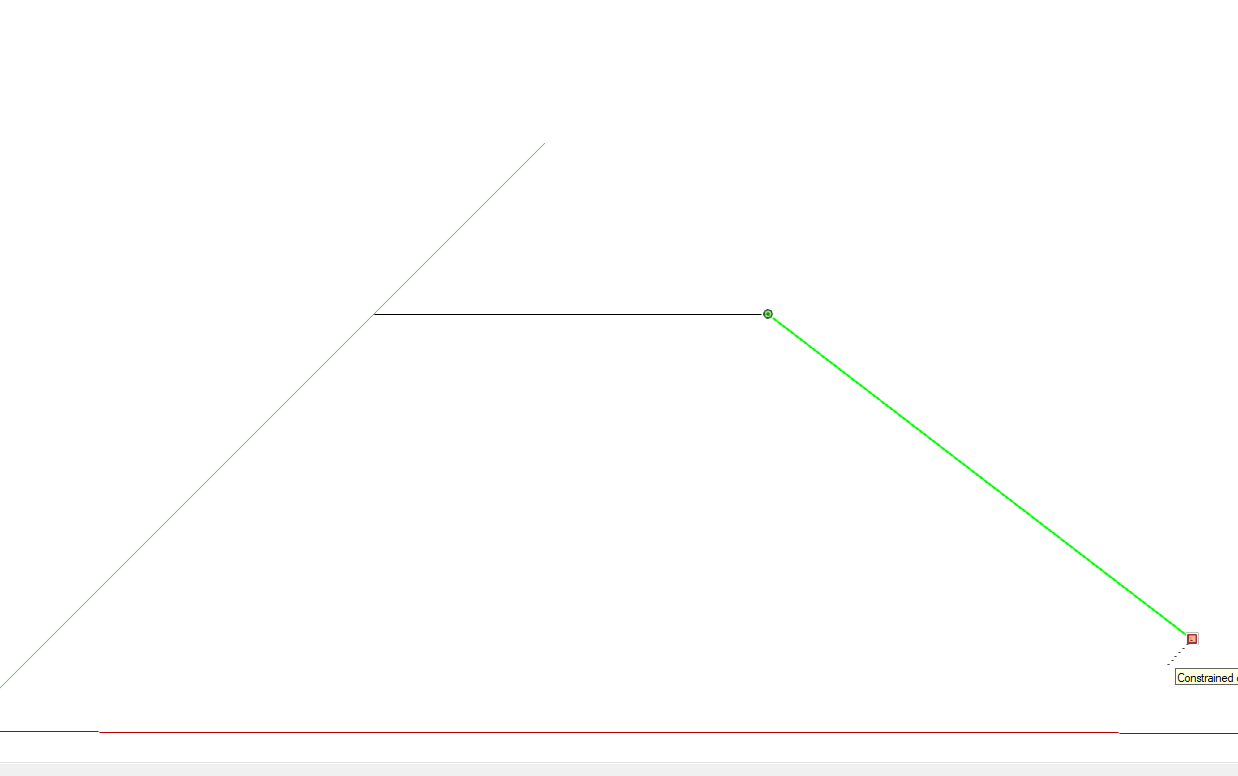
ok but when i click on the left arrow to aligan it to the green axes this is what
looks like. do you think its parallel to the green one ? i dont think so
-
Go to Camera and click Field of view, type 35 and hit enter.
This will return the field of view to the default setting. -
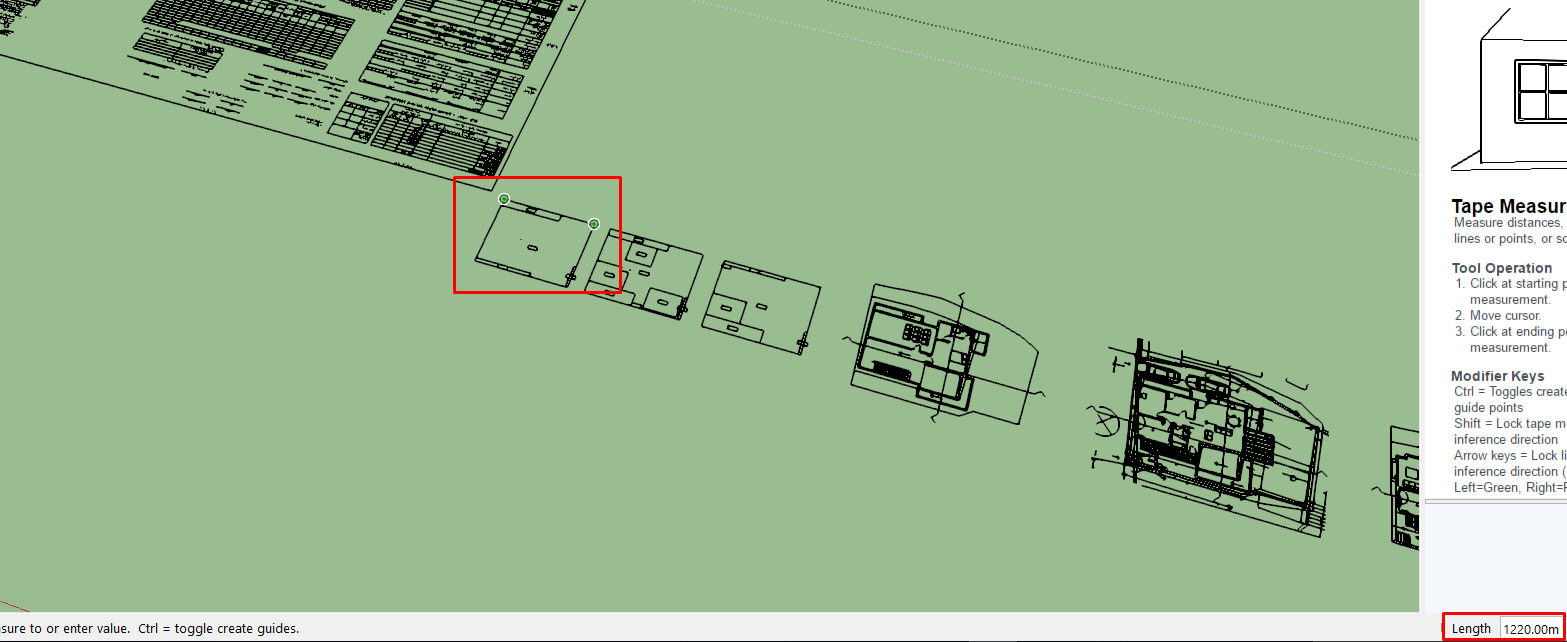
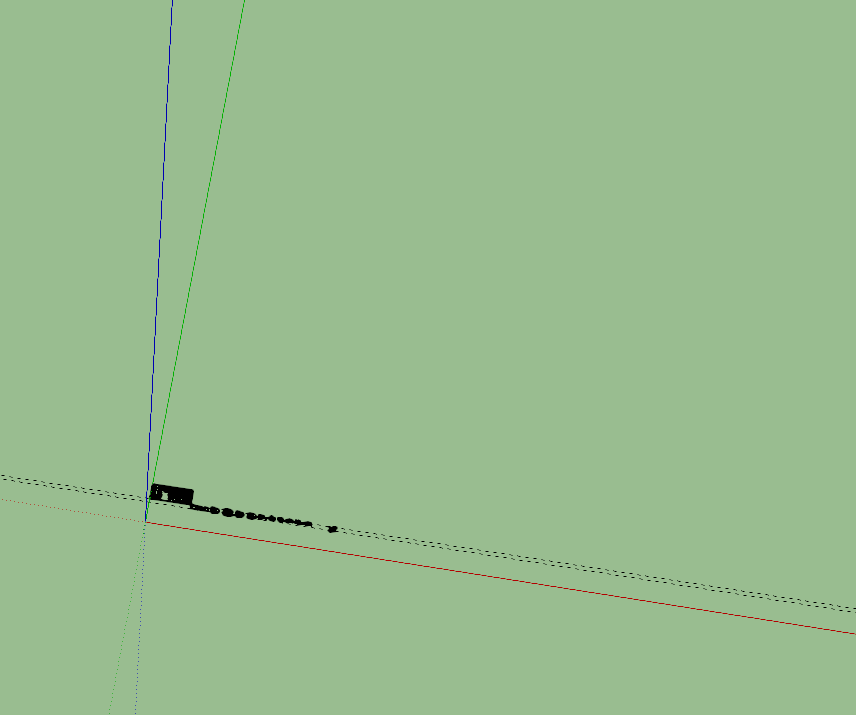
im having another problem when im importing dwg files .
look how small it is but when i massure one of the walls it give me 1220 meter.
and if i resize it to the real size of the wall which is 12m it make way smaller.
i changed the dimension to cm but its the same as meters.
see attach
thanks !
-
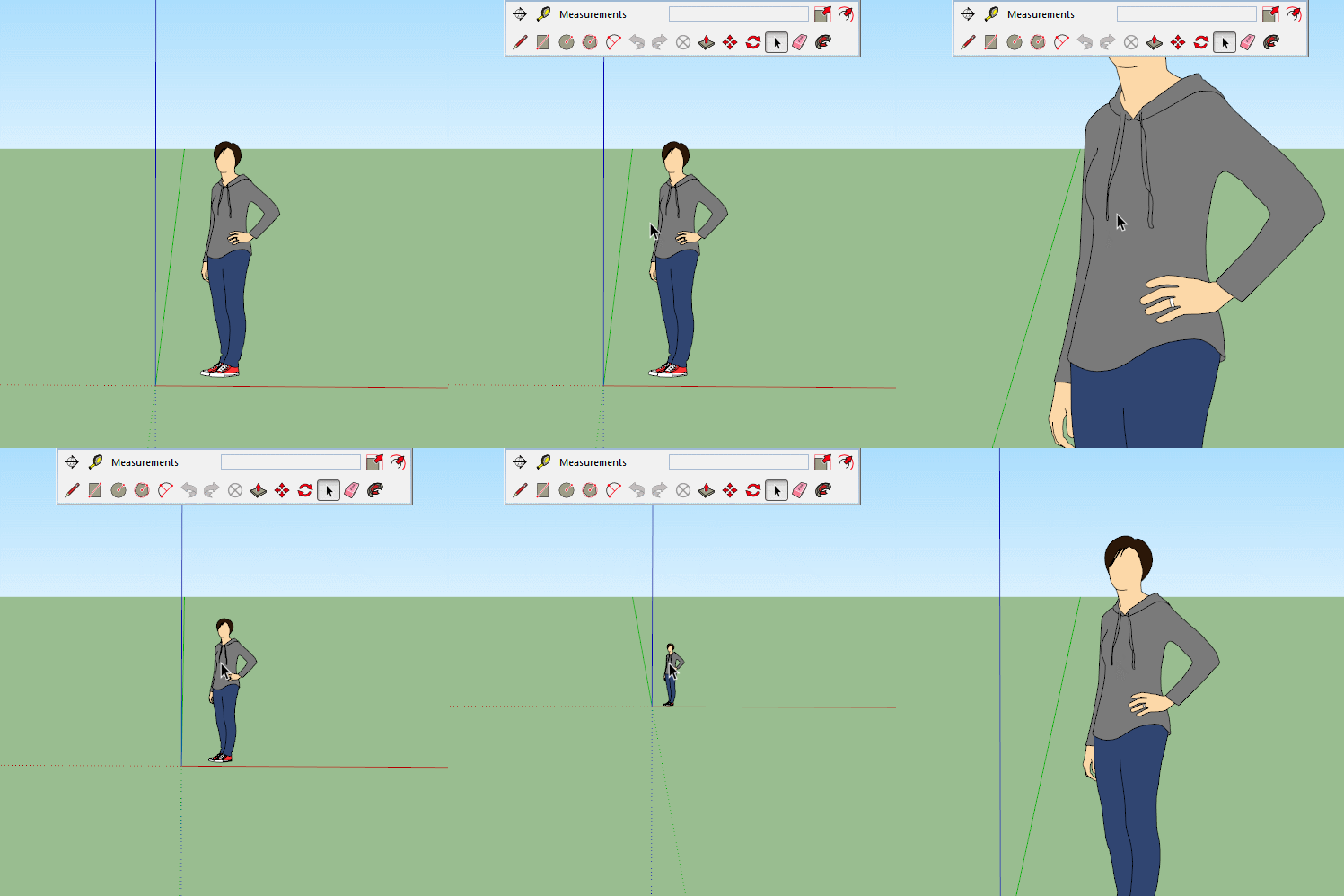
Use the scroll wheel on your mouse to zoom in and out.
Or click the Zoom tool on the toolbar.
-
@bagtoshop said:
ok but when i click on the left arrow to aligan it to the green axes this is what
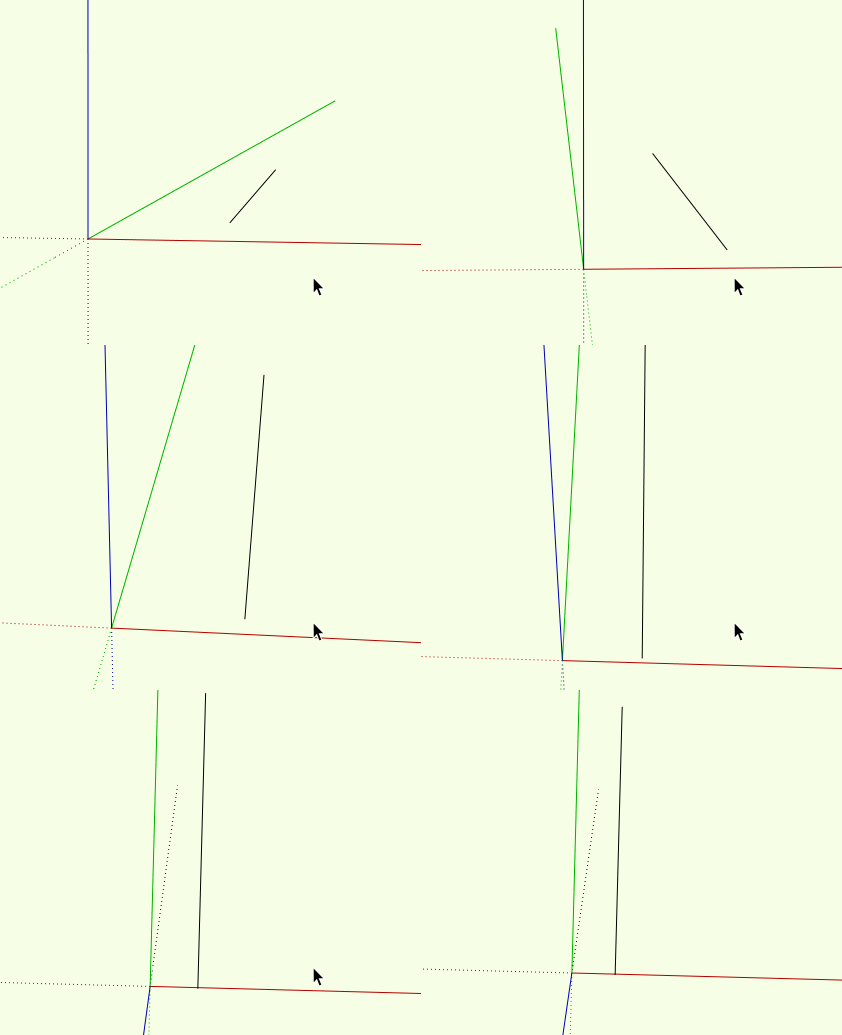
looks like. do you think its parallel to the green one ? i dont think soYes, it is parallel to the green axis. It looks that way in the view because you have the horizon visible (as proved by visibility of the "end" of the green axis) and perspective camera. In perspective, parallel lines appear to converge toward the horizon. Orbit so that you are looking down at the red-green plane and you will see that the line is actually parallel to green axis. You may have to click on the below to see the animation.
-
@hornoxx said:
@box said:
...you have hit control while orbiting which has tilted your workspace...
an other D'oh! moment for me didn't know this tilting is even possible soThis feature is often overlooked. SketchUp by default implements a notion of "gravity" that keeps the horizon level across the width of your view - even if sky and ground visibility are turned off so there is no horizon literally visible. Especially with architectural models, this avoids strange and confusing off-level motion. But by pressing control (option on mac) you can temporarily suspend gravity to get a free rotation during orbit.



Hello! It looks like you're interested in this conversation, but you don't have an account yet.
Getting fed up of having to scroll through the same posts each visit? When you register for an account, you'll always come back to exactly where you were before, and choose to be notified of new replies (either via email, or push notification). You'll also be able to save bookmarks and upvote posts to show your appreciation to other community members.
With your input, this post could be even better 💗
Register Login


Advertisement