Is It Possible to Curve a Solid Object?
-
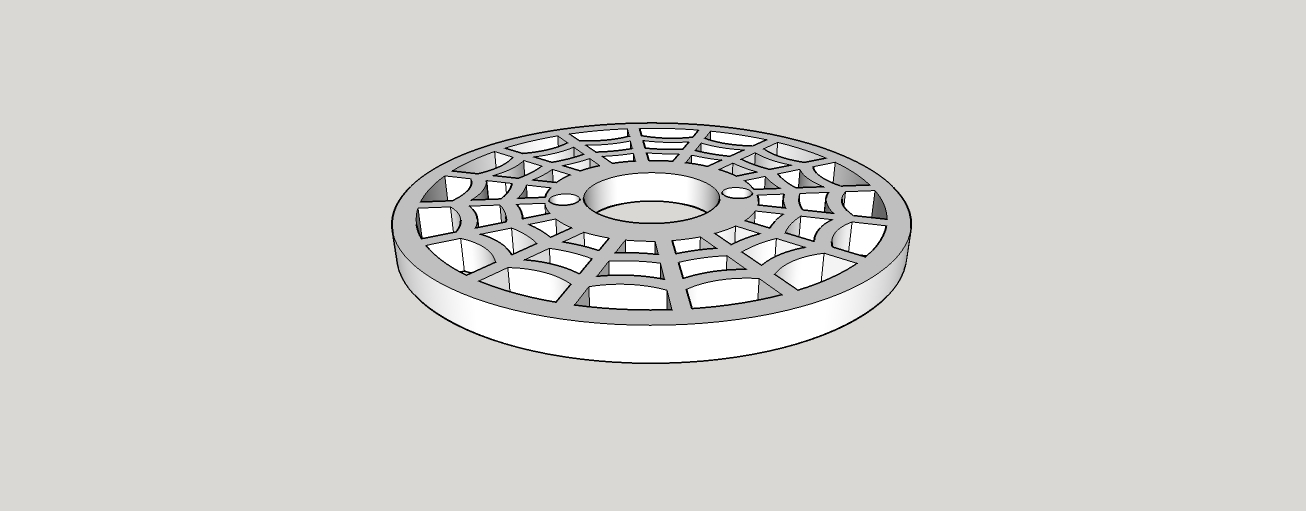
I have a web that I have designed and I need to warp this in such a way that... this is hard to explain... I need to curved as if it were wrapped around a bubble. I want the center to stay as flat as possible and then curve over with a 5mm drop. Is that possible? I have tried SketchyFFD, but not only does that produce more of a wavy edge, it also REALLY screws up the manifold-ness of the model beyond repair. I was able to fix the "wavy-edge" issue by doing a 4x4 matrix and then rotating the object 45° and dropped the four corners down. Now, the edge looks (near) perfectly round. But there are still a LOT of non-manifold areas that I can't fix.
Is there any way (preferably easy, but at this point I would take difficult) to do this without starting over from scratch? I was told by someone else that I'd have to draw the web on a curved surface and extrude that with Joint Push-Pull, but I'm not sure I could get that web to look as good drawing it on a curved surface.
Any help would be GREATLY appreciated!
-
Sounds like you want it convex --curving to a sphere surface. You might look at Flowify plugin. There are tools to bend things but in all directions--that's tricky.
-
@pbacot said:
Sounds like you want it convex --curving to a sphere surface. You might look at Flowify plugin. There are tools to bend things but in all directions--that's tricky.
That does look promising. I will try that out. Thank you.
-
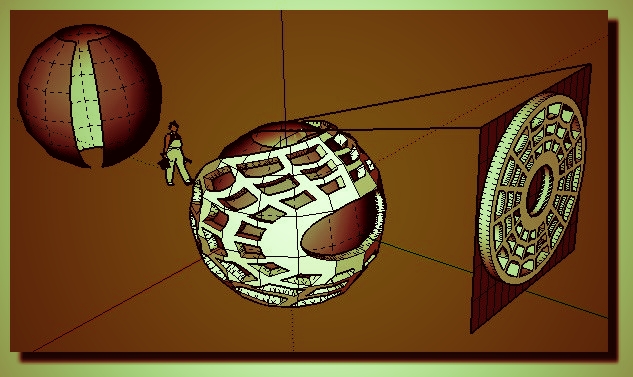
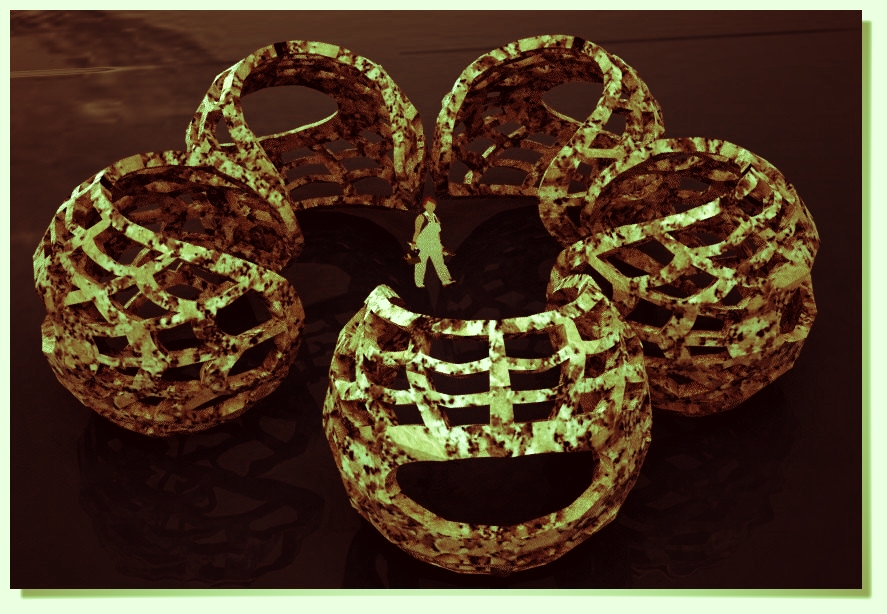
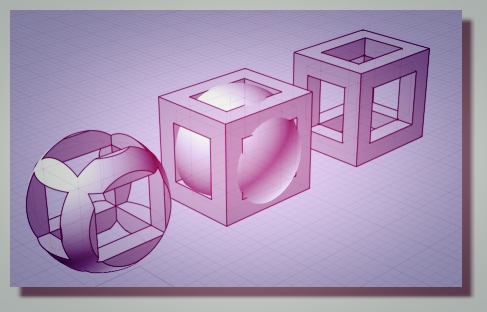
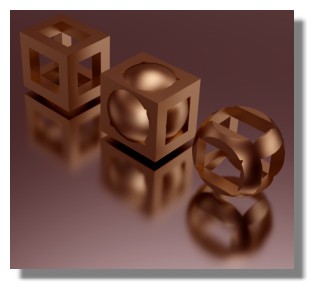
Make your spheric volume with same thickness (Joint Push Pull )
then boolean Diff with a surface bubble wanted...or maybe more easy
Draw on a sphere with Tools on Surface by Fredo!
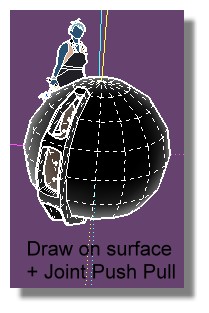
PS If you use Flowify you must make a little trim stripe on your sphere for have a "4 sides" surface!
-
@pilou said:
Make your spheric volume with same thickness (Joint Push Pull )
then boolean Diff with a surface bubble wanted...or maybe more easy
Draw on a sphere with Tools on Surface by Fredo!
[attachment=2:17lw4k0n]<!-- ia2 -->web.jpg<!-- ia2 -->[/attachment:17lw4k0n]PS If you use Flowify you must make a little trim stripe on your sphere for have a "4 sides" surface!
[attachment=1:17lw4k0n]<!-- ia1 -->web01.jpg<!-- ia1 -->[/attachment:17lw4k0n]
[attachment=0:17lw4k0n]<!-- ia0 -->web2.jpg<!-- ia0 -->[/attachment:17lw4k0n]
Since I did not understand that first part, I think I will try Flowify first. If that doesn't work, I'll try to figure out the diff
 Thanks
 -
@unknownuser said:
Since I did not understand that first part
You use a surface for delimit a volume!
-
Your geometry is very small, you should scale it up and use Flowify afterwards (or you can try FFD again).
-
@cotty said:
Your geometry is very small, you should scale it up and use Flowify afterwards (or you can try FFD again).
Yeah... I have found that a lot of things don't work right when done on actual size models. If I scale them up 100x and do it again, most things work. It's a pain to have to do that every time I want to use offset or plugins like that. Either that or I have to leave it scaled up and remember to multiple my measurements as I model it.
Anyway... I finally got something to work last night. After trying everything everyone has suggested, I stumbled across the Sandbox > Drap Tool. After scaling the model up 100x, that worked perfectly! Thank you to everyone for all of your help!
-
You can use the factor 1000 and model without units in m (model settings), no calculations needed.




Hello! It looks like you're interested in this conversation, but you don't have an account yet.
Getting fed up of having to scroll through the same posts each visit? When you register for an account, you'll always come back to exactly where you were before, and choose to be notified of new replies (either via email, or push notification). You'll also be able to save bookmarks and upvote posts to show your appreciation to other community members.
With your input, this post could be even better 💗
Register Login


Advertisement