Edit Group - prevent texture fading on other groups
-
Hi everyone.
I'm trying to model a car in SU 2017. I have blueprint images imported as textures and applied on planes for reference. The car geometry is grouped and when I edit that group, the planes do remain visible (View->Component Edit->Hide rest of model = unchecked), but their textures fade into a single color. Is there a way to prevent that?
Thanks in advance.
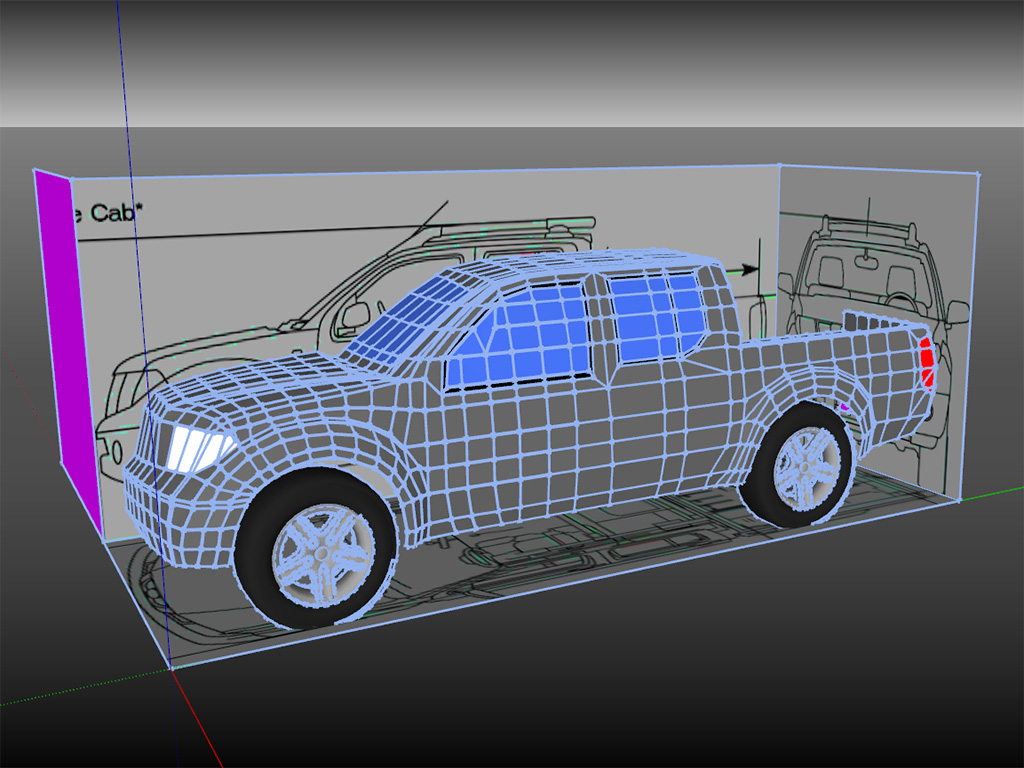
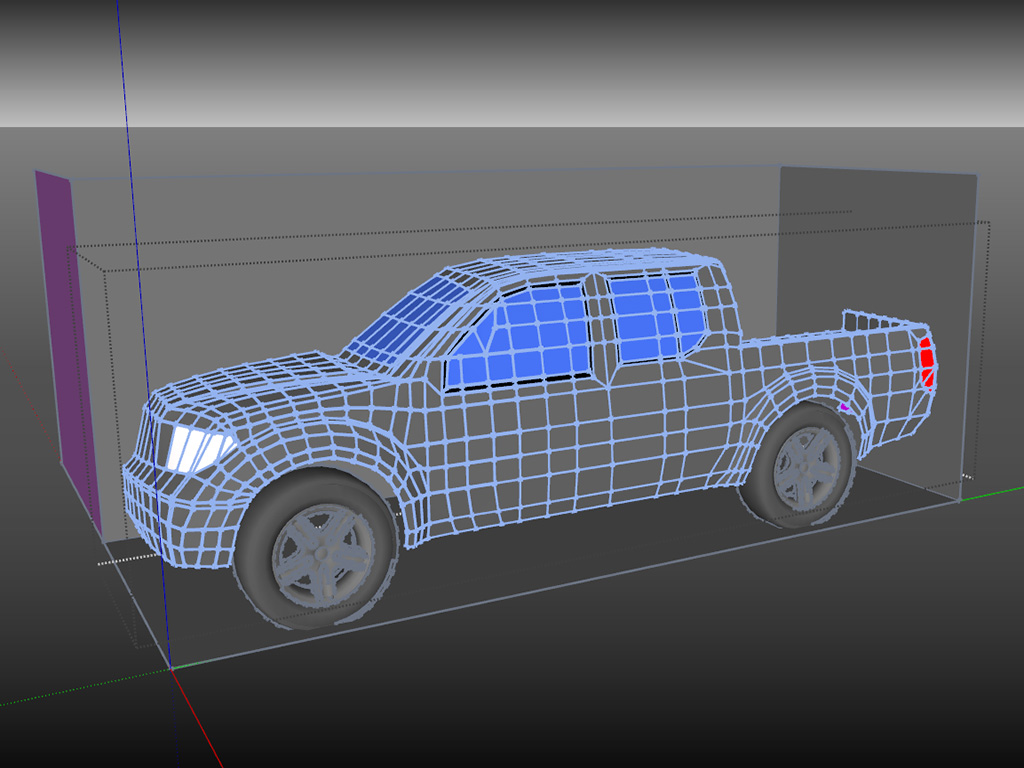
-
Import the textures as images and they should stay visible, if my beer consumption tonight hasn't quite rendered me idiotic.
-
When you import the image do not explode them. If exploded they get added to SketchUp as materials.
If you keep them as images they do not ghost when editing inside groups/components.
File > Import > As Image
-
Box & Rich, thank you both guys, you are lifesavers! I just tried it and it works perfect!


Hello! It looks like you're interested in this conversation, but you don't have an account yet.
Getting fed up of having to scroll through the same posts each visit? When you register for an account, you'll always come back to exactly where you were before, and choose to be notified of new replies (either via email, or push notification). You'll also be able to save bookmarks and upvote posts to show your appreciation to other community members.
With your input, this post could be even better 💗
Register Login


Advertisement