3D Max file to Sketchup?
-
Hello guys,
Does anyone knows how to import 3d max file to sketchup?
As i know Sketchup can export 3d files. But Does it import 3d max files too?
Any solution for this?Thank you in advance.
Godspeed SketchUcation.

-
You can import .obj into sketchup using a plugin.
Never tried importing more than non textured image
-
What plug-in is that?
Thanks
-
get the sketchucation plugin installer and it will have one from Tig and one from some other place if you just search in the installer box for .obj
-
-
Already downloaded the .obj importer plugin but it does only imported a obj. file not a max.
I also know that max can export a .obj file but i dont have max to do that. So i need to find alternative way to import a 3d files that i have into sketchup.
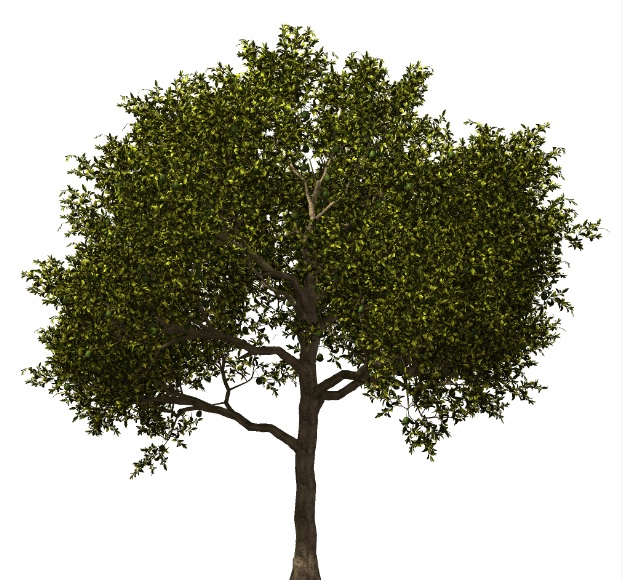
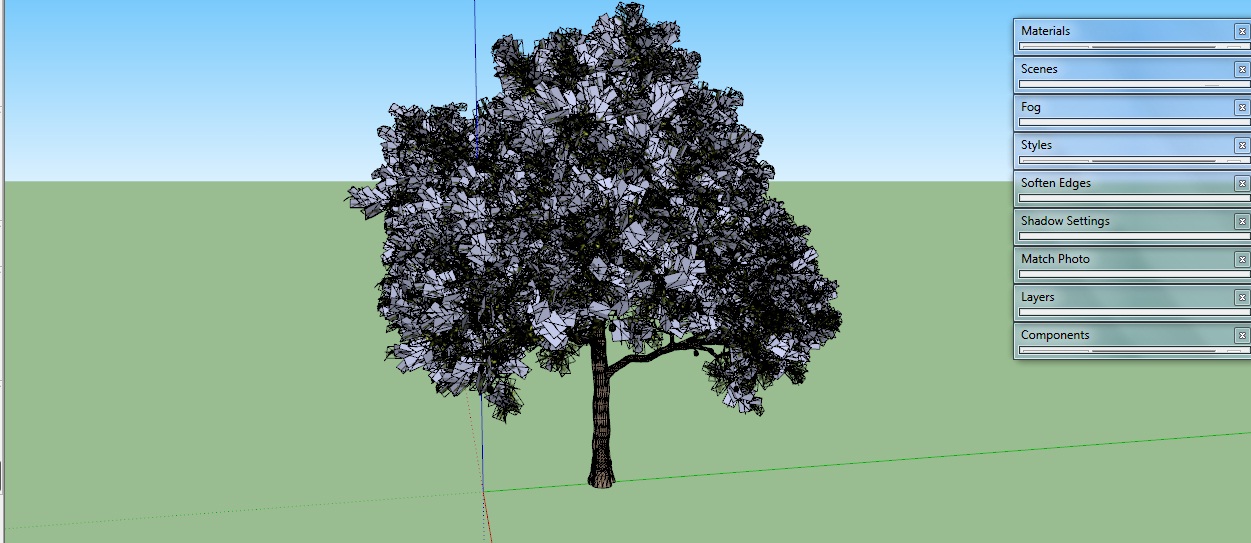
I have problem here. (see attached) Importing 3d files lack of materials?
is there any solution to solve this?
-
@zylescozar19 said:
Hello guys,
Does anyone knows how to import 3d max file to sketchup?
As i know Sketchup can export 3d files. But Does it import 3d max files too?
Any solution for this?Thank you in advance.
Godspeed SketchUcation.
.max files you will have to open in 3DStudio and convert to either 3ds or obj. There is no way to directly convert .max files into SU afaik.
-
@zylescozar19 said:
Already downloaded the .obj importer plugin but it does only imported a obj. file not a max.
I also know that max can export a .obj file but i dont have max to do that. So i need to find alternative way to import a 3d files that i have into sketchup.
I have problem here. (see attached) Importing 3d files lack of materials?
is there any solution to solve this?Re: .max file per my above response.
For the texture - just use the texture to backfaces tool that's part of thomthom's uv toolkit. Then the tree model will look as it should.
Also, when you select all the leaves, you can hide just the edges so you only see faces. Again, another useful plugin for that is TT's selection toys

-
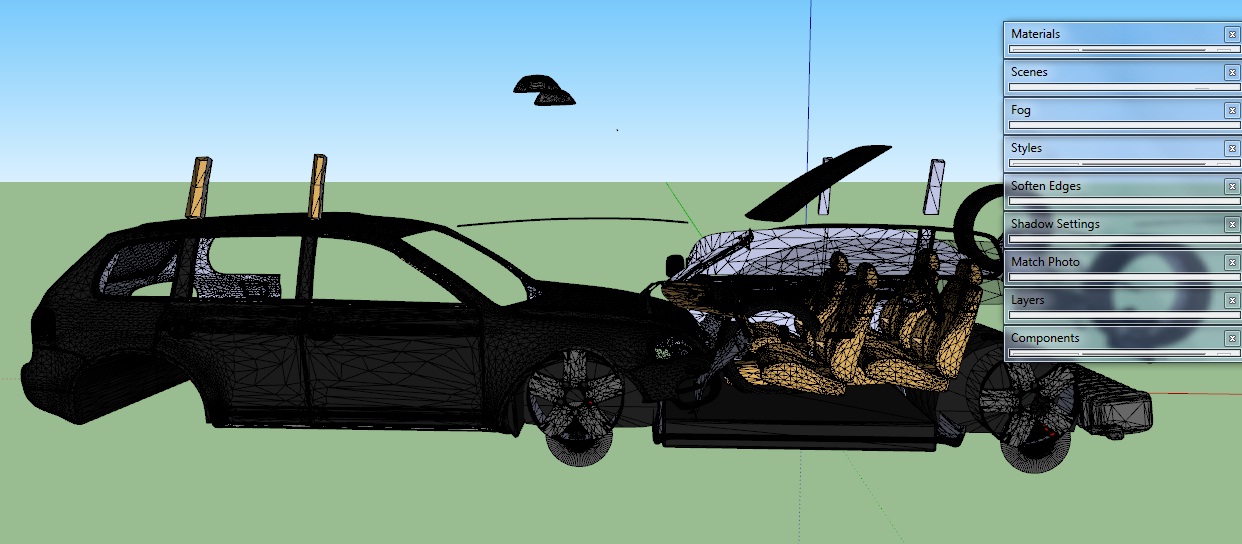
Another problem here Importing 3d files causes object to disarrange

-
yup, happens

I wish there was a direct solution, but I haven't seen it.
(Or if there are not too many pieces off in space, just fix it in SU.)edit: nevermind about Blender, it depends on the file. If anyone knows of a surefire way to fix a 3ds file, would love to hear about it too.

-
Thanks andy for the reply. Already solve this problem.
-
Dear Zylescozar
Could you please mention how you solved the disarranged problem? I am facing this severely and could use any help from you/ anyone else. Many thanks in advance.
Macho3001
-
You could try "Reset XForm". This should normally solve the problem of displaced geometry.
-
If you have 3ds max installed you can install a plugin called SketchUp exporter for 3ds Max. With this you can convert your .max file to .skp file with all textures. For reference kindly check this link, http://www.simlab-soft.com/3d-plugins/SketchUp-from-3DS-main.aspx315


Hello! It looks like you're interested in this conversation, but you don't have an account yet.
Getting fed up of having to scroll through the same posts each visit? When you register for an account, you'll always come back to exactly where you were before, and choose to be notified of new replies (either via email, or push notification). You'll also be able to save bookmarks and upvote posts to show your appreciation to other community members.
With your input, this post could be even better 💗
Register Login


Advertisement