Please help with problem printing
-
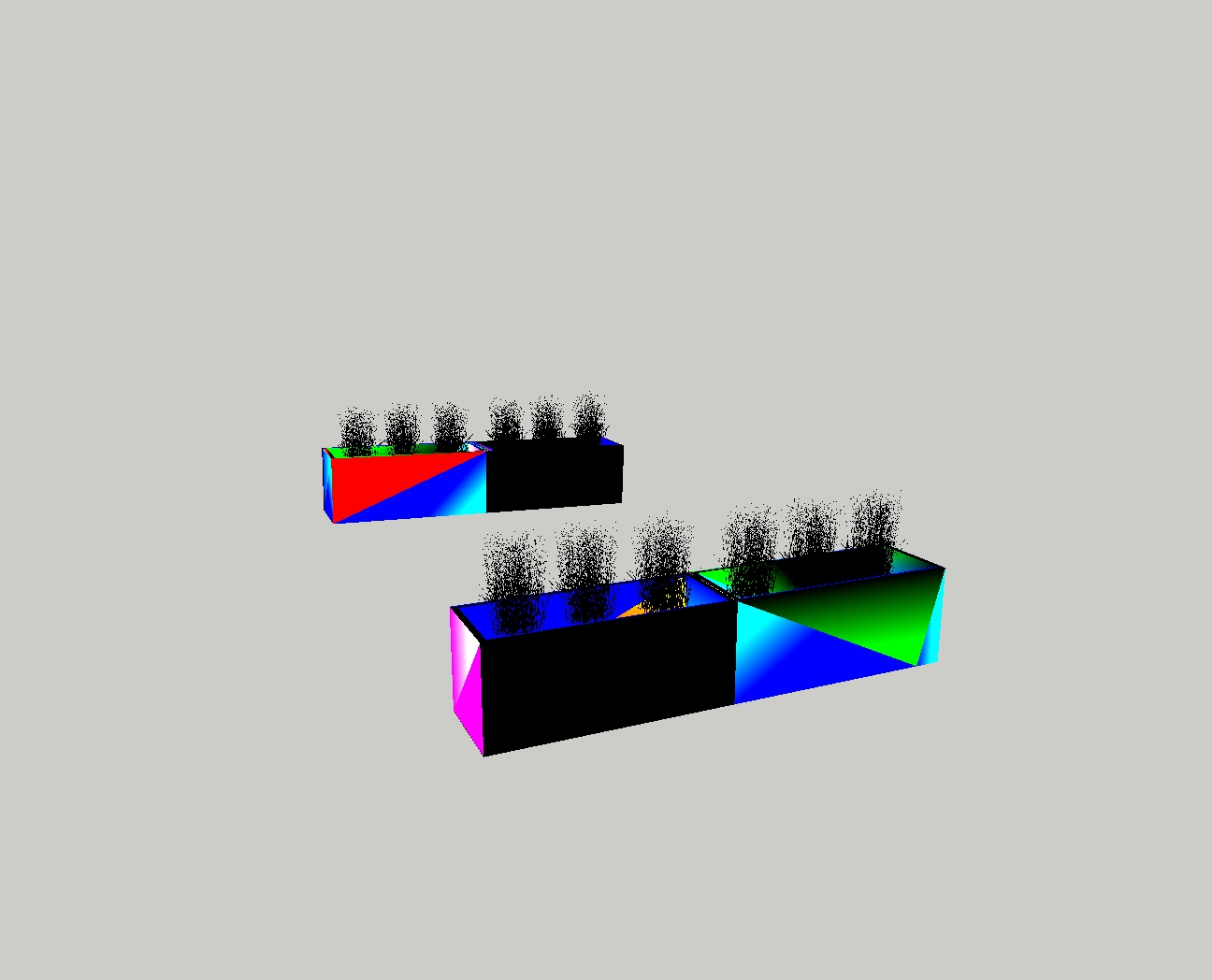
I just upgraded to SketchUp Make 2017. Working in model space works fine. But I am having problems with print, print preview, and export. My model shows up as all black, or it is all black with primary colors overlaid in polygon shapes. I confirmed my graphics driver is up to date. I have also turned off graphics acceleration and tried other settings in OpenGL, with no help. I have also tried numerous styles, with no help.
Any ideas greatly appreciated.
-
That looks like a typical problem related to the graphics drivers. Make sure they are up to date. What is your graphics card?
Your graphics card must be up to the job. You can't turn off Hardware Acceleration in SU2017 so there's no option for CPU rendering as there was in earlier versions..
-
Thank you for the response.
My graphics card is Intel HD Graphics, 3.0.0 Buid 8.15.10.2291. I have the latest driver. I went to Windows> Preferences> OpenGL and deselected the box "use fast feedback."
-
Unticking Use Fast Feedback won't help at all. That driver is too old. If that's the newest one for that card, you would need a new card. Reference.
-
Thank you for your help!

Hello! It looks like you're interested in this conversation, but you don't have an account yet.
Getting fed up of having to scroll through the same posts each visit? When you register for an account, you'll always come back to exactly where you were before, and choose to be notified of new replies (either via email, or push notification). You'll also be able to save bookmarks and upvote posts to show your appreciation to other community members.
With your input, this post could be even better 💗
Register Login


Advertisement