Stopping SU2015 from opening
-
Is there any way to stop SU 2015 from opening once the "Welcome to SketchUp" screen has appeared?
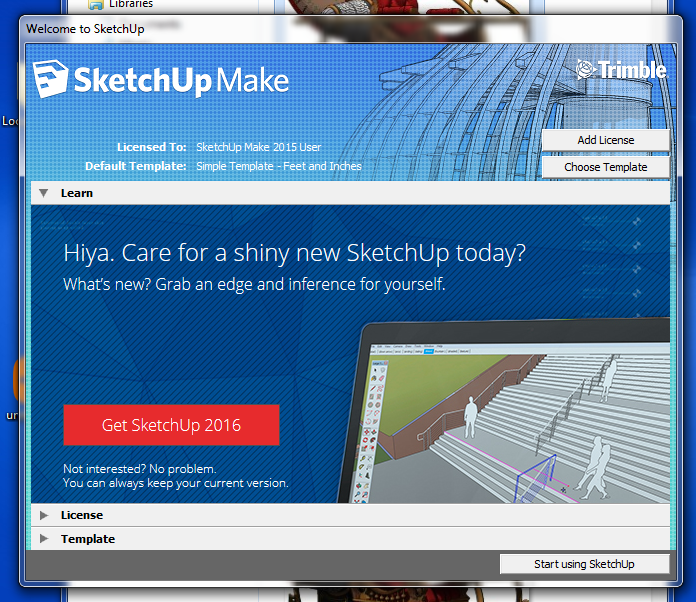
I've even tried to close it using the Task Manager, but when I click on End Task it just opens anyway.
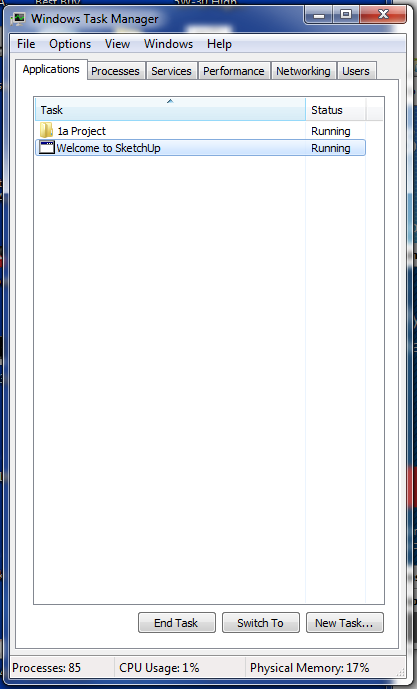
Not a huge problem, but I sometimes find myself in this situation and it's just annoying to have no choice but to continue to open the model, just to close it. And of course it's usually a very large model, which wastes even more of my time while it opens.
-
I don't think so. I think once the splash screen has opened, you're committed.
-
@dave r said:
I don't think so. I think once the splash screen has opened, you're committed.
That's not really what I wanted to hear

You're fired, go home
-
Sorry boss.
-
Well, as long as you're sorry, I'll give you one more chance.
But just one
-
Thank you, sir.
On the bright side, the ice went out last week.
-
-
I use skt.2015 pro and in the left end of the opening welcome there is a box to disable or enable this option.
I notice that you have a sketchup make version and there is no box! -
@dou said:
I use skt.2015 pro and in the left end of the opening welcome there is a box to disable or enable this option.
I notice that you have a sketchup make version and there is no box!That is one minor difference between Pro and Make.


Hello! It looks like you're interested in this conversation, but you don't have an account yet.
Getting fed up of having to scroll through the same posts each visit? When you register for an account, you'll always come back to exactly where you were before, and choose to be notified of new replies (either via email, or push notification). You'll also be able to save bookmarks and upvote posts to show your appreciation to other community members.
With your input, this post could be even better 💗
Register Login


Advertisement