Need Some Graphics Advice
-
I have a new fast computer and am trying for the first time on it to create a 2' x 3' pdf,
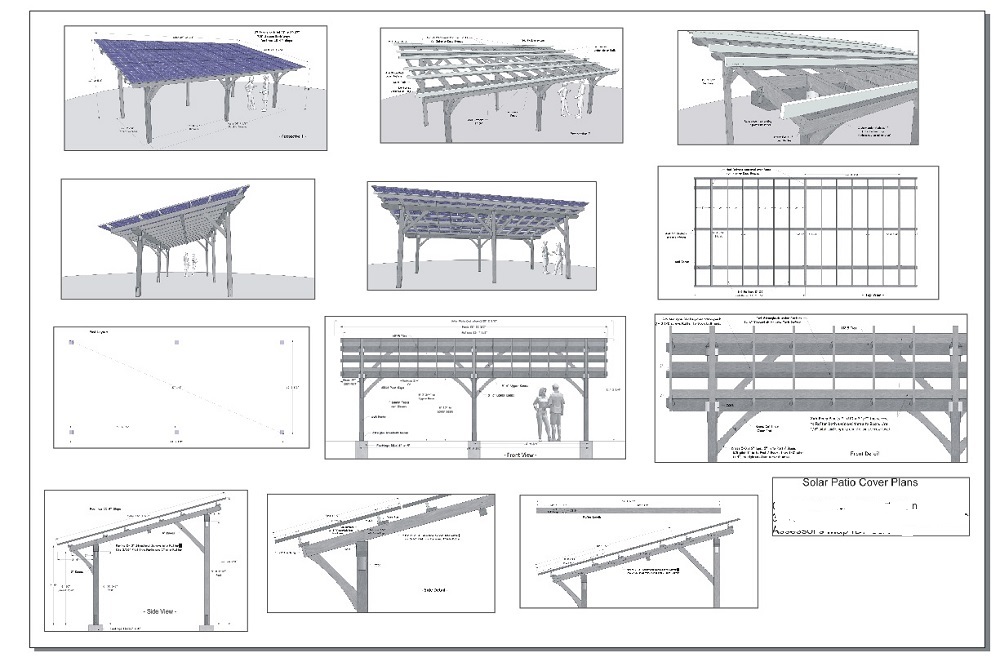
but the pdf sheet looks terrible when I zoom in on a particular image.
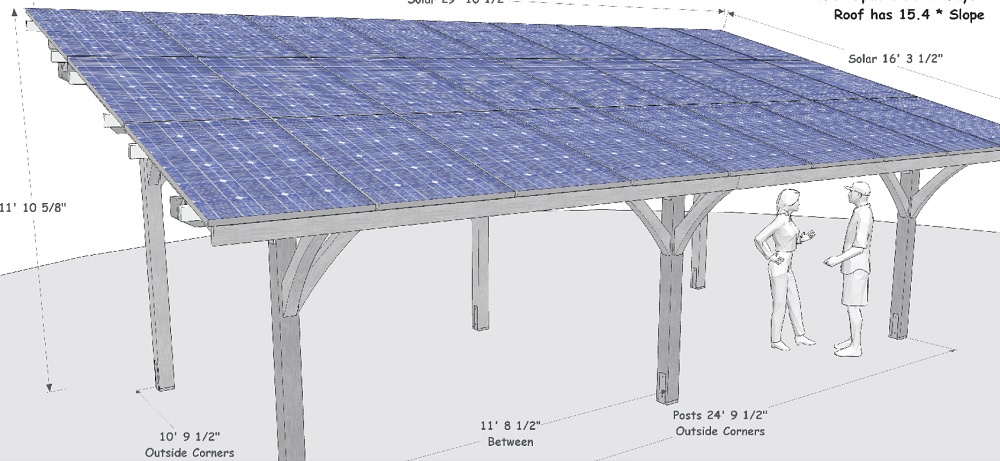
I exported the tif images at 5,000 pixels wide, with anti alias on! No problem exporting, and they're nice crisp images! I do see some fine jaggies on the edges though.
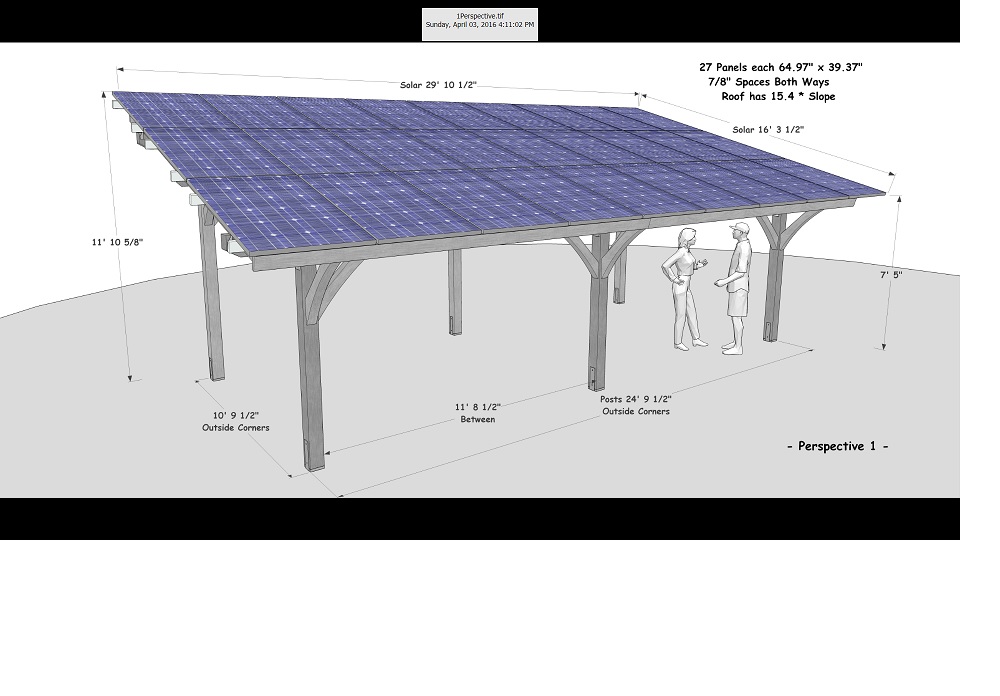
I bring them in to Corel Draw, and grab the corner of each to resize them. Then I Publish To PDF. I don't see anything to change in the Publish pdf Settings.
What am I doing wrong? I know the images should be smaller then 5,000. Could it be the Trial version of Corel I'm using? When I zoom in to the 2' x 3' Corel file, the images look OK but again I do see some fine jaggies.
-
Could be Corel's PDF image resampling when it goes to PDF. I know in InDesign there's a plethora of options when it comes to exporting to PDF when there's embedded images.
I'm not familiar with Corel though. this guy seems to cover the issue a bit though....
-
I checked the dpi of an image and it was 509 x 509 dpi. That's way better then the 300 I was going for.
what's another program I could use for this king of work?
-
InDesign. But it's not too cheap.
Or Scribus. That's open source but a bit laggy.
Otherwise LayOut. Since it can turn those SketchUp embeds into vector for crispy clean images.
-
Have you tried sending them to LayOut and changing the rendering to vector instead of raster?
-
No I haven't Tex, I don't even know what vector and raster mean,
I'd really just like to figure out this Corel issue, don't think I want to learn a new program.
-
As Rich said, you should check your pdf export settings. I also think that the export dpi recalculation could be the problem. You could simply disable the recalculation completely to see if this is the case.
(But i don't know Corel, so maybe there is a DPI setting for the layout too.)
-
Well, I don't know, ended up creating this on my old computer. I checked the Corel settings on the old and new machine, both the same. Maybe it's the trial version of Corel that's doing it.
-
The trial might have export limitations for sure, but I cant see why. There is usually a printer set up dialogue box! Or it could be using the native built in PDF printer on your system and you haven't set this!
BTW Layout is VERY easy!




Hello! It looks like you're interested in this conversation, but you don't have an account yet.
Getting fed up of having to scroll through the same posts each visit? When you register for an account, you'll always come back to exactly where you were before, and choose to be notified of new replies (either via email, or push notification). You'll also be able to save bookmarks and upvote posts to show your appreciation to other community members.
With your input, this post could be even better 💗
Register Login


Advertisement