Rhino export to sketchup render problem (help)
-
Hi Guys,
Can someone please give me some advice here I'm stumped with an import/rendering problem I'm having.
So.. I need a lot of features in SU and I have to use it for my rendering but.. I love the power of Rhino and grasshopper I have been using it on and off and I'm starting to think it could have a bigger place in my work flow.
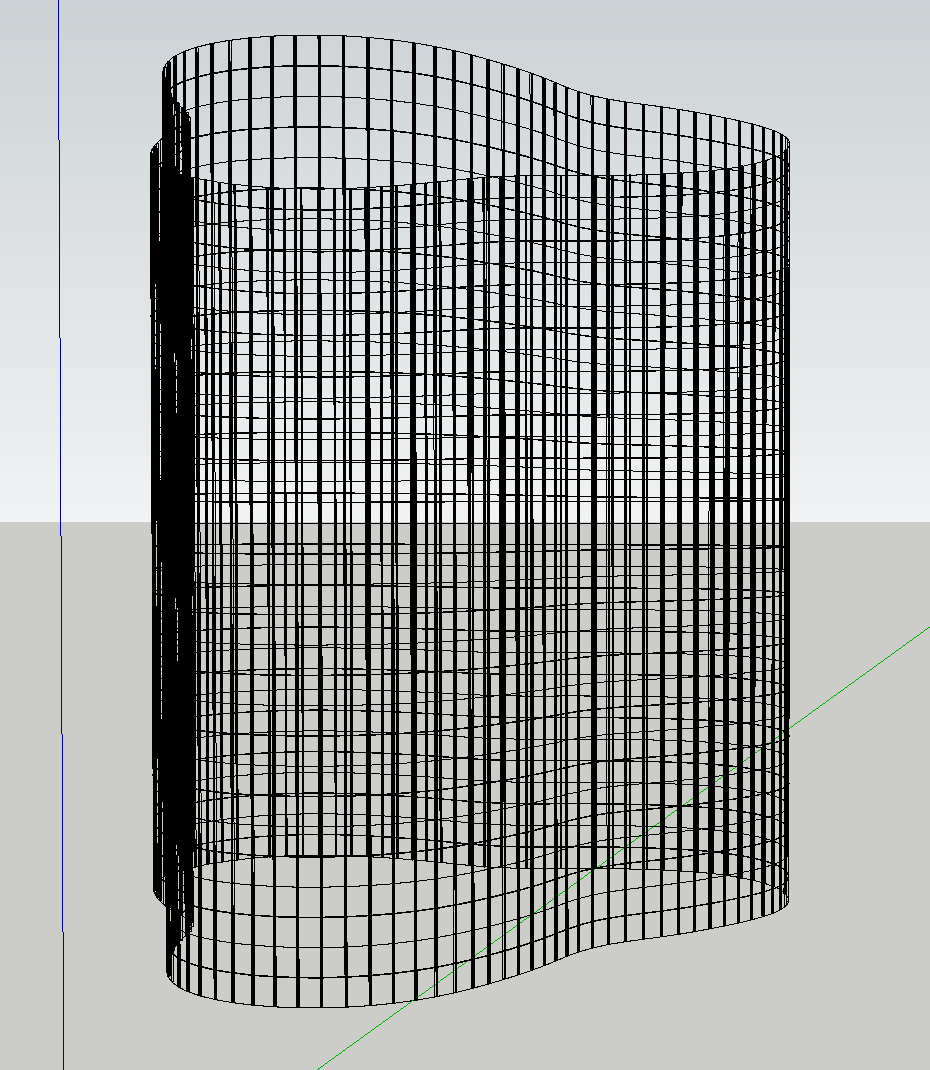
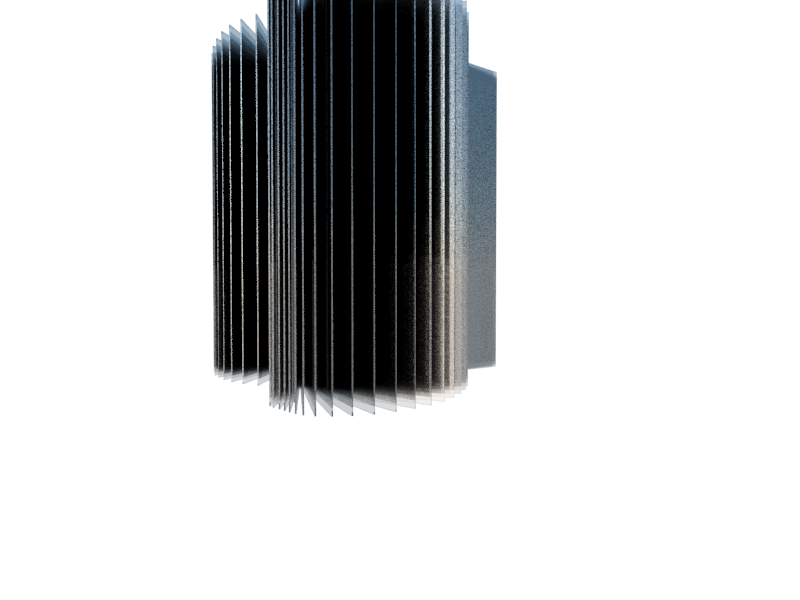
My problem is getting my Rhino model to export into SU properly. I have no idea what its doing here can someone please have a look. I exported form rhino strait to skp And have tried multiple ways of exploding the model before I export. Ideally I would like to preserve layers and textures for ease of organisation in the sketchup side. The actual geometry seems to import fine but once I apply a glass texture and render its gets weird..
Cheers in advance.
M
-
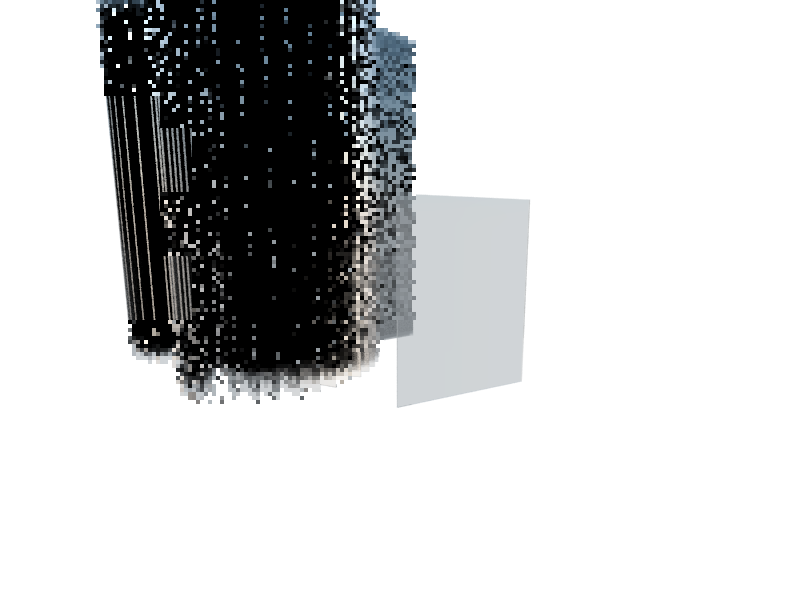
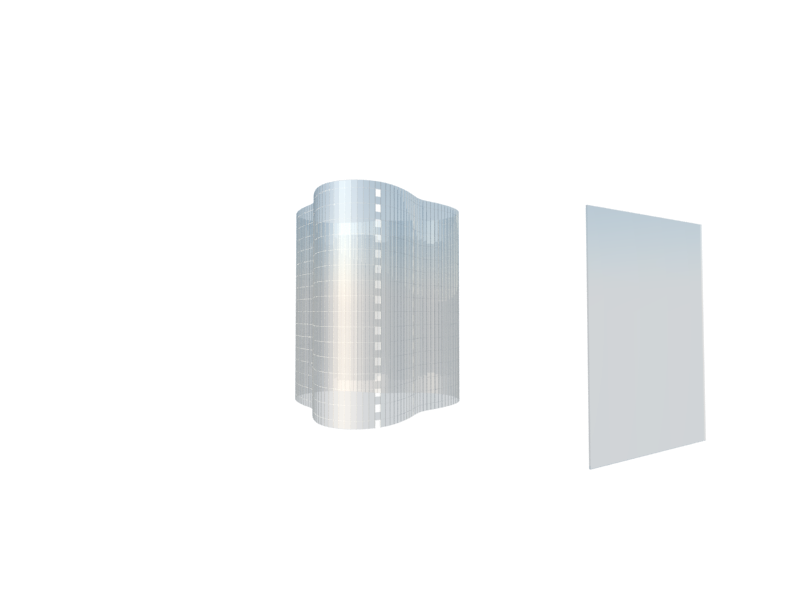
For some reason VR is scaling up each exported component of eash window pane. Is there an easy batch fix for this?
If I explode the group of window components it seems to render okay. but I would rather not have to do this each time/variation. As I'm also worried about the file becoming unnecessarily large.
Hello! It looks like you're interested in this conversation, but you don't have an account yet.
Getting fed up of having to scroll through the same posts each visit? When you register for an account, you'll always come back to exactly where you were before, and choose to be notified of new replies (either via email, or push notification). You'll also be able to save bookmarks and upvote posts to show your appreciation to other community members.
With your input, this post could be even better 💗
Register Login


Advertisement