Default Material
-
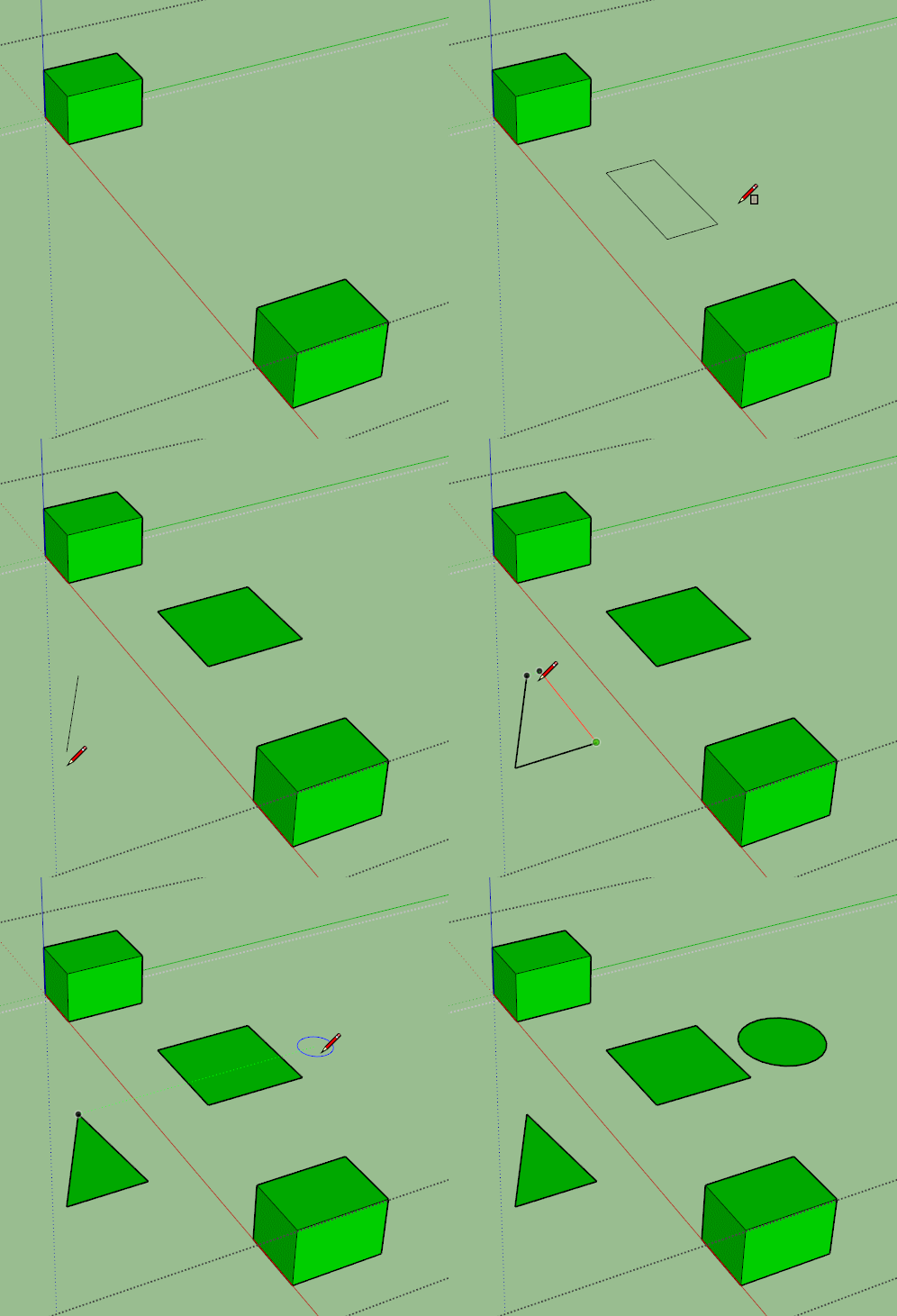
When I draw new geometry, it's automatically painted green. How do I re/set the color that Sketchup automatically paints new surfaces?
Thanks in advance.
Below is a screen capture:
-
Could you post a screen shot showing it? What face colors do you have set in the style? Maybe a screen shot showing the style's face settings? did this change recently? Does it happen every time you start a new SketchUp file?
-
Is there a hidden, ungrouped face where you drew that triangle? Do you get a message indicating that the new geometry has merged with hidden geometry?
-
@dave r said:
Is there a hidden, ungrouped face where you drew that triangle? Do you get a message indicating that the new geometry has merged with hidden geometry?
What you see is the only geometry in the model. There is no hidden geometry.
-
Any chance you are within a group or component that you have painted green.
-
That's it! Thank you!
-
That was my next stop but Box beat me to it. You didn't say you had painted the group and were editing it. Happy it's sorted, though.


Hello! It looks like you're interested in this conversation, but you don't have an account yet.
Getting fed up of having to scroll through the same posts each visit? When you register for an account, you'll always come back to exactly where you were before, and choose to be notified of new replies (either via email, or push notification). You'll also be able to save bookmarks and upvote posts to show your appreciation to other community members.
With your input, this post could be even better 💗
Register Login


Advertisement