Stretched Materials Appearing after rendering... PLEASE HELP
-
Hello,
I am using Sketchup 2015 and v-ray 2.0 , and i have faced a problem so far i can't find a proper solution to it, i wish you guys have the solution.
I am doing A Yacht club project for my portfolio , as far i went there was no problem , untill i put materials and rendered the project, i found that material like rocks , wood , tiles and any material unless glass sure , is beed stretched.I can't find a solution . I tried to divide the area to small parts , and nothing gone well.
Anyone has a solution ?? please .... I'm in a dead need
thanks in advance
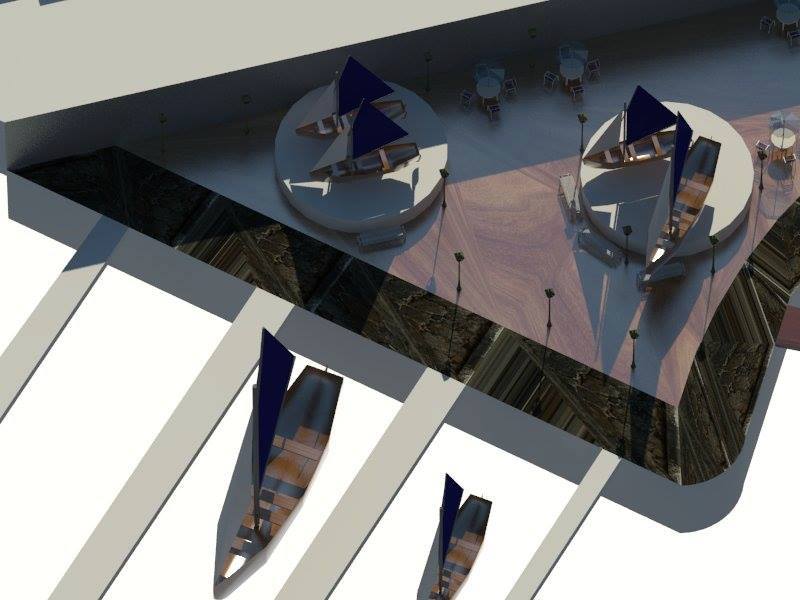
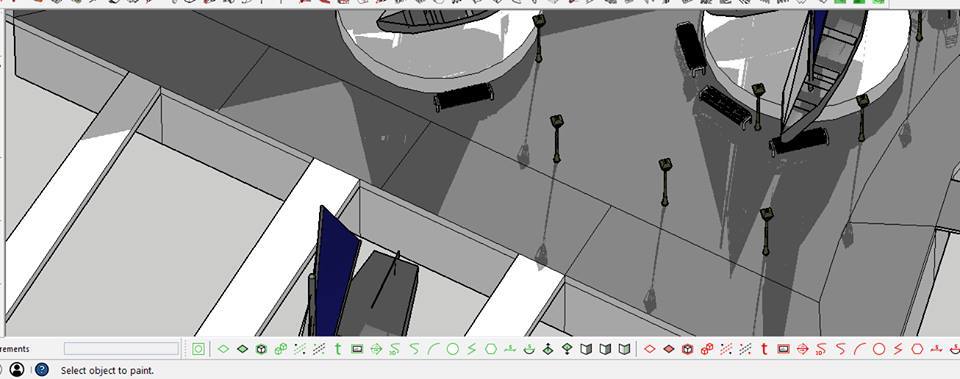
-
Can you post an example of the rendered texture so we can get a sense of how its being stretched?
-
Not sure why you've used a 3rd party provider to host the images...
It's really easy to use the "Upload attachment" option here at the SCF...Your problem seem to be missing UV-mapping...
You've applied a color to the surface and then applied a texture material in Vray...
However, you don't UV-map a mesh simply by applying a color in SU...
You can apply a texture material in SU and then you get the UV-maps applied and you'll be able to use a Vray texture material subsequently...
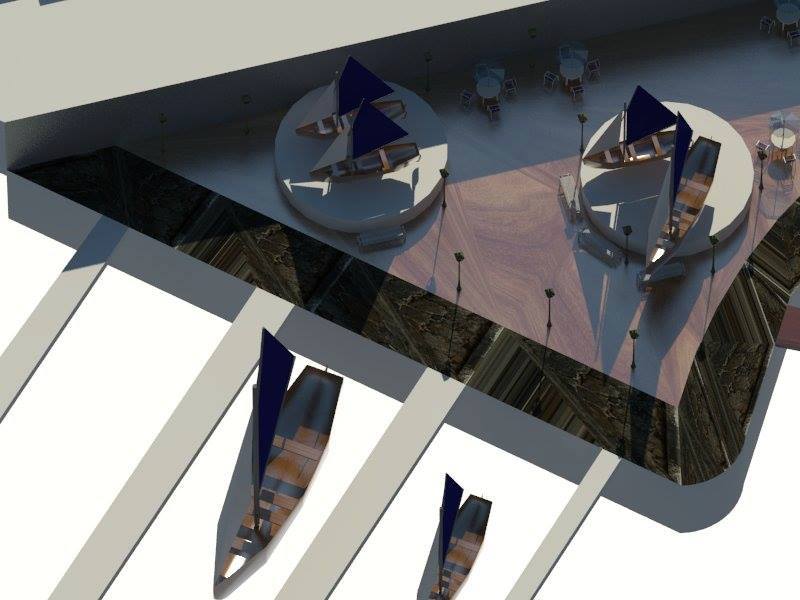
-
@rspierenburg said:
Can you post an example of the rendered texture so we can get a sense of how its being stretched?
I am totally new to these forums , how can i upload photos here ?

-
@mina nady said:
I am totally new to these forums , how can i upload photos here ?
An image says more than a thousand words...
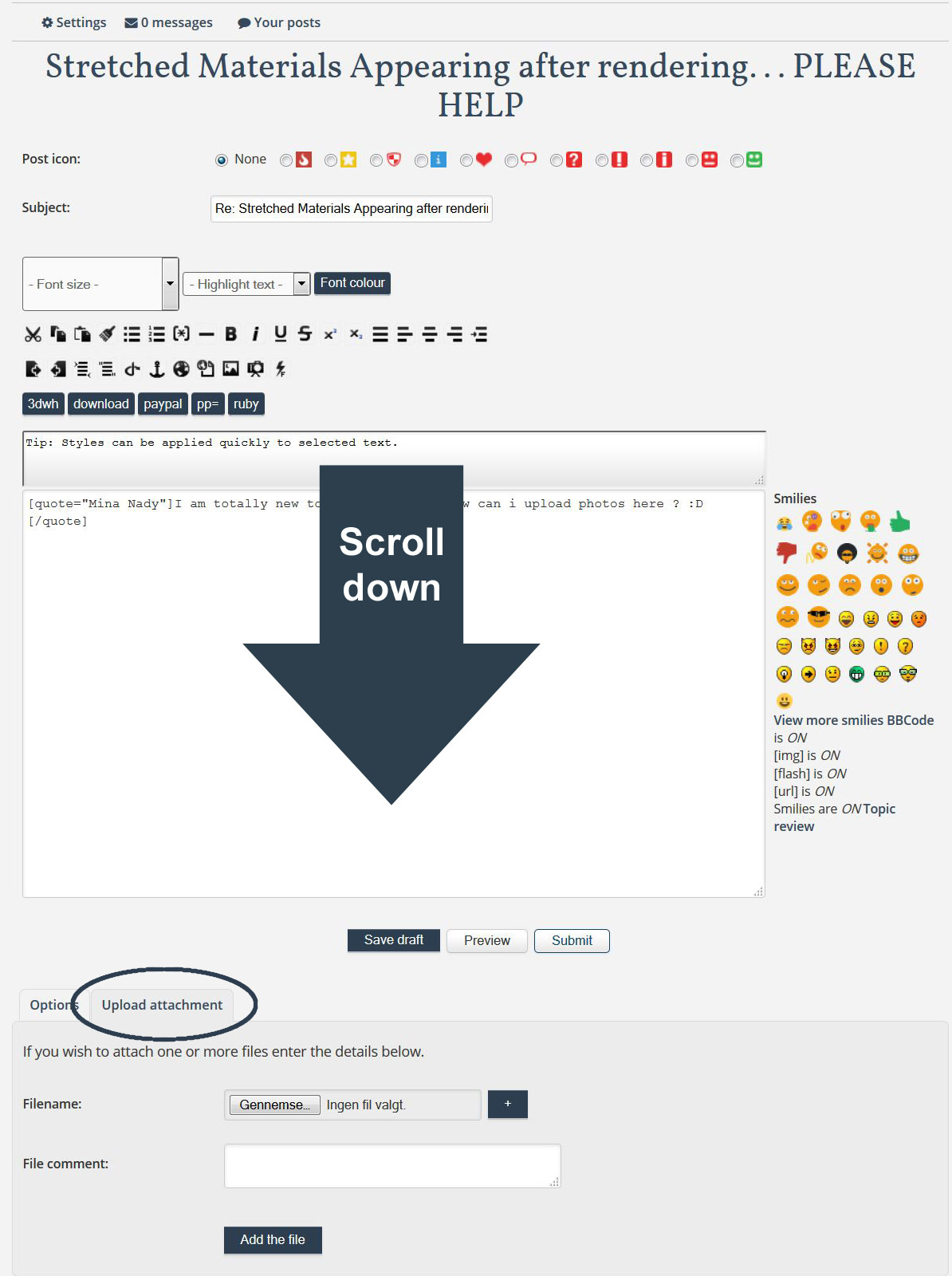
Didn't the answer I provided help you in any way...?
-
Yes it helped a little
nw i have a name , uv mapping , and i searched for uv mapping tools in google and i found sketchuv plugin , i am trying to use it nw.Thank you alot , isn't there any easier way to do the job ? It would be very hard to do that to every surface i have , especially for large Projects
-
@mina nady said:
nw i have a name , uv mapping , and i searched for uv mapping tools in google and i found sketchuv plugin , i am trying to use it nw.
UV-mapping is a very basic thing in 3D modeling, yet it seem to be one of the most important things, users don't really understand...
Just to get a brief explanation, I suggest you read this...
https://en.wikipedia.org/wiki/UV_mapping@mina nady said:
isn't there any easier way to do the job ? It would be very hard to do that to every surface i have , especially for large Projects
You don't need to use a plugin to assign UV-coordinates to a surface in SketchUp...
Like I wrote...@frederik said:
However, you don't UV-map a mesh simply by applying a color in SU...
You can apply a texture material in SU and then you get the UV-maps applied and you'll be able to use a Vray texture material subsequently... -
Yes, basically Vray doesn't know how big to make your texture or in what direction to lay it because it uses SketchUp textures to determine that. And since a color has neither direction nor size it gets all messed up.

Hello! It looks like you're interested in this conversation, but you don't have an account yet.
Getting fed up of having to scroll through the same posts each visit? When you register for an account, you'll always come back to exactly where you were before, and choose to be notified of new replies (either via email, or push notification). You'll also be able to save bookmarks and upvote posts to show your appreciation to other community members.
With your input, this post could be even better 💗
Register Login


Advertisement