LO Preferences Startup Window Size
-
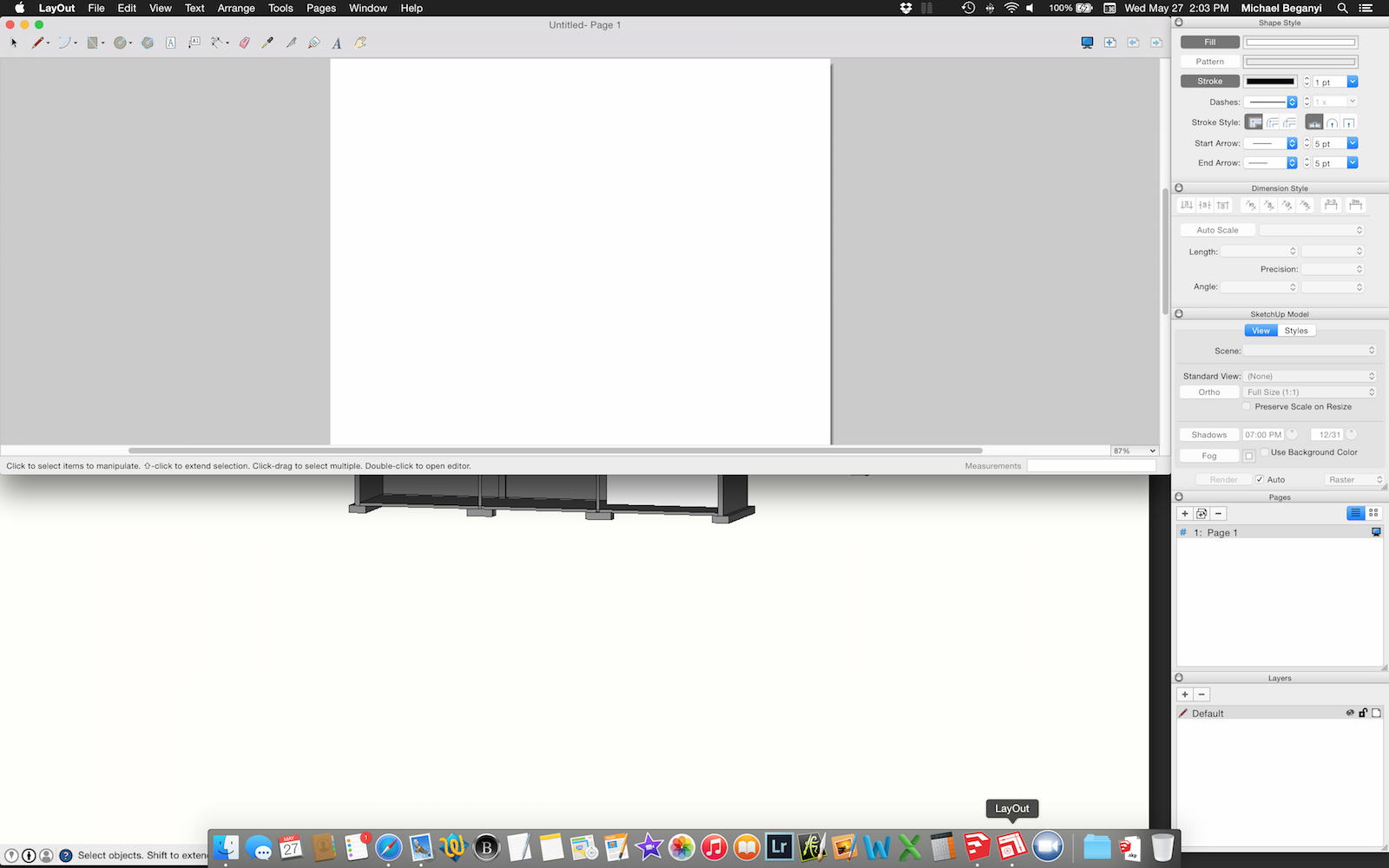
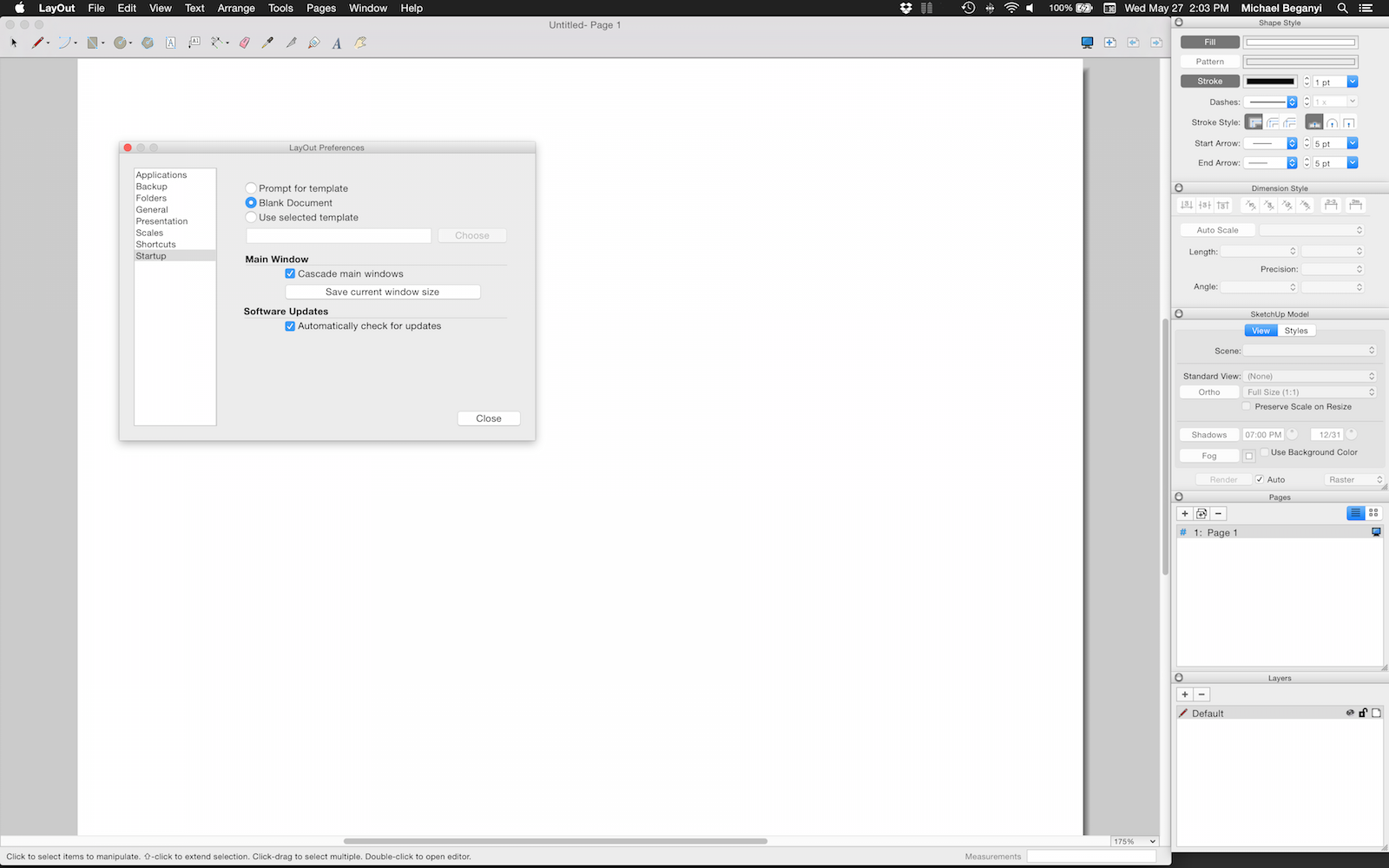
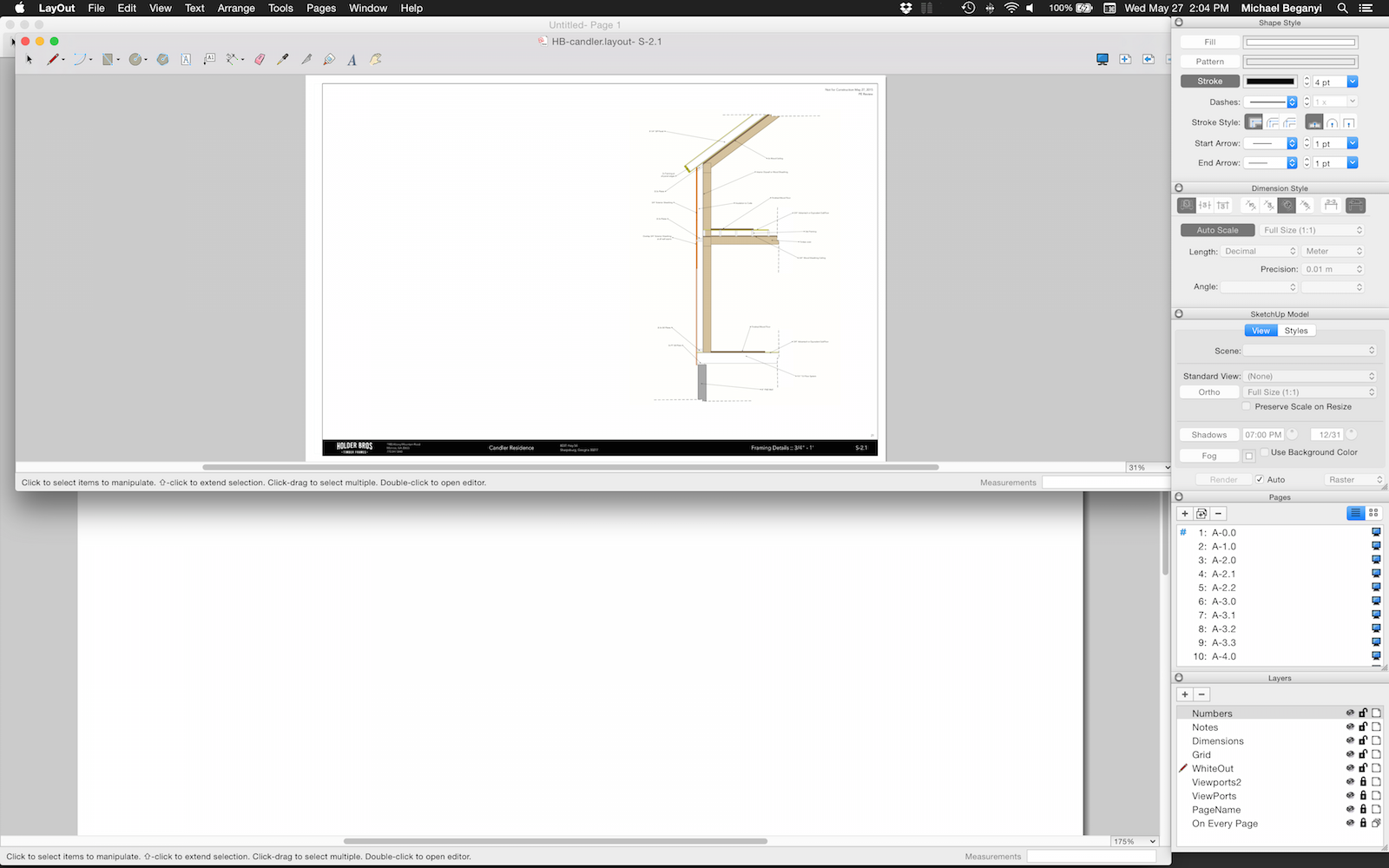
LayOut suddenly stopped remembering its window size for the main drawing area... no matter how I resize it, or if I change resolution and re-set the window size, I get similar results...
-
A corrupted plist file?
-
Might be Dave, but I don't know where to find it. Went looking and then decided to get the drawings out. Any hints?
-
from SU 'Ruby Console' you can read the Layout plist, but mine doesn't appear to hold the window frame???
try this and paste the results in a code block, and we'll see what might be corrupted...`defaults read com.sketchup.Layout.2015 `john
-
[pre:1alnmwhy]>
defaults read com.sketchup.Layout.2015
{
"DimensionInspector_frame" = "1619 774 301 174 0 0 1920 1177 ";
"DimensionInspector_state" = 2;
"Document Setup:DefaultPane" = "Auto-Text";
"LayOut Preferences:DefaultPane" = Startup;
"LayerInspector_frame" = "1619 22 301 249 0 0 1920 1177 ";
"LayerInspector_state" = 2;
"LayerInspector_viewsize" = "301, 233";
NSColorPanelMode = 7;
NSColorPickerPageableNameListDefaults = "1Web Safe Colors";
NSColorPickerSlidersDefaults = 3;
NSFontPanelAttributes = "1, 0";
NSNavLastRootDirectory = "~/Documents/MBDC/Projects2014/HTF-Andersen/S-FND";
NSNavPanelExpandedSizeForOpenMode = "{1174, 988}";
NSNavPanelExpandedSizeForSaveMode = "{704, 988}";
"NSToolbar Configuration LayOut 2.0 Toolbar" = {
"TB Default Item Identifiers" = (
SelectionTool,
LineToolGroup,
ArcToolGroup,
RectangleToolGroup,
CircleToolGroup,
NGonTool,
TextTool,
LabelTool,
DimensionToolGroup,
EraserTool,
SelectStyleTool,
SplitTool,
JoinTool,
NSToolbarFlexibleSpaceItem,
FullScreen,
AddPage,
PreviousPage,
NextPage
);
"TB Display Mode" = 2;
"TB Icon Size Mode" = 2;
"TB Is Shown" = 1;
"TB Item Identifiers" = (
SelectionTool,
LineToolGroup,
ArcToolGroup,
RectangleToolGroup,
CircleToolGroup,
NGonTool,
TextTool,
LabelTool,
DimensionToolGroup,
EraserTool,
SelectStyleTool,
SplitTool,
JoinTool,
NSToolbarShowFontsItem,
PanTool,
NSToolbarFlexibleSpaceItem,
FullScreen,
AddPage,
PreviousPage,
NextPage
);
"TB Size Mode" = 1;
};
"NSToolbar Configuration com.apple.NSColorPanel" = {
"TB Is Shown" = 1;
};
"NSWindow Frame NSColorPanel" = "1370 729 231 432 0 0 1920 1177 ";
"NSWindow Frame NSFontPanel" = "925 998 485 77 0 0 1920 1177 ";
"NSWindow Frame PUAppPreferences" = "165 591 575 413 0 0 1920 1177 ";
"NSWindow Frame PUDocPreferences" = "0 675 575 413 0 0 1920 1177 ";
OpenInspectors = (
PUShapeInspector,
LODimensionInspector,
PUSkpModelInspector,
PUPageInspector,
PULayerInspector
);
"PageInspector.DefaultView" = List;
"PageInspector_frame" = "1619 271 301 250 0 0 1920 1177 ";
"PageInspector_state" = 2;
"PageInspector_viewsize" = "301, 234";
"PatternInspector.DefaultView" = List;
ReadOldFileVersionWarning = 0;
"ShapeInspector_frame" = "1619 948 301 229 0 0 1920 1177 ";
"ShapeInspector_state" = 2;
"ShapePalette_frame" = "684 146 1063 851 0 0 1920 1177 ";
"ShapePalette_state" = 2;
"ShapePalette_viewsize" = "1063, 835";
"SkpModelInspector_frame" = "1619 521 301 253 0 0 1920 1177 ";
"SkpModelInspector_state" = 2;
"SkpModelInspector_viewsize" = "301, 237";
"UpdateServiceLastChecked LayOut in SketchUp Pro15" = "2015-03-12 12:58:05 +0000";
}[/pre:1alnmwhy] -
I can't see anything that looks like it's controlling you window size...
you can delete the whole thing, but you will loose all your prefs...
john -
Where do I find it?
-
easiest way is to do it from 'Ruby Console'...
instead of 'read' you use 'delete'`defaults delete com.sketchup.LayOut.2015 `but then call 'read' as well to confirm and clear the cache...
`defaults read com.sketchup.LayOut.2015 `the plist actually lives in ~/Library/Preferences/com.sketchup.LayOut.2015.plist, but due to changes in osx, moving it to trash no longer works like it did...
john
-
found it in the library. didn't work at first, had to trash it and then restart... but finally, got it back.
clearly within that file was the problem, yet i didn't see anything in the code that made sense to change. -
glad you got it back...
the 'main' window frame isn't obvious in the LO plist,
if it was, you could have removed only it and kept any other settings...
I do that with the SU plist in a couple of plugins...


Hello! It looks like you're interested in this conversation, but you don't have an account yet.
Getting fed up of having to scroll through the same posts each visit? When you register for an account, you'll always come back to exactly where you were before, and choose to be notified of new replies (either via email, or push notification). You'll also be able to save bookmarks and upvote posts to show your appreciation to other community members.
With your input, this post could be even better 💗
Register Login


Advertisement