Select only top surface?
-
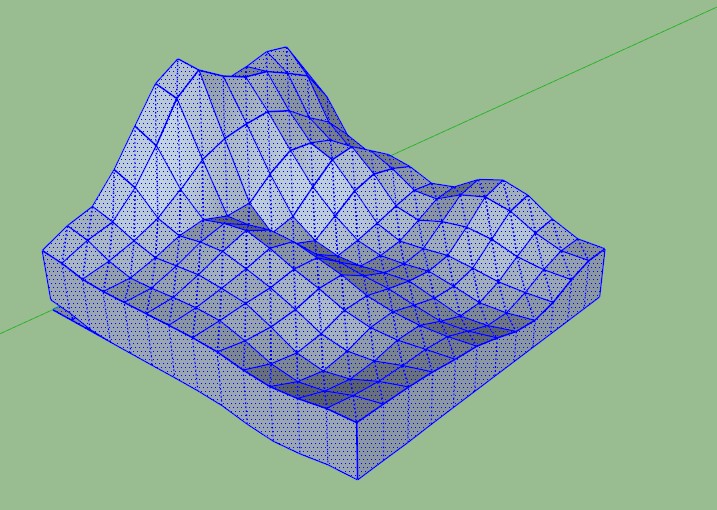
Is it possible to select only the top surface in this sandbox mesh without having to shift-click every face one by one?
-
One option.
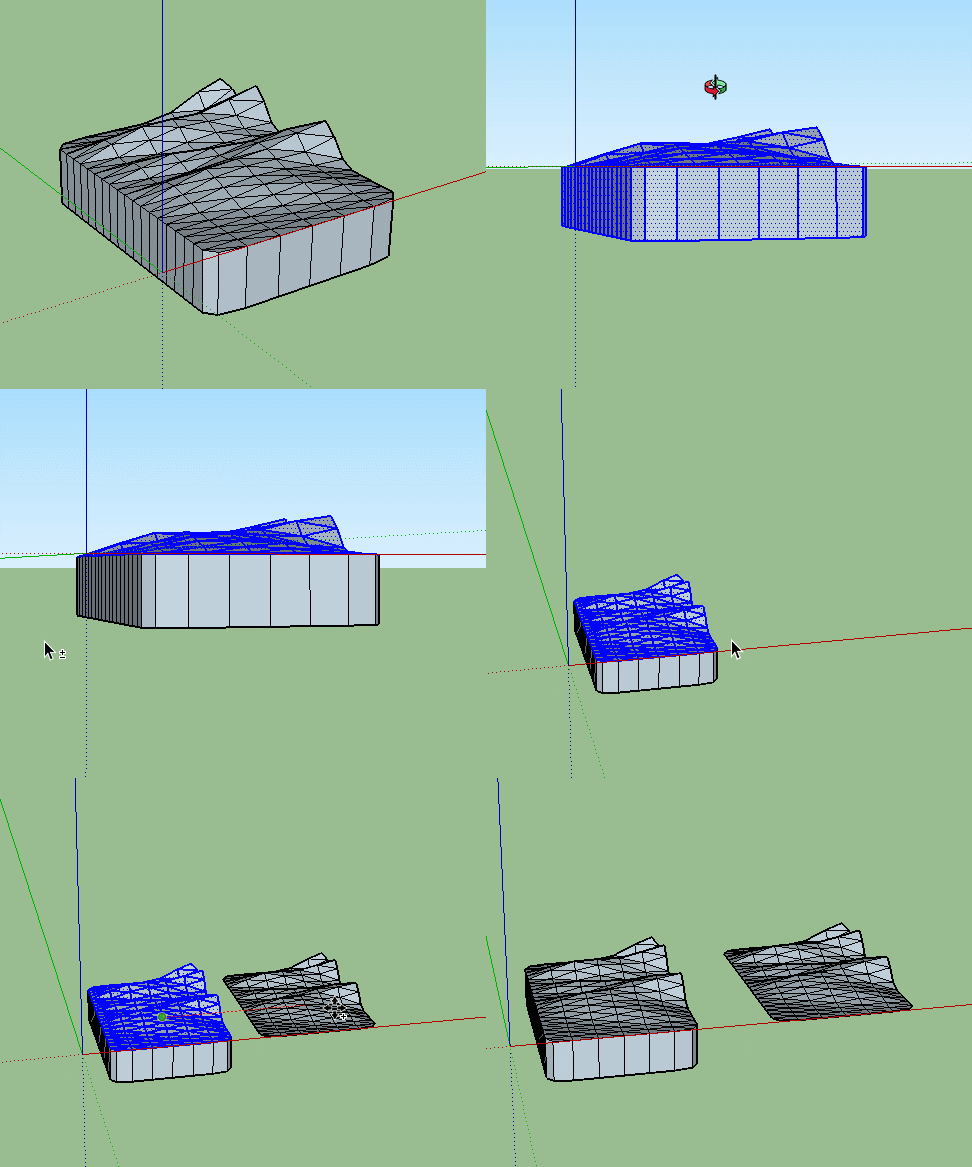
And the fencing the other way.
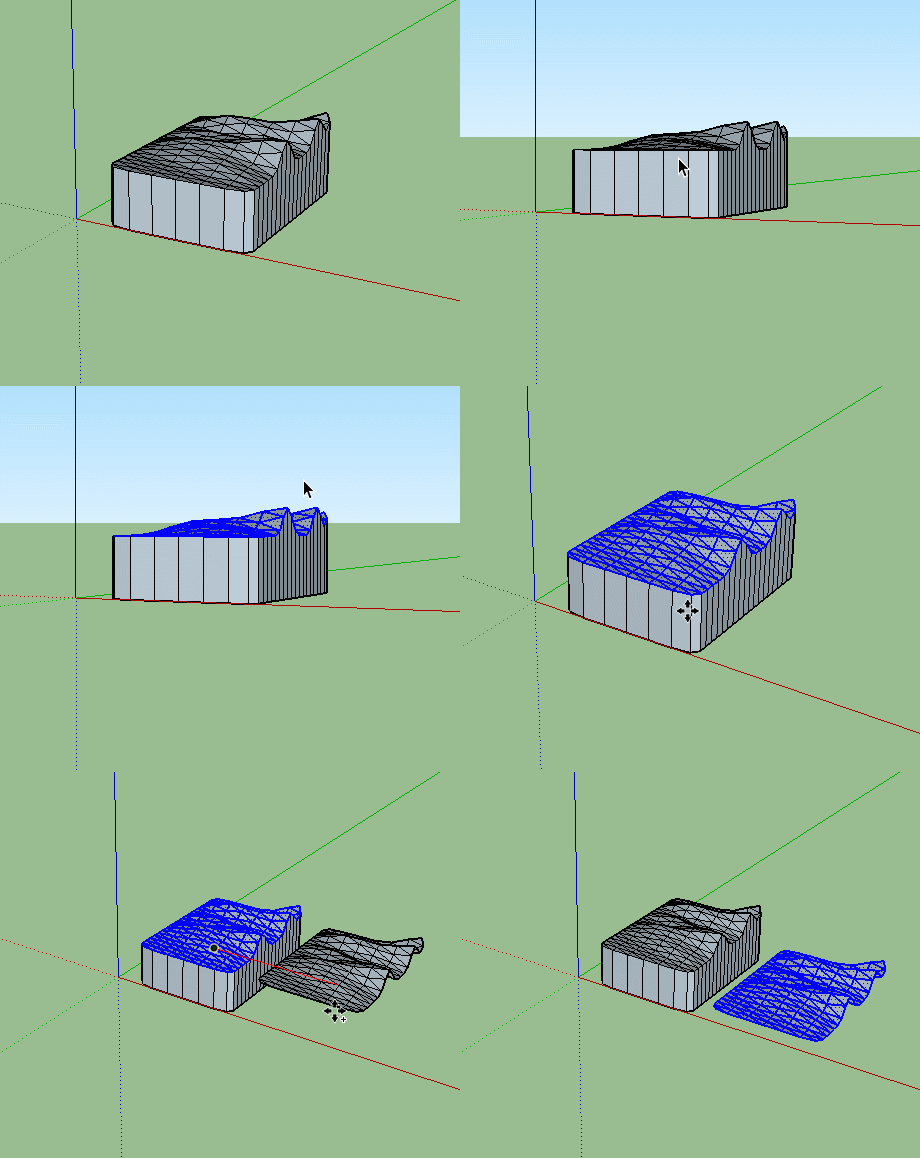
-
Yes, thanks, I´m aware of that procedure, but it wouldn´t work in this attached example (should´ve posted this one in my first post I guess). Would be nice with a plugin to select every surface that was originaly facing a certain direction. The top one in this case.
-
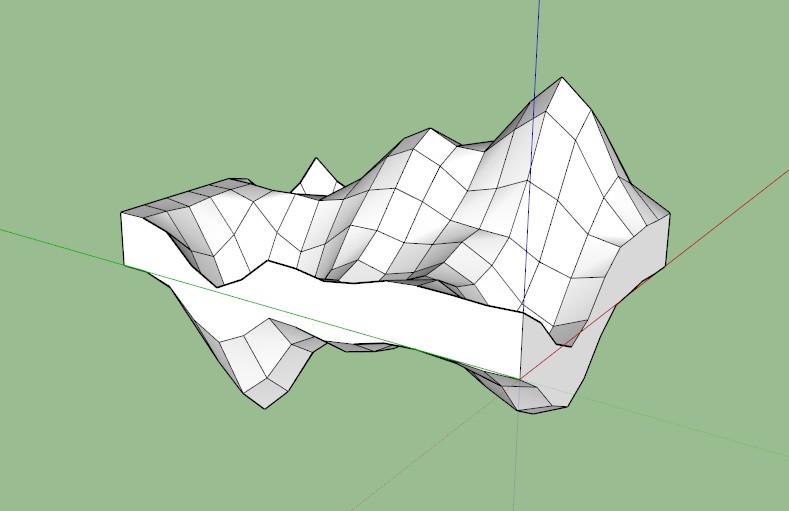
soften/smooth it (right click ->soften) then the top surface is selectable.
copy it first if you need the hard lines again later. move it on top the smooth one and the lines will reappear.
-
Easiest way is to smooth the surfaces then just select the top.
Same time again.
-
that's what she said!
(or did I use the joke wrong?
 )
) -
I smoothed the object but everything still gets selected when I click twice or three times.
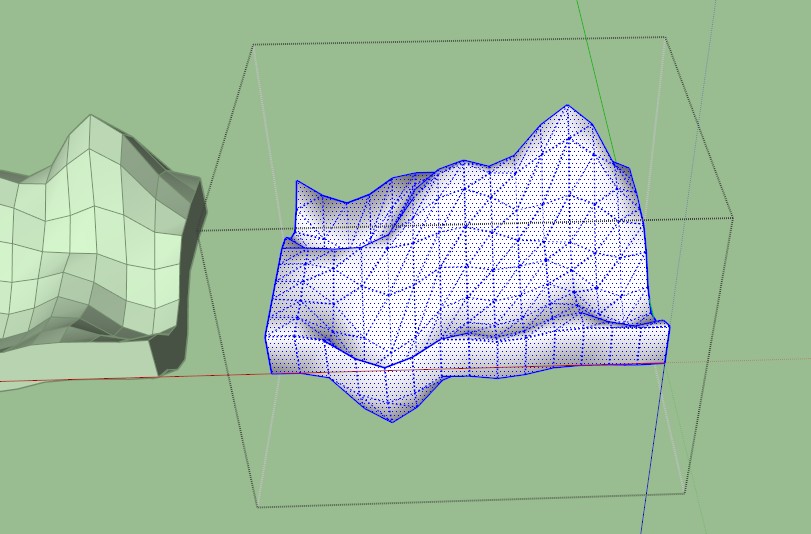
-
Turn off hidden geometry and click once on the top.
Edit> no you have over smoothed it, you want the sides to stay as hard edges.
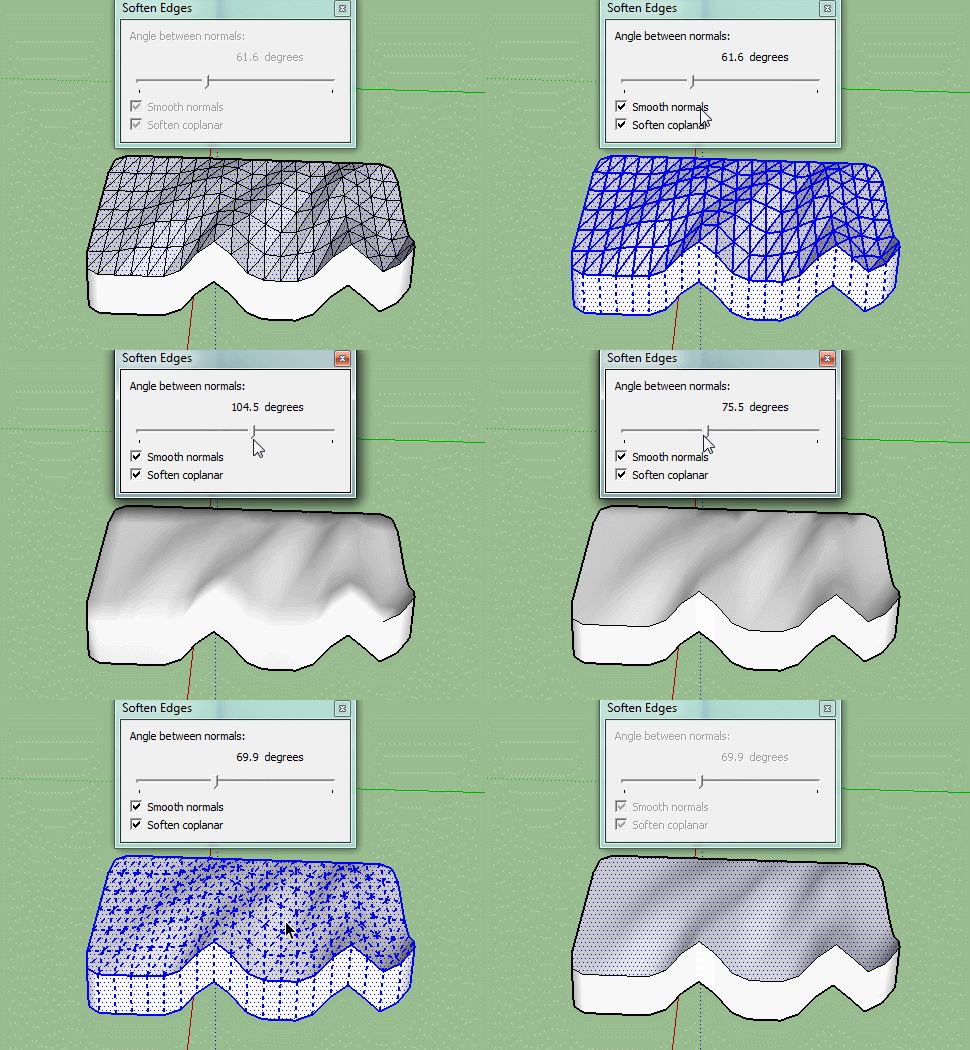
-
Nice! Thank you! This will come in handy for sure.


Hello! It looks like you're interested in this conversation, but you don't have an account yet.
Getting fed up of having to scroll through the same posts each visit? When you register for an account, you'll always come back to exactly where you were before, and choose to be notified of new replies (either via email, or push notification). You'll also be able to save bookmarks and upvote posts to show your appreciation to other community members.
With your input, this post could be even better 💗
Register Login


Advertisement