Advanced Camera tools- aspect ratio-printing
-
I am trying to get an aspect ration that is vertical and get it to print out as shown on the screen on an 11 x 17 sheet vertically as this is a thin tall space that I am illustrating. I can get the aspect ratio set up looking right using ACT but it doesn't print as shown on the screen. Does anyone know how to do this? Is there a tut on this somewhere? Thanks
-
I wouldn't use the ACT for this. Instead, I would adjust the drawing window to the desired proportions using Eneroth's Viewport Resizer. It's available in both the SCF Plugin Store and the Extension Warehouse.
-
Ah, the amazing Ms. Eneroth III comes to my rescue yet again! Only problem is I can't seem to save the scene with these aspect ratios which would be a nice enhancement if it can even be done.
-
The window size has nothing to do with the scene attributes.
If it did, imagine how that would screw with the way SketchUp looks on different displays.
-
@zook247 said:
Ah, the amazing Ms. Eneroth III comes to my rescue yet again! Only problem is I can't seem to save the scene with these aspect ratios which would be a nice enhancement if it can even be done.
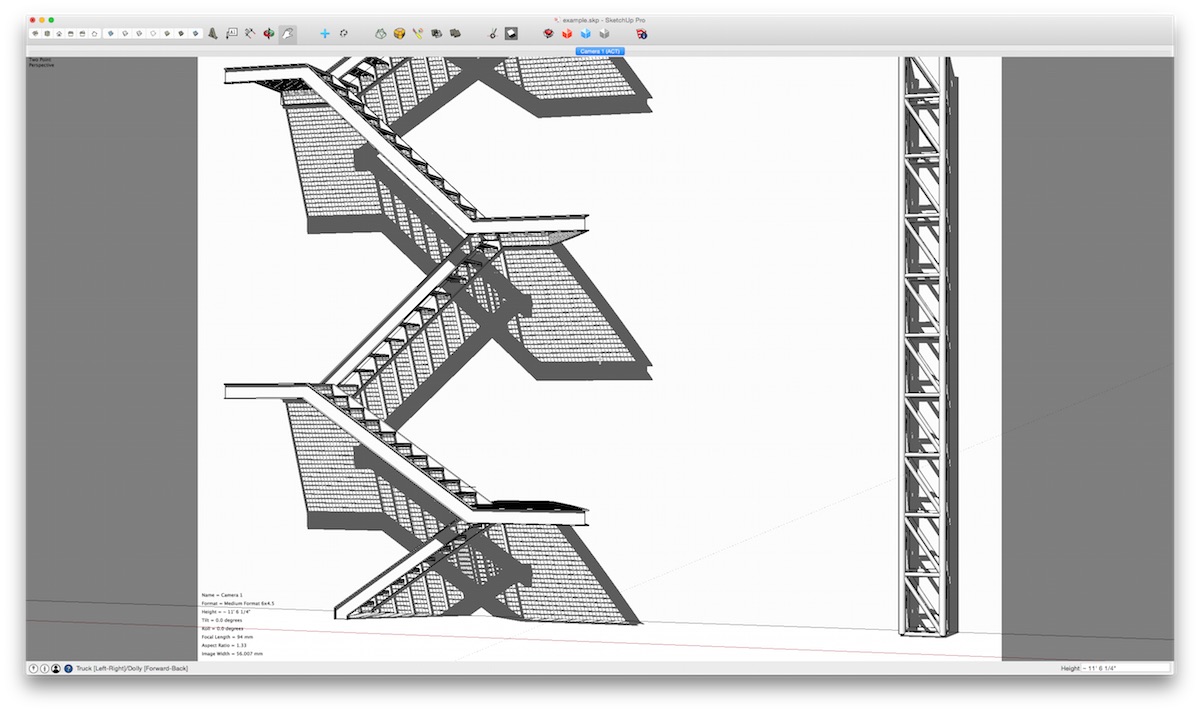
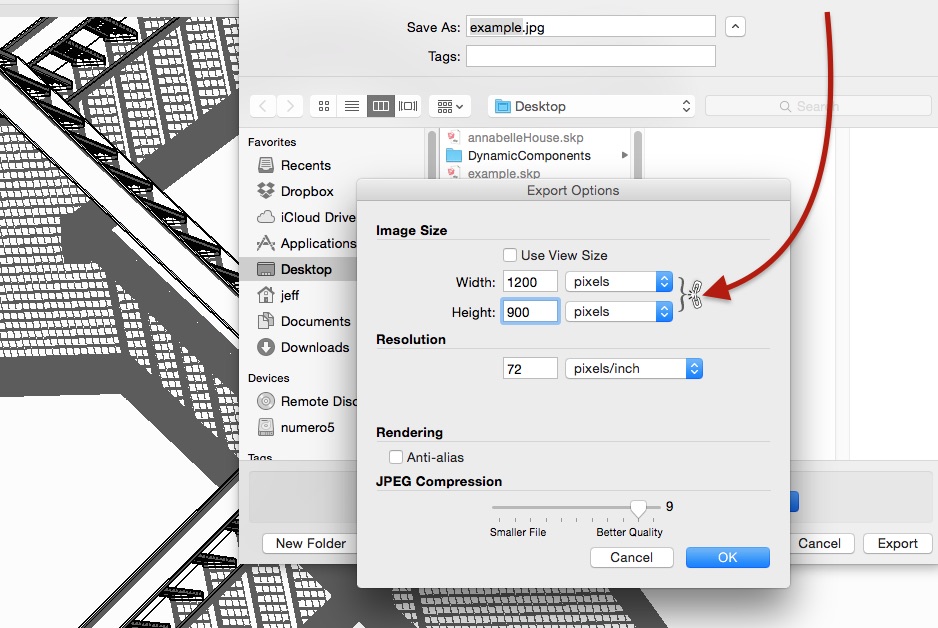
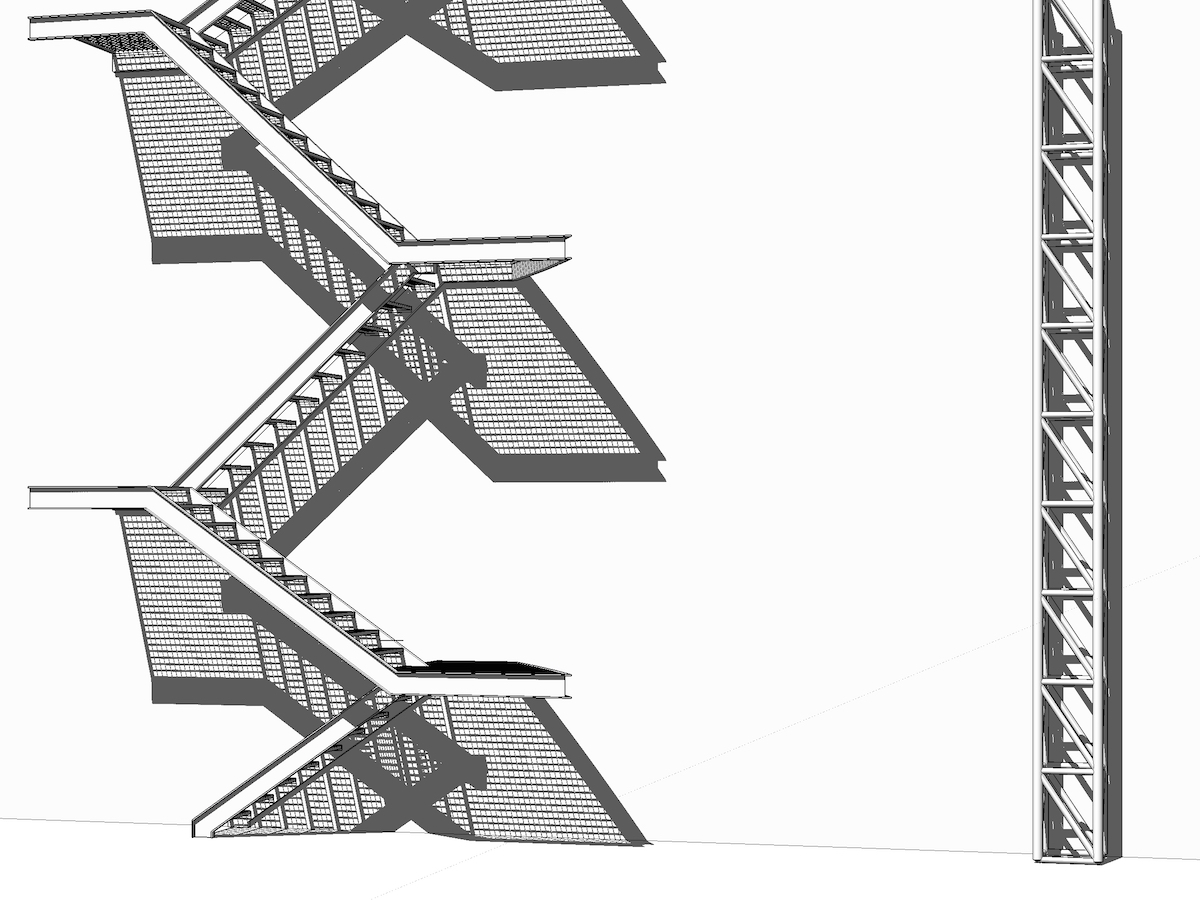
to do that, one approach would be to keep the window size how it is, use the camera tools to set up your scenes, export 2D files of your scenes at desired aspect ratio, then print that file instead of printing directly from sketchup.
i.e. :


Hello! It looks like you're interested in this conversation, but you don't have an account yet.
Getting fed up of having to scroll through the same posts each visit? When you register for an account, you'll always come back to exactly where you were before, and choose to be notified of new replies (either via email, or push notification). You'll also be able to save bookmarks and upvote posts to show your appreciation to other community members.
With your input, this post could be even better 💗
Register Login


Advertisement