UTC - SU 2015
-
Hello.
Does anyone know how for blocking the setting of UTC?
Thanks
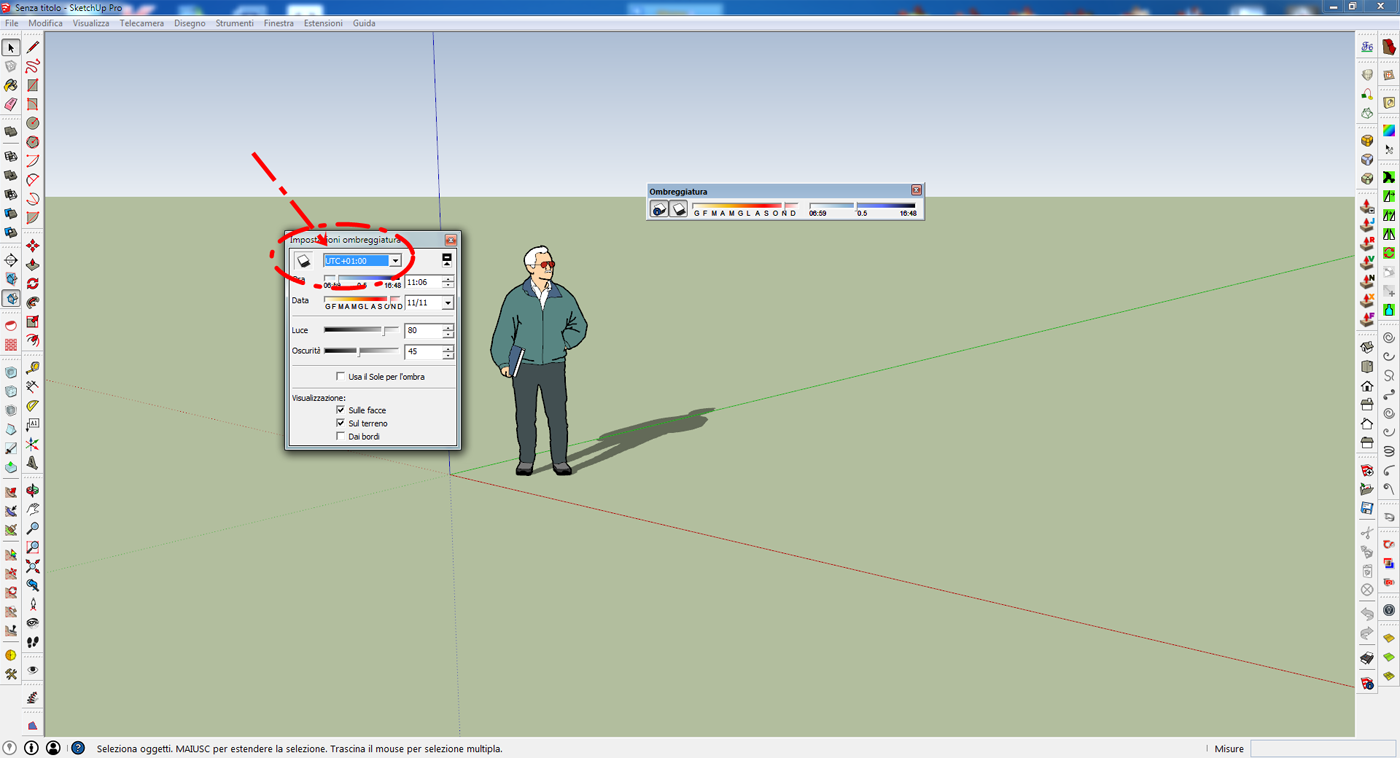
-
Block it? or set it to be a certain time in all new models?
-
Krisidious,
yes,set it to be a certain time in all new models. -
Set the time you want then Save as Template.
-
Yes, thank you,
but every time I open a new project I always have to reset.
This did not occur in previous versions.
Is a bug or has been changed it on purpose? -
It works for me. Make sure you have the correct template opening.as default.
-
Yes, Template save should do it...
-
All the templates start with shading set to UTC-07:00.
I think the Italian version has a bug.
I report to the SU team.thanks
-
Something wrong there... I just confirmed that the UTC can be changed/set when making template in US version.
-
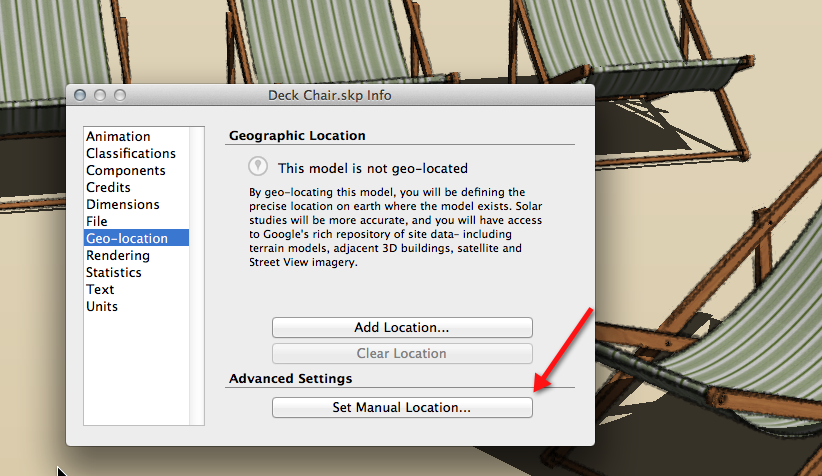
Did you try changing the location manually under Model Info>Geo-Location? Do that in a fresh model and save as template making sure this new one is the default template.
-
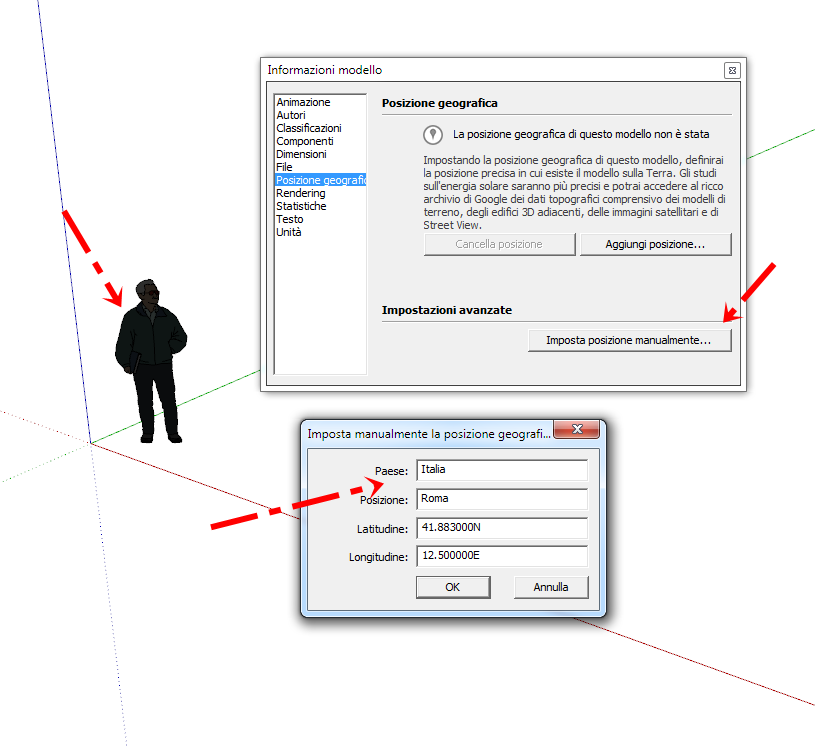
Yes,I've tried everything.
But it does not work.Thanks
-
Exactly, Dave.
My time zone corresponds to "UTC + 01: 00".
Can I set it up, but it is not kept in memory. (As, instead, occurs in the previous versions)




Hello! It looks like you're interested in this conversation, but you don't have an account yet.
Getting fed up of having to scroll through the same posts each visit? When you register for an account, you'll always come back to exactly where you were before, and choose to be notified of new replies (either via email, or push notification). You'll also be able to save bookmarks and upvote posts to show your appreciation to other community members.
With your input, this post could be even better 💗
Register Login


Advertisement