sketchucation logo sketchucation
    • Login
    Oops, your profile's looking a bit empty! To help us tailor your experience, please fill in key details like your SketchUp version, skill level, operating system, and more. Update and save your info on your profile page today!
    ⚠️ Update | Sketchucation Tools 5.0.8 released with licensing improvements and bugfixes Download

    Upholstered furniture

    Scheduled Pinned Locked Moved Gallery
    328 Posts 54 Posters 238.6k Views 54 Watching
    Loading More Posts
    • Oldest to Newest
    • Newest to Oldest
    • Most Votes
    Reply
    • Reply as topic
    Log in to reply
    This topic has been deleted. Only users with topic management privileges can see it.
    • RichardR
      Richard
      last edited by

      Holy crap, it just gets better!!!! Mate you are doing FREAKY GOOD STUFF!

      BUILTBRAND.COM.AU

      1 Reply Last reply
      Reply Quote 0
      • alvisA
        alvis
        last edited by

        @richard said:

        Holy crap, it just gets better!!!! Mate you are doing FREAKY GOOD STUFF!

        Thanks Richard.

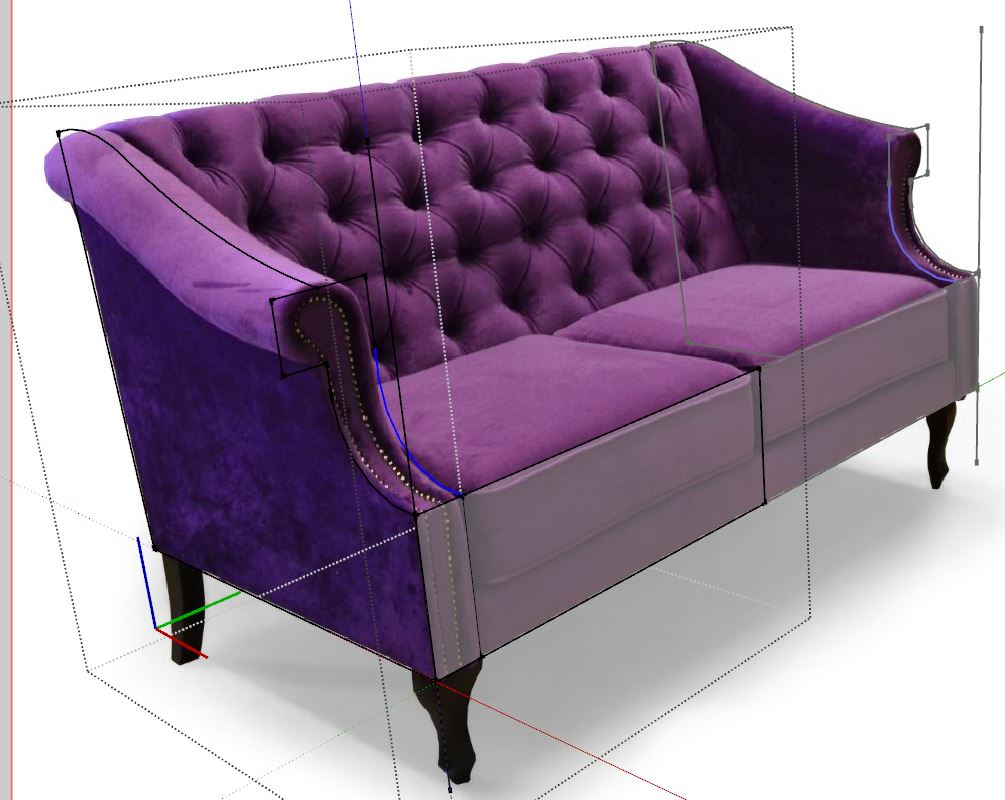
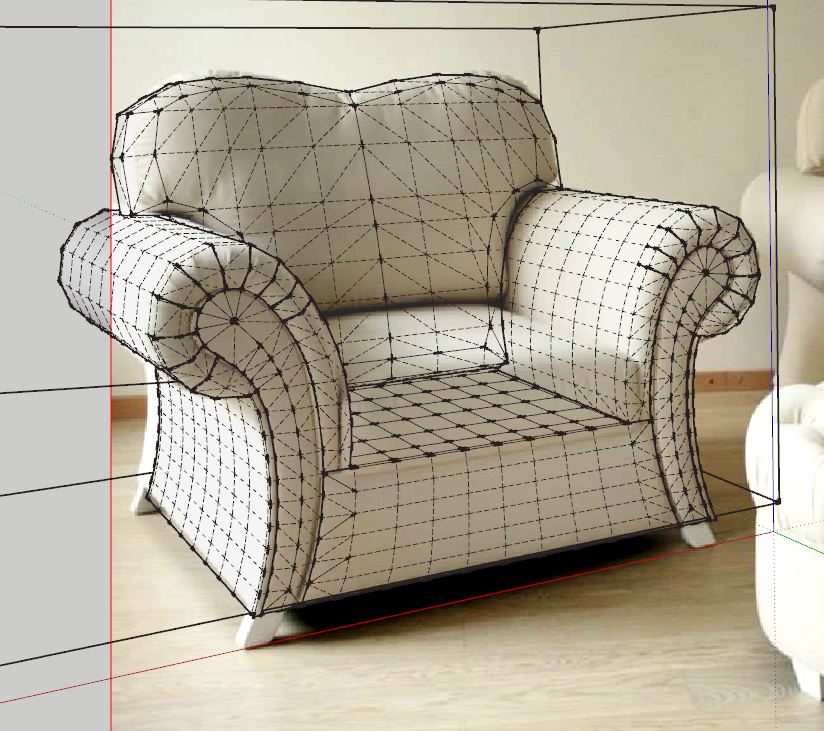
        Next model

        D.JPG


        D1.JPG


        S 05.jpg


        S 05 2.png

        1 Reply Last reply
        Reply Quote 0
        • alvisA
          alvis
          last edited by

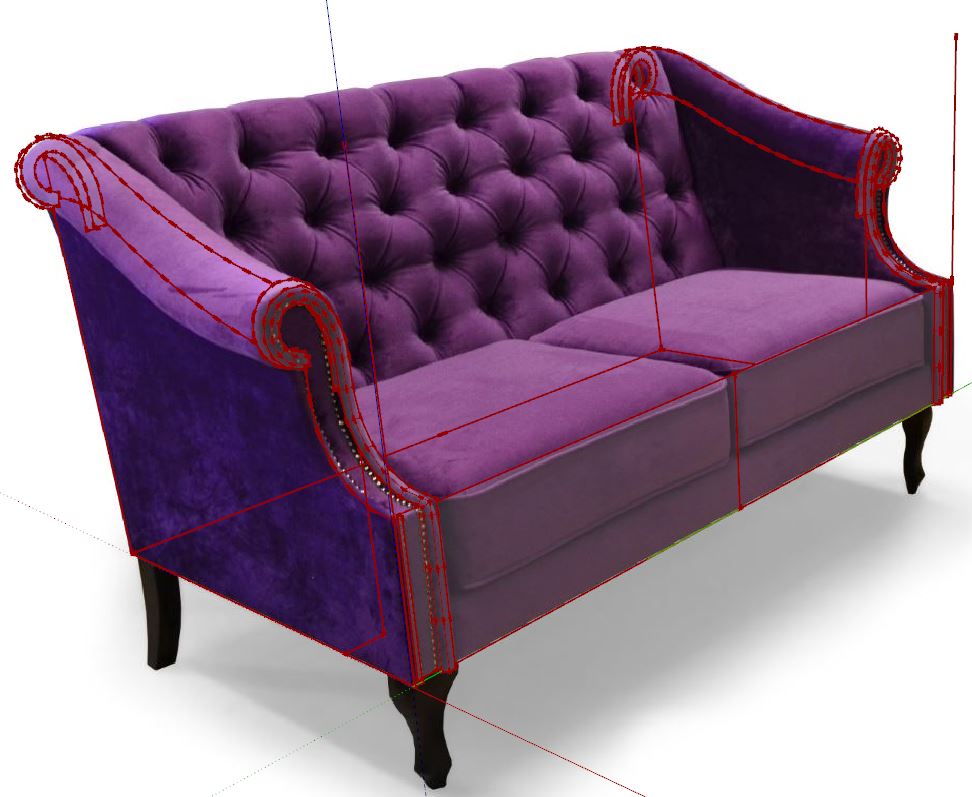
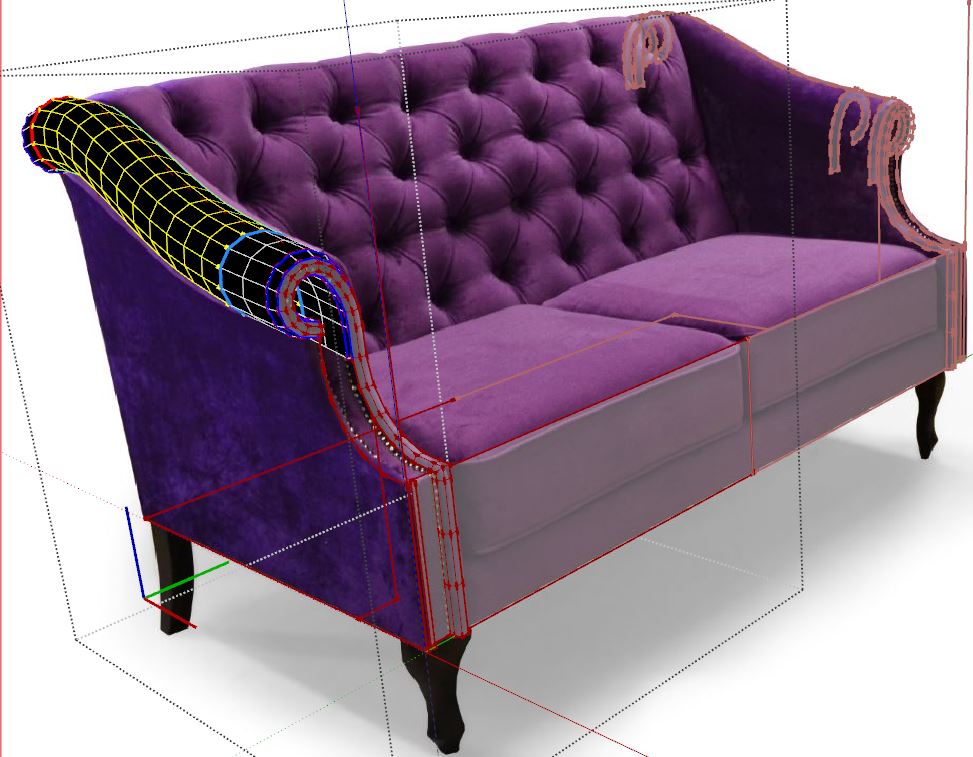
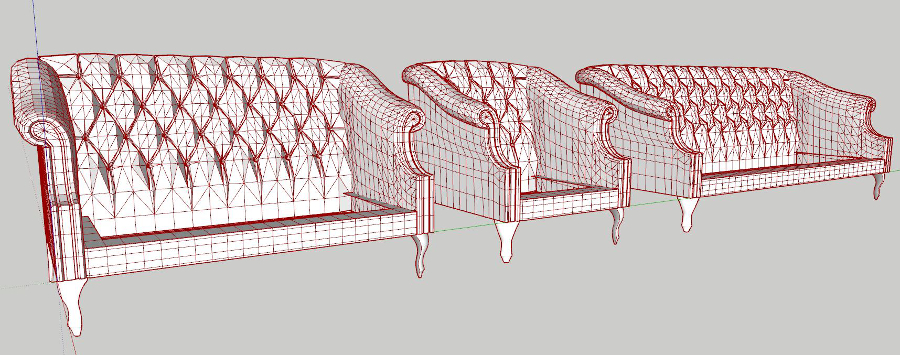
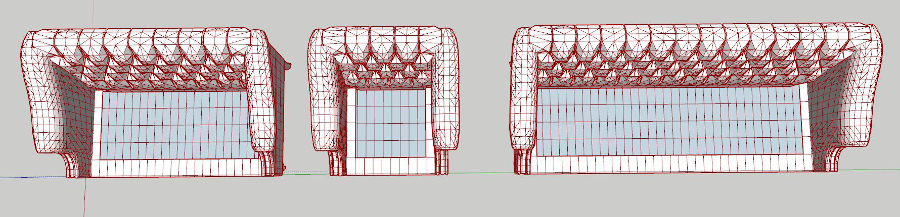
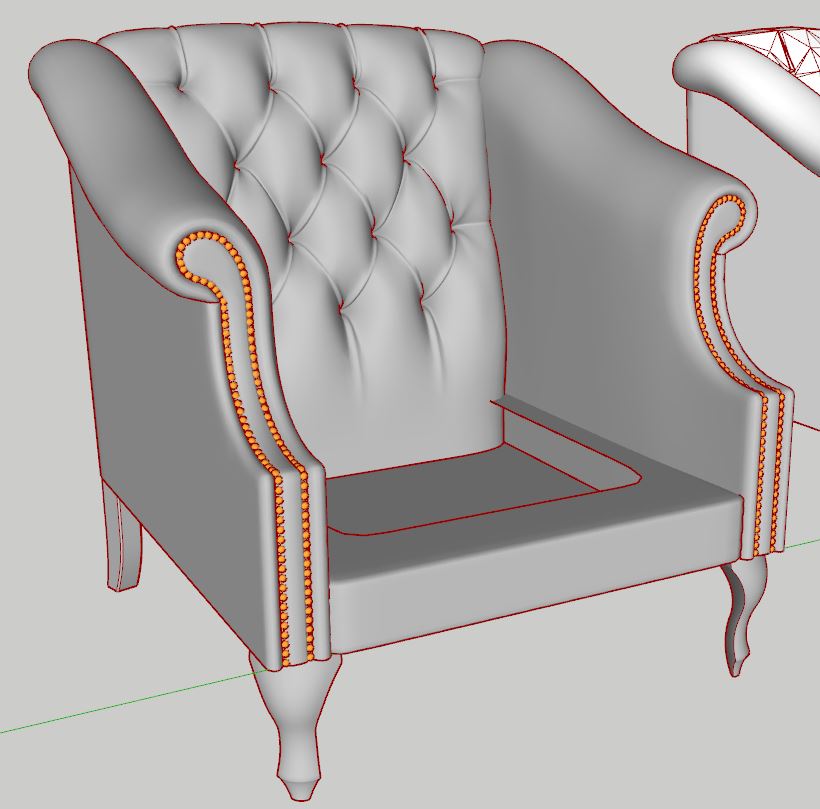
          work in progress...


          s 07.JPG


          s 07 1.JPG


          s 07 2.JPG


          s 07 3.JPG


          s 07 5.JPG


          s 07 6.JPG


          s 07 7.JPG


          s 07 8.JPG


          s 07 9.JPG


          s 07 10.JPG

          1 Reply Last reply
          Reply Quote 0
          • alvisA
            alvis
            last edited by

            next


            s 07 11.JPG

            1 Reply Last reply
            Reply Quote 0
            • andybotA
              andybot
              last edited by

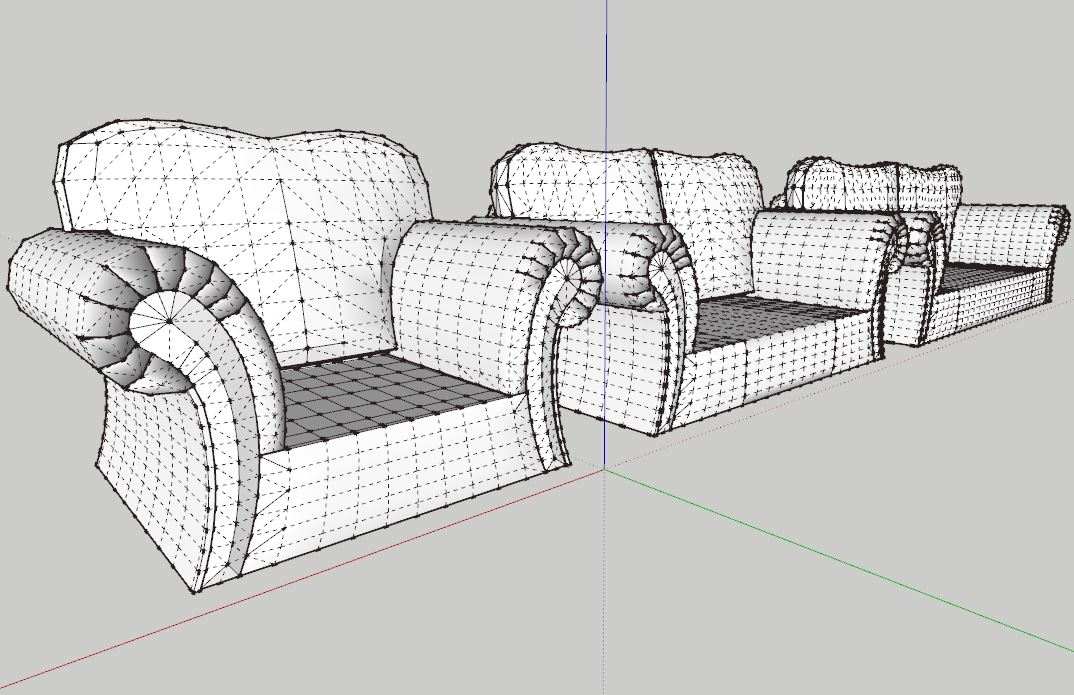
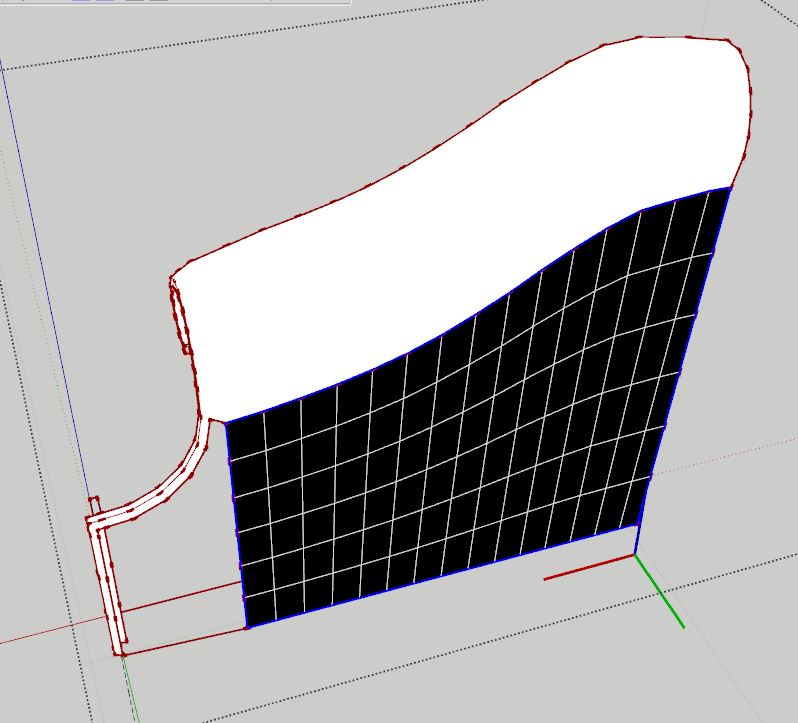
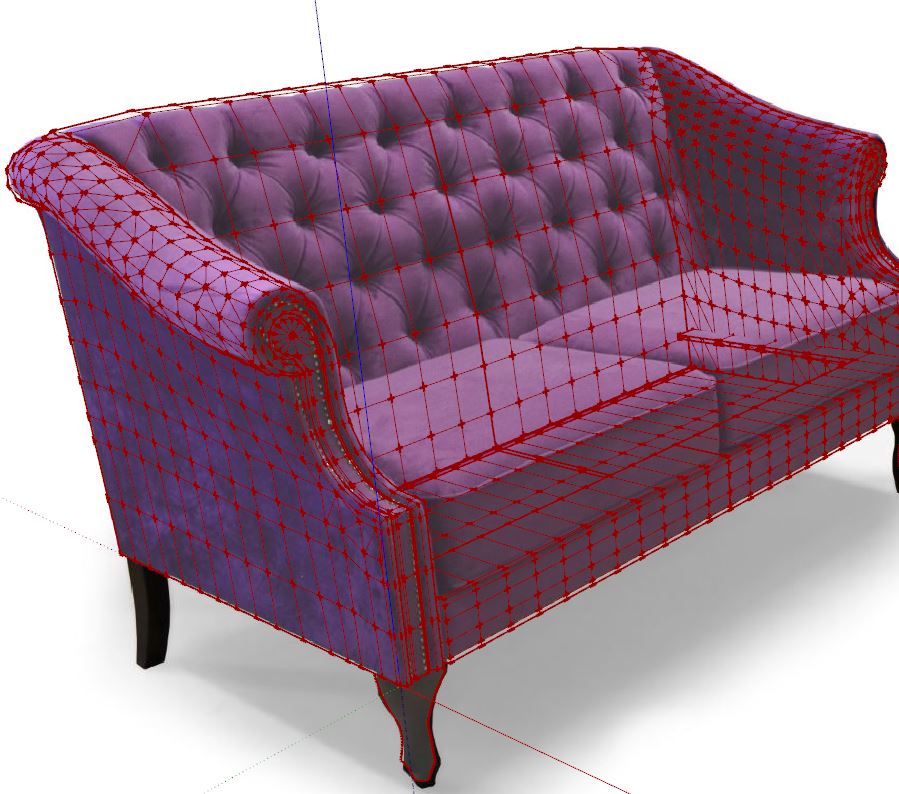
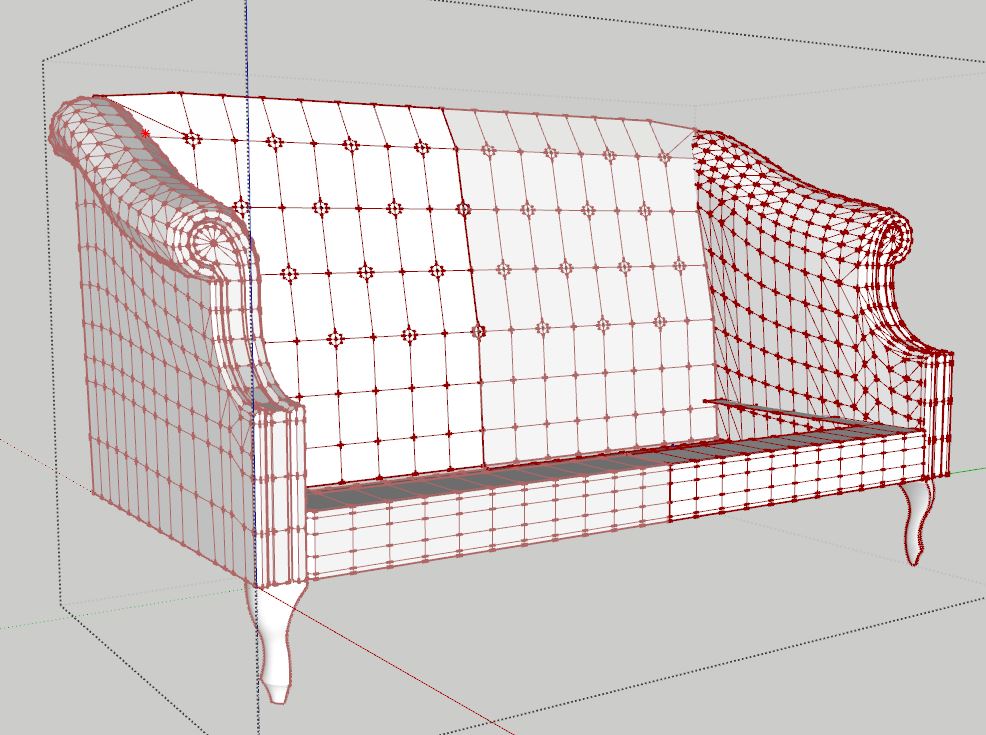
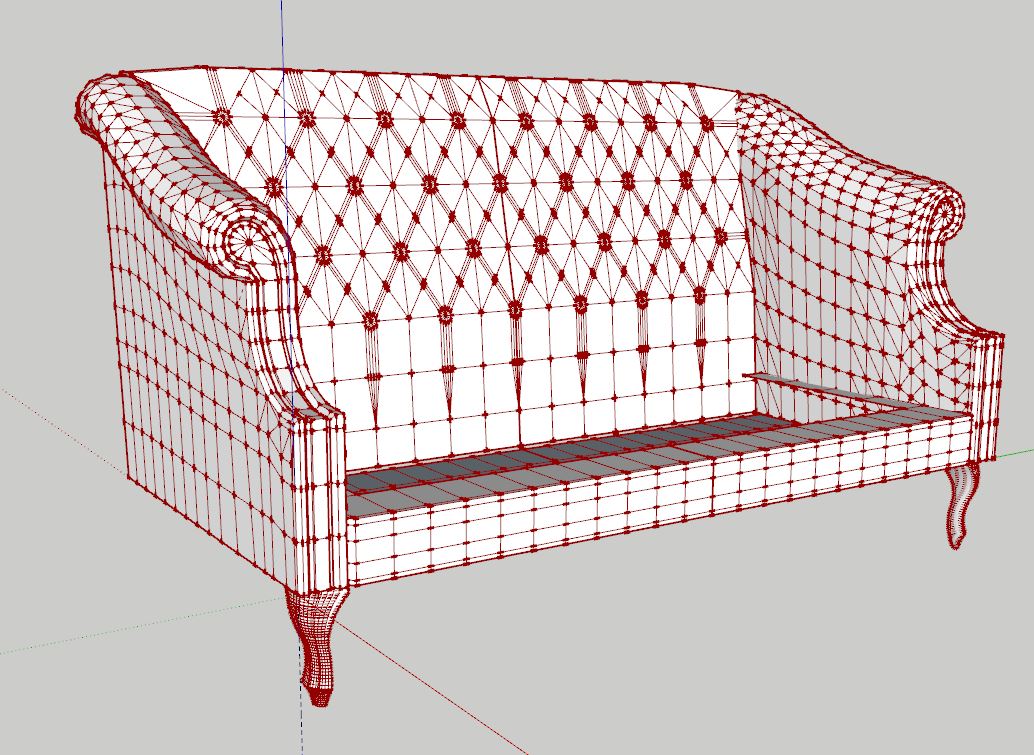
              I'm curious - the multiple lines at the seams - do you draw those by hand and then copy them over? Or is there some subdivision command you are doing to make those. You have such an impressive grasp of those fine details. Excellent work!

              http://charlottesvillearchitecturalrendering.com/

              1 Reply Last reply
              Reply Quote 0
              • pbacotP
                pbacot
                last edited by

                Really appreciate the time and effort.. Not only to make these models, but to present the work so nicely for our benefit! Thank you!

                MacOSX MojaveSketchUp Pro v19 Twilight v2 Thea v3 PowerCADD

                1 Reply Last reply
                Reply Quote 0
                • alvisA
                  alvis
                  last edited by

                  @andybot said:

                  I'm curious - the multiple lines at the seams - do you draw those by hand and then copy them over? Or is there some subdivision command you are doing to make those. You have such an impressive grasp of those fine details. Excellent work!

                  Many thanks for the comments.
                  I always copying. The same geometry, the same segments and the same lines. As far as possible.

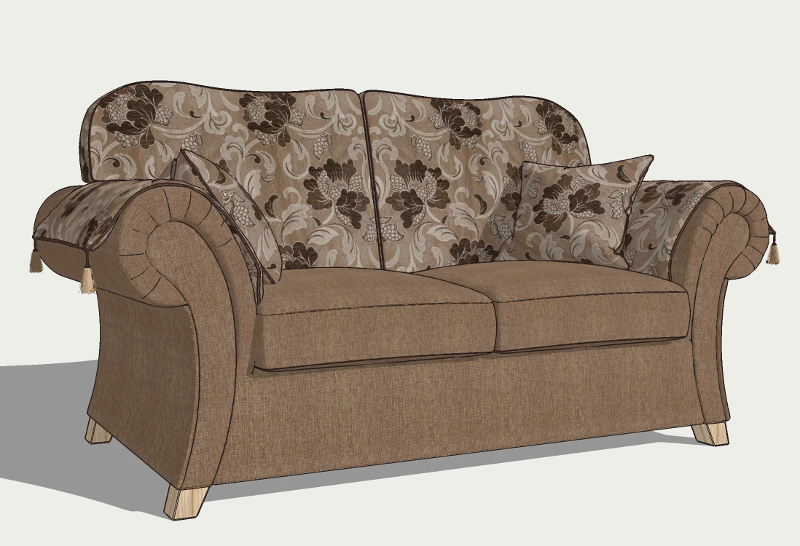
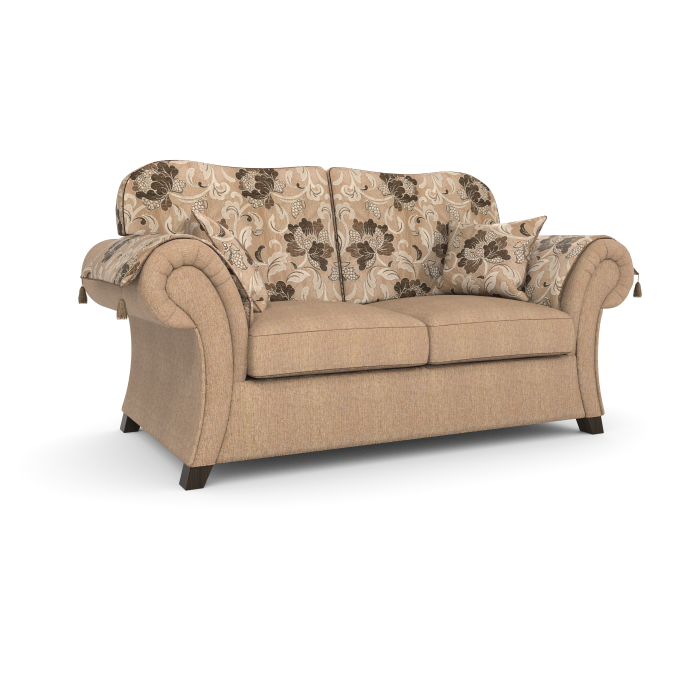
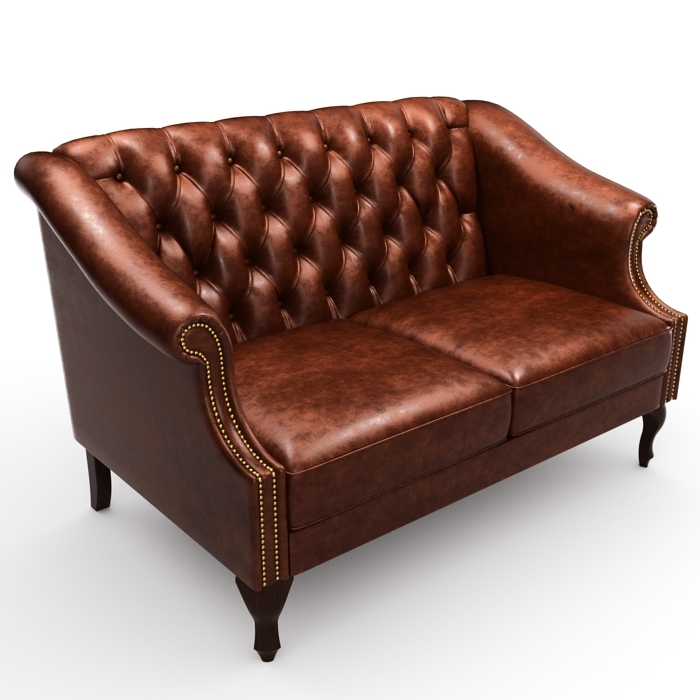
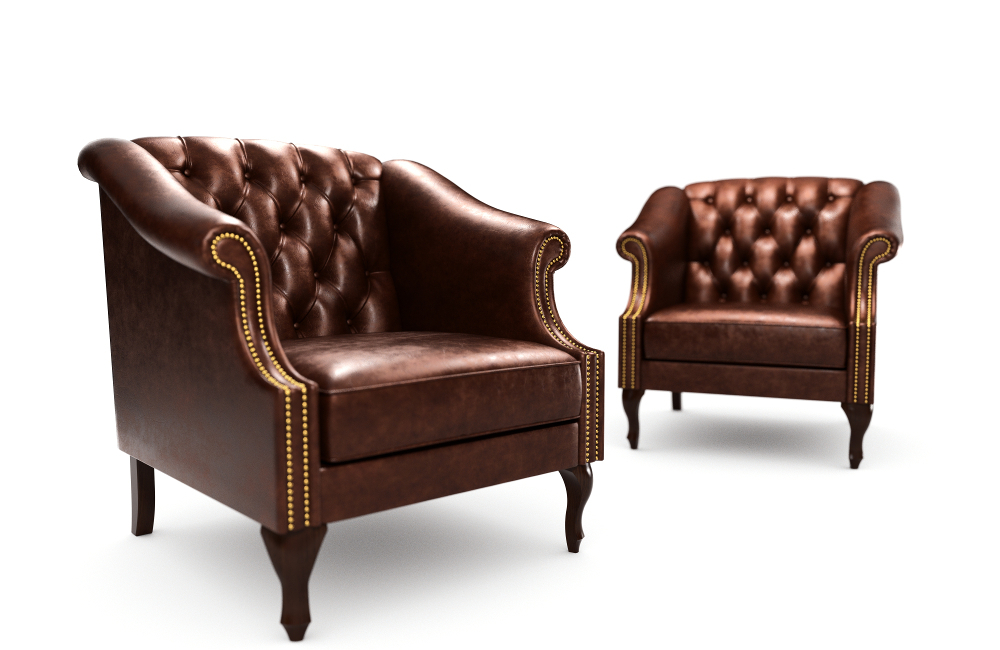
                  And final result


                  S 07 2 TEST.jpg


                  S 07 2 TEST2.jpg


                  S 07 TEST.jpg

                  1 Reply Last reply
                  Reply Quote 0
                  • majidM
                    majid
                    last edited by

                    OMG, these are a m azing. mate!

                    My inspiring A, B, Sketches book: https://sketchucation.com/shop/books/intermediate/2612-alphabet-inspired-sketches--inspiring-drills-for-architects--3d-artists-and-designers-

                    1 Reply Last reply
                    Reply Quote 0
                    • alvisA
                      alvis
                      last edited by

                      @majid said:

                      OMG, these are a m azing. mate!

                      Thanks Majid πŸ˜›

                      1 Reply Last reply
                      Reply Quote 0
                      • Mike AmosM
                        Mike Amos
                        last edited by

                        I cannot quite get the hang of those but you seriously rock dood.

                        Absentia mortis praesentiam vitae probat, vita autem est argumentum constantiae.

                        1 Reply Last reply
                        Reply Quote 0
                        • romboutR
                          rombout
                          last edited by

                          Since when is su capable of using quads so easy. Models look really great! A lot of plugin most be involved.

                          1 Reply Last reply
                          Reply Quote 0
                          • olisheaO
                            olishea
                            last edited by

                            look at the creases!! look at the creases!! totally photoreal if you ask me! wow, again.

                            oli

                            1 Reply Last reply
                            Reply Quote 0
                            • HieruH
                              Hieru
                              last edited by

                              @olishea said:

                              look at the creases!! look at the creases!! totally photoreal if you ask me! wow, again.

                              I keep meaning to ask about the creases.

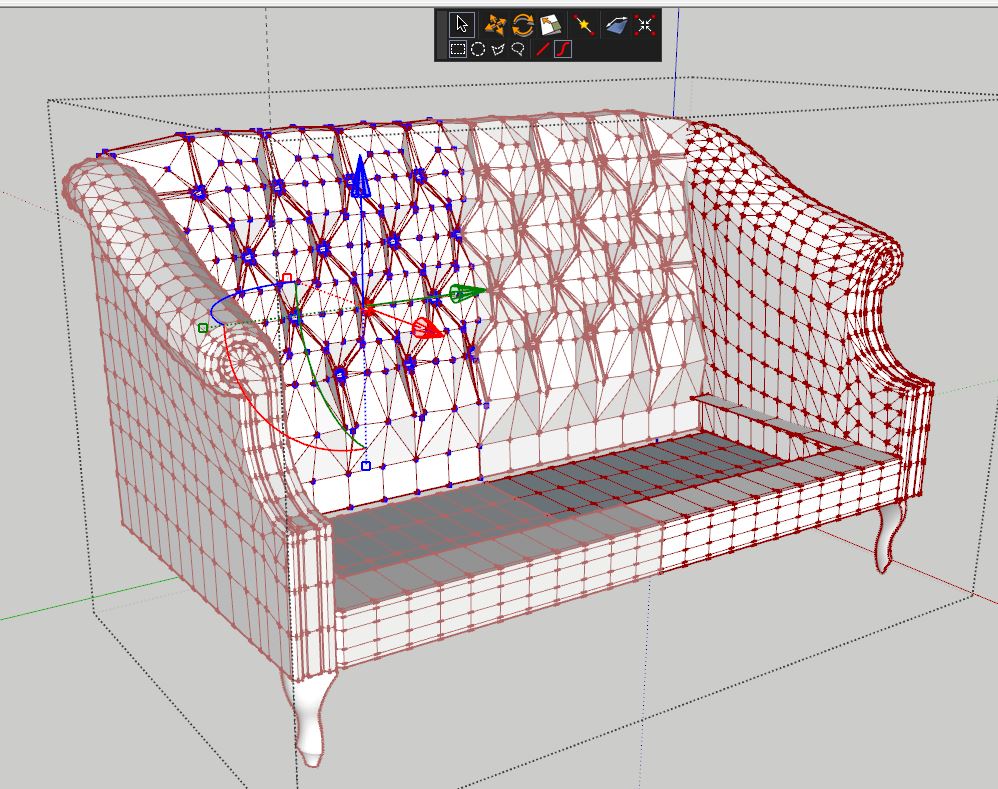
                              Since I can't see any evidence of them in the proxies, am I right in thinking that they are sculpted after subdivision?

                              www.davidhier.co.uk

                              1 Reply Last reply
                              Reply Quote 0
                              • olisheaO
                                olishea
                                last edited by

                                I believe he subdivides and then tweaks some creases after for added realism. Totally looks like the seam is pinching the material, great stuff!!

                                oli

                                1 Reply Last reply
                                Reply Quote 0
                                • HieruH
                                  Hieru
                                  last edited by

                                  That's what I thought, but wondered if Alvis might also use a randomise tin plugin.

                                  www.davidhier.co.uk

                                  1 Reply Last reply
                                  Reply Quote 0
                                  • alvisA
                                    alvis
                                    last edited by

                                    @hieru said:

                                    That's what I thought, but wondered if Alvis might also use a randomise tin plugin.

                                    @olishea said:

                                    I believe he subdivides and then tweaks some creases after for added realism. Totally looks like the seam is pinching the material, great stuff!!

                                    Many thanks for comments. he he guys ... . You are almost right. But after the division, I perform only minor corrections. Everything is done before the division. You know how hard it is to controlling the models with many polygons. I bow my head and I say a big thank you to all authors of plugins. But is not enough to have good tools.
                                    As Cotty said, we all have a main plugin - The Brain.

                                    1 Reply Last reply
                                    Reply Quote 0
                                    • HieruH
                                      Hieru
                                      last edited by

                                      That makes your modelling even more impressive Alvis. Is there any chance you could share some of your workflow for adding creases and imperfections?

                                      It's the one area of furniture modelling that I'm still struggling with and I usually resort to adjusting the mesh after subdivision, which isn't ideal.

                                      www.davidhier.co.uk

                                      1 Reply Last reply
                                      Reply Quote 0
                                      • marked001M
                                        marked001
                                        last edited by

                                        wow.. i haven't tuned into this thread since the introduction of your process....which is totally impressive. amazing stuff as usual.. thanks for sharing.

                                        http://www.revision21vis.com

                                        instagram: revi21on

                                        1 Reply Last reply
                                        Reply Quote 0
                                        • P
                                          pinoy
                                          last edited by

                                          Amazing work! Thanks for sharing really an eye opener. Cheers

                                          1 Reply Last reply
                                          Reply Quote 0
                                          • Bryan KB
                                            Bryan K
                                            last edited by

                                            You show us how to do it, but I still can't do this yet.

                                            But a great big "thanks" for showing us!

                                            Astounding work. πŸ‘

                                            See my portfolio at https://delphiscousin.blogspot.com/

                                            1 Reply Last reply
                                            Reply Quote 0

                                            Hello! It looks like you're interested in this conversation, but you don't have an account yet.

                                            Getting fed up of having to scroll through the same posts each visit? When you register for an account, you'll always come back to exactly where you were before, and choose to be notified of new replies (either via email, or push notification). You'll also be able to save bookmarks and upvote posts to show your appreciation to other community members.

                                            With your input, this post could be even better πŸ’—

                                            Register Login
                                            • 1
                                            • 2
                                            • 3
                                            • 4
                                            • 5
                                            • 6
                                            • 7
                                            • 8
                                            • 16
                                            • 17
                                            • 6 / 17
                                            • First post
                                              Last post
                                            Buy SketchPlus
                                            Buy SUbD
                                            Buy WrapR
                                            Buy eBook
                                            Buy Modelur
                                            Buy Vertex Tools
                                            Buy SketchCuisine
                                            Buy FormFonts

                                            Advertisement