Move tool does not move toward in Z axes
-
Hi ...
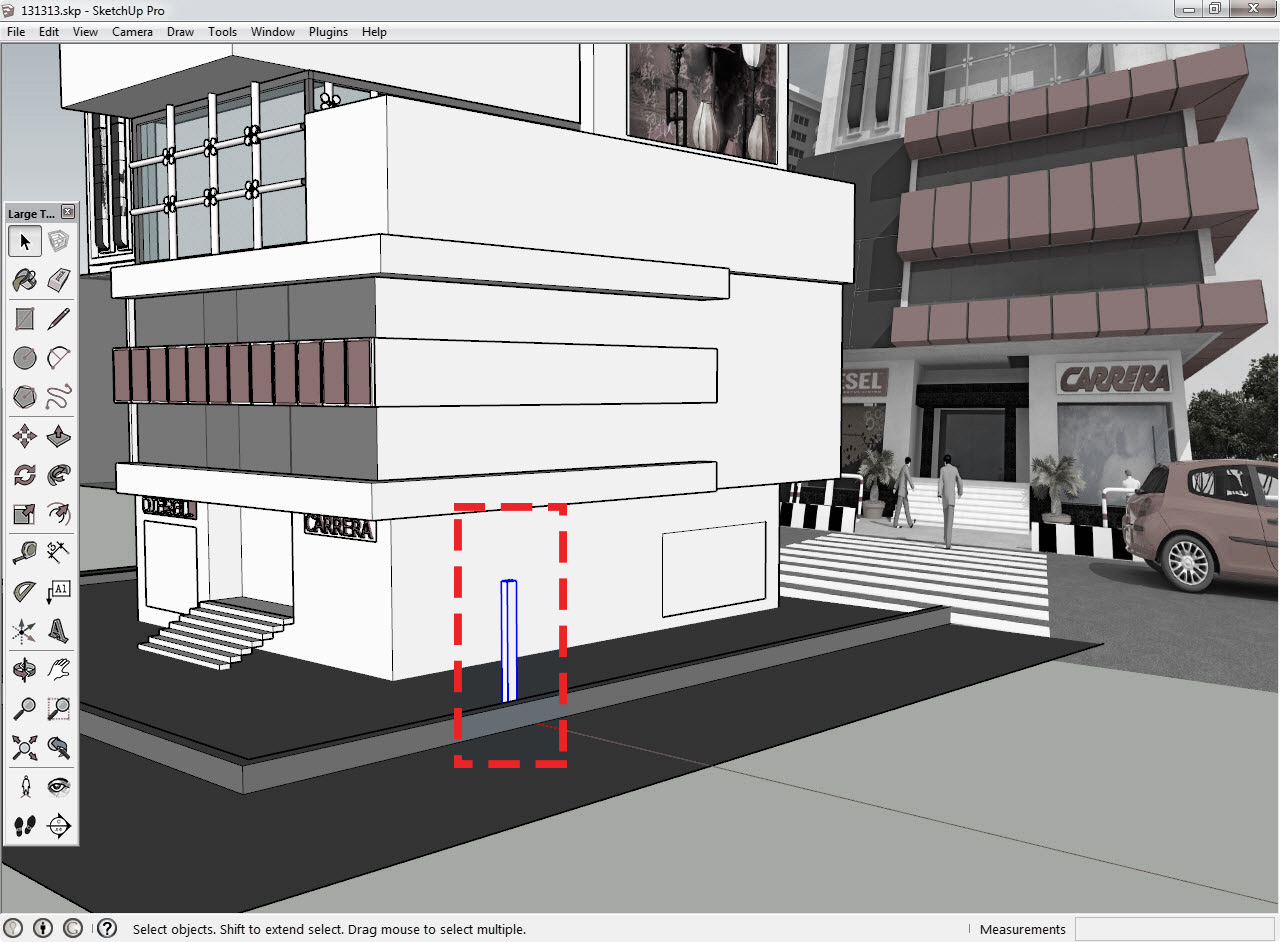
in this model , move tool does not work in Z axes for Box marked .
This problem is resolved with copy of the box and Moving Copy Box... but This is a bug.Is correct my assumption ?
-
Without even looking at your model, Right Click on the component and select Unglue from the context Menu.
-
@unknownuser said:
... but This is a bug. Is correct my assumption ?
No. Your object is just glued. Select it-->right click-->unglue.
-
What a mistake ! I was not aware of this ,Thanks for your help .
One other question!
How the model is affected in this way?
Is this the same component settings? Why not solve the problem in component setting?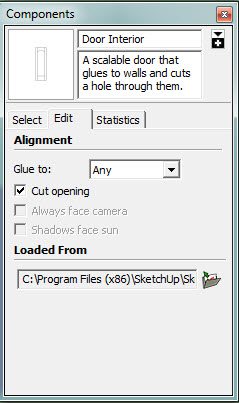
-
Yes indeed, why not. Either change it in the settings, or right click and unglue. There are many ways to skins cats.
-
@box said:
Yes indeed, why not. Either change it in the settings, or right click and unglue. There are many ways to skins cats.
thank you again ...

-
Just be aware that gluing isn't a problem to be fixed but a useful feature. It allows you to easily place components on different faces at various angles and move with those faces.


Hello! It looks like you're interested in this conversation, but you don't have an account yet.
Getting fed up of having to scroll through the same posts each visit? When you register for an account, you'll always come back to exactly where you were before, and choose to be notified of new replies (either via email, or push notification). You'll also be able to save bookmarks and upvote posts to show your appreciation to other community members.
With your input, this post could be even better 💗
Register Login


Advertisement