2D entity inside entity
-
How about if you post the SKP file instead? It would a lot better than looking at your PDFs. And if you're going to upload images, please use JPG or PNG files so we can actually see them without having to download them to our computers. I can't see any difference between your two PDF files anyway.
-
Sorry, but i can't upload the SKP file because it is a military base plan.
I put up a Jpeg this time.
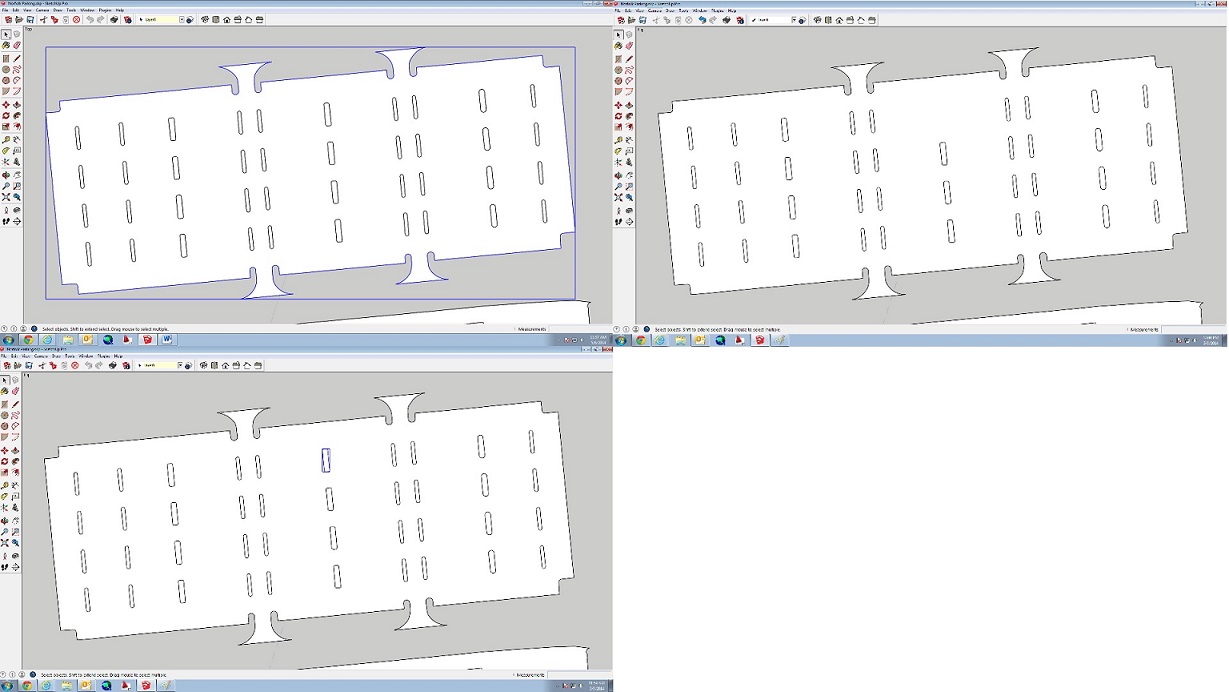
The top left picture is the outer polygon and the bottom left is the inner polygon. The top right picture is after i delete the inner polygon. I need a hole the shape of that inner polygon in the outer polygon but i just can't seem to figure it out.
-
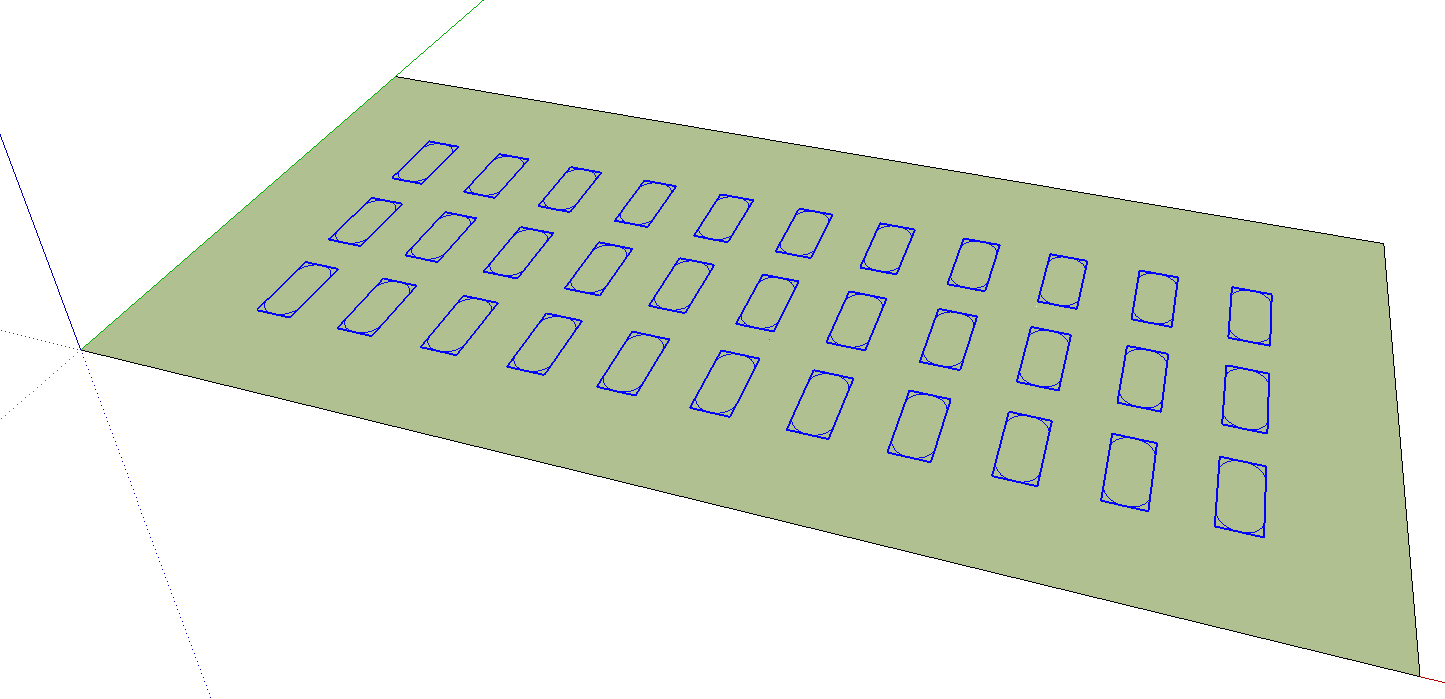
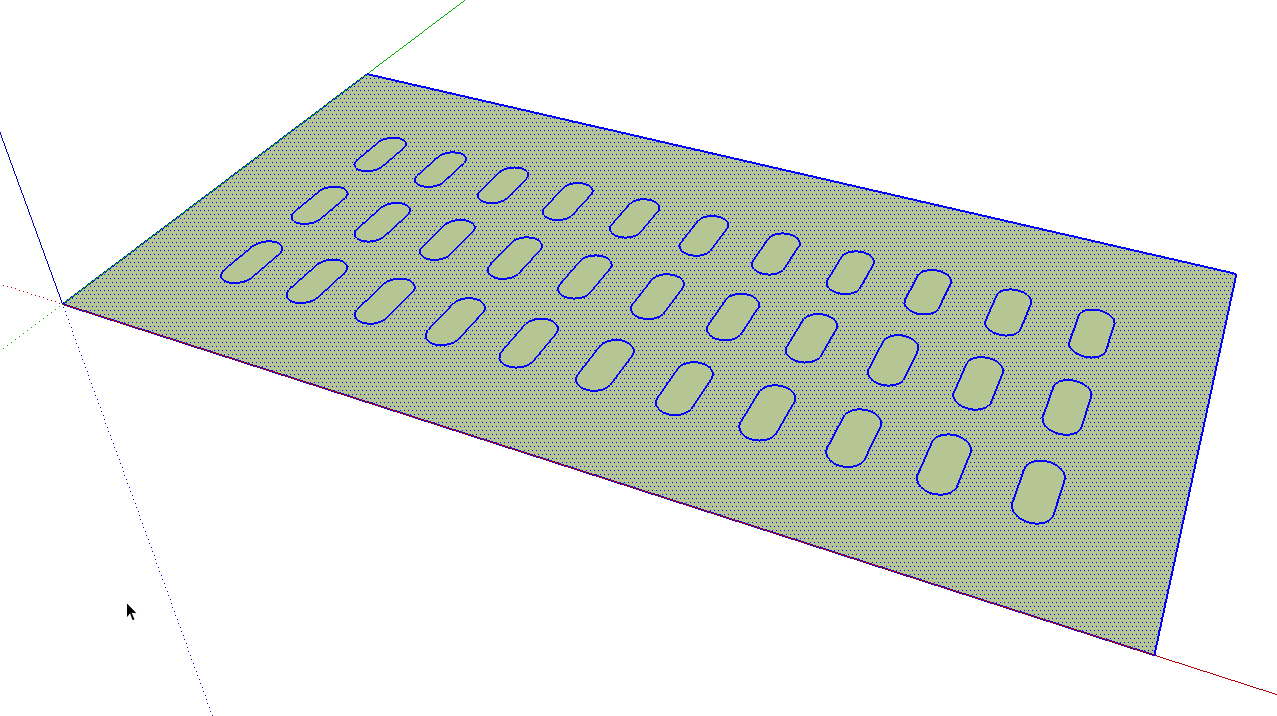
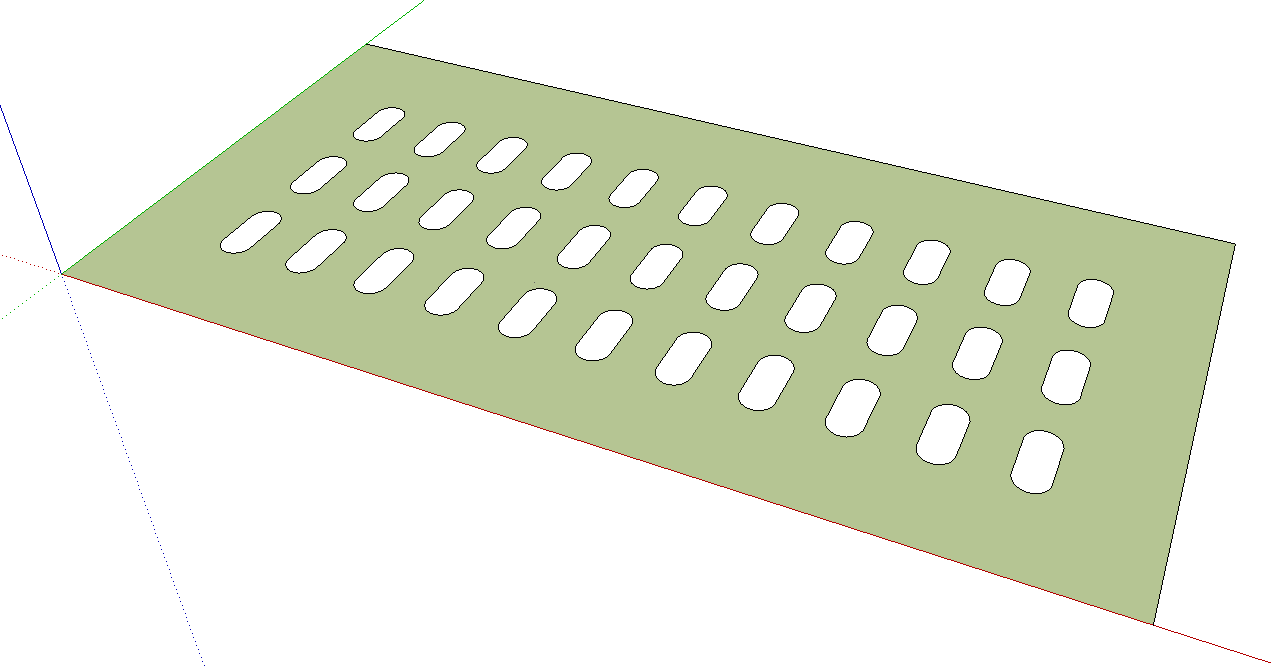
Oh. I think I see now. This is a very fundamental thing in SketchUp. Select the ovals (your "inner polygons") and explode them. You've already said those polygons, ovals from now on, are inside the Outer shape so you'll need to have that outer shape's group or component open for editing before you explode the ovals. At this point you may be able to simply select the faces inside the ovals and delete them but I would select all of the geometry inside the component/group, right click and run Intersect Faces>With Selection.
Since you have a large number of these ovals whose inner faces you want to delete, I would get the Select tool, double click on the face you want to keep and then use Edit>Cut, Ctrl-X to cut that face and its edges to the clipboard. Select what is left and delete it. Use Edit>Paste in Place to restore the face you want to keep.
-
Hi folks.
See the trick I give in this thread to quickly delete all the inside faces of holes before pulling a shape.
Just ideas.
-
The group that the CAD import creates is a bit wierd when i go into edit mode. Instead of making one entity of the whole polygon it creates several individual entities for that polygon group.
I attached a file of one parking lot (which i should have done in the first place).
-
The parking islands are separate groups outside the parking lot group. And your parking lot group is divided into a whole bunch of faces. It needs cleaning before you doing anything else.
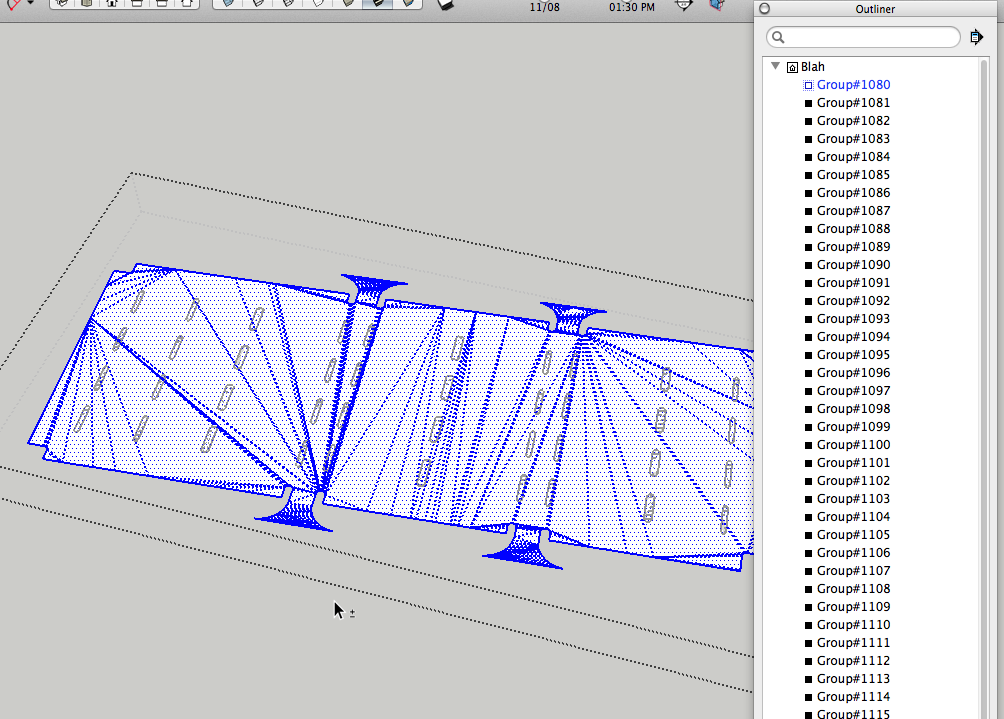
That was easy.
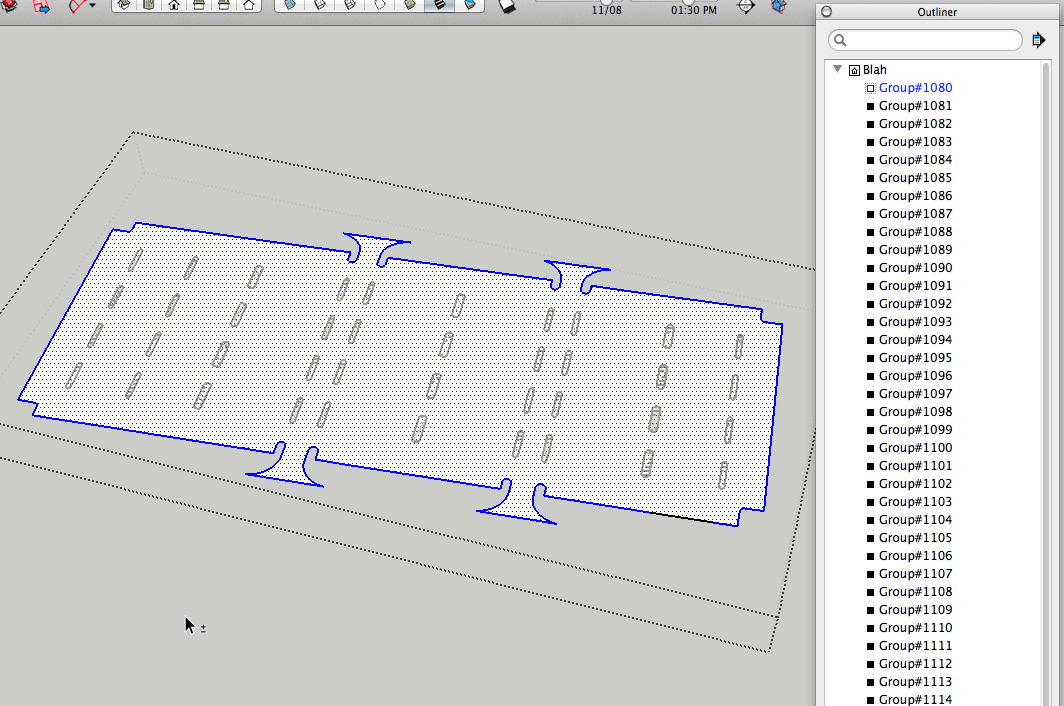
Cleaning up the unneeded edges inside the islands was a bit more work but no big deal. Then I did what I described before and got this:
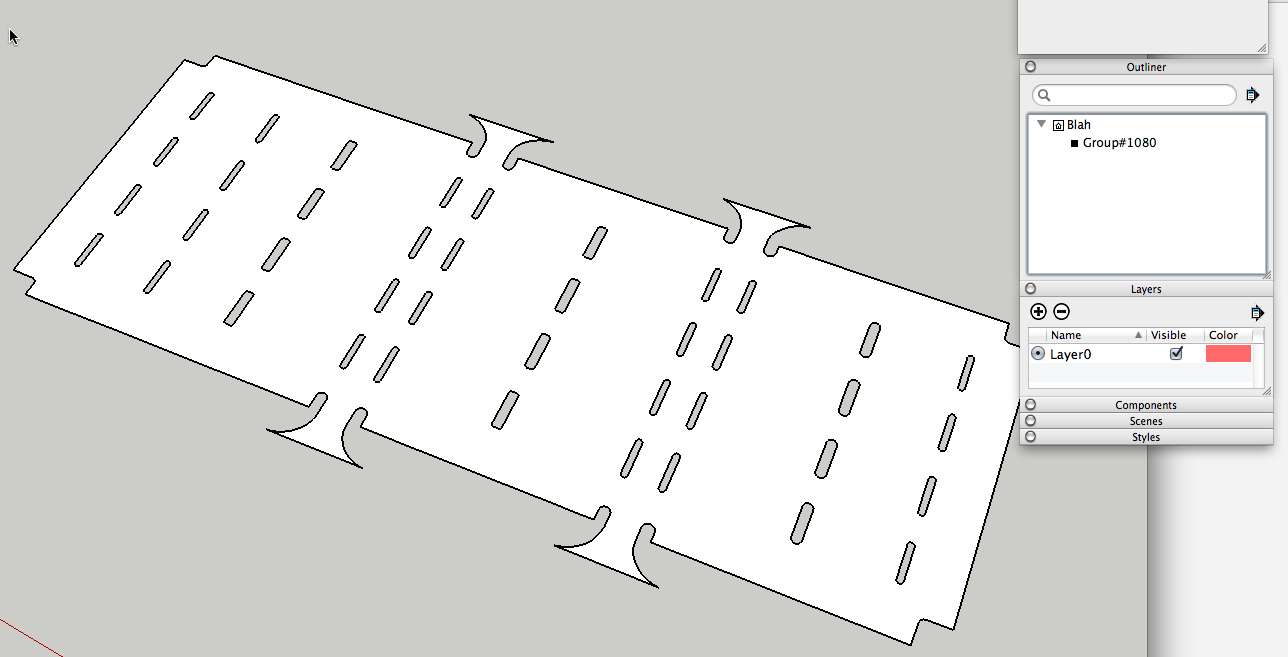
To be honest, I think it would have been easier to draw it from scratch in SketchUp though.
-
Can you teach me how to clean the faces please?
-
I used ThomThom's CleanUp plugin on the parking lot group but when I tried it on the islands it deleted some edges I wanted and left some I didn't want. So I went around to every one of those islands and deleted the unwanted lines with the Eraser. I wonder if your CAD file import contained those unwanted edges or if you created them by doing something in SU.
It really would have been easier to just draw two new islands, one for the large ones and one for the small and copy them as needed throughout before performing the steps I outlined originally.
-
Thanks for all your help Dave.
I'm working with a huge area of land with thousands of structures and other components and was hoping that Sketchup would make it easy to make 3d models of my needs with ease. I think i overestimated the efficiency of Sketchup.
-
It would be easy if you did it right. But it is a computer program and GIGO applies.


Hello! It looks like you're interested in this conversation, but you don't have an account yet.
Getting fed up of having to scroll through the same posts each visit? When you register for an account, you'll always come back to exactly where you were before, and choose to be notified of new replies (either via email, or push notification). You'll also be able to save bookmarks and upvote posts to show your appreciation to other community members.
With your input, this post could be even better 💗
Register Login


Advertisement