Divide Face Into Quads for Organic Modeling
-
I know this is a very easy thing for many and I have all the tools I need but I never learned about dividing a face into quads for organic modeling in Sketchup. I have Artisan and quad face tools and I feel a "duh" moment coming on.
For example, I want to make the white border in the pictures below into a stone bed in this front yard. I want the surface to be displaced and raised along the inner area to give it a realistic rock bed look in the final render. When I use Artisan, the subdivision tool triangulates it in a way that is not usable to get the desired result. I end up getting stretched divisions that will not result in small bumps when I use the sculpt tool most likely because of the curved shape. I think if I can learn to get quad divisions first and then triangulate I will have no more problems making organic models.
Pics of the rock bed shape
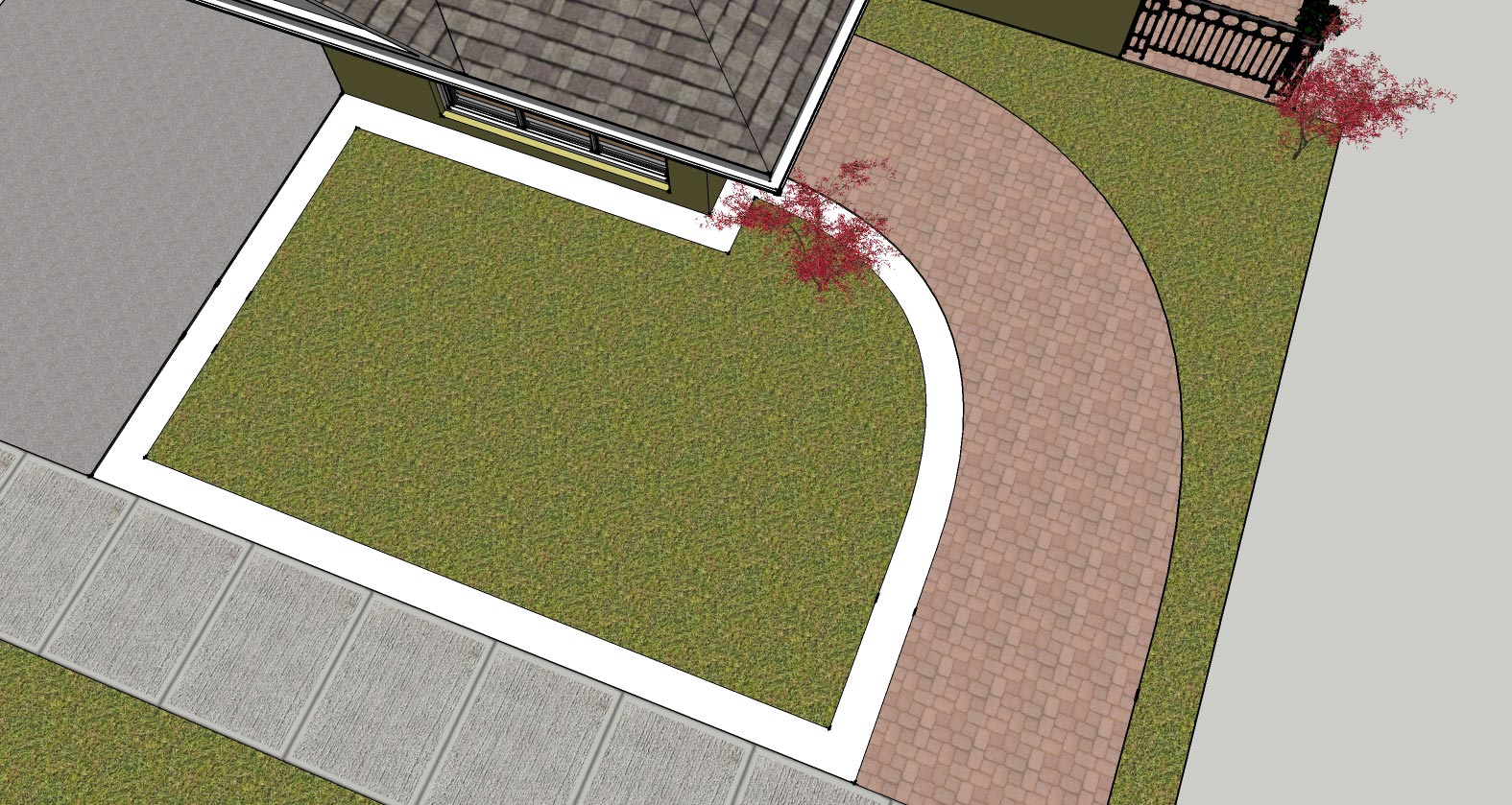
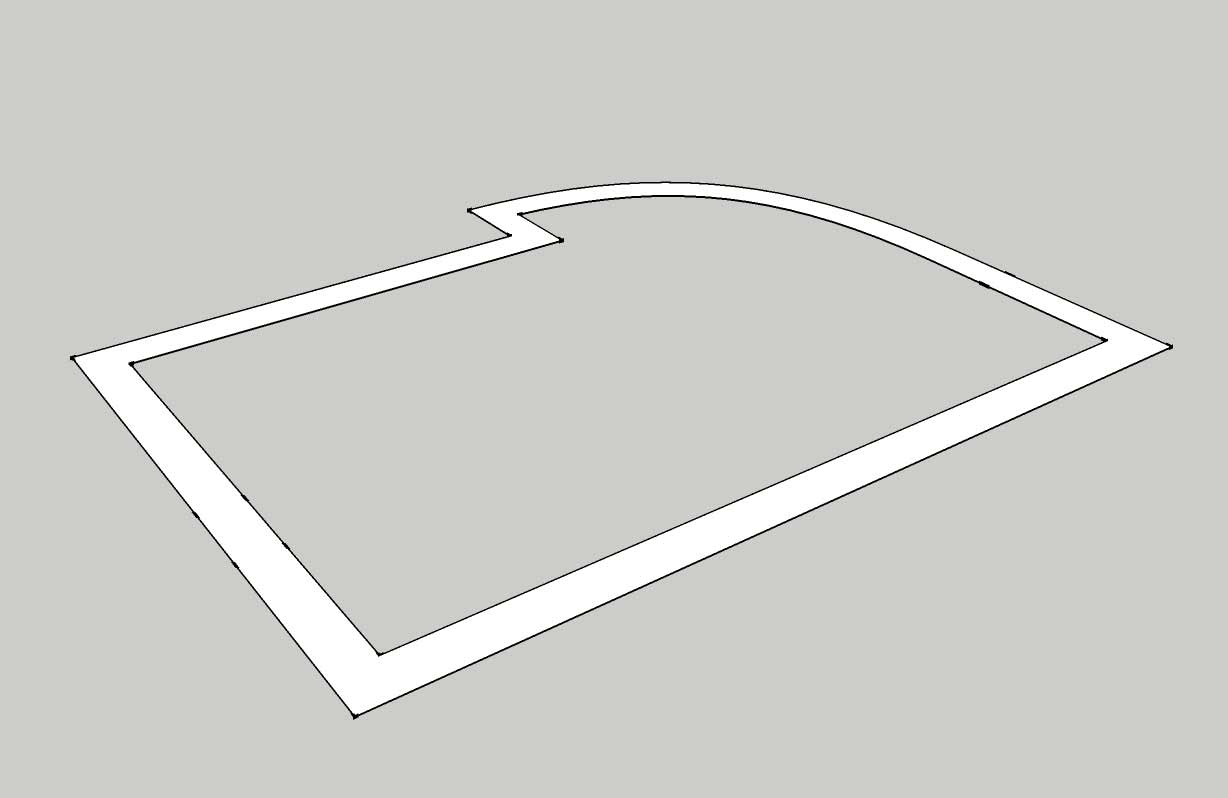
-
-
You have a funny Plugin by TIG

Split Saussage!
Just draw the first segment anywhere between the 2 offsets!
Seems you will obtain Quads


Hello! It looks like you're interested in this conversation, but you don't have an account yet.
Getting fed up of having to scroll through the same posts each visit? When you register for an account, you'll always come back to exactly where you were before, and choose to be notified of new replies (either via email, or push notification). You'll also be able to save bookmarks and upvote posts to show your appreciation to other community members.
With your input, this post could be even better 💗
Register Login


Advertisement