Problem Creating a sphere... one circle disappears
-
I have tried creating a sphere several times and am stumped.
Process:
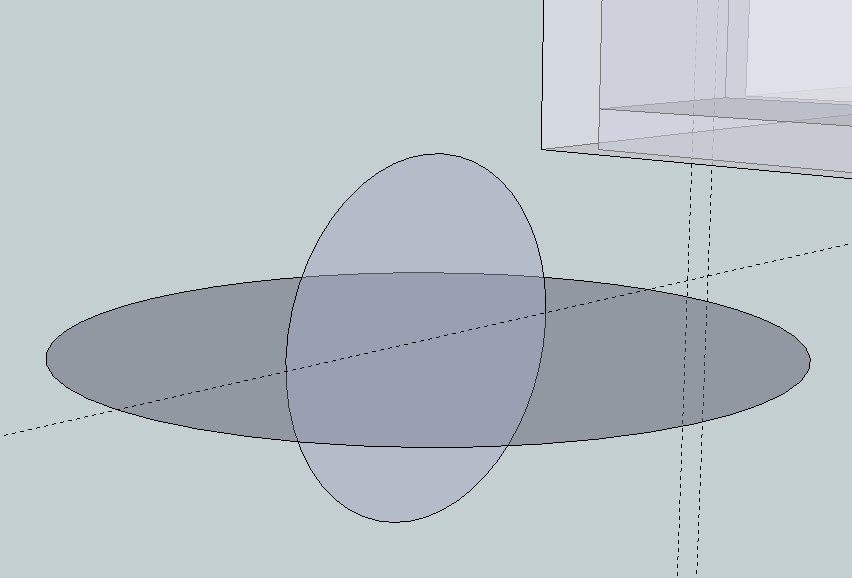
Draw a 1" circle on the x Plane.
Draw a .5" circle on the z plane, intersecting the centers of both circles, and 90 degrees to each other. Picture 1 below.
Double click on the larger circle to select it with the selection tool
Select the Follow Me Tool.
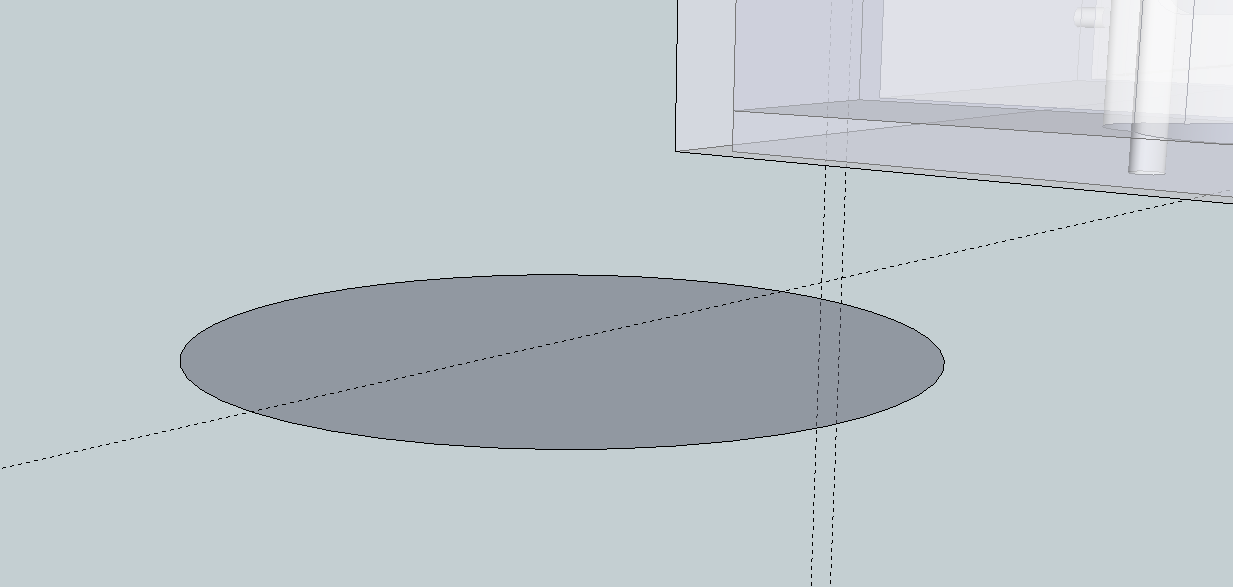
Select the vertical circle face and the vertical circle DISAPPEARS. Picture 2.
I have restarted the program in the event that there is a problem with the program. I have also successfully created a sphere earlier in the day on the same file.
Any thoughts? Help!
 )
)Using the Free version of Sketchup 8.
Mark
-
It's just too small. Try scaling things up by a factor of 100 and do it again.
-
-
@jean lemire said:
Hi Mark, hi folks.
See this SU file for ideas.
Thank you! This was the first time I tried a .5" sphere, so I get why it might have been too small.
I will try as you suggest!
Many thanks!
Mark
-
It worked! Thanks!!


Hello! It looks like you're interested in this conversation, but you don't have an account yet.
Getting fed up of having to scroll through the same posts each visit? When you register for an account, you'll always come back to exactly where you were before, and choose to be notified of new replies (either via email, or push notification). You'll also be able to save bookmarks and upvote posts to show your appreciation to other community members.
With your input, this post could be even better 💗
Register Login


Advertisement