Cut hole in non solid object
-
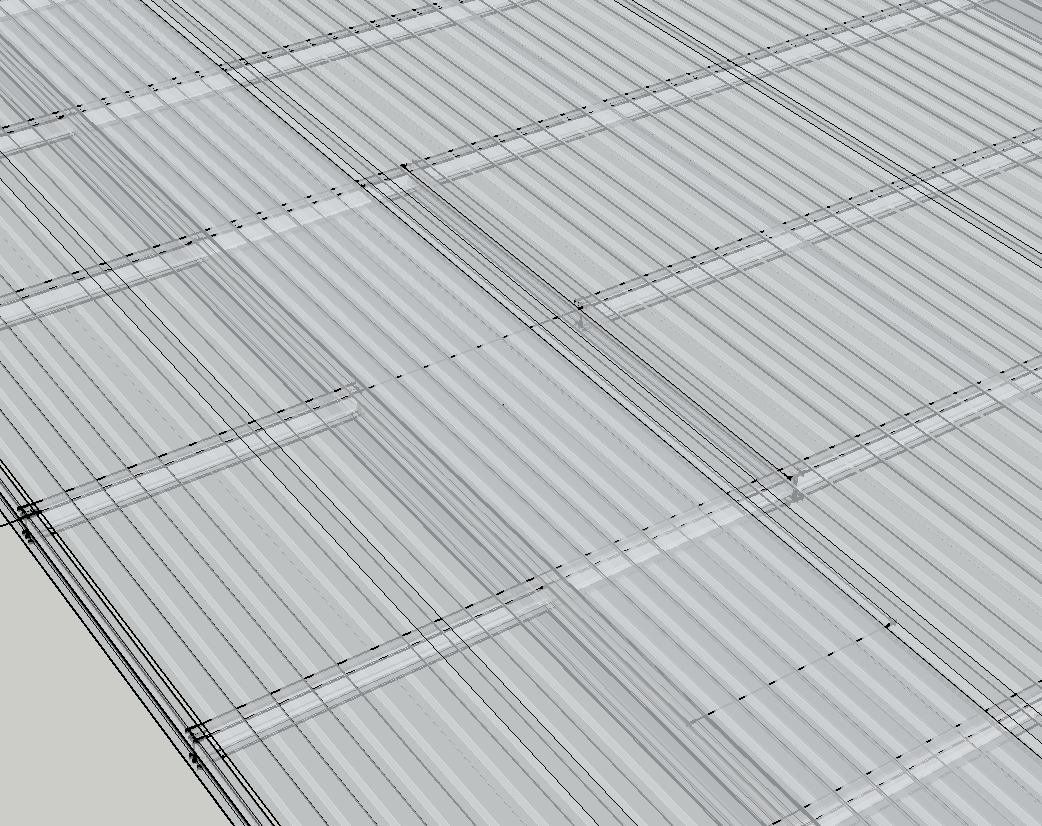 I am working with a component downloaded from 3d warehouse. It is a model of metal decking. I have pushed and pulled it to fit my model and now I need to cut a hole in it. Solid tools tell me the mesh is not a solid so I cannot perform a subtraction. I have tried tools on a surface and I cannot get it to work.. Any suggestions?
Thanks,
R
-
Draw the shape of the hole in the desired location over the decking. Use Push/Pull to push the shape of the hole through the decking. Select the geometry of both the "hole" and the decking, right click on it, choose Intersect Faces>With Selection. Delete the waste. Note that the "hole" and the decking must be in the same context. So if the decking is a component you must open it for editing and draw the hole inside.

Hello! It looks like you're interested in this conversation, but you don't have an account yet.
Getting fed up of having to scroll through the same posts each visit? When you register for an account, you'll always come back to exactly where you were before, and choose to be notified of new replies (either via email, or push notification). You'll also be able to save bookmarks and upvote posts to show your appreciation to other community members.
With your input, this post could be even better 💗
Register Login


Advertisement