[Resolved] Weird Behaviour
-
Here's a weird "bug?" Katalyn27 asked me to post about.
If you select the first D component and move it about L and A also move without them being in the same group or component, but you can move L and A separately.
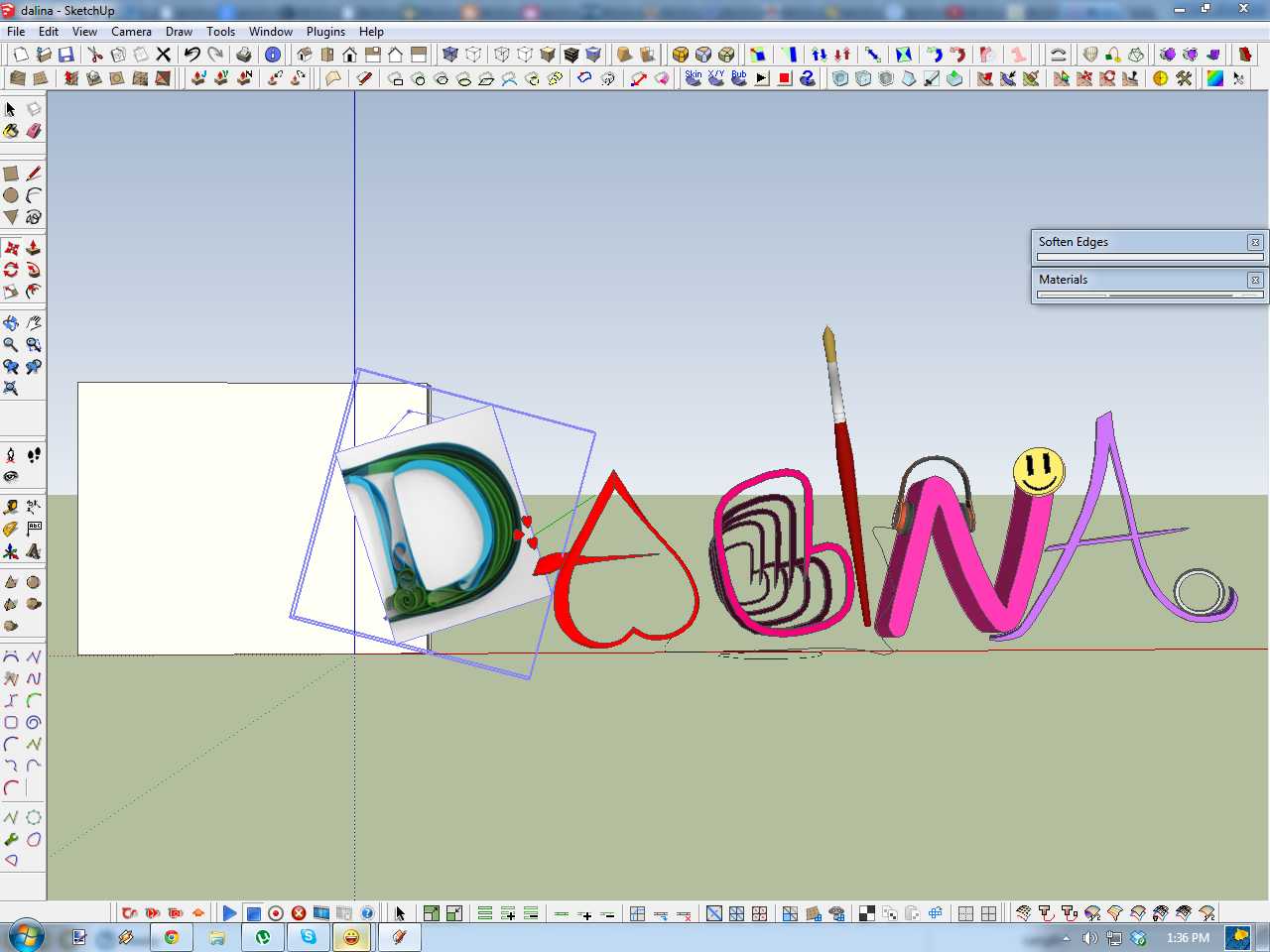
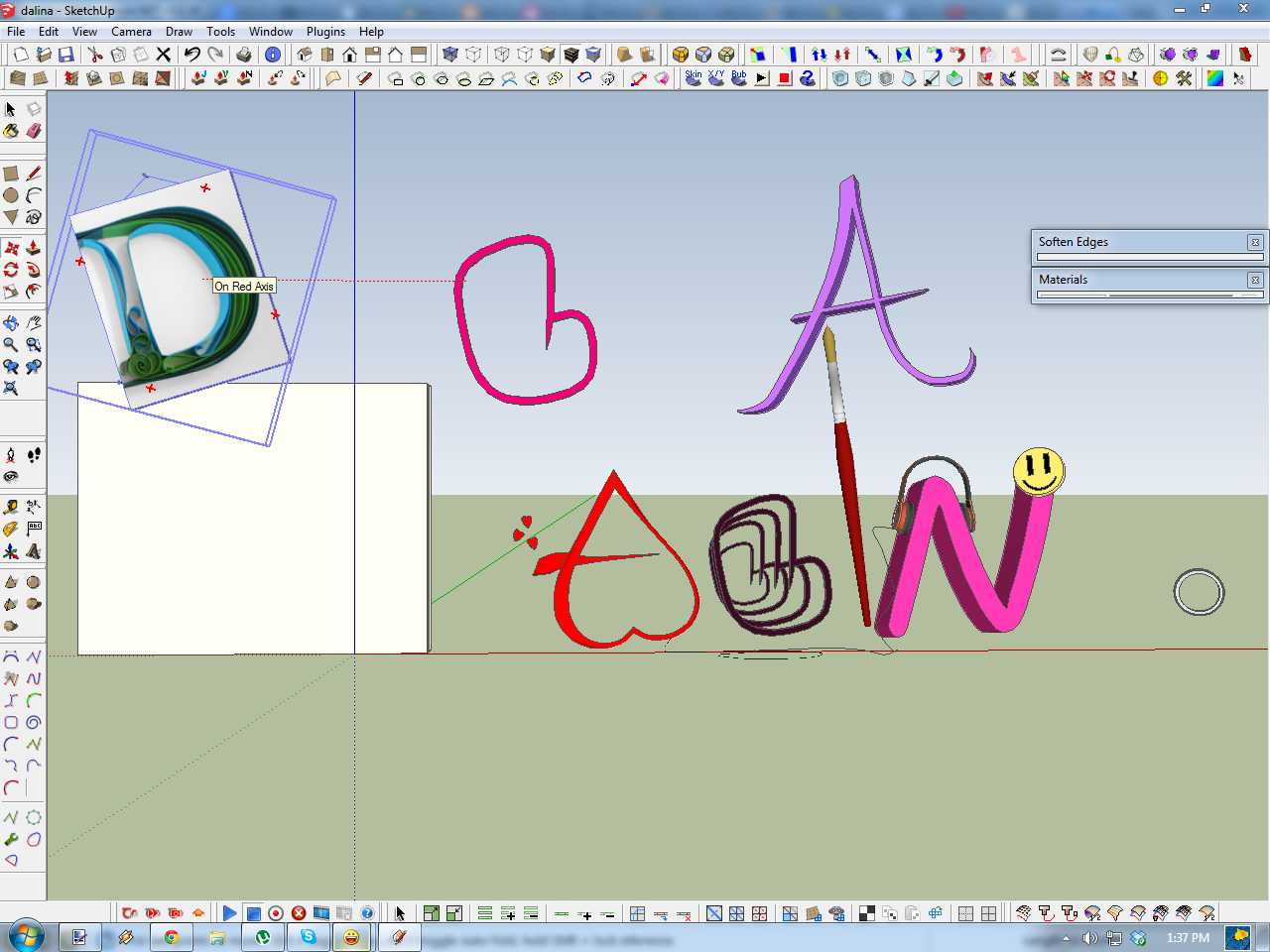
-
That's really odd,
If you move the D all 3 move
If you copy the D only it copies
If you delete the D only it deletes
Cutting and Pasting in Place the D, L or A fixes it.
Fix Problems finds no errors and doesn't correct the 'bug'
Thomthom's cleanup plugin gets rid of some faces materials etc but problem persists.
Selecting the D and Exploding/Regrouping fixes the 'bug' -
That's because they are glued to the D.
When you drop an image into a model it will glue itself to the face the move is over when you release the mousebutton. This face can be within a group, component or image. Right click and Unglue to make them independent.
-
You are right Thomthom. It did occur to me that it might be glued but when I checked it wasn't glued. I probably right clicked on some other component in there and didn't notice...




Hello! It looks like you're interested in this conversation, but you don't have an account yet.
Getting fed up of having to scroll through the same posts each visit? When you register for an account, you'll always come back to exactly where you were before, and choose to be notified of new replies (either via email, or push notification). You'll also be able to save bookmarks and upvote posts to show your appreciation to other community members.
With your input, this post could be even better 💗
Register Login


Advertisement