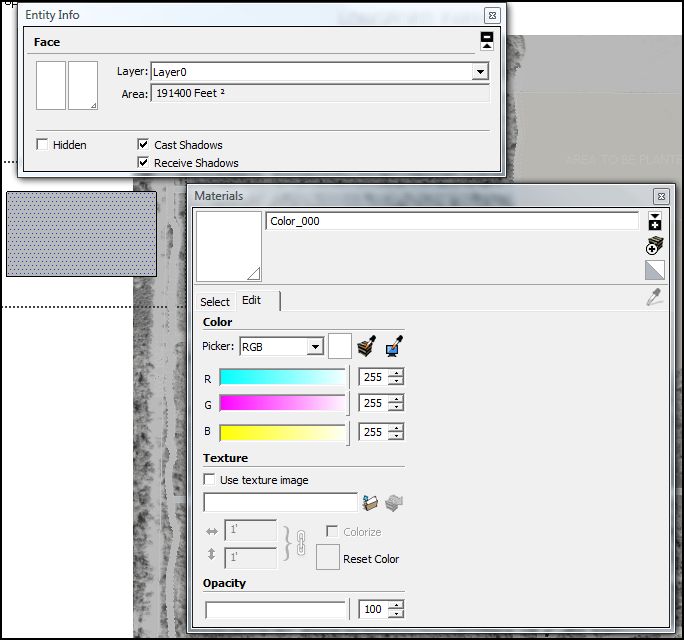
Want white as material palette and info shows
-
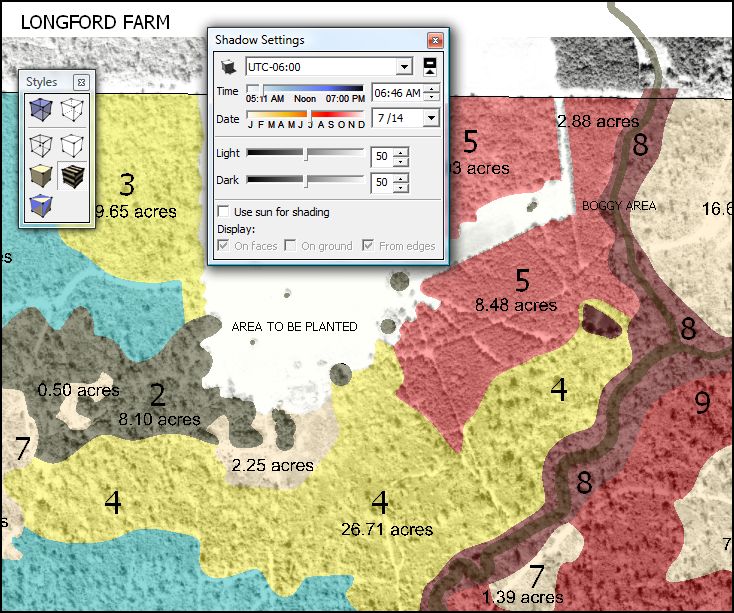
Uh, when is 'white' grey? All day around my desk, no matter the style. Please explain how to display and print white in the model as is shown in the materials palette and in entity info.
-
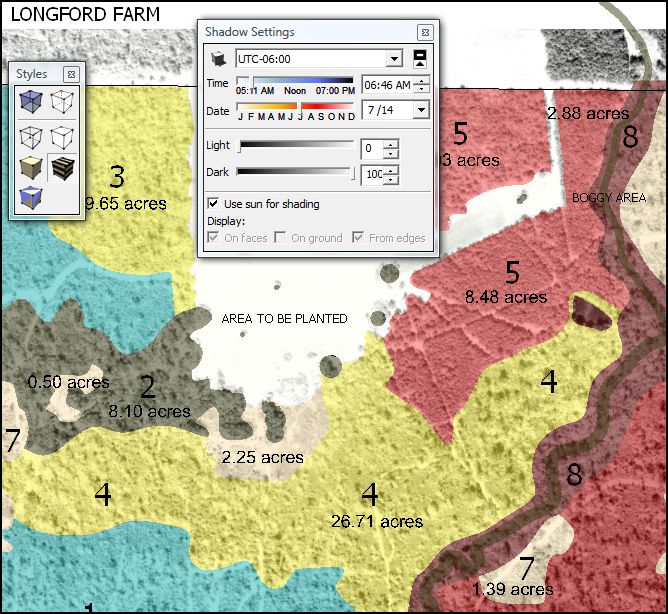
That is shading. Window → Shadows, check "use sun for shading" and set both sliders for Light and Dark to the maximum value.
Another thing that ususally causes confusion (not an issue in this case) is the front/back color of the default material (Styles → Edit → Face Settings).
-
Well, thank you, very much. You have lifted this fog from mine eyes.
Setting those to the max, of course, screws up other things which were tweaked to work at the reduced settings.
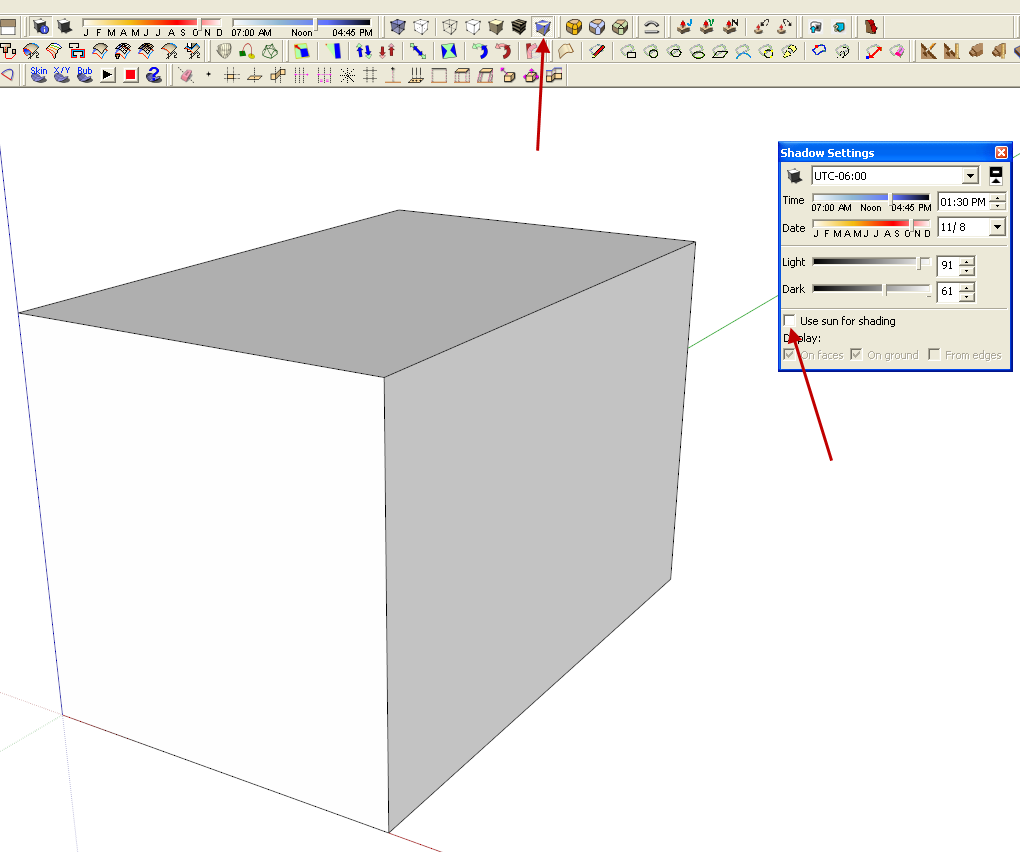
Another way: uncheck use sun for shading, in which case values may be left alone?
-
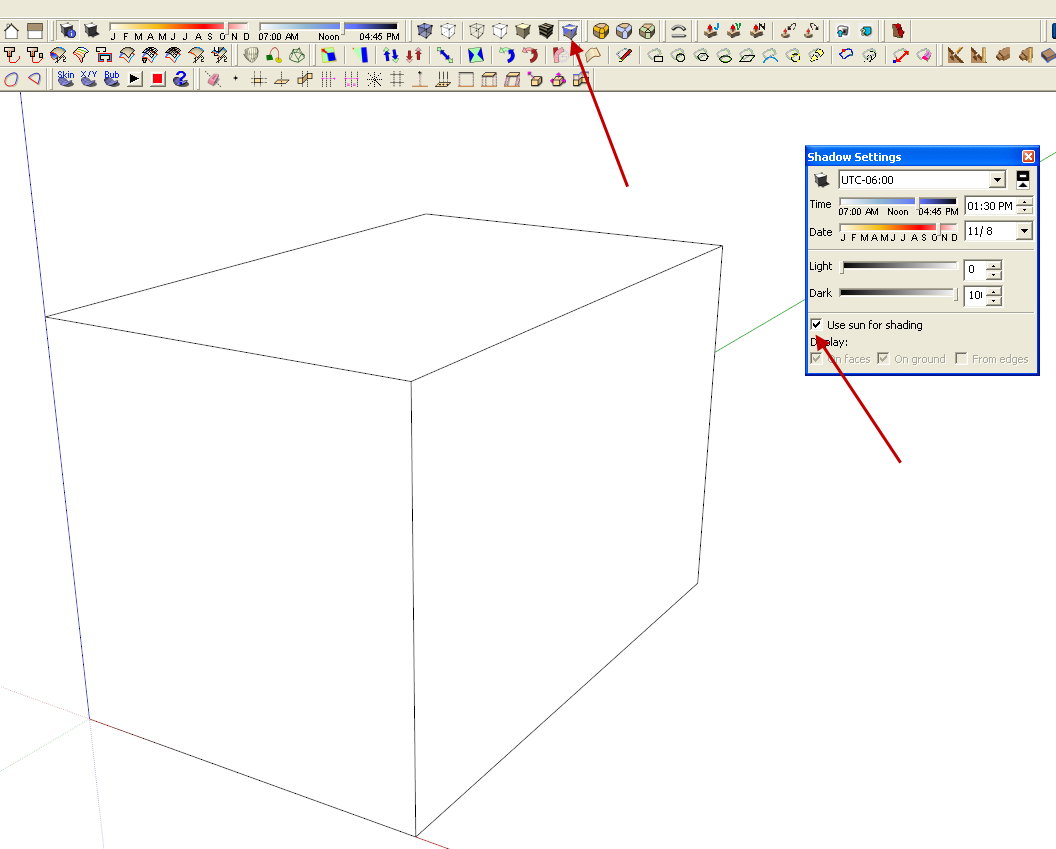
Have you played with crossing the shadow sliders? Set the light slider all the way to the left and the dark slider all the way to the right.
-
Thanks, Dave, but for me that is the same as unchecking 'use the sun'.
-
Strange. I get two different results.
-
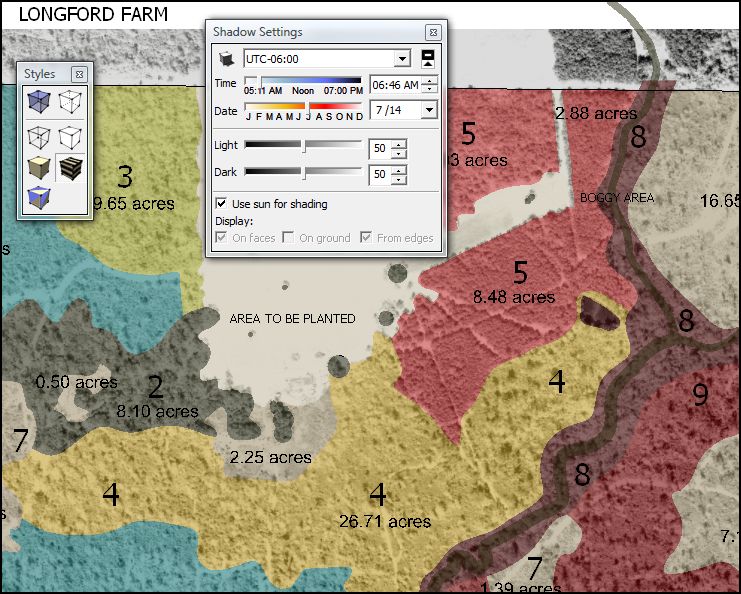
Your results are surely more typically accurate but my use at the moment is for a flat 2D sheet view.
I will try to remember your idea. I will, but I bet I don't.


Hello! It looks like you're interested in this conversation, but you don't have an account yet.
Getting fed up of having to scroll through the same posts each visit? When you register for an account, you'll always come back to exactly where you were before, and choose to be notified of new replies (either via email, or push notification). You'll also be able to save bookmarks and upvote posts to show your appreciation to other community members.
With your input, this post could be even better 💗
Register Login


Advertisement