Photoscanned texture
-
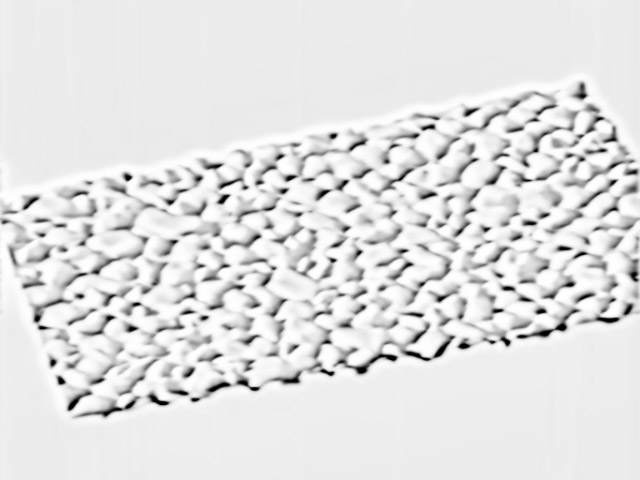
Inspired from another topic http://forums.sketchucation.com/viewtopic.php?f=79&t=43282. I used Tgi3D photoscan to model a piece of gravel-cement ground. The model has around 40K faces. To get any higher resolution I would have to chop up the model into smaller components each.
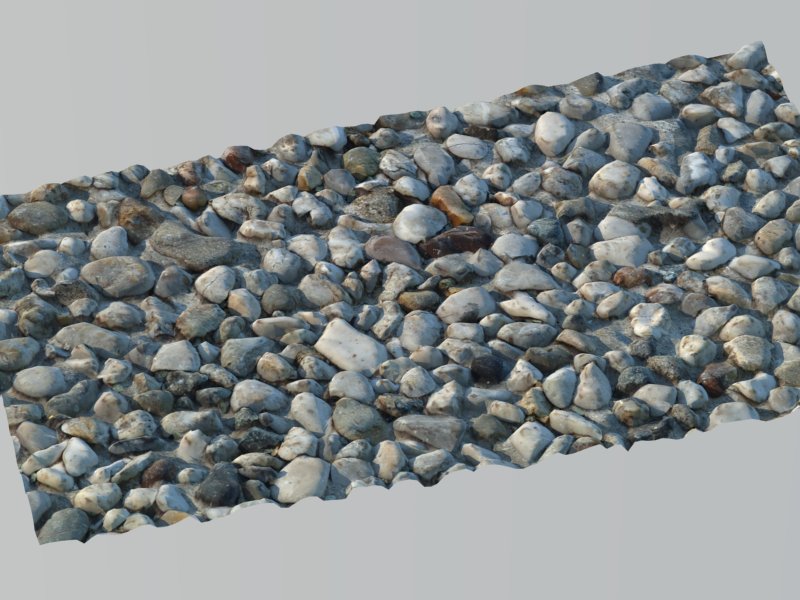
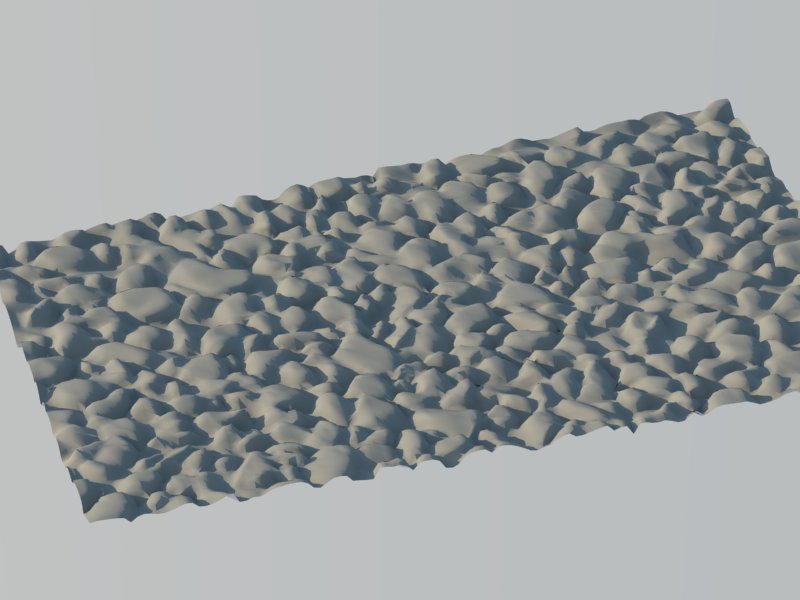
It would be really neat if I could somehow convert the 3d geometry to a bump-map or distance-map. Like the inverse of thomthom's bitmap to mesh script. I don't think there is a mesh-to-bitmap plugin conveniently around but there may be a way...
-
Take a look also at Photosculpt

-
Isn't there a normal map maker plugin by Chris Fullmer
-
Yes, that is what I had in mind.
I am thinking I can convert my 3d geometry to a depth map by using a rendering software. For example put a light emitting material on to the surface than immerse it in a dark liquid, render it directly from above, should give me a map that is correlated with the depth of the surface. It is a little complicated but do-able.
-
You can achieve something similar with a white object and black fog in SU. Or projecting a white-to-black image on it from the side. Maybe that's the most accurate - although you need to take care not to have very steep (90 degree) verticals between faces. Can be done but from above, there will be a too sharp difference.
-
Gaius, you are right, you don't need renderer for that. I kind of like the projection idea best. I have to try and see.
-
Hey, you need a 16 or 32 bit B&W for displacements. Else, expect scaling effect. (commenting Gaieus's idea)
Once again, the freeware solution is blender. Just unwrap it, (easy in this case) and ask for baking a displacement map.Edit: Crazybump!!!
http://www.crazybump.com/
The perfect solution. A magical application. Try it. It costs just a little but you have some months to use it as trial.This one from the original photo
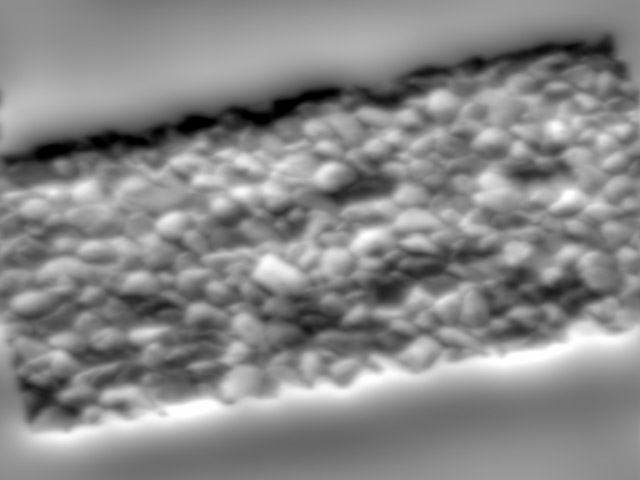
Displ from clay render
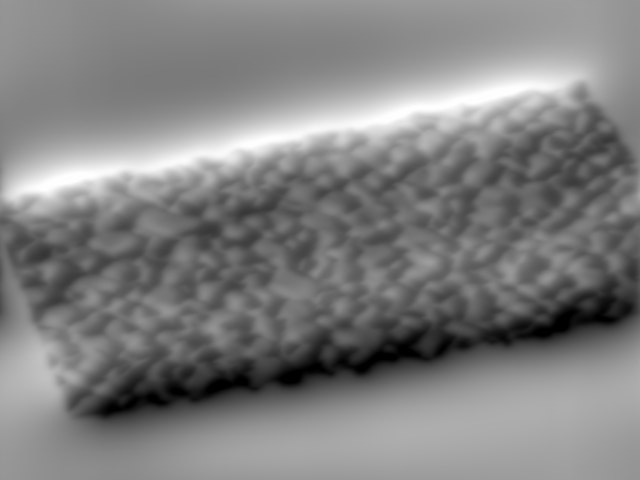
AO from clay render
-
Actually Gaieus's projection suggestion worked quite nicely.
Here is the created texture applied to some random shape. (In my haste I left the SU y axis (the green line) in the texture image). I exaggerated the depth map multiplier to 4.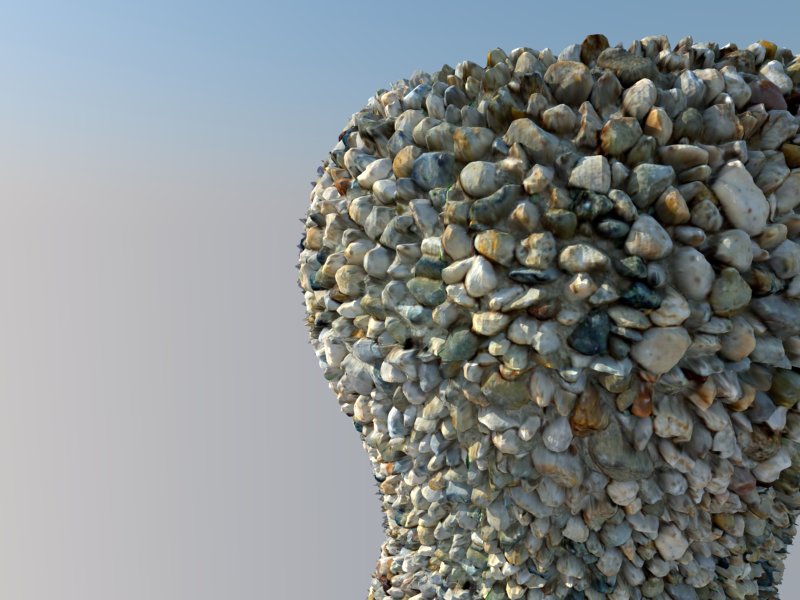
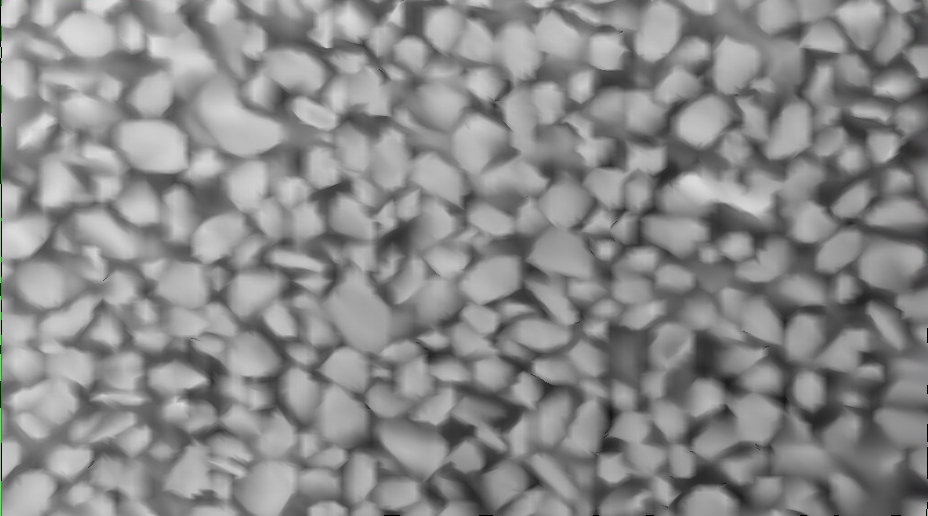
I am also posting the depth map and the texture as a public donation, no strings attached. Needs extra work for any commercial work.

-
Well, the idea came from topics that eventually lead to plugins like this:
http://forums.sketchucation.com/viewtopic.php?t=20635
or this:
http://forums.sketchucation.com/viewtopic.php?t=16660This is also how I experimented with this method here:
http://www.thearender.com/forum/viewtopic.php?p=34261#p34261 -
CrazyBump is awesome... love it.
-
I will give crazybump a try.
-
I have PixPlant. CB is said to be better but it's also more expensive (and PP can also make seamlessly tiling images). At my level of rendering abilities, it is probably all the same.
-
crazy bump is $99/$299 and PixPlant is $195
I'd say they're both very proud of their software.
-
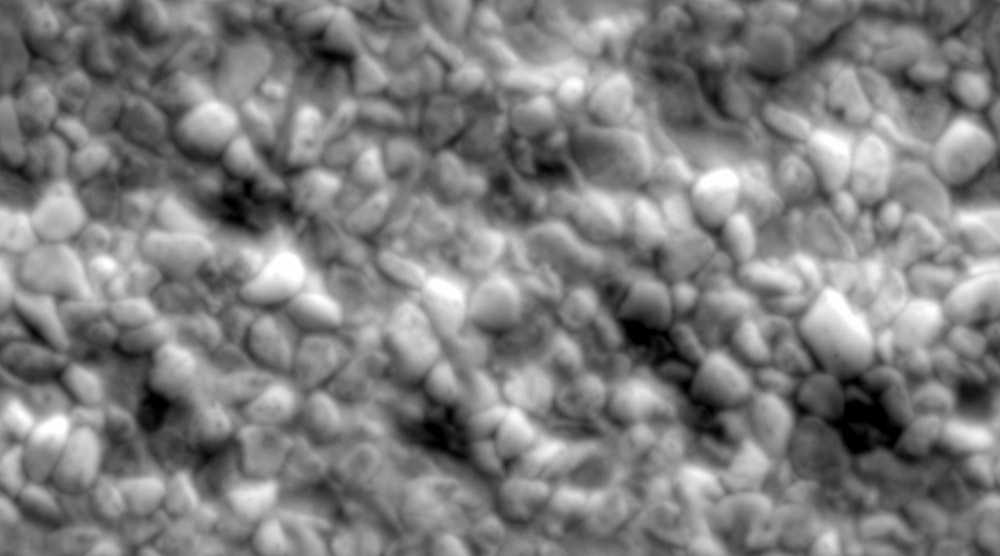
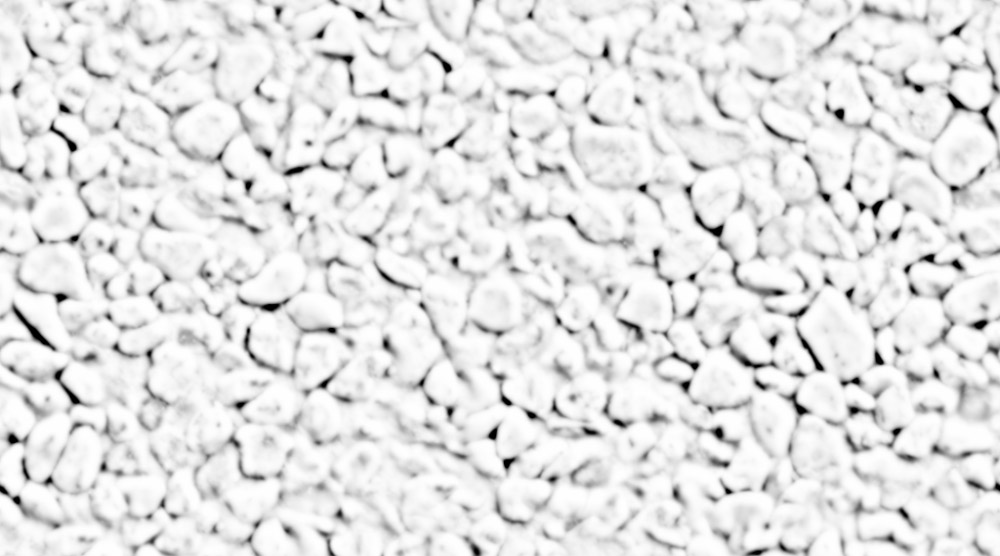
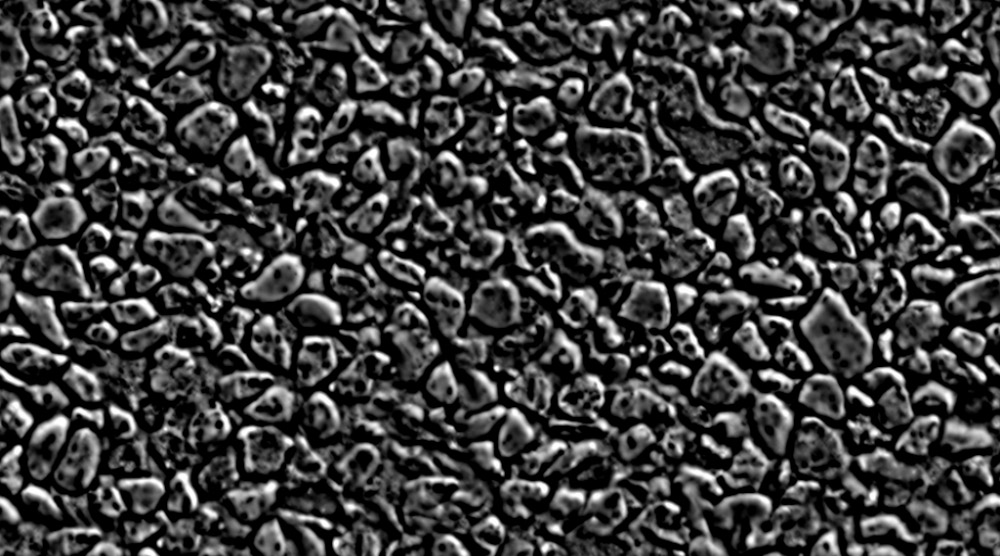
Here my tests on crazybump.
Rendered in cycles/blender, displacement ~300K (the sphere)
I also used specular and AO maps.
You can test them, use them, I created a fast seamless texture.

-
Actually I have been playing with crazy bump today. Real gem. I am amazed at what they can infer from a single picture (not to mention ease of use and speed). Of course the depth map is not accurate but the resulting texture is believable and useable.
I marked one problem area,
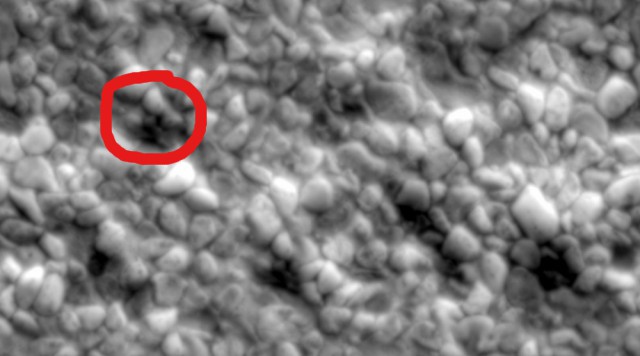 there is a piece of cement that should be sticking out, instead it is given as depression. There is also a dark brown stone that should be sticking out etc. These are minor problems. Ability to remove shadows etc from the diffuse map is great. I think I will eventually purchase CB.
 -
@unknownuser said:
I think I will eventually purchase CB.
I think so, too.
I didn't notice the shade removal. It eliminates these marked problems.
Here a more difficult test. A coin. A friend posted a scanned image. His scanner has a very narrow angle for lighting. Difficult then.
Another cycles render. Just a low poly cylinder, bumps only, no displacements.
Works for distant camera, complicated scenes.






Hello! It looks like you're interested in this conversation, but you don't have an account yet.
Getting fed up of having to scroll through the same posts each visit? When you register for an account, you'll always come back to exactly where you were before, and choose to be notified of new replies (either via email, or push notification). You'll also be able to save bookmarks and upvote posts to show your appreciation to other community members.
With your input, this post could be even better 💗
Register Login


Advertisement