Sketchup bug need help !!!
-
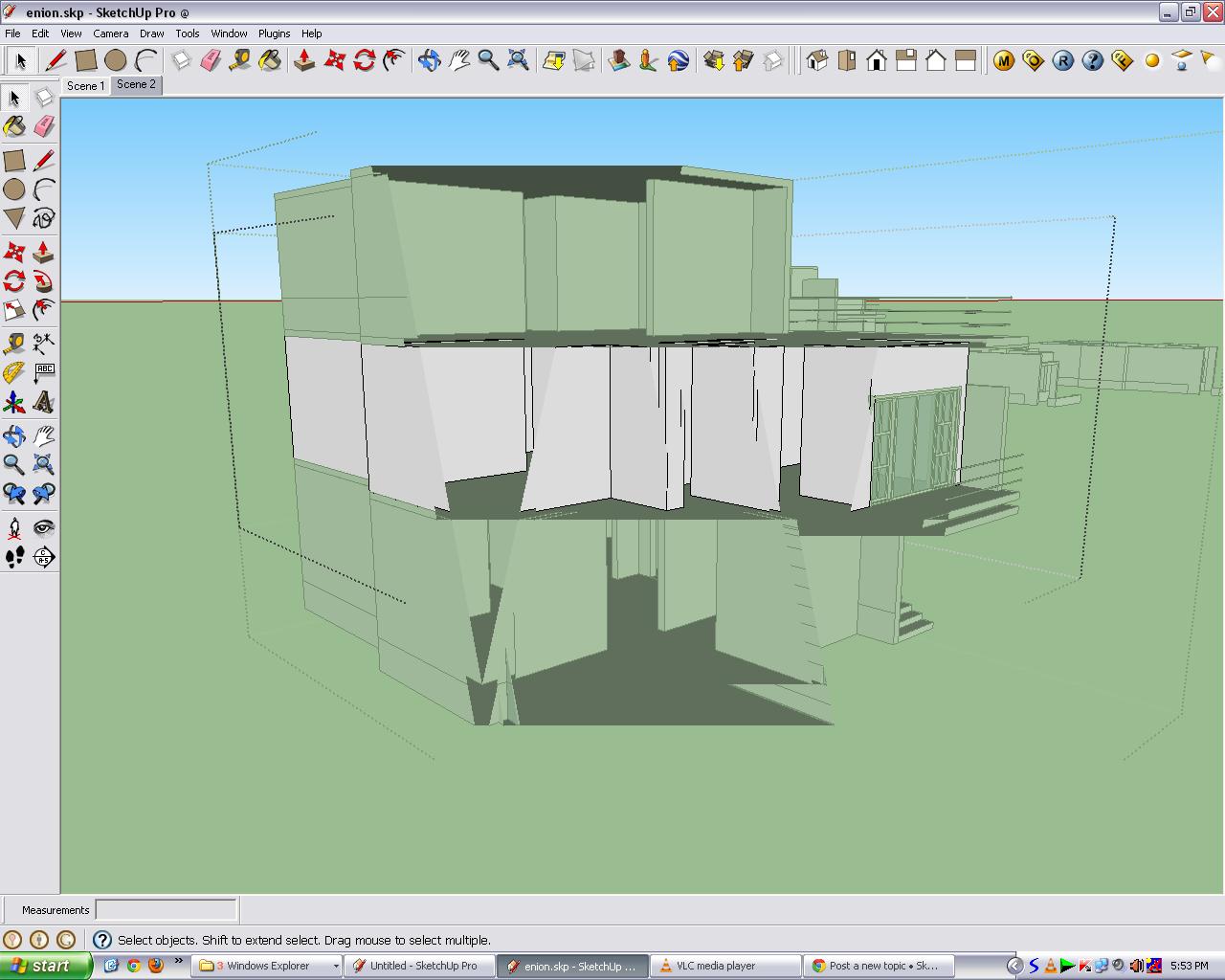
i have done a model with autocad and imported to sketchup i the following problem, when i rotate the model i cant see the faces it shows as if get cut....Mainly when i go inside a group...
Need help.....
-
That's a classic clipping phenomenon. See some details here:
http://support.google.com/sketchup/bin/answer.py?hl=en&answer=36261First stab in the dark: when importing CAD, make sure that under the Options (bottom right of the import window) you uncheck "Preserve drawing origin". I cannot see from the screenshot but what I suspect is that your imported model is extremely far from the SU origin.
-
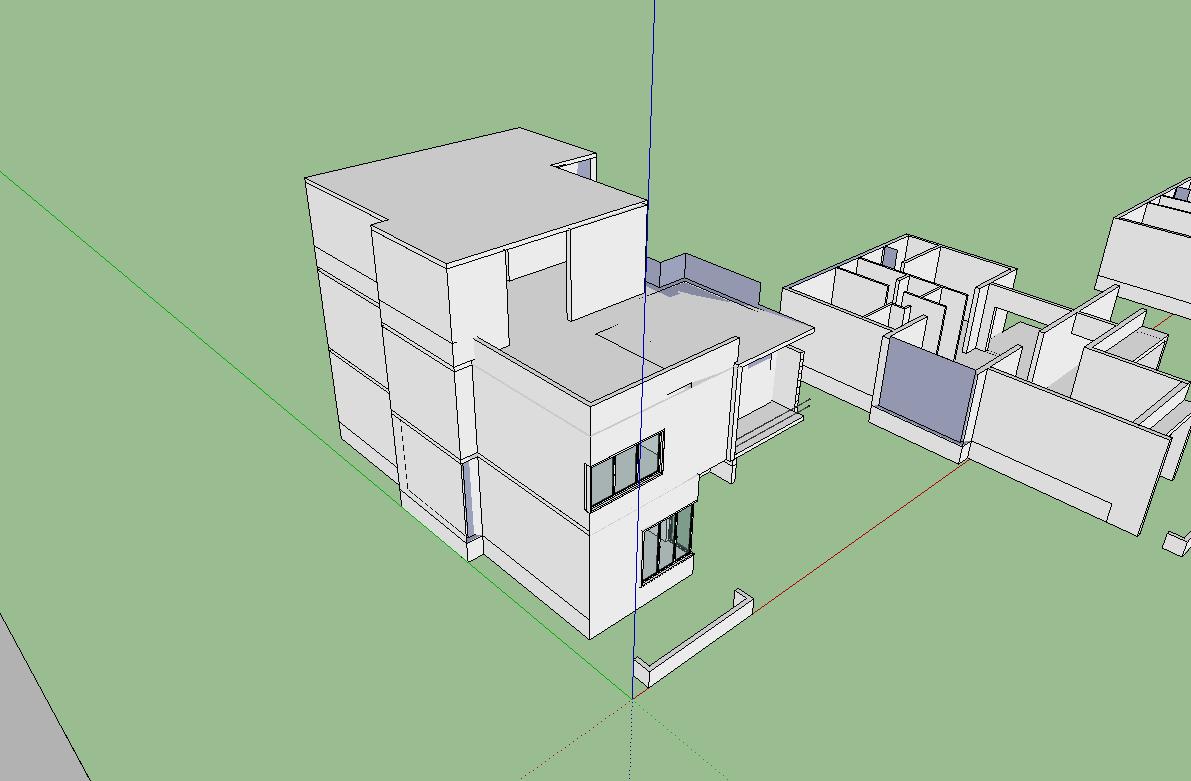
Hey dude, thanks for the reply, the model is kept near the origin only and when i imported to sketchup i deselected preserve origin.. but still i get the bug .... pls find the atttached.
-
Could you also attach the skp file?
-
It might well be an imported CAD component with some little bits of geometry miles off from the rest [edit it (double-click it), select-all (ctrl+a), deselect by fence (select+ctrl+shift) what you can see/need, and delete (del) the rest!] OR sometimes its insertion point can be miles away from its geometry [easy enough to select it and reset its axes with the right-click context-menu].
These two weirdnesses can also produce the clipping-plane phenomena, as the model's bounds become unexpectedly enormous - just like if you model miles from the origin...
-
Yeah, that's also what I am suspecting. And that's why looking into the file itself would be good.


Hello! It looks like you're interested in this conversation, but you don't have an account yet.
Getting fed up of having to scroll through the same posts each visit? When you register for an account, you'll always come back to exactly where you were before, and choose to be notified of new replies (either via email, or push notification). You'll also be able to save bookmarks and upvote posts to show your appreciation to other community members.
With your input, this post could be even better 💗
Register Login


Advertisement