V-Ray standard background
-
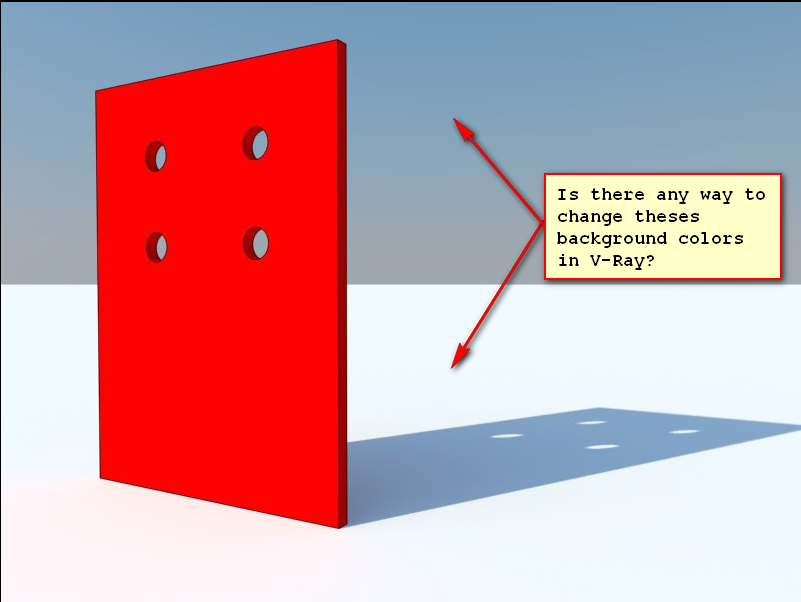
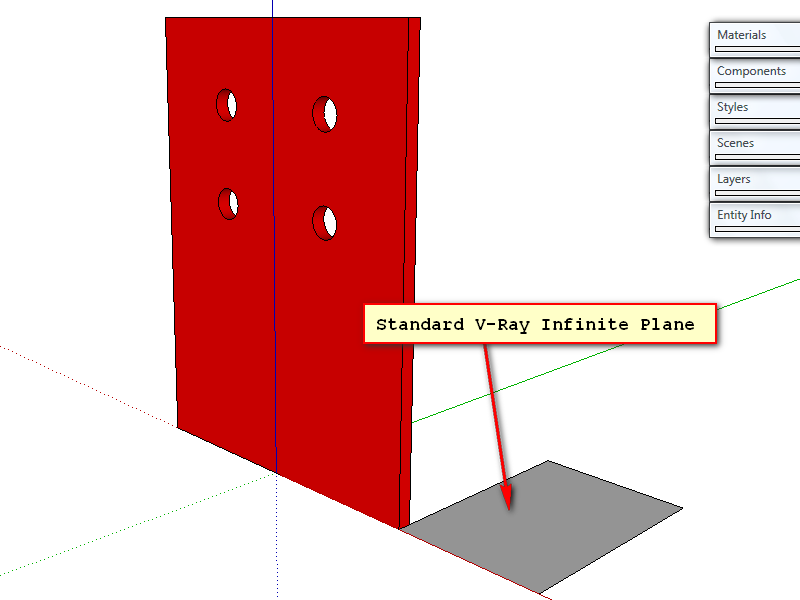
I'm using the standard V-Ray Infinite Plane and don't ready have the know how to make a studio with lights that will work, so it would really be nice if there were a way to change the background color to one single color. The image will help get across what I'm trying to do.The first one is the rendered version and the second is the set up in Sketchup. Any help would be greatly appreciated!
Thanks Kurt
-
The infinite plane you can apply a material to.
The V-Ray sky you can not change colour of directly. You can adjust it's settings such as time of day and Turbidity etc. http://www.spot3d.com/vray/help/150SP1/examples_vraysun_sky.htm
Any other custom colour and you need to use a background environment map.Note that the latest V-Ray - 1.49.01 - has extra Sky settings which produce different skies.
(It really helps if you post your exact VfS version number when asking questions because the answer will often depend on this.)
-
Thanks Tom for the help but I'm still not getting anything to work right, I gona look into trying a background environment map and go from there. The version is 1.48.89.7 and thanks for the tip to add that because I didn't realize it was so important.
Thanks Kurt
-
You really need to update that version. There's a lot of bugs fixed since that release.
-
Giving up for a while, nothing I've tried so far has done anything. The only way I can do it is to look more down at the model. It's very aggravating for me right now!


Hello! It looks like you're interested in this conversation, but you don't have an account yet.
Getting fed up of having to scroll through the same posts each visit? When you register for an account, you'll always come back to exactly where you were before, and choose to be notified of new replies (either via email, or push notification). You'll also be able to save bookmarks and upvote posts to show your appreciation to other community members.
With your input, this post could be even better 💗
Register Login


Advertisement