Toolbars
-
Hi
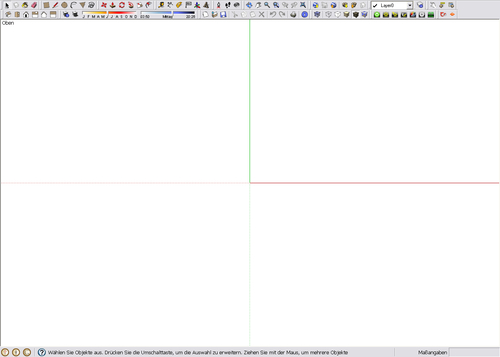
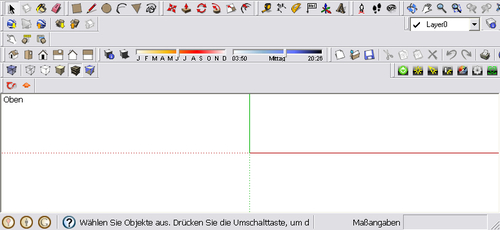
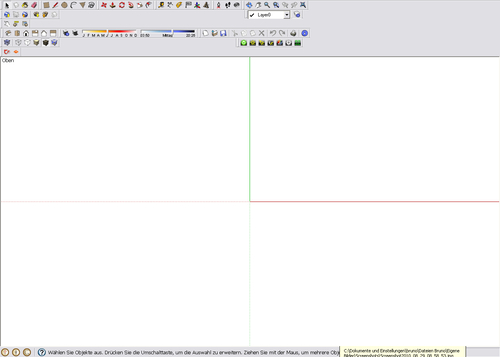
I am sure this problem has been posted already but i did not found the solution for this i guess known problem: As you can see on images the toolbars will not go back to the original position when i minimised the SU window and maximised again. This is very nerving and i am sure that you folks have a way to fix it.
-
Some of the greatest minds have wrestled with this - it also occurs when to add or subtract scripts that activate toolbars...
The only 'hack' in is to save the SUp v7 Registry settings including a preferred toolbar setup [with a cmd-file]... and then with SUp v7 closed use another cmd-file to reset the SUp v7 Registry to use the old values. This 'fix' isn't needed on the MAC as it's a PC only problem. I think CADfather has some guidance on this http://forums.sketchucation.com/viewtopic.php?p=159826#p159826 and 'search' for+toolbar +registryHopefully, if we ever get SUp v8 then Google might have introduced built-in tools to sort this out

-
Oops, i was thinking this is easy to solve...
Thanks anyway for answer TIG -
SU 8 has a solution for this; save (and restore) toolbar position.



Hello! It looks like you're interested in this conversation, but you don't have an account yet.
Getting fed up of having to scroll through the same posts each visit? When you register for an account, you'll always come back to exactly where you were before, and choose to be notified of new replies (either via email, or push notification). You'll also be able to save bookmarks and upvote posts to show your appreciation to other community members.
With your input, this post could be even better 💗
Register Login


Advertisement