Watermark Overlays Question
-
I've been playing with styles again and wondering if anyone has thoughts on how to improve the contrast in the view. I realize that my overlay is causing the problem but if I set the transparency slider more toward the Model side, the overlay disappears. I can adjust the contrast in my image editor but I'd like to be able to do it up front. Do I need to make a PNG with in this case the grain on a transparent background? Here are a couple of examples. The contrastier one was adjusted in my image editor.
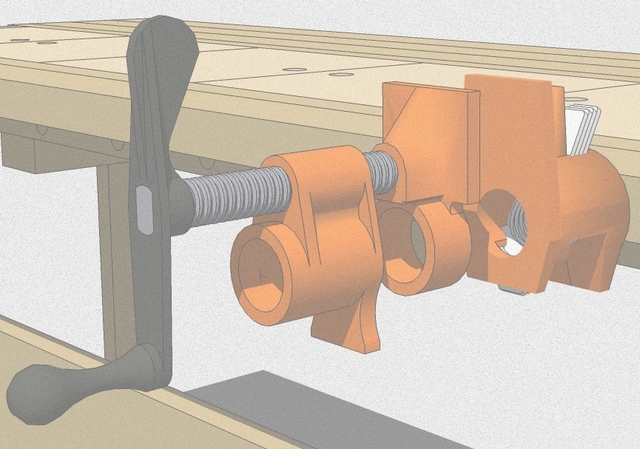
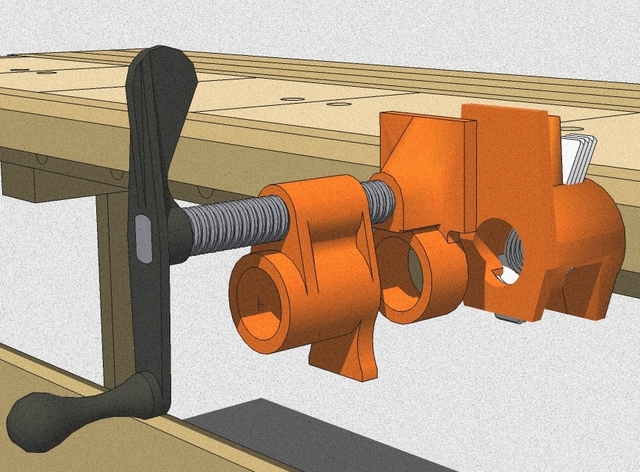
-
Yes, I would use .png files with transparency. You can use other people's styles with textures as a study guide by going to Style > Edit >Watermark then clicking on the specific watermark and save as to your computer.


Hello! It looks like you're interested in this conversation, but you don't have an account yet.
Getting fed up of having to scroll through the same posts each visit? When you register for an account, you'll always come back to exactly where you were before, and choose to be notified of new replies (either via email, or push notification). You'll also be able to save bookmarks and upvote posts to show your appreciation to other community members.
With your input, this post could be even better 💗
Register Login


Advertisement