Need help with setting an image background
-
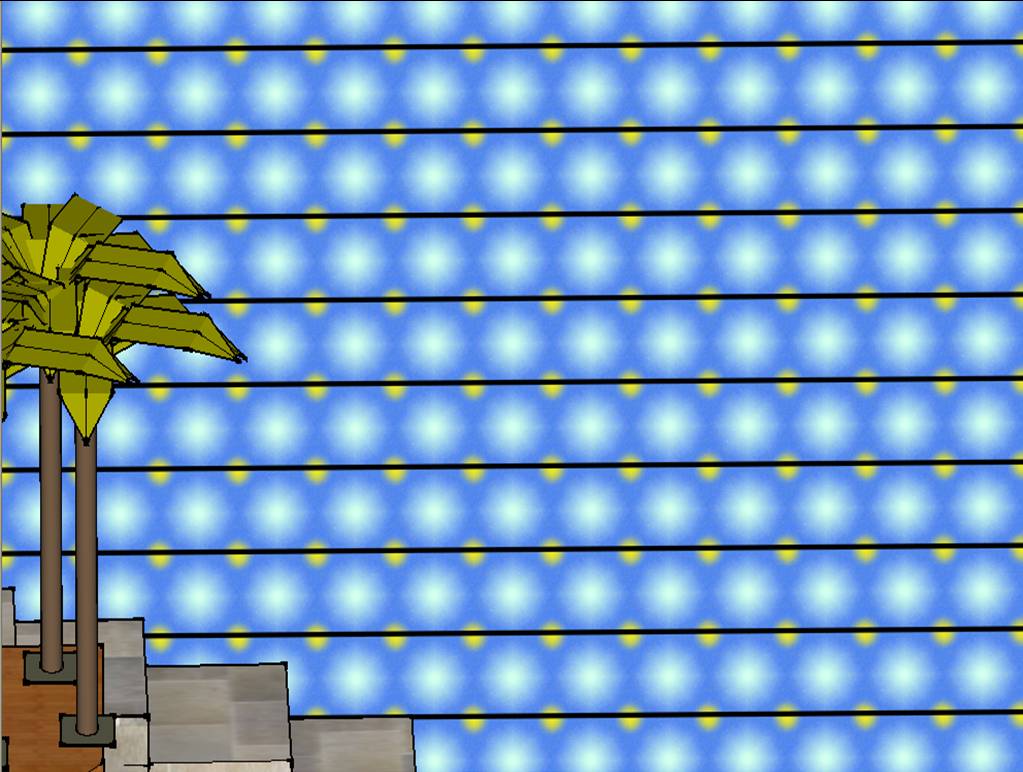
Some of my students are having a few problems with Sketchup and I am wondering if anybody here is able to help them. They have created a 32x32cm wallpaper design in Photoshop and need to wallpaper the walls of the rooms they have made in Sketchup with this JPG image. The majority of the class have achieved this with no problems but some students have found that Sketchup puts a gap between each repeat - see attached screenshot. Does anyone know why this is happening?! Any help would be much appreciated.
-
Please post the actual jpg that was used for this in case it has a border, or other issues ?
It's difficult to be sure what's up when there's insufficient evidence...
-
An example model would be even better. There must be a reasonable solution I believe.
-
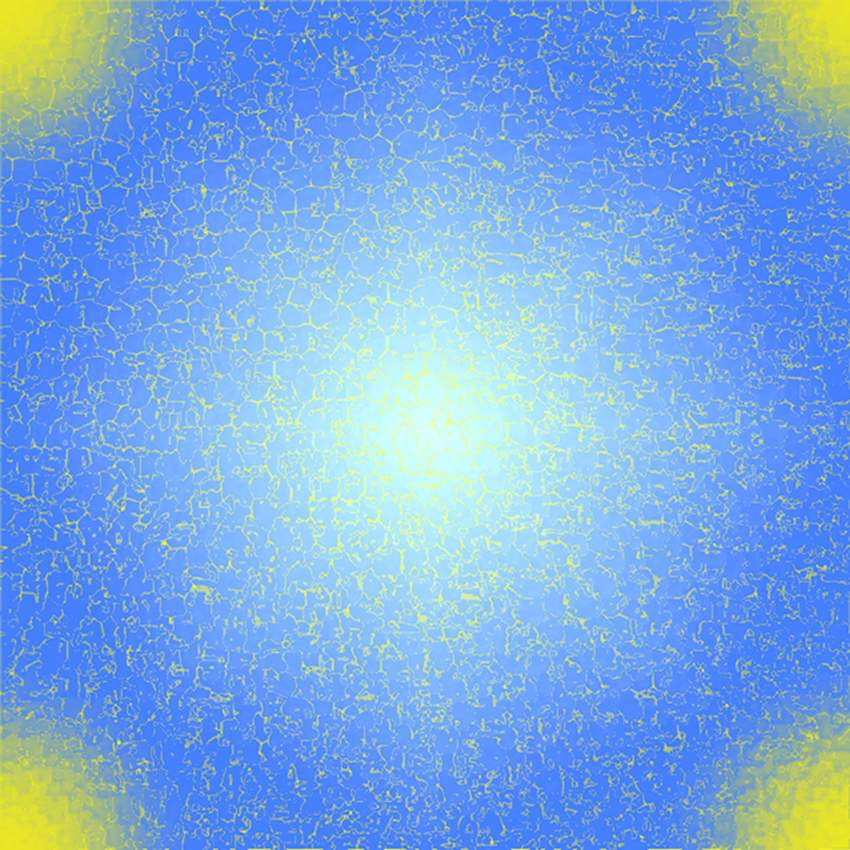
JPEG attached
-
Hi sscott,
There was no problem at all setting the image as wallpaper. There IS a subtle seam but not what you could see. I have no idea what went wrong with your student's model (if you can attach a template with it, we can have a look)
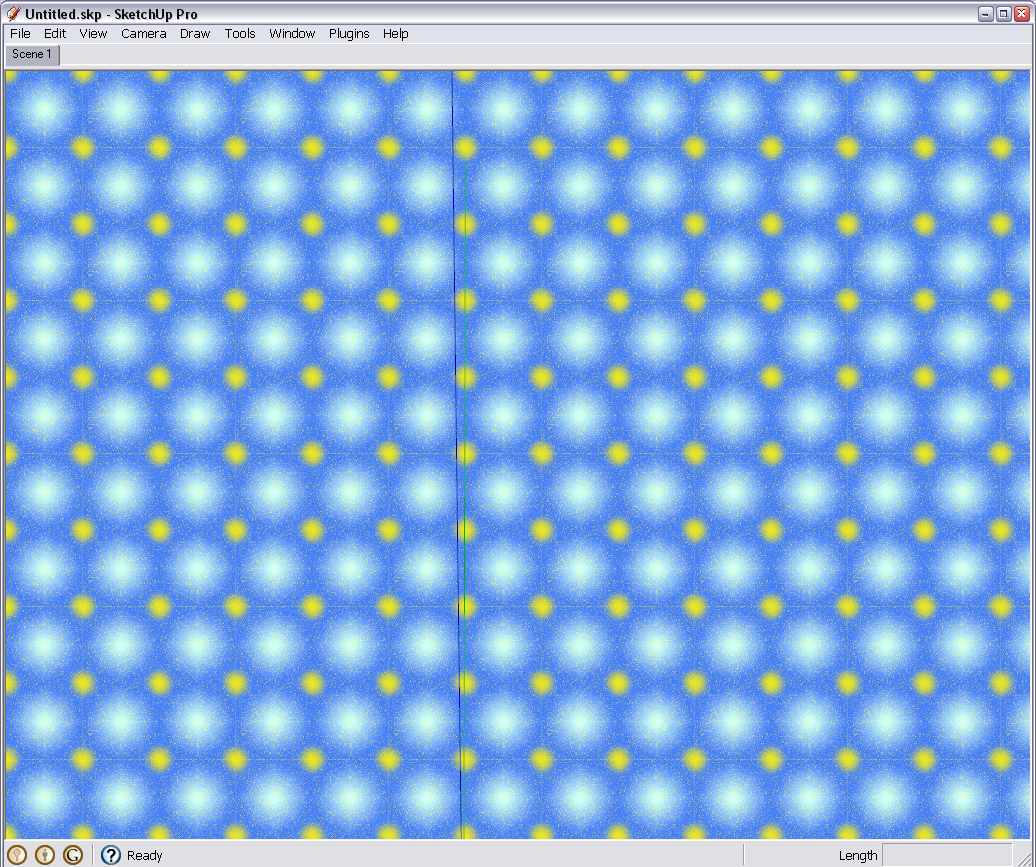
Note however that this image (for a tiling background) is extremely large and unnecessarily heavy in file size, too. 850x850 pixels is not needed for such a tiling background - you can downsample it to its fractions without any visual quality loss. I do not know if this caused any display issue on your computer.


Hello! It looks like you're interested in this conversation, but you don't have an account yet.
Getting fed up of having to scroll through the same posts each visit? When you register for an account, you'll always come back to exactly where you were before, and choose to be notified of new replies (either via email, or push notification). You'll also be able to save bookmarks and upvote posts to show your appreciation to other community members.
With your input, this post could be even better 💗
Register Login


Advertisement