Very nice renders, David. Love the night scene. 
Could you please post a screenshot of the sketchup model/geo.
Thanks and keep it up!
_KN
Very nice renders, David. Love the night scene.
Could you please post a screenshot of the sketchup model/geo.
Thanks and keep it up!
_KN
@solidseal said:
Fraps will do I guess
Love the detail .. with every picture I learn stuff .. even if nothing changed :d
Thank you Solidseal.
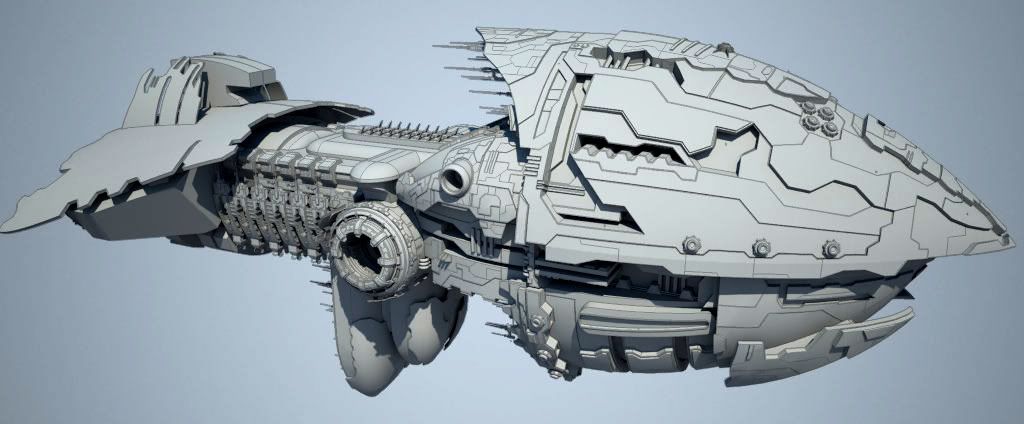
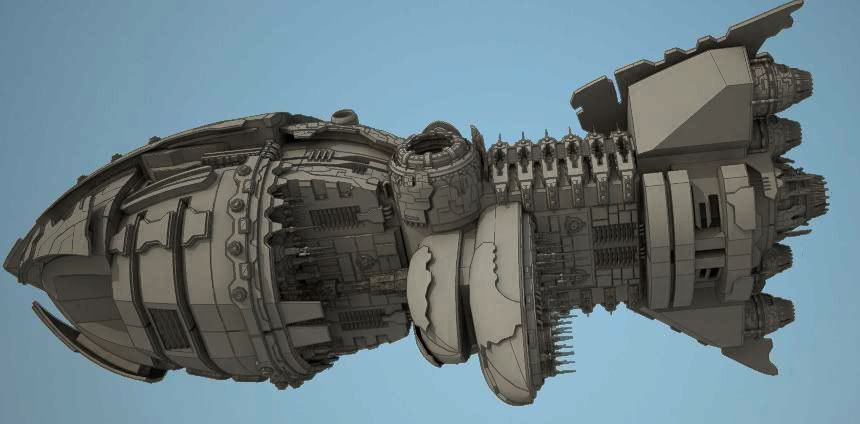
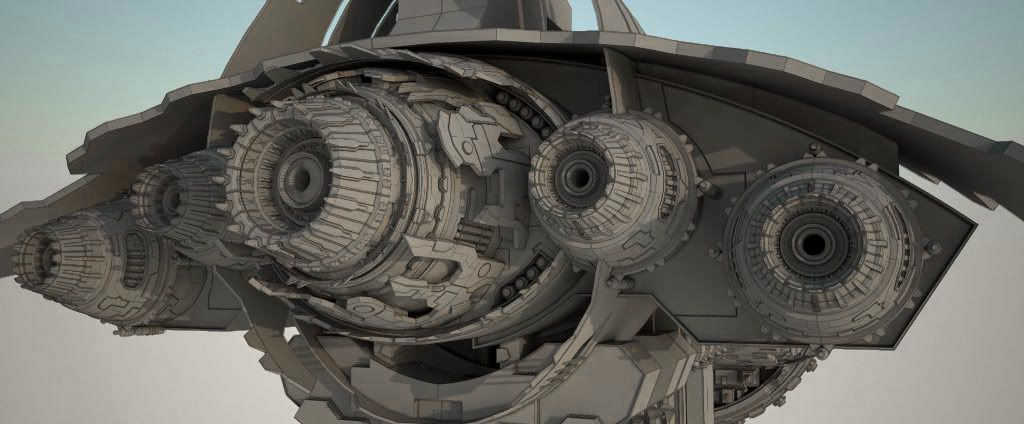
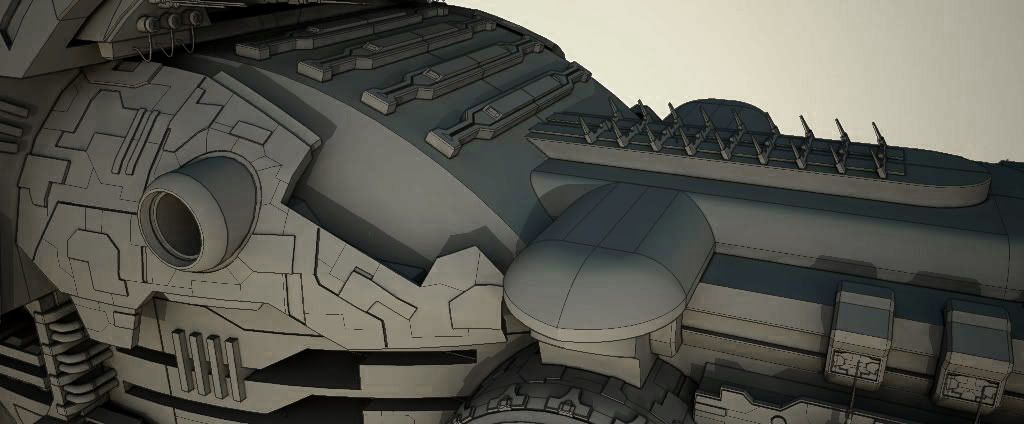
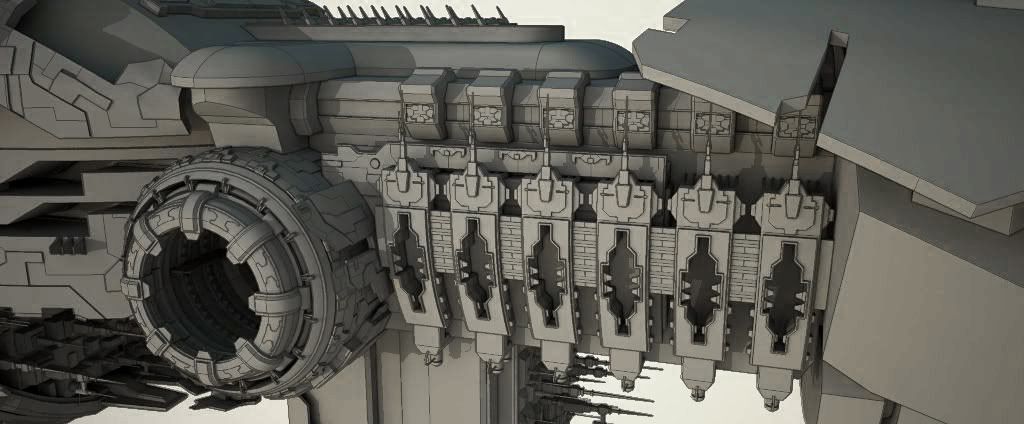
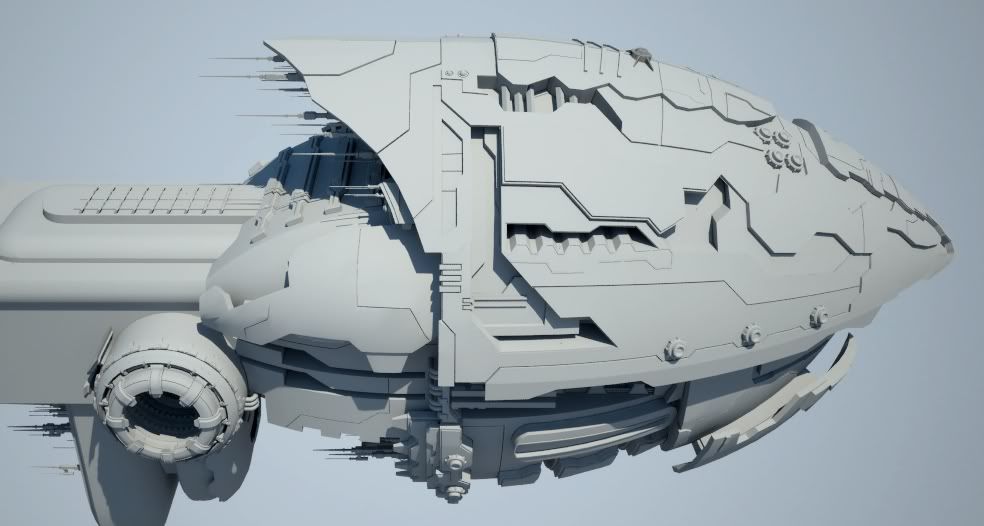
More WIP from last night. I added more details (panels on the hull, exhaust engines, etc.).
Have a nice day!
-KN
Very nice model.
Thanks for showing your texturing technique.
Keep it up!
_KN
Wow, this is really cool.
Could you please show the screenshots of the sketchup geos?
Thank you, Sir.
_KN
@ Liam: Yeah, maybe I should take a week off; go to bed and sleep. I look like a zombie. 
Thanks for noticing that my starship fits within one of the races. Some entries are very nice but they seem like they belong to another universe but EVE. The rule says it clearly: "Entries must depict a starship suitable for integration into EVE Online".
Your ship's length is longer than the width? 300M (Length) 890M (width) 200M (height).....lol 
My dimensions are: 1000M (length) - 450M (width - it will be larger as I still have to add something on one side) - 450M (height).
@ stonebreaker: Thank you for your kind comment. I made the engines with basic tools like drawing a profile using lines, circle, curves, etc., then I used "follow me" around a circle.
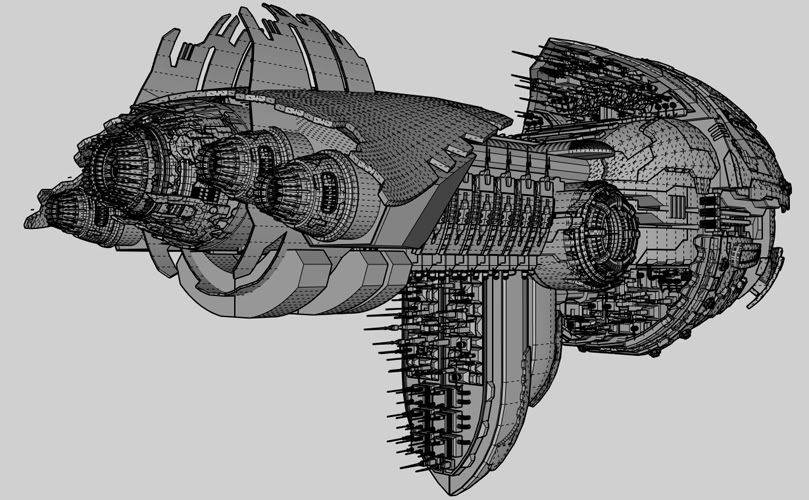
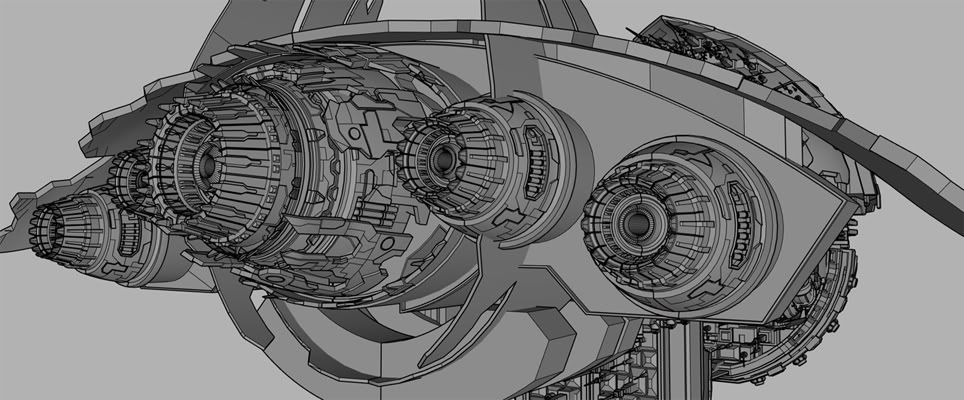
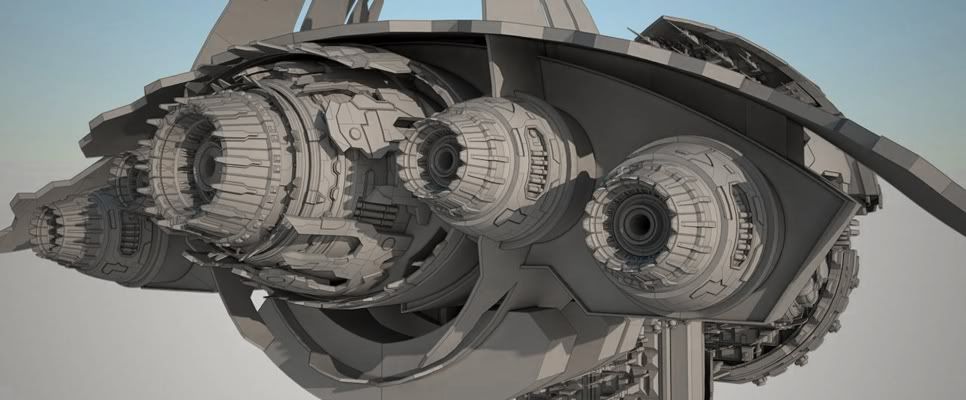
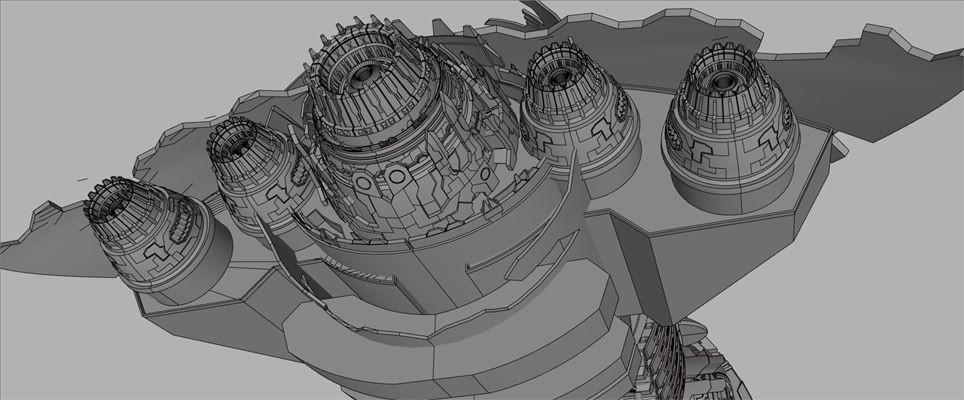
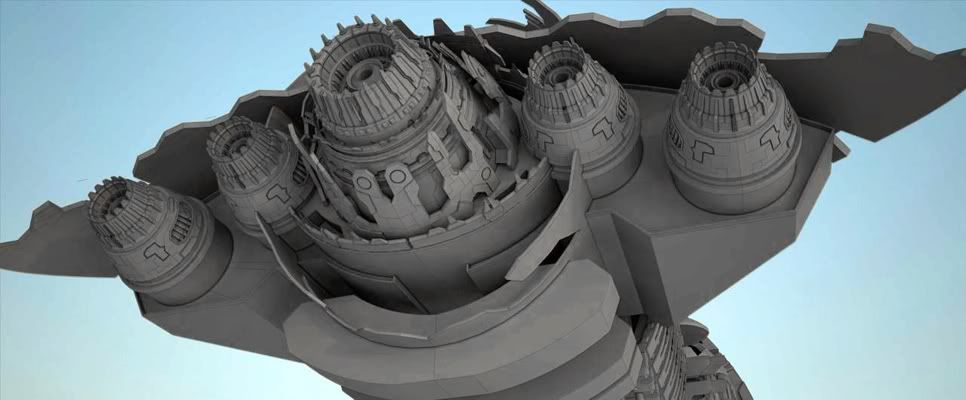
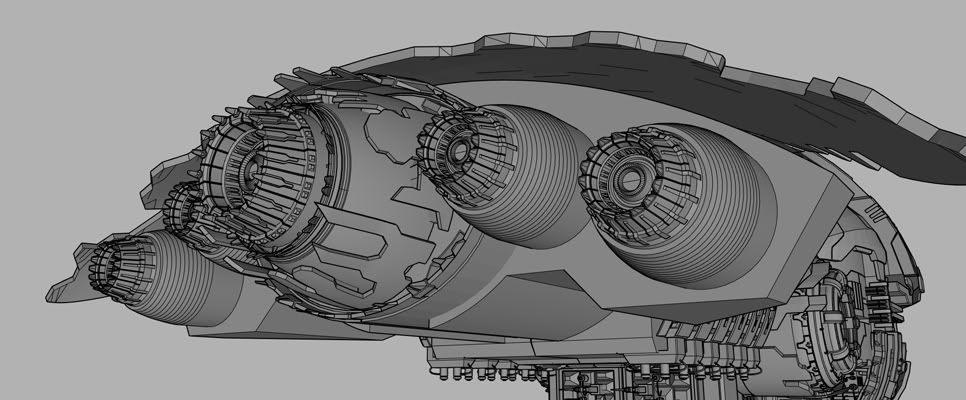
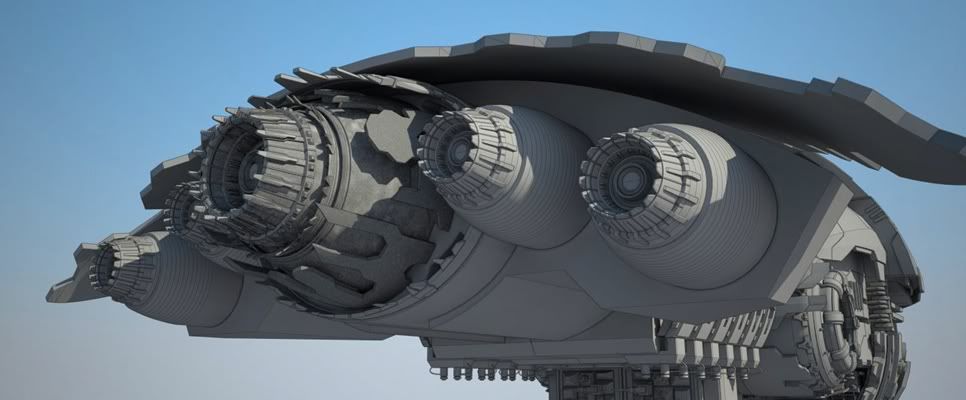
Here's stuff from last night. I added details to the engines/exhaust and more stuff in the back of the ship. I will have to do the same thing with the rest of the ship. I will go back and add details later.
Thank you for viewing. Take care,
_KN
Really nice rock, Michalis!
You mentioned you rendered it in Sketchup with Podium, right? How did you import the textured model back to Sketchup? 
Have a great day!
_KN
Hi Tomas,
Welcome to the forum.
You have some pretty cool models. Did you build everything from scratch? I particularly like the interior models. That would be nice to see them textured and rendered with Vray. You can get a free 30 day trial from their website. http://software.asgvis.com/index.php?option=com_content&view=article&id=298&Itemid=233
If you have questions about Vray, I am sure Teo won't mind to help. He is the ultimate master of Vray.
Keep it up,
_KN
@liam887 said:
looking good ken im going to have my work cut out to better you haha!
LOL 
Hope you can do something, Liam. Prizes are too good to miss out on.
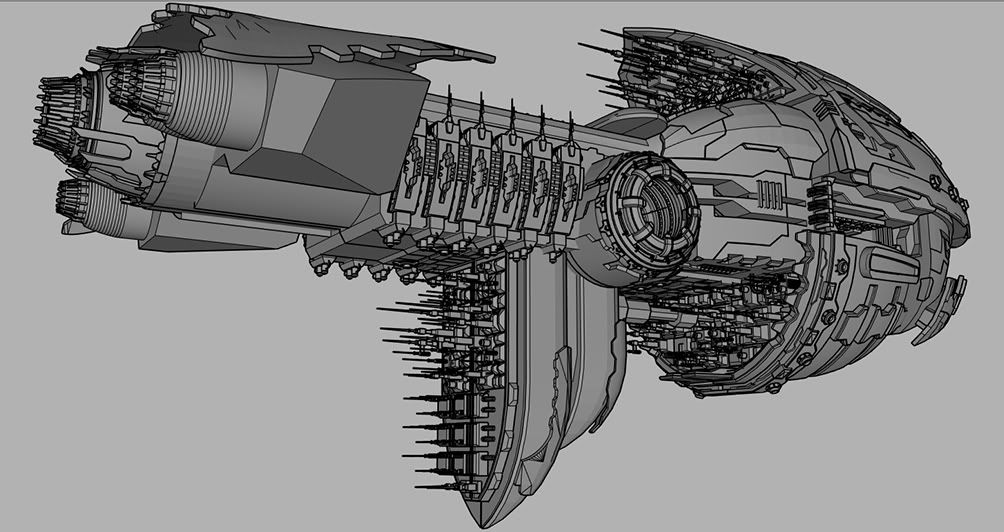
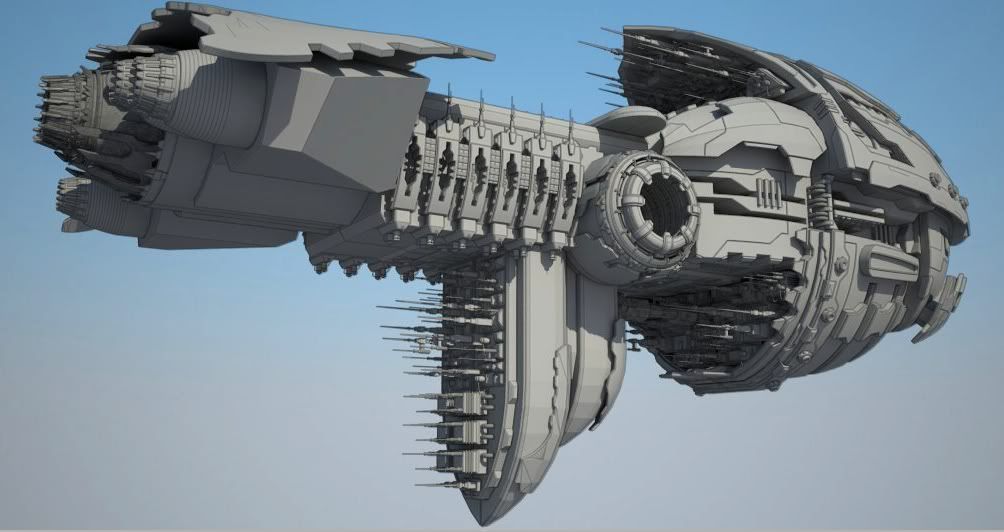
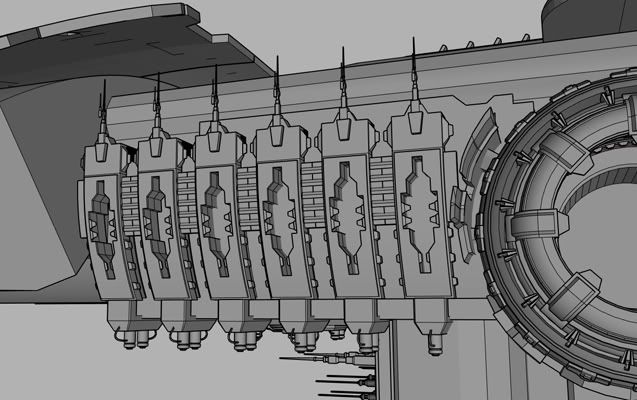
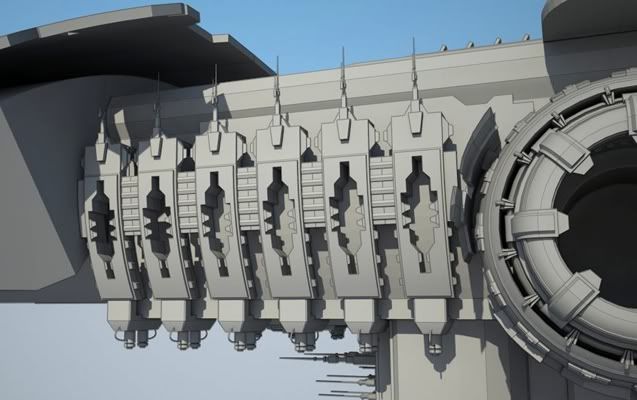
Here's the latest WIP from last night (Sunday).
Thanks for visiting and have a wonderful week, everyone. 
_KN
@thomthom said:
Ken - what kind of machine are you creating there??

Hi Thomas,
I am working on a time traveling machine. I will go back 15 years ago when I was an architecture student and will create Sketchup so I can do crazy stuff instead of using pencil, markers, spray paints, and tracing paper.
Just kidding.
It is for a contest I am doing that is due next month. http://news.deviantart.com/article/128272/
You can see some of the WIP here: http://forums.sketchucation.com/viewtopic.php?f=81&t=27030
Have a nice week!
_KN
Hi guys,
Hope you had a great weekend.
@ Dolphus: Thank you, Sir. How is it going with your aerospace designs?
@ Pilou: Merci beaucoup. Bonne journee!
@ Solidseal: Thanks for you comment. Sorry, I don't have any videos. Maybe I will make some video tutorials of modeling high detailed models in Skechup in the future. Any free software I can use to make videos?
@ Liam: Wonderful, looking forward to seeing what you have. Yes, I have noticed that lots of people did not follow the rules. Too bad for them, but good for us...less competition. By the way, you mentioned you would paint it. Don't forget you have to submit uncolored line drawings or illustrations. If time allows I will include a colored perspective view of the starship, but that won't be my main focus. I will try to finish 6 really nice detailed views of the model first, before thinking about any colored illustration.
Here's the latest WIP from Saturday night (fever...) 
Have a great week!
_KN
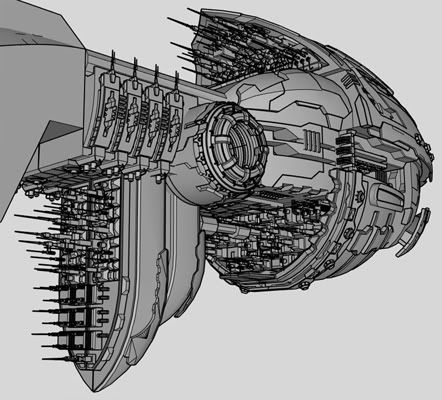
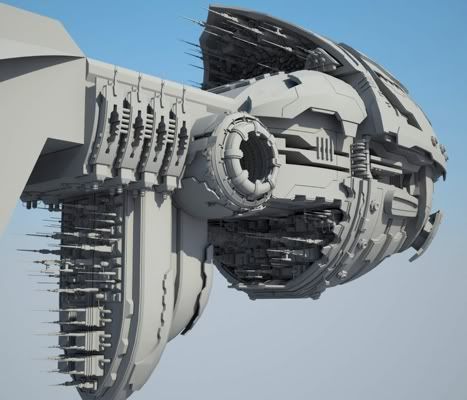
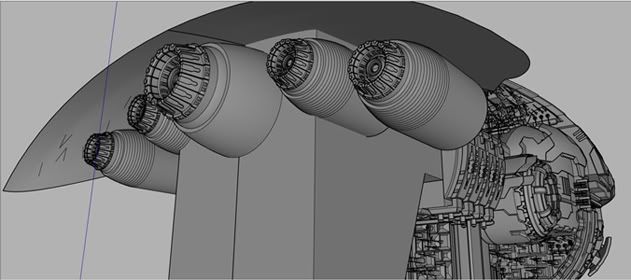
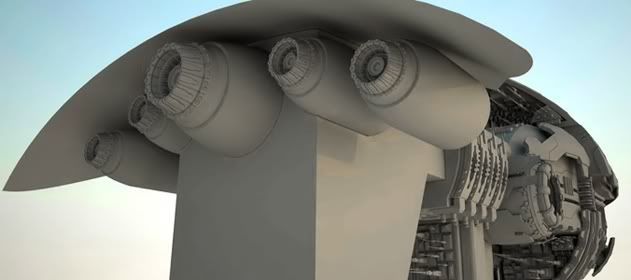
Hi Thomas,
I was working on this project Friday night and spent a lot of time selecting each of the edges of the circle. Then I took a break by visiting Sketchucation. And guess what, I saw your Select Curve plugin thread. I was like, wow just what I needed! Thomas you're the man.
I was mentioning to you about the possibility of selecting the hidden edges of the curve. I did actually find a plugin that does the trick. I don't know who wrote it, but it's called "Connected edges by Angle" and it works just fine.
I also find out that you posted a bunch of new awesome plugins this past few weeks. Thank you so much for taking time to write them. I will feed you some cookies.
Anyway, here are some images of what I was working on that needed your Select Curve last night.
All the Best,
_KN
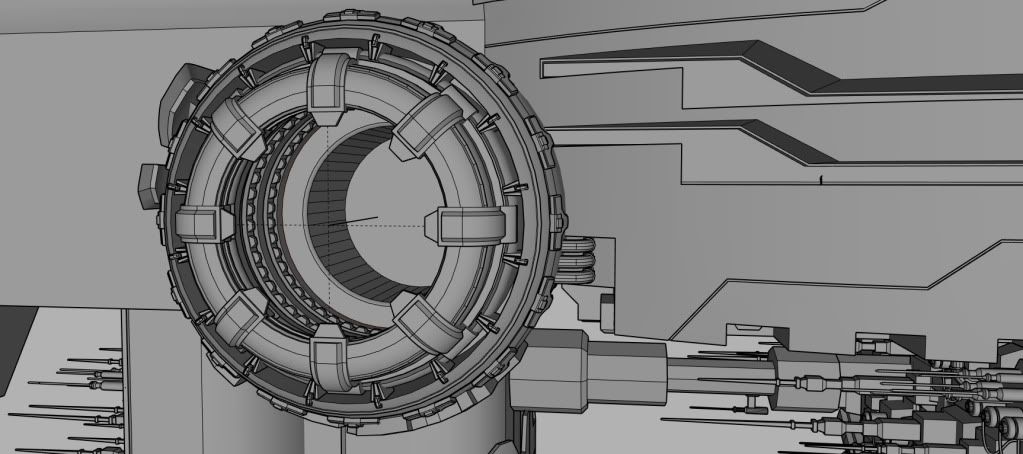
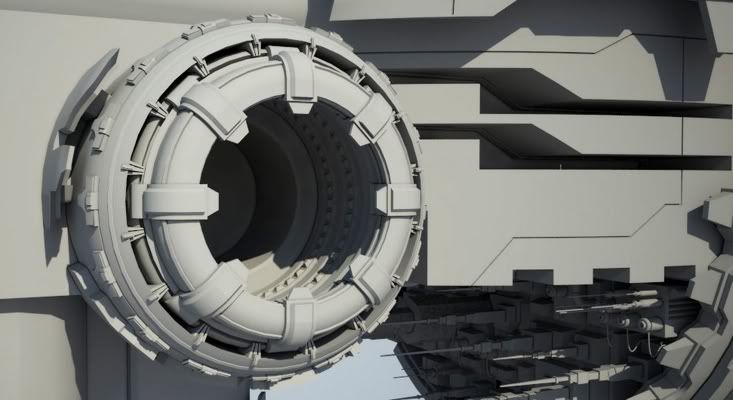
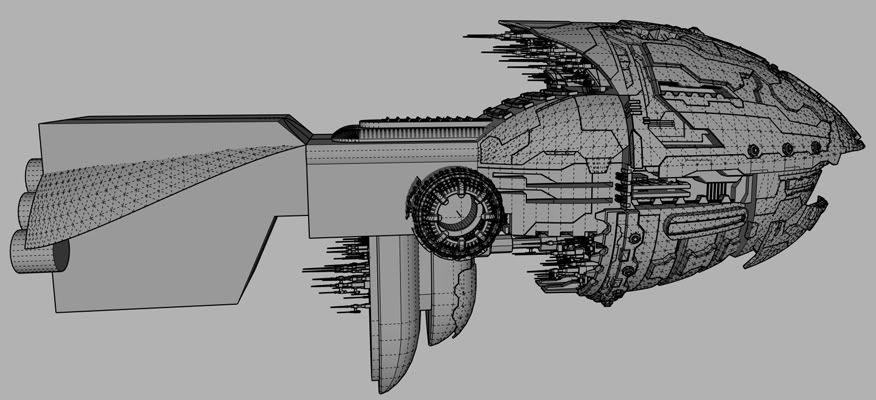
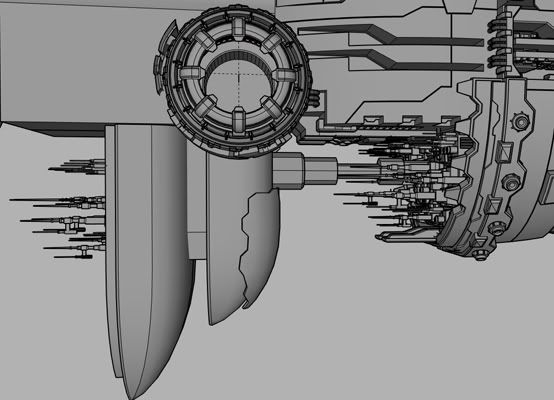
WIP from Friday night.
Thanks for viewing.
_KN
Bonjour Frederic,
Very nice render. I like it a lot.
Sketchup UV mapping is pretty bad, but you bed blanket and pillows look really nice. May I ask how you did the textures for them?
I would appreciate if you could share them.
Merci beaucoup et bonne journee!
_KN
p.s. I checked out your website. Really nice images. Which ones are real pictures and which ones are 3D renders???
Yes, finally you wrote this script.
It will save me so much time compared to selecting edges one by one.
It was a request I made back in March.
http://forums.sketchucation.com/viewtopic.php?f=323&t=26957
I noticed that selecting the curve works only if the perpendicular edges to the one we pick are hidden. For the next release, would it be possible to be able to select invisible edges, as well as selecting the looping curve when all the edges are visible?
Thank you so much, Thomas!
_KN
Cool render, Oliver.
a few suggestions:
You might want to fix the shadows. The shadows of the people on the left don't quite match the ones on the right. Looks like you have two , one on the left and one on the right.
Also, play with the colors and saturation to make the people merge better with the scene.
One more thing: the shadow of the tree on the building on the left side seems a little bit too dark. Try to make it a tad lighter and maybe softer.
Best,
_KN
Very nice render, Sully114.
Are you sure it's not a photo you posted here?
Best,
_KN
Very nice render style, allanx.
One suggestion here: You might want to make the building darker so it will stand out and be the main focus. Indeed, my eyes are somewhat attracted to the trees rather than your building.
Best,
_KN
Wow! Awesome. That's what I needed.
Thanks, TIG.
_KN