This is always the way these things go -- digital delivery is faster than CD/DVD but usually you are better off to wait a day or two after "release" to download... save yourself the aggravation and avoid the bottleneck.
Best,
Jason.
 Offline
This is always the way these things go -- digital delivery is faster than CD/DVD but usually you are better off to wait a day or two after "release" to download... save yourself the aggravation and avoid the bottleneck.
Best,
Jason.
Here's a bit of post work in Photoshop to finish mine off:
Best,
Jason.
I use the various inspector as I need them but do not keep anything but these toolbars open "all the time".
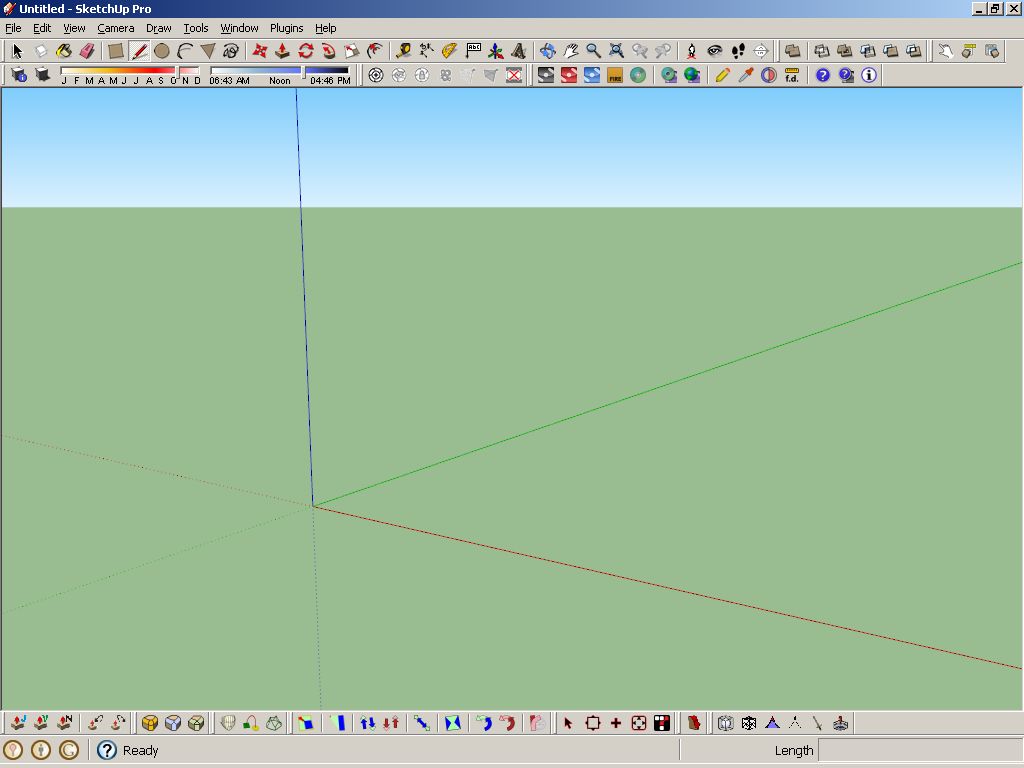
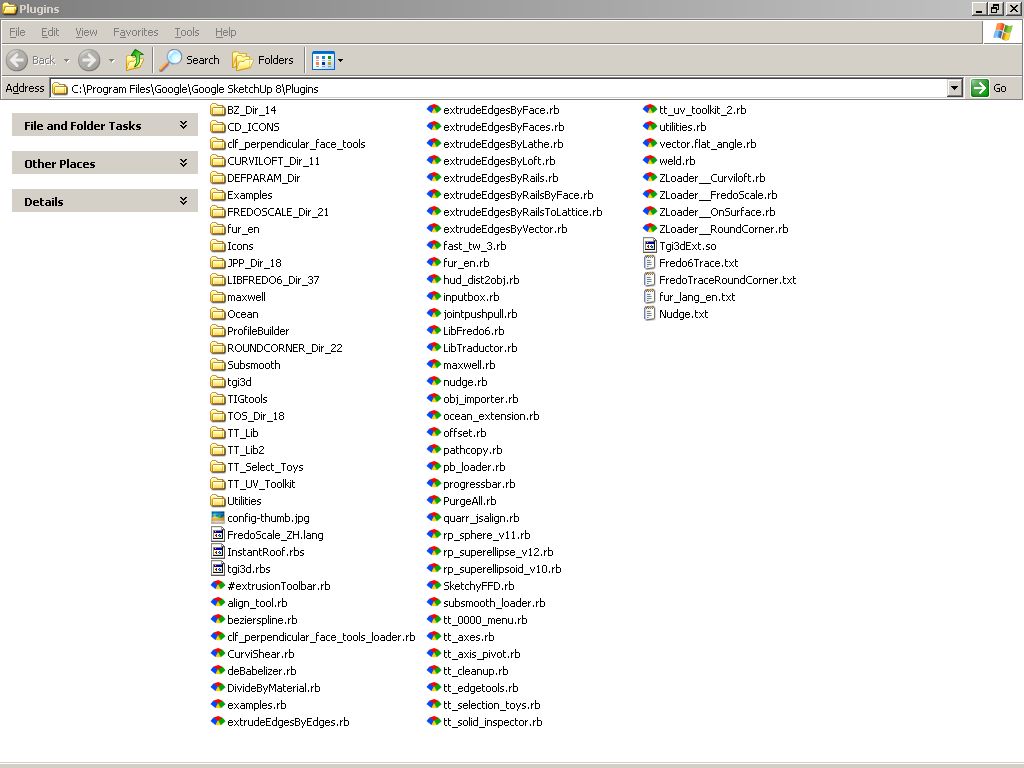
Best,
Jason.
I took it as a chance to get back to basics -- I started with nothing and only added plugins back in as I found I needed them... I don't have many as a result, which makes the effective use of the ones I do have installed much easier.
Best,
Jason.
That sounds like a wise strategy -- being an early adopter is rarely a good idea.
Best,
Jason.
What is the upgrade policy on the plugins? For instance the "Environment and weather" package looks interesting but if you have to pay full price each time they release an update to those then it could get to be a very expensive package indeed.
Best,
Jason.
So which package are you going to get for "free"?
Best,
Jason.
I made a video series for VTC which covers the new features of Sketchup 8 as well as the main features specifically in the Pro version (Solid Tools, Dynamic Components and Layout).
The first 13 videos are free so you can get an idea if it's what you are looking for -- Sketchup Pro 8 video series.
Best,
Jason.
Done with Maxwell Render with a bit of Simulens (no post processing):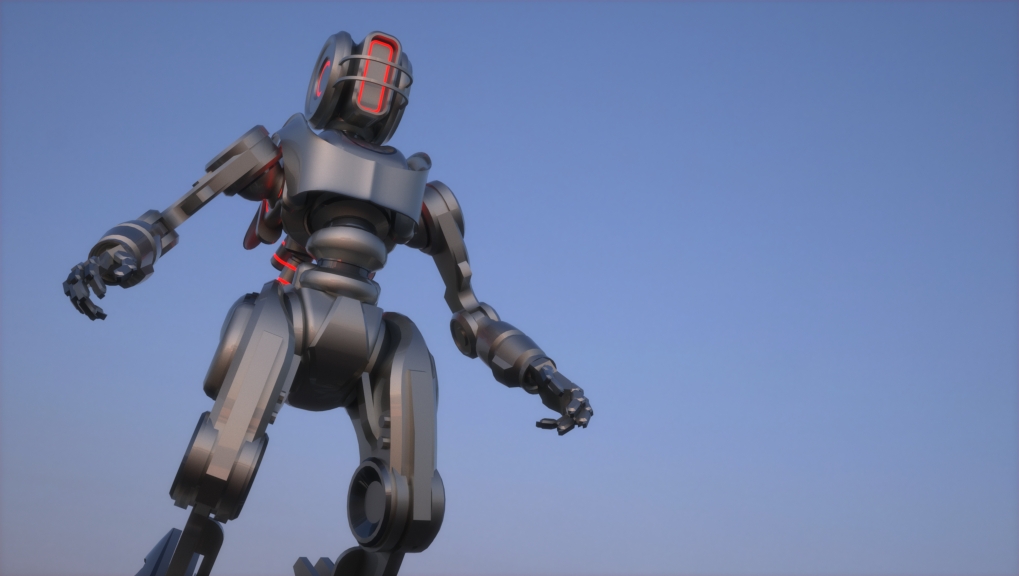
Best,
Jason.
This Sketchup plugin works as a displacement map inside Sketchup -- it is not a render engine only feature: http://forums.sketchucation.com/viewtopic.php?p=275772#p275772
My advice, download the free Substance Player here: http://www.allegorithmic.com/products/player
this comes with several free Substances including a seamlessly tile-able wood floor generator that will create normal/bump/displacement maps (among others like diffuse and specular) based off of any wood image you give it. It's free and it's really easy to use -- try a few maps and see which results you like best...
Best,
Jason.
Here's a slight update for Maxwell with maybe a few more interesting comparative categories.
Best,
Jason.
Maxwell was my choice too and have not regretted it in any way... it's been a few years since I've played with the demo of any other render engine because I have been so content with Maxwell.
Different users will have different goals for the render they choose... for many it is speed and for some it is cost, but my goal is/was the highest possible realism at any cost.
Best,
Jason.
Bonzai3D contains a native "meshing" feature that does exactly this -- the idea is you simply tell it how large you would like the squares to be (in whatever units you are working in) and it will re-create the meshed faces.
That is a really nice feature of their package -- other nice features are: they have much better import and export capabilities and Nurbs tools built in... all for the same price as Sketchup Pro. I hope Sketchup is feeling the pressure applied by Bonzai3D and will begin to more seriously develop similar tools for Pro users.
Best,
Jason.
I'm working on some painter 12 brushes if anybody wants them:
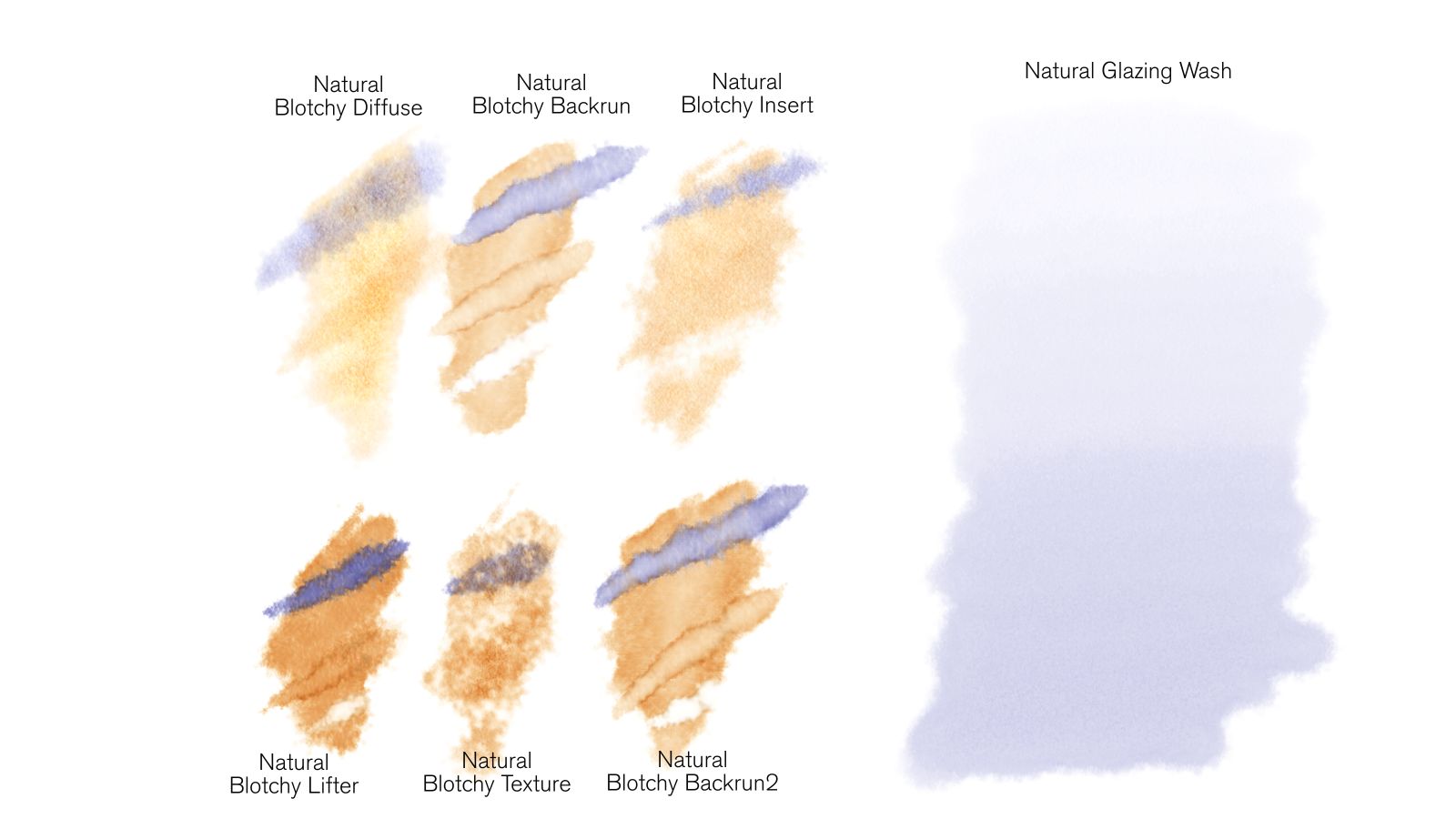
On each of the 6 smaller samples I've overlaid 3 brushstrokes -- the 1st is blue, the 2nd is the base color, and the 3rd is pure white.
http://www.spotoarts.com/jason/painter12/Real%20Blotchy%20Watercolor.zip
and

http://www.spotoarts.com/jason/painter12/Sumi-e.zip
This will be part of my next video series for VTC... feedback is welcome.
Best,
Jason.
As I said Maxwell will not respect Sketchup section cuts at all -- the sample scene from Gaieus contains a section cut (which again Maxwell does not see or render).
If you wish to do a section cut effect and not use Z-Clip Planes then you will have to manually separate the geometry and set the group you want to be "cut away" to "hide from camera"... like this: SectionCut_j.skp
All you need to do is select the section plane and context click to choose "create group from slice", then explode any geometry necessary to let the new "section plane" group divide the relevant geometry... then group the parts you wish to hide and context click to select Maxwell>Hide from>Camera.
Here's the resulting render: 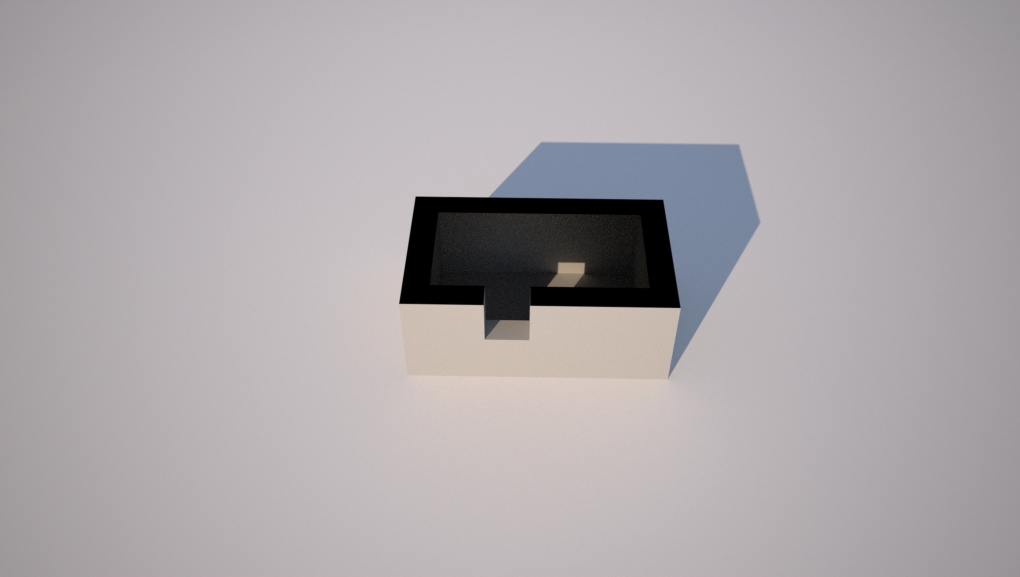
Best,
Jason.
Well, without seeing the scene it's hard to know precisely where the issue is as it could be many things... in regards to posting on the Maxwell forum you must follow the directions here:
If you are wanting section cut effects you should really use the Maxwell "Z-Clip Planes" (under the cameras tab in the plugin) as Maxwell has no idea what a Sketchup section cut is and therefore just ignores it.
Best,
Jason.
I added a bit of sss to the colors in MrWip's file that were labeled "translucent" and let it render all night -- this has a tiny bit of Maxwell Simulens but no post work: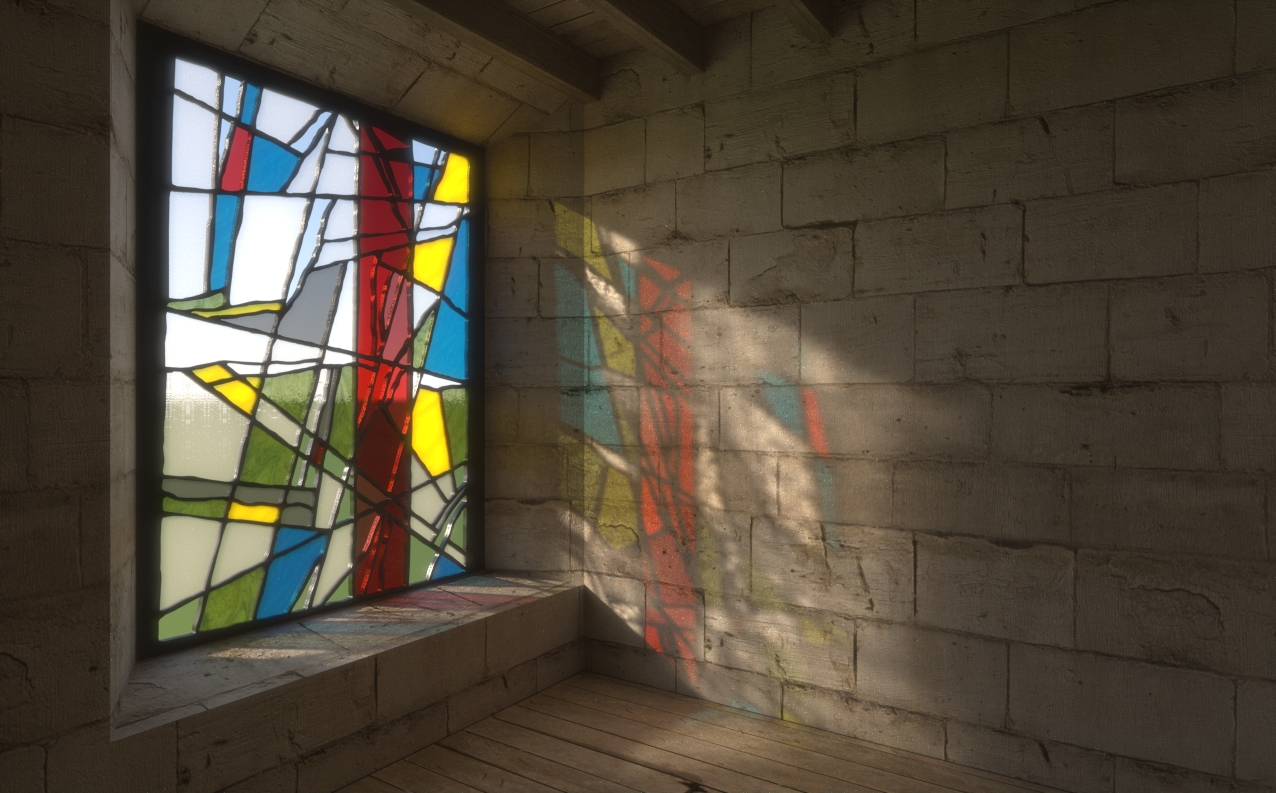
Best,
Jason.
Here's a more traditional window type to show off caustics -- Maxwell Render of course, with a little bit of Maxwell Simulens and post.
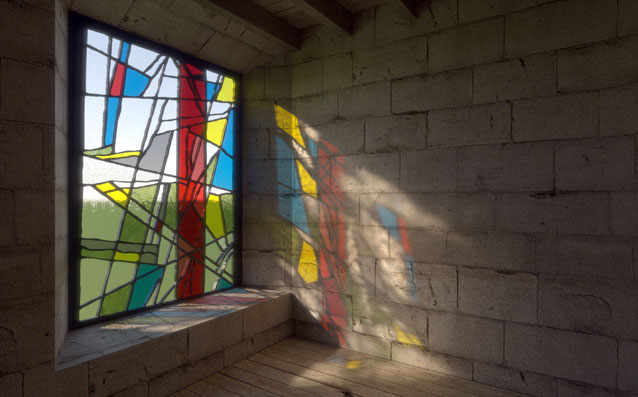
I'll let it render longer overnight and post an updated version.
Best,
Jason.
Here's one from Maxwell Render -- I used a bit of the Maxwell Simulens effect, but no post:
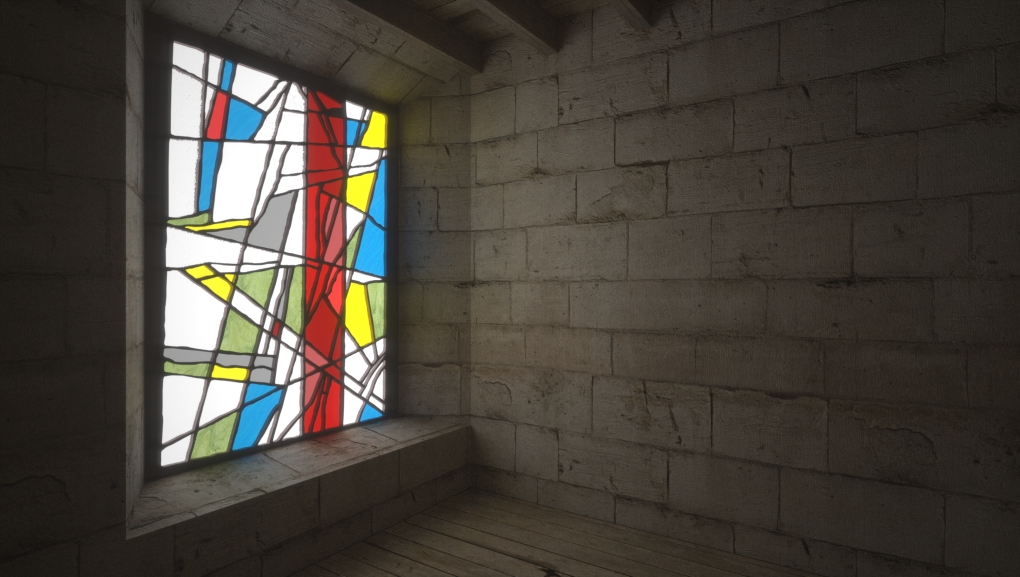
and here's a bit of post:

Best,
Jason.
