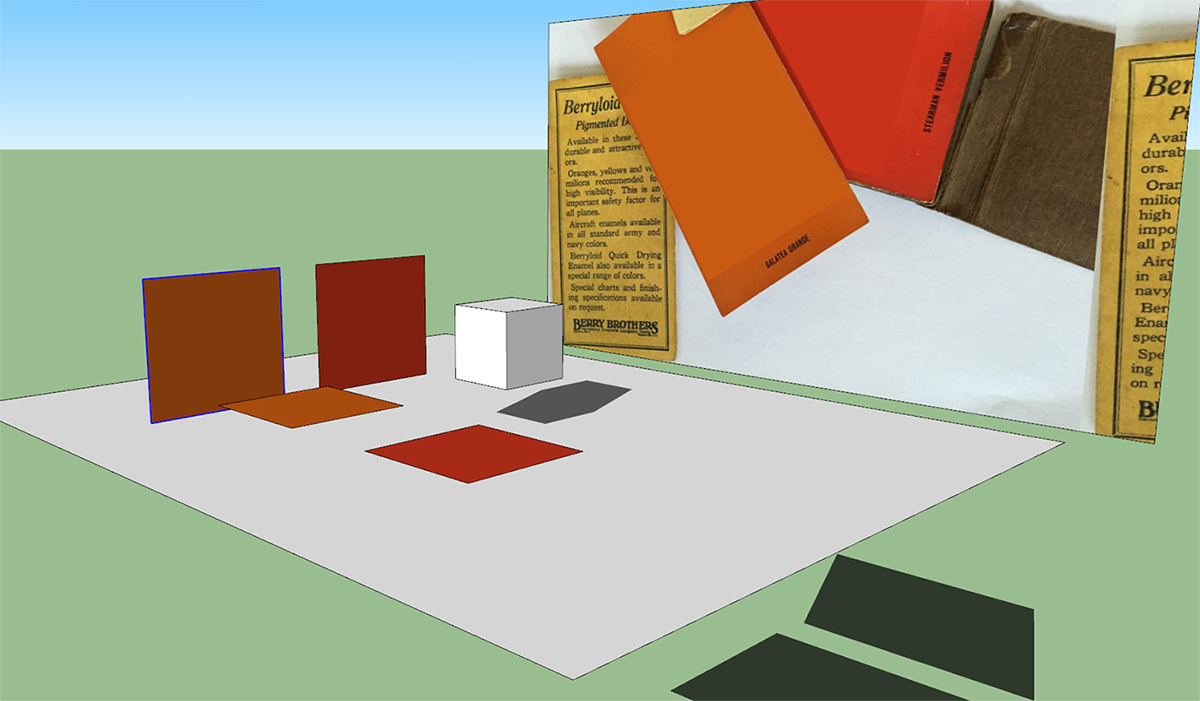
While working on a vintage airplane I encountered a strange problem. I had imported two colors from a photo I found online, and after applying them to my model I discovered that anything painted with those colors would not create shadows.
The two vertical squares were painted with textures made from cutting small sections of each color from the photo and saved as separate jpg's (to keep the size of the textures down). I also imported the original photo while attempting to solve this problem. The two horizontal squares were painted using the imported colors. The cube was there just to show that shadows were turned on. Hope this makes sense.
As you can see, none of the squares are casting shadows.
I decided to change the colors just a small bit to see what would happen. The RGB Green value was originally 50
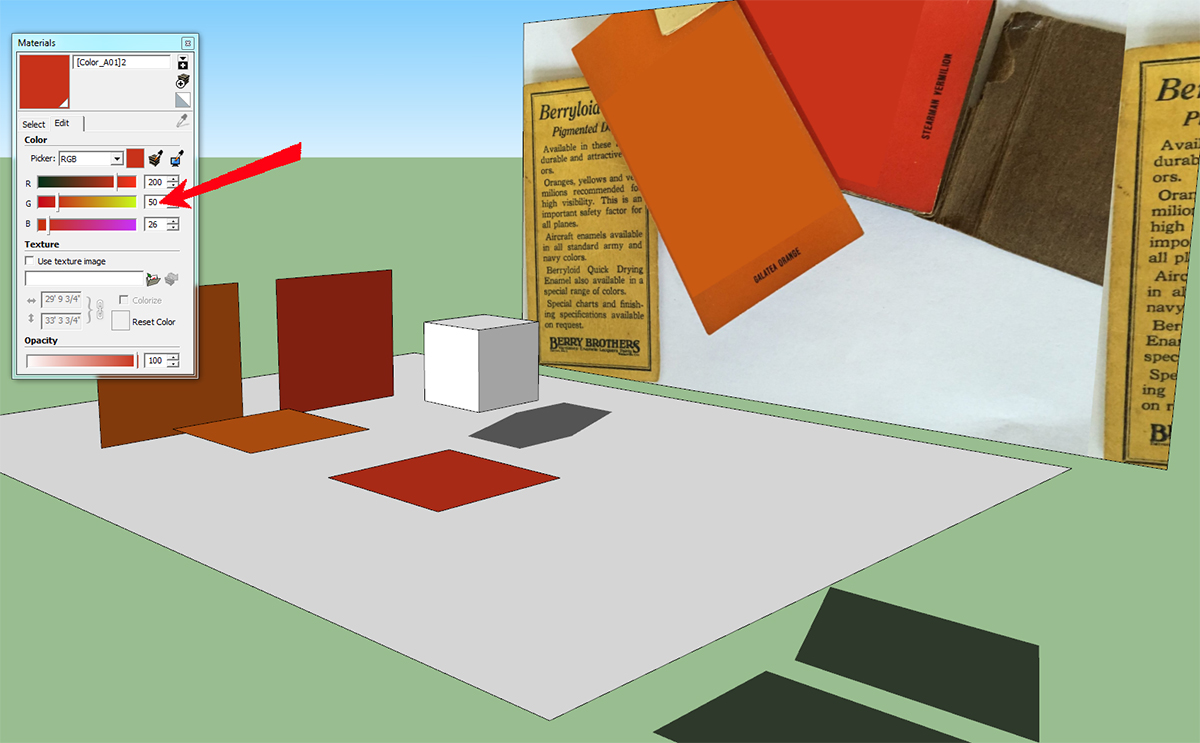
When I changed it to 49, the altered color did indeed now cast shadows
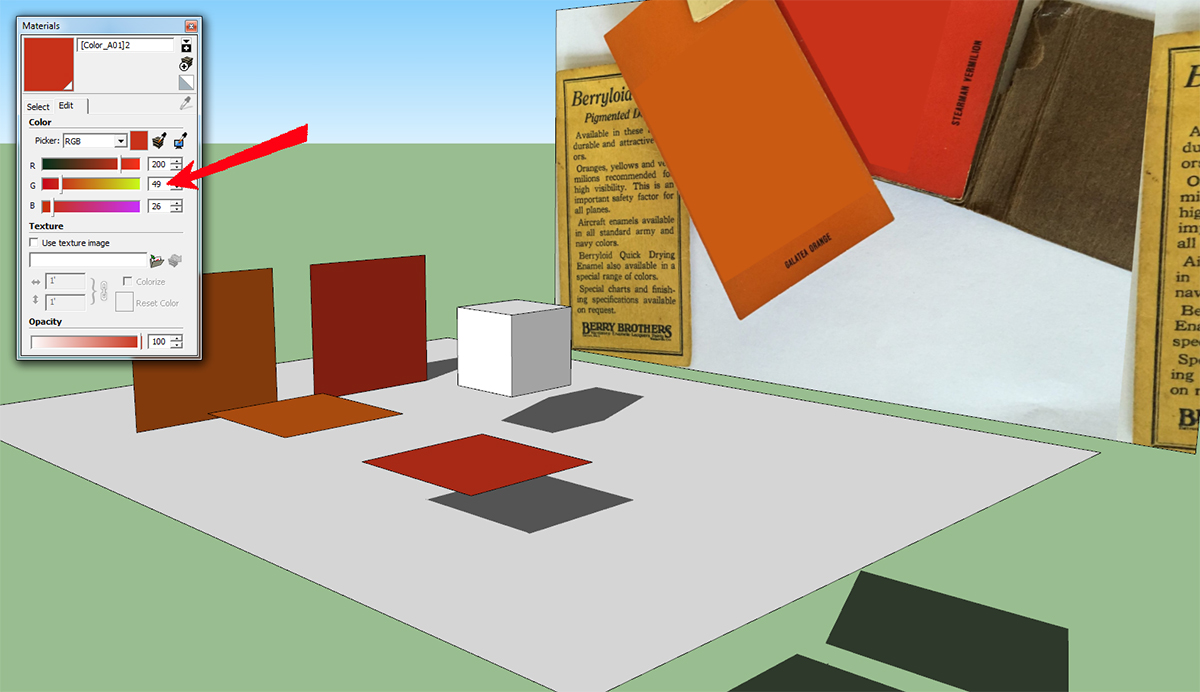
The other color also cast shadows when slightly changed. But when I changed the RGB values back to the orignal setting, they continued to cast shadows.
Not an earth-shattering problem (especially considering the stuff going on nowadays) and now that I know how to solve it no biggie, but it drove me nuts for awhile and I was just curious if someone might know the reason for this.
I will include the SKP in case that might help.
Thanks in advance for any input.
 .
.


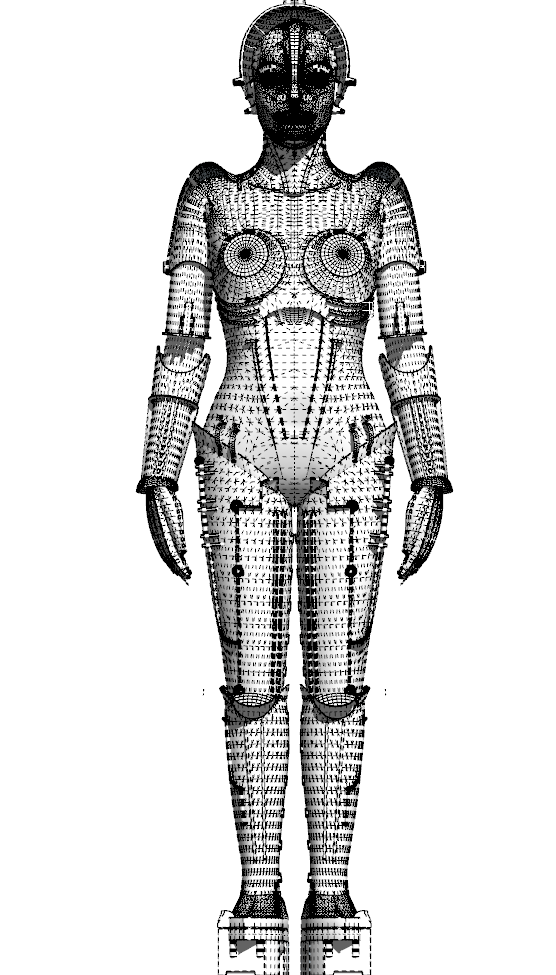
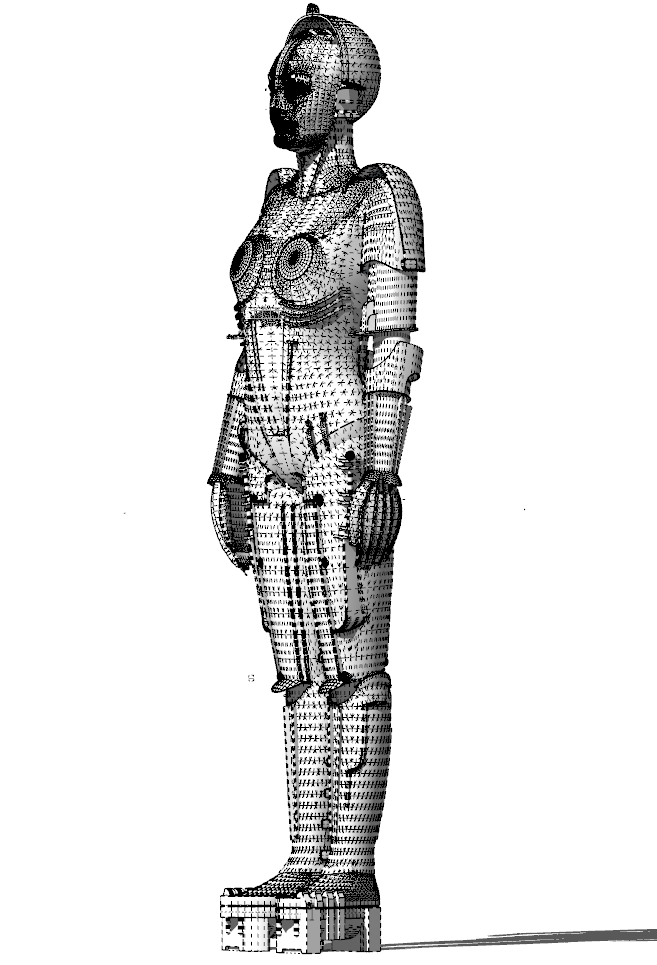
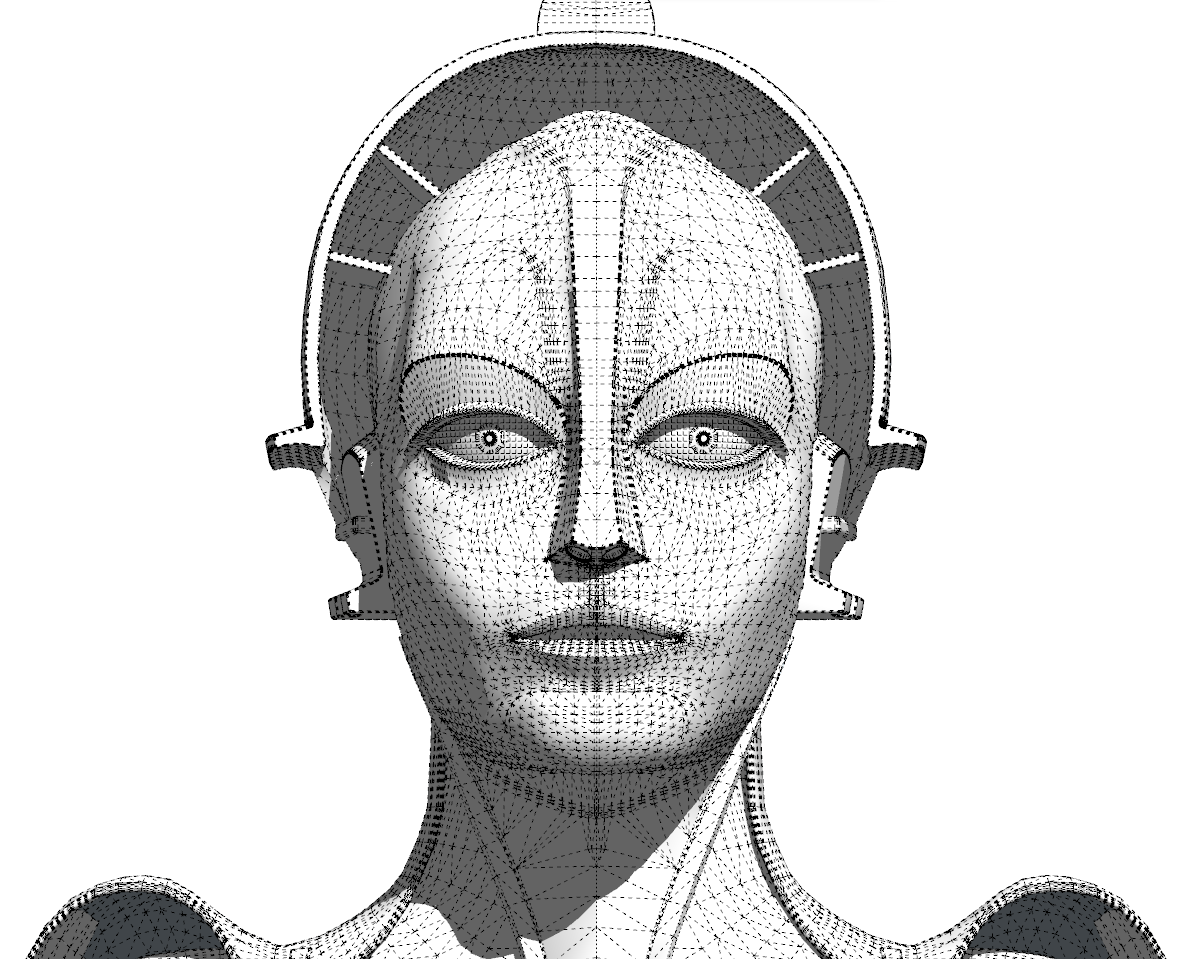
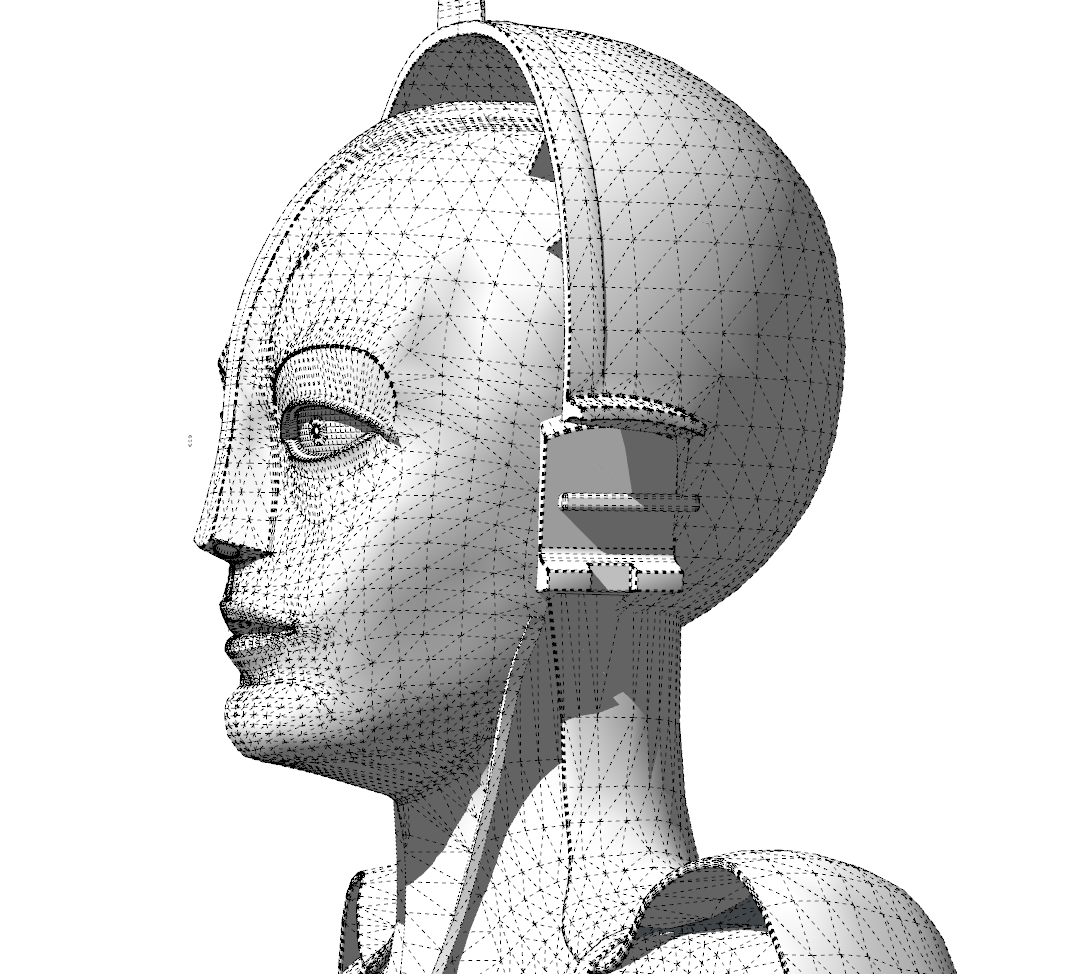
 and I probably do, for a number of reasons). All in all, it was probably more trouble than just making her from scratch.