sketchucation logo sketchucation
    • Login
    1. Home
    2. Berserk
    3. Topics
    Oops, your profile's looking a bit empty! To help us tailor your experience, please fill in key details like your SketchUp version, skill level, operating system, and more. Update and save your info on your profile page today!
    Urasik Extensions | Lots of new extensions to check out Learn More
    B
    Offline
    • Profile
    • Following 0
    • Followers 0
    • Topics 5
    • Posts 19
    • Groups 2

    Topics

    • B

      Urasik Viewport +

      Watching Ignoring Scheduled Pinned Locked Moved Plugins
      1
      1 Votes
      1 Posts
      29 Views
      No one has replied
    • B

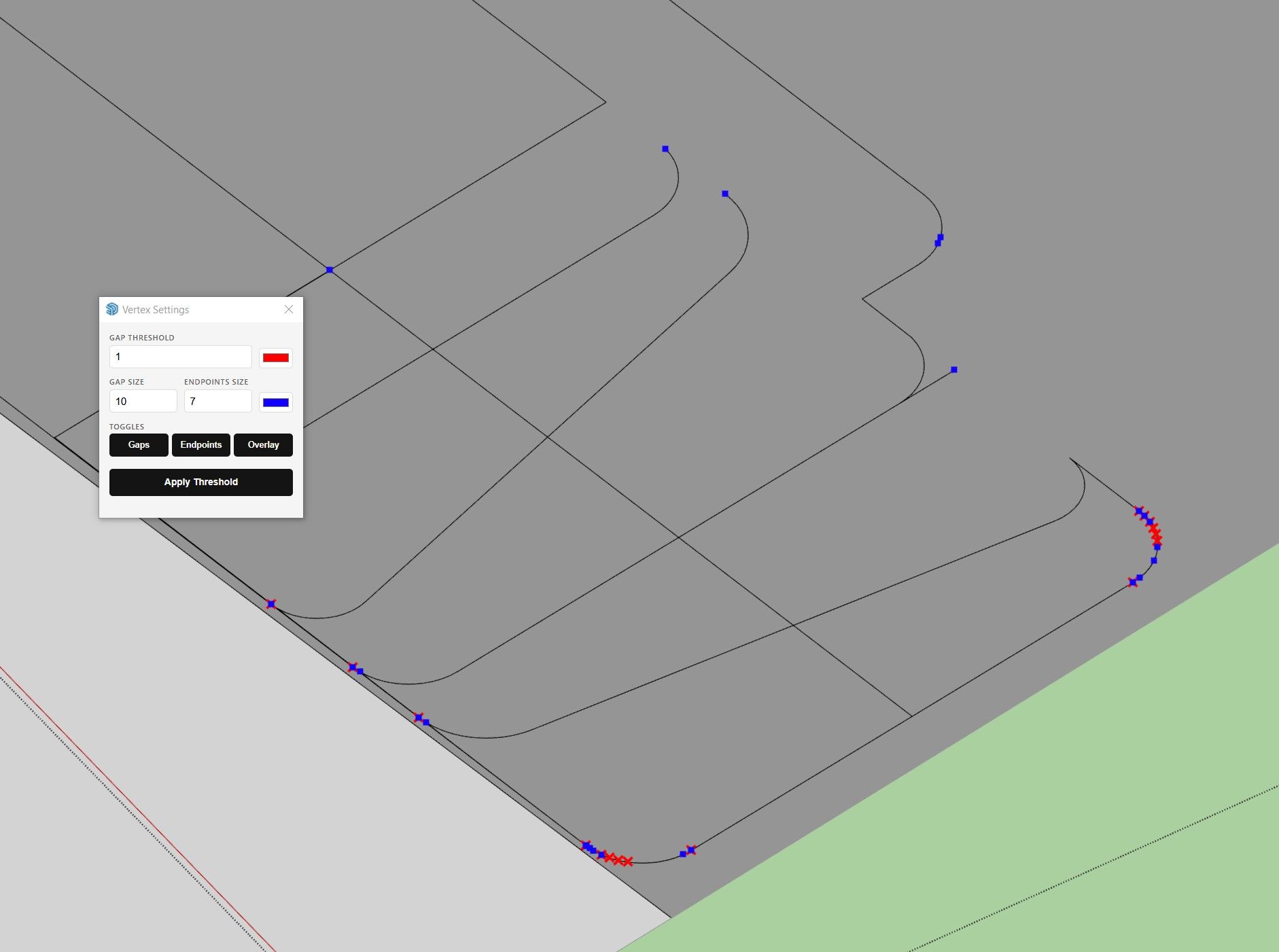
      Urasik Vertex gap Inspector v04

      Watching Ignoring Scheduled Pinned Locked Moved Plugins
      3
      1
      1 Votes
      3 Posts
      83 Views
      B
      I have corrected the display of units of measurement and their conversion to other units that are set in the model settings. Urasik Vertex Inspector v05_01.rbz
    • B

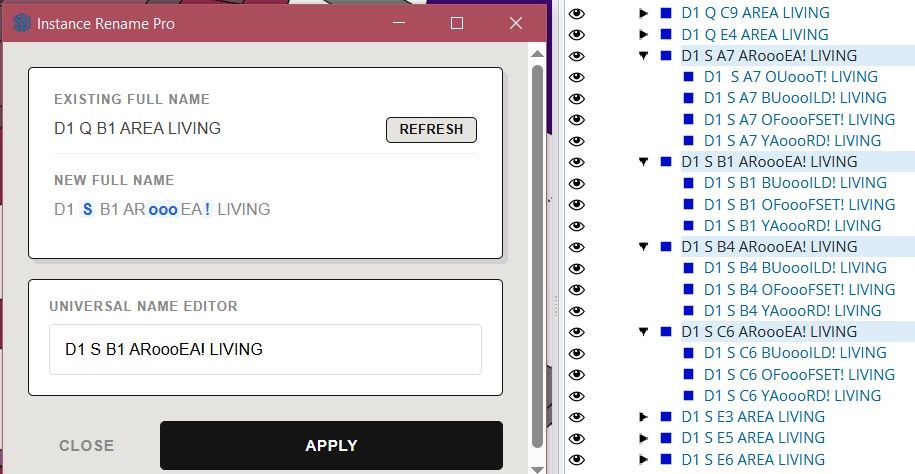
      Urasik Instance Rename v03

      Watching Ignoring Scheduled Pinned Locked Moved Plugins
      2
      2
      0 Votes
      2 Posts
      61 Views
      B
      UPDATE with a fix (made mistakes in some scenarios) Urasik Instance Rename v03_01.rbz
    • B

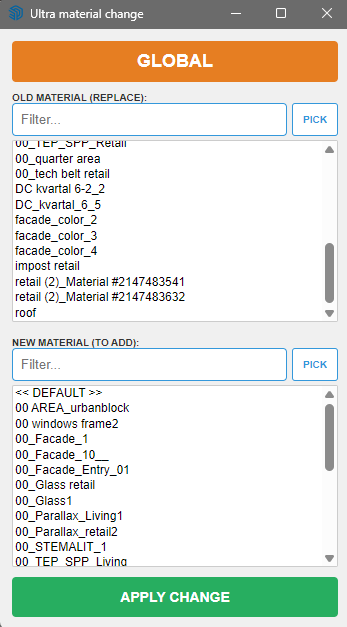
      [Plugin] Extension Material Replacer

      Watching Ignoring Scheduled Pinned Locked Moved Developers' Forum
      20
      2
      2 Votes
      20 Posts
      590 Views
      B
      @Krass Now i understand what's goin on. You need the material you are changing to to convey your transformations. It only makes sense for rotation. For this purpose, it is better and more right way to use additional extensions such as Eneroth Texture Positioning Tools already on the target geometry, or make a new material with rotated texture (in any external image editor) and then use my plugin.
    • B

      [Plugin] Extension Material Replacer

      Watching Ignoring Scheduled Pinned Locked Moved Developers' Forum
      20
      2
      2 Votes
      20 Posts
      590 Views
      B
      @Krass Now i understand what's goin on. You need the material you are changing to to convey your transformations. It only makes sense for rotation. For this purpose, it is better and more right way to use additional extensions such as Eneroth Texture Positioning Tools already on the target geometry, or make a new material with rotated texture (in any external image editor) and then use my plugin.
    • 1 / 1