Modlumi - Easy 3D modelling



-
thanks Thomas,
The plugin is nice. Being able to place a piece of furniture aligned to the right or left with a single click is great. However, the fact that it generates groups instead of components is an issue... being able to change all the handles or the color of the cabinet bodies with a single click would be preferable. -
If you want some ideas!
 TopMod is a free Killer! My TopMod little page : https://moiscript.weebly.com/topmod.html
(and as you can import OBJ inside ModLumi) But...Bridge inside Vectary
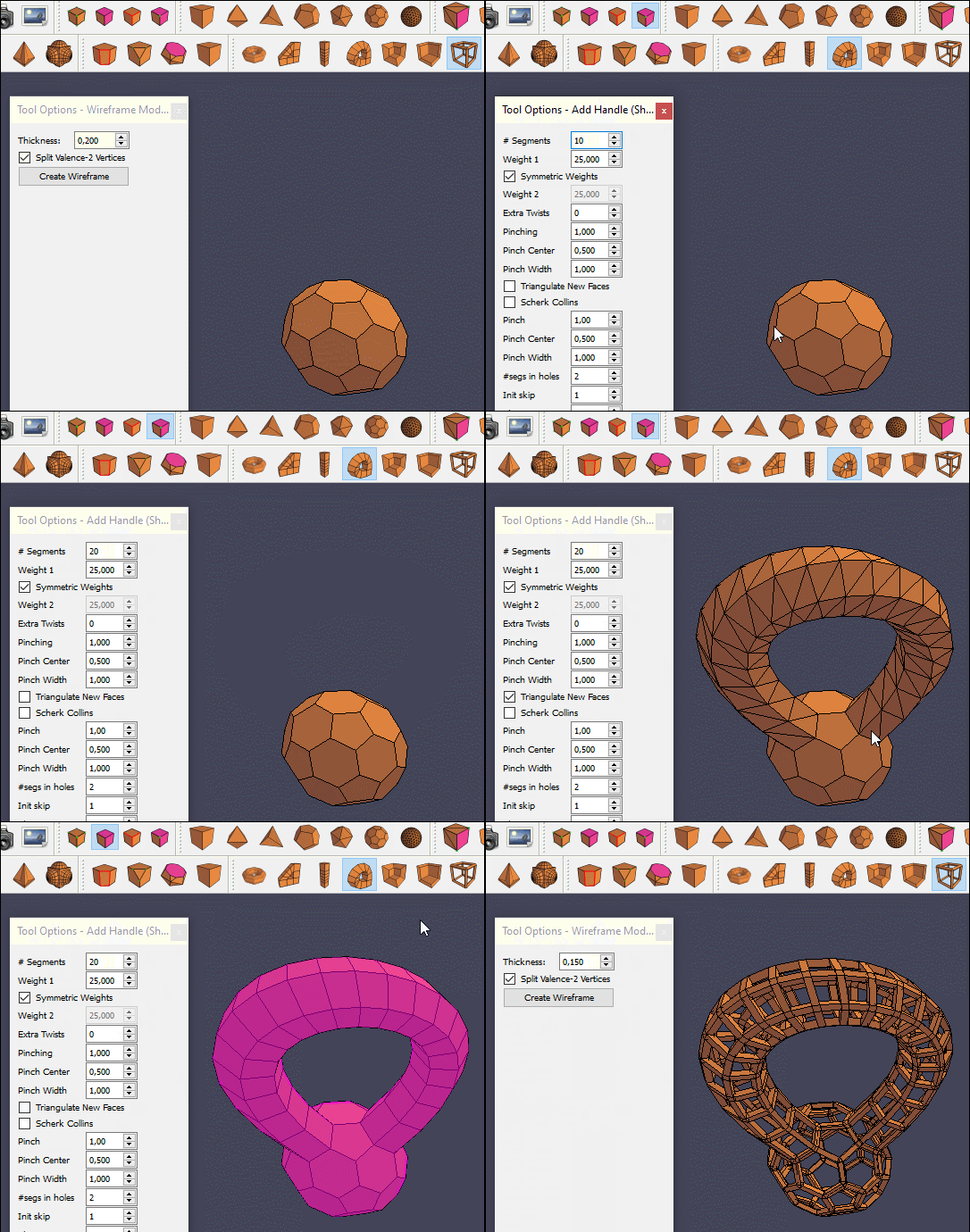
Bridge inside TopMod and transform !
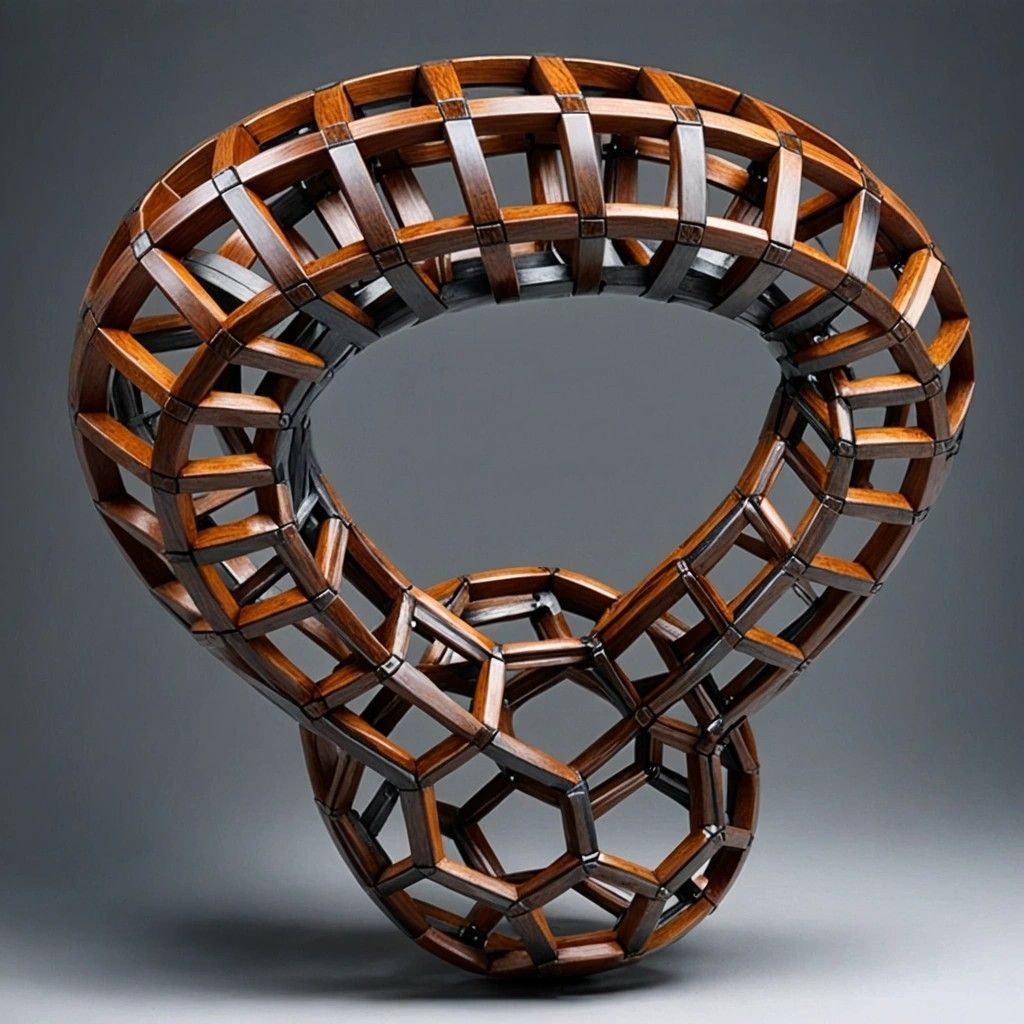
Render inside the regretted free Alpaca (after the TopMod transform of each segments! )
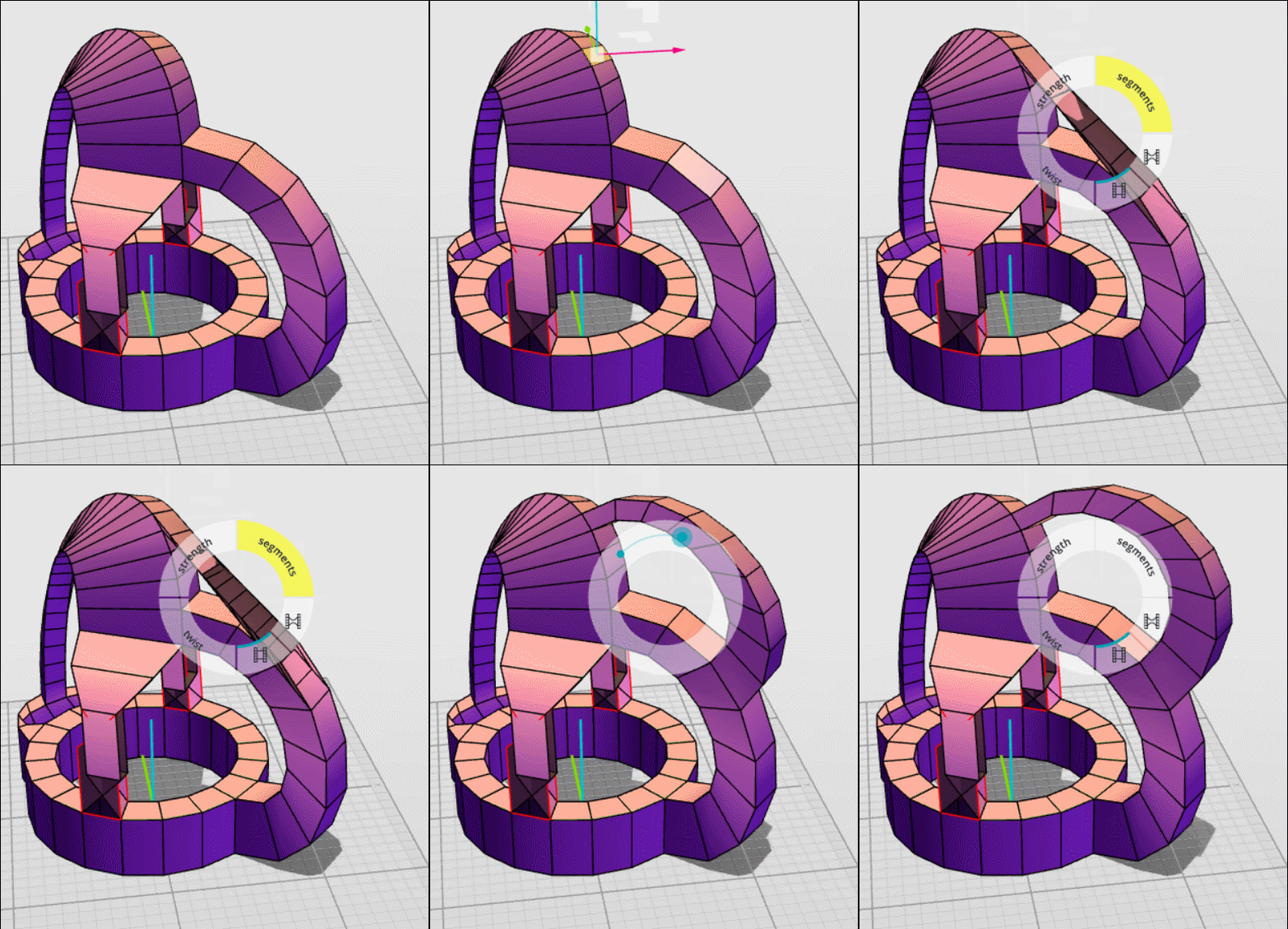
The cool function of transform each segments!
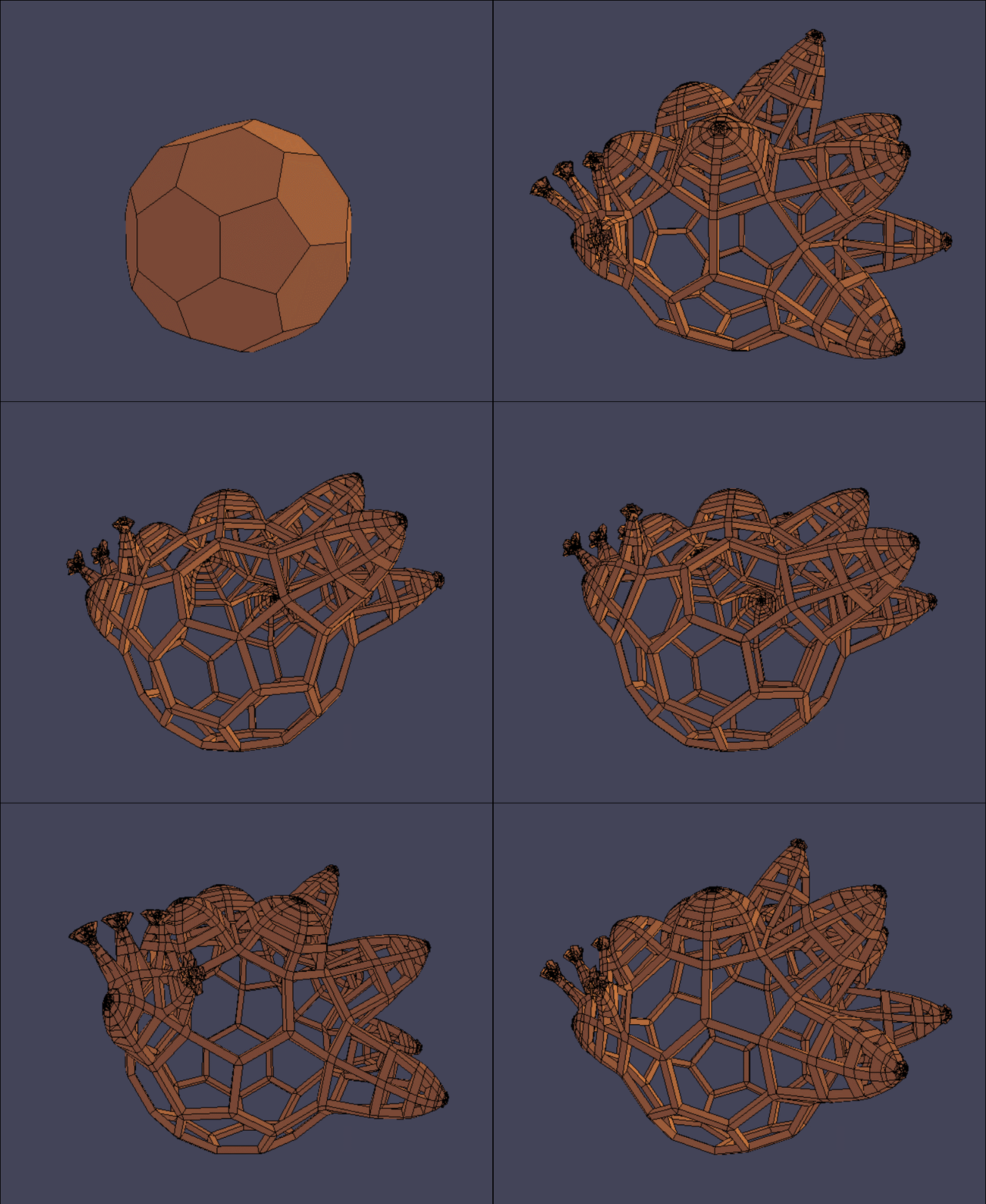 !
!Render inside the regretted free Alpaca
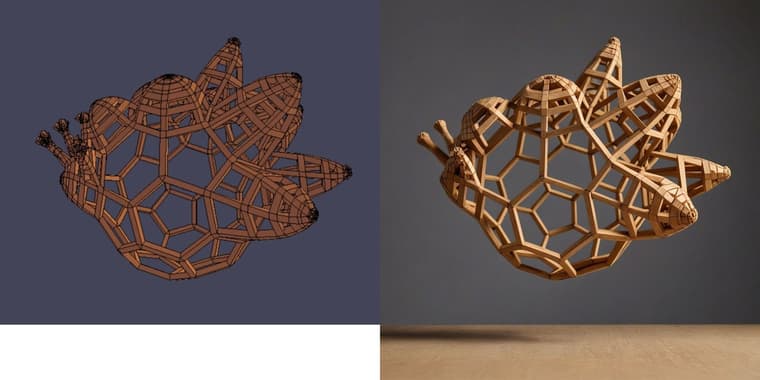
-
Will you add DAE collada format for exporting? A format that could keep basic hierarchy?
-
Cool we can Drag & Drop files!
In TopMod for ModLumi you must make "Save As" OBJ and not Export OBJ!
Import OBJ from TopMod Inside ModLumi works fine! (faces are triangulated but less than Stl)
soccerball.zip the TopMod obj file!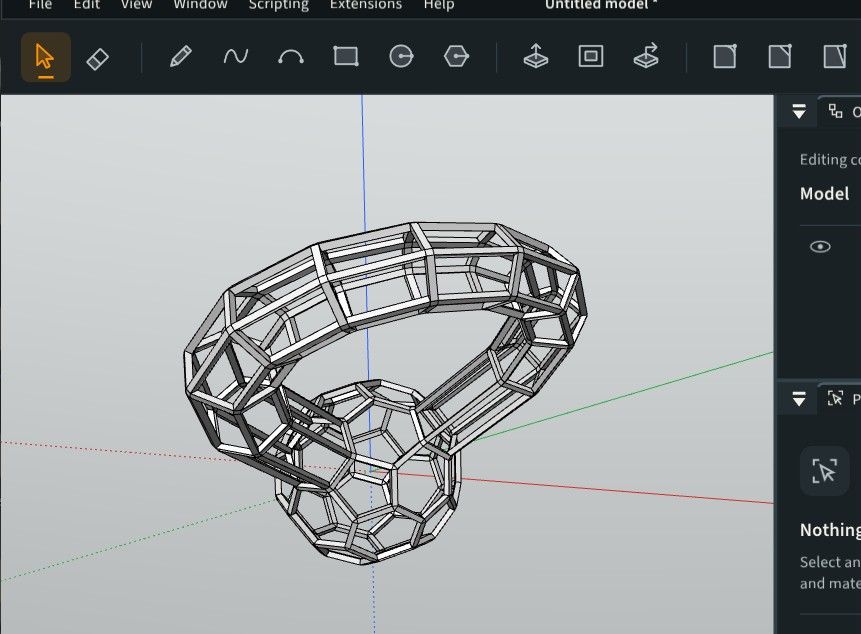
-
From TopMod to Modlumi you can Export STL (no other choise)
STL also ... but faces are more triangulated!
soccerballst.zip the STL TopMod File!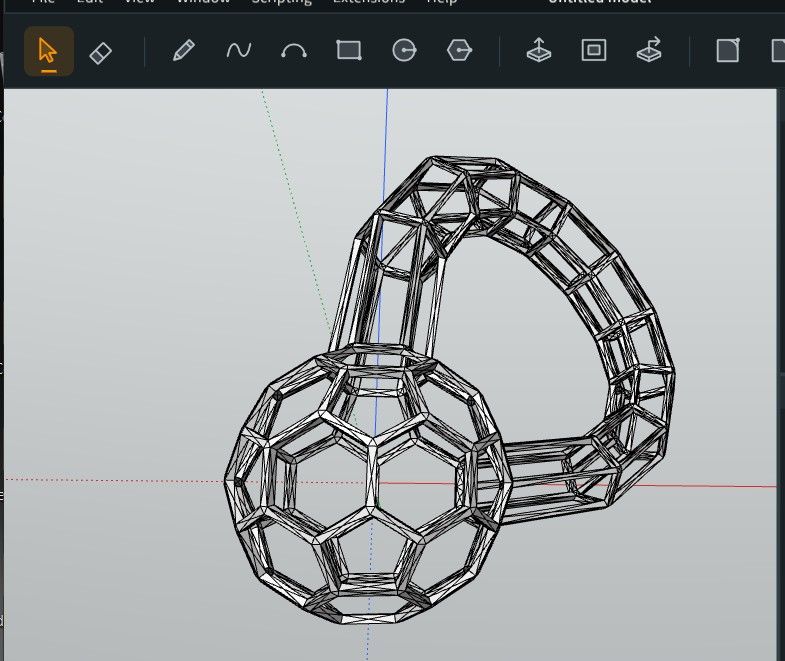
-
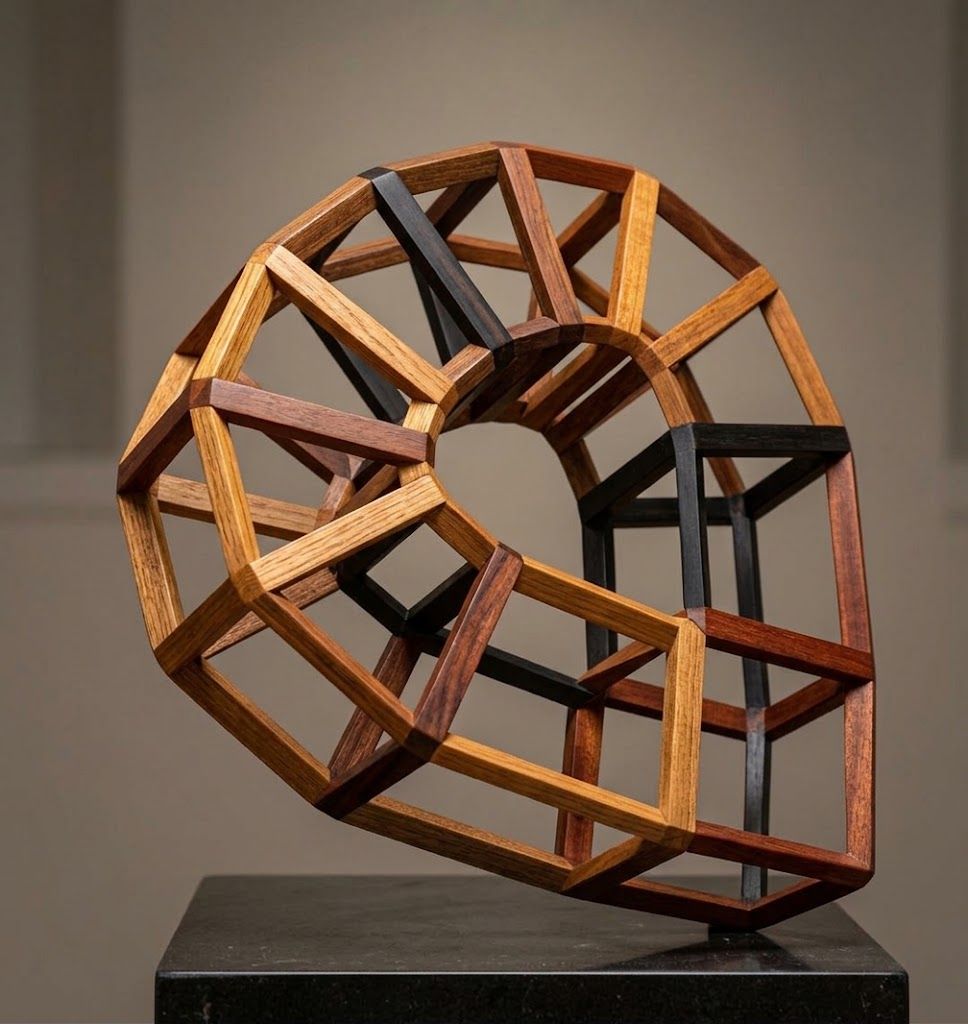
TopMod --> ModLumi --> free Gemini
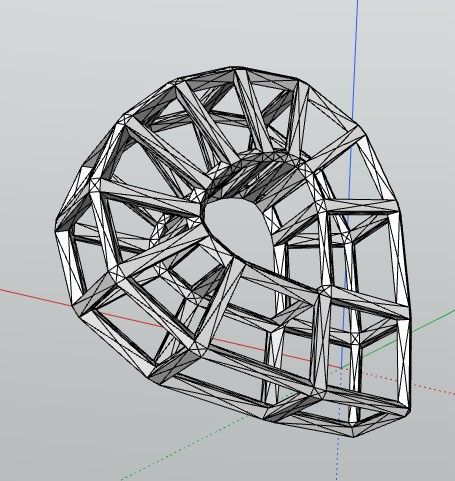
-
Bug ? when a big work is launched we can't Stop the process!
Only Alt + Ctll + Del! -
@pilou What do you mean by big work? Also, the browser isn't very effective at handling big projects; you should prefer the desktop for that.
-
No I was in Desktop ! :°
Something like a Complex object = Component / Rotation *10 / = Component / Rotation * 10 = Component / Rotation *10 = Component
So I want stop during the last process! -
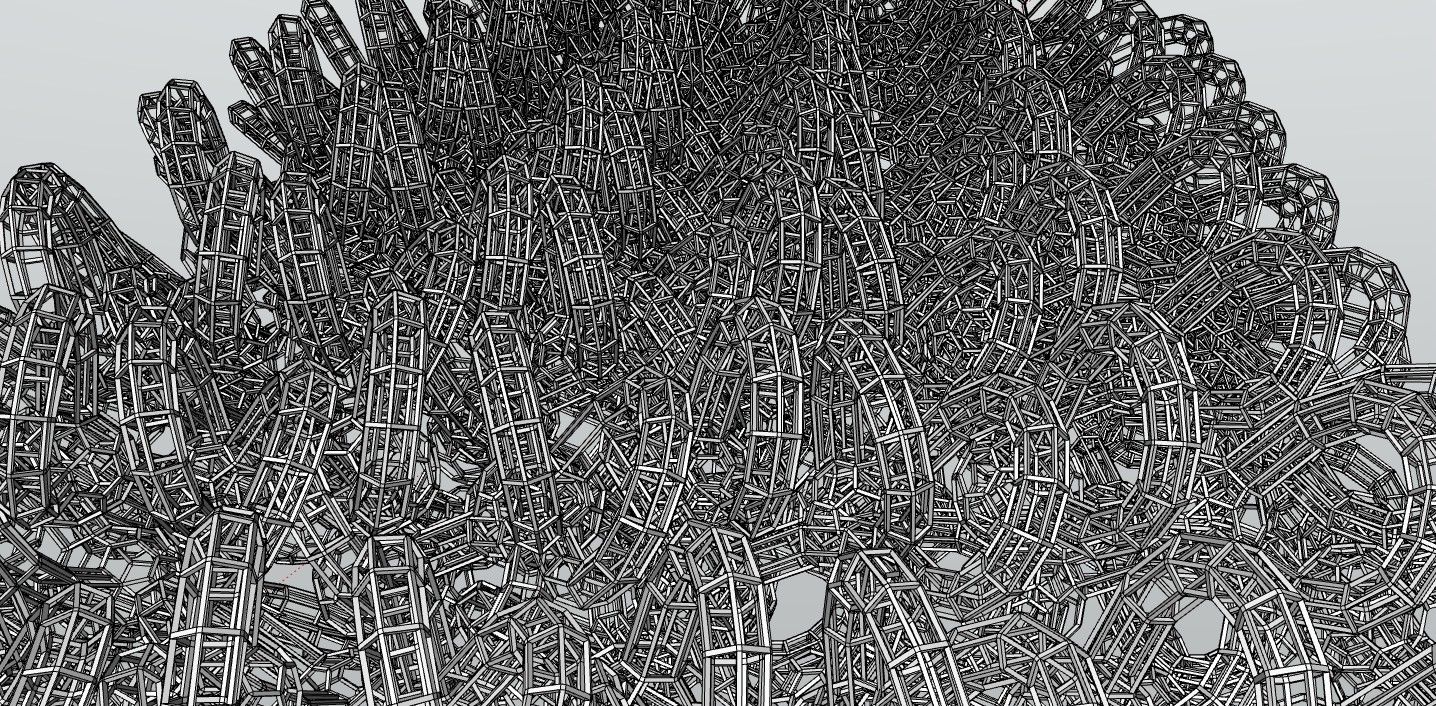
Here a small work!
-
Modlumi 0.16 is out
Download it for Windows from https://modlumi.com/download/latest/windows, or open the browser version at https://modlumi.com/app/. If you already run 0.15 on Windows, it will offer you the update.
New features
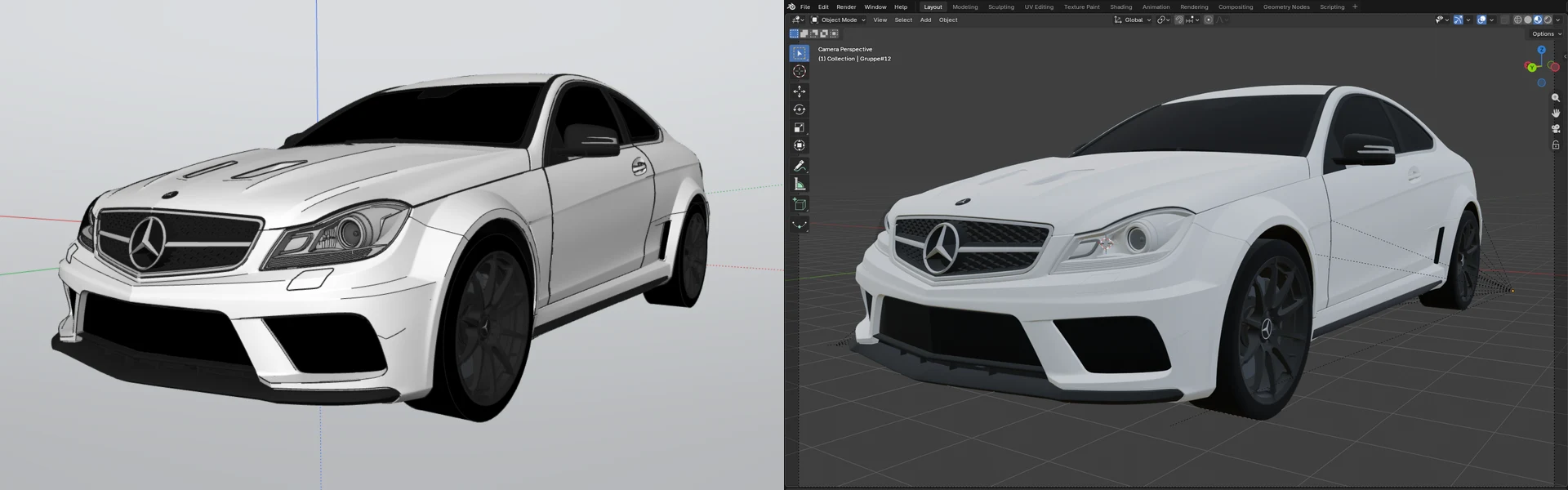
- Export your model as glTF and open it in Blender. File → Export glTF… saves a .glb or .gltf file that Blender, Unreal, Unity, Godot and three.js open. Groups and components, materials, textures and smooth edges come along, at the model's real size. The user guide shows how: https://modlumi.com/docs/user-guide/files/#open-your-model-in-blender
- Try Rail Sweep, an experimental plugin that sweeps between two profiles along two rails (desktop only). The profile blends from the start shape to the end shape while the rails set each section's position, direction and width, with a live preview. Closed profiles make a solid. It's an experiment: it may change or be removed, and I'd like to hear how it works for you. Thanks @pilou for the idea! Source: https://github.com/thomasloockx/modlumi-plugins/tree/main/plugins/rail-sweep
Improvements
- Plugins can read the attributes of imported SketchUp models. Attributes on groups, components and the model are kept when you import a .skp file and are saved with the project, so a plugin ported from a SketchUp extension can recognize the objects that extension made.
Fixes
- Installing a plugin from a plugin.json on its own explains what to do. Choosing a plugin.json downloaded by itself read its whole folder, such as Downloads, and failed with an error about a 256 MB limit. Modlumi now refuses it right away, names the folder and suggests installing the plugin's zip. Thanks @Krass for the report! The Plugins page now explains how to install a plugin from GitHub: https://modlumi.com/docs/user-guide/plugins/
- Save in the unsaved changes prompt opens the save dialog for a new model. Choosing Save for a model that was never saved showed no dialog, and Modlumi then ignored all input.
- Closing Modlumi asks about unsaved scripts as well as the unsaved model. When both the model and the script editor had unsaved changes, the script editor's question flashed for a moment and the window stayed open.
Full release notes: https://modlumi.com/docs/release-notes/
Thanks for the reports. Keep them coming!
-
Yes i was in 0.15

Bravo for the 0.16
-
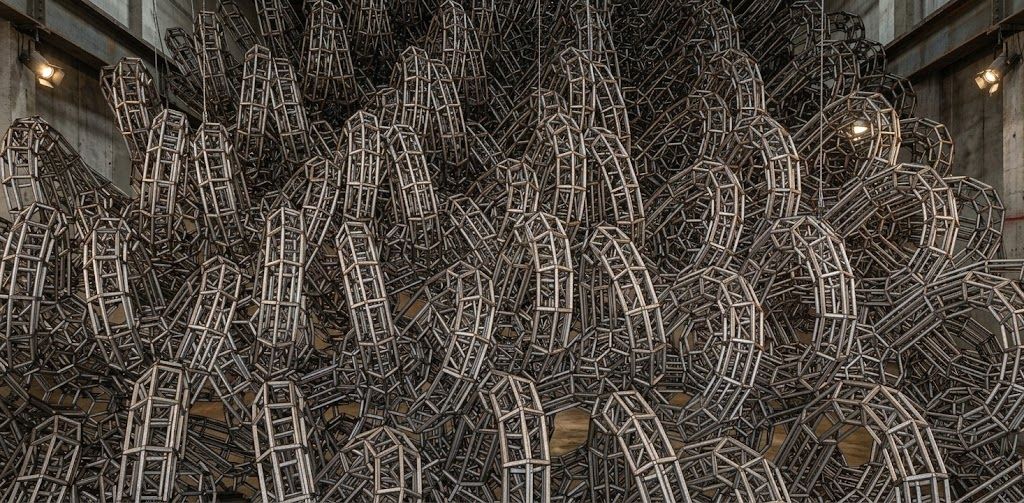
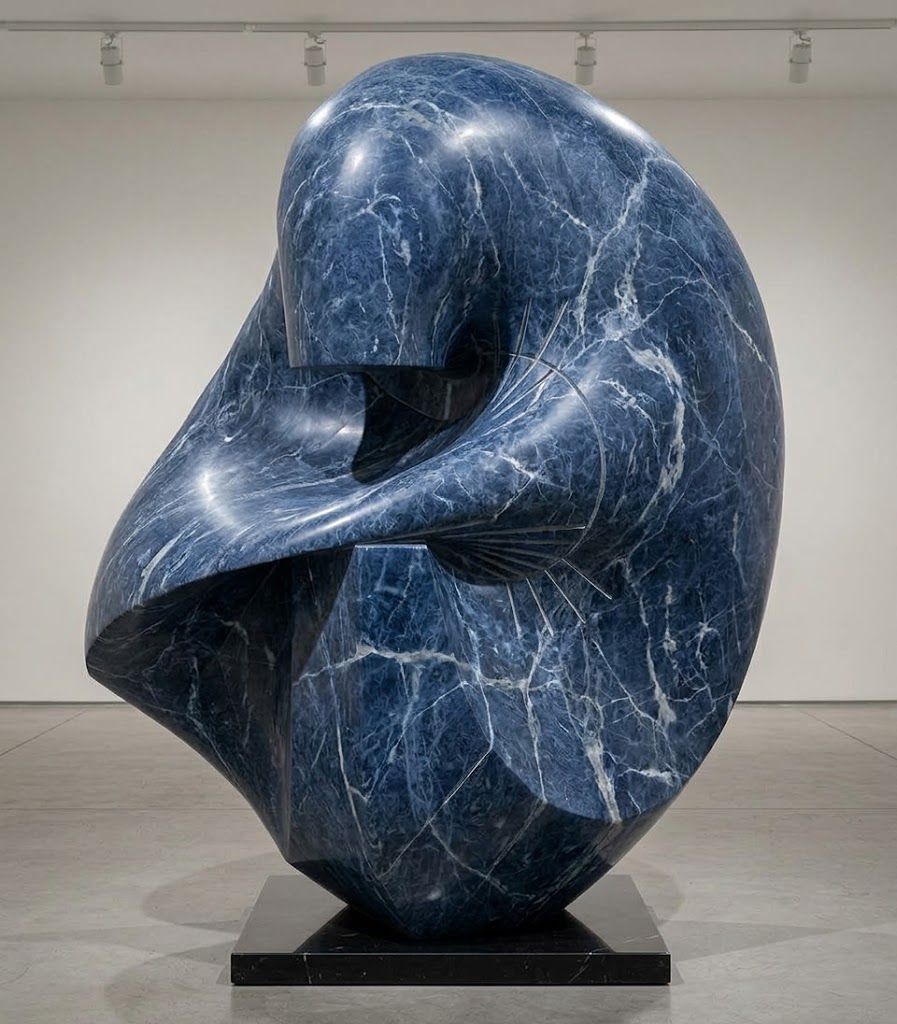
About the Sweep 2 rails : works like it must!
Maybe give the possibility to have also only one Rail ?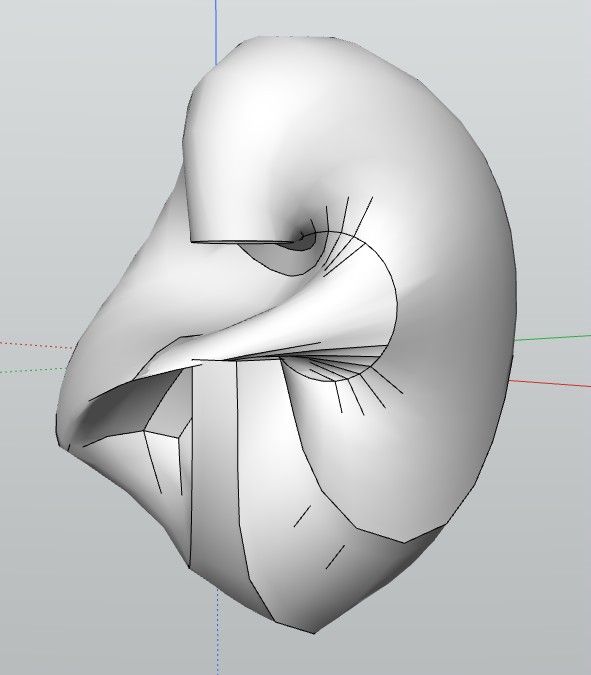
In any case very sufficient for speedy form in no time!
-
Curioussly 0.16
At start...
Very difficult to draw Line, Circle, Poly! Must numerous Clicks, Double Clicks...
Only rectangle!As like program was not at full swing!
Big request : Circle, Poly with 3D Snap on something existing! (like arc circle or rectangle)



Hello! It looks like you're interested in this conversation, but you don't have an account yet.
Getting fed up of having to scroll through the same posts each visit? When you register for an account, you'll always come back to exactly where you were before, and choose to be notified of new replies (either via email, or push notification). You'll also be able to save bookmarks and upvote posts to show your appreciation to other community members.
With your input, this post could be even better 💗
Register Login


Advertisement