Edge Loop Insert – Insert loops like Maya/Blender
-
@Rich-O-Brien In a few days I'll publish the plugin on Sketchucation. I'm currently adding a point positioning function to LoopCut, allowing users to input VCB values to set exact positions for loop cuts, which I consider essential.
-
I’m back! After days of development, LoopCut’s VCB value input is finished. Let me show you how it works:
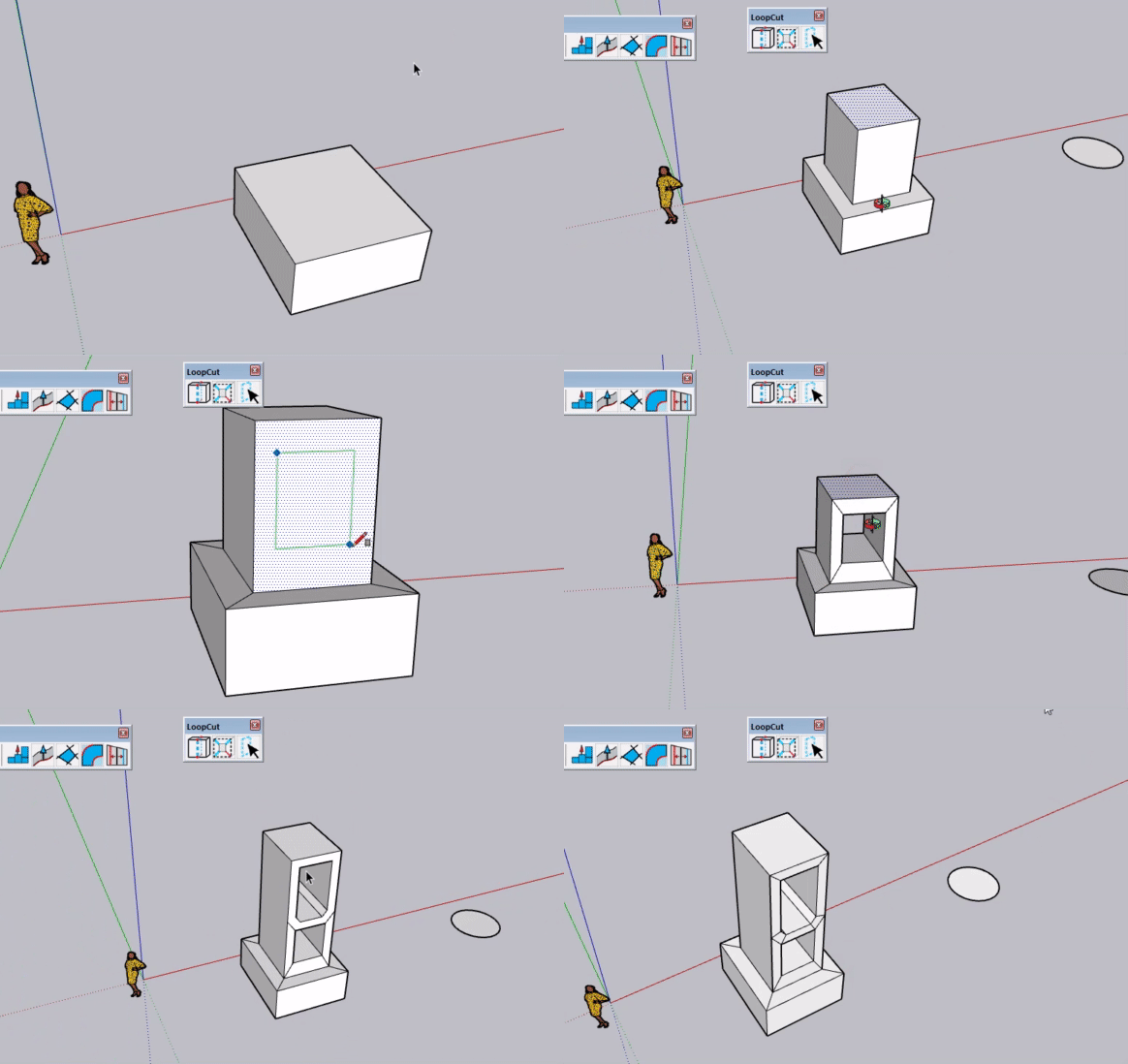
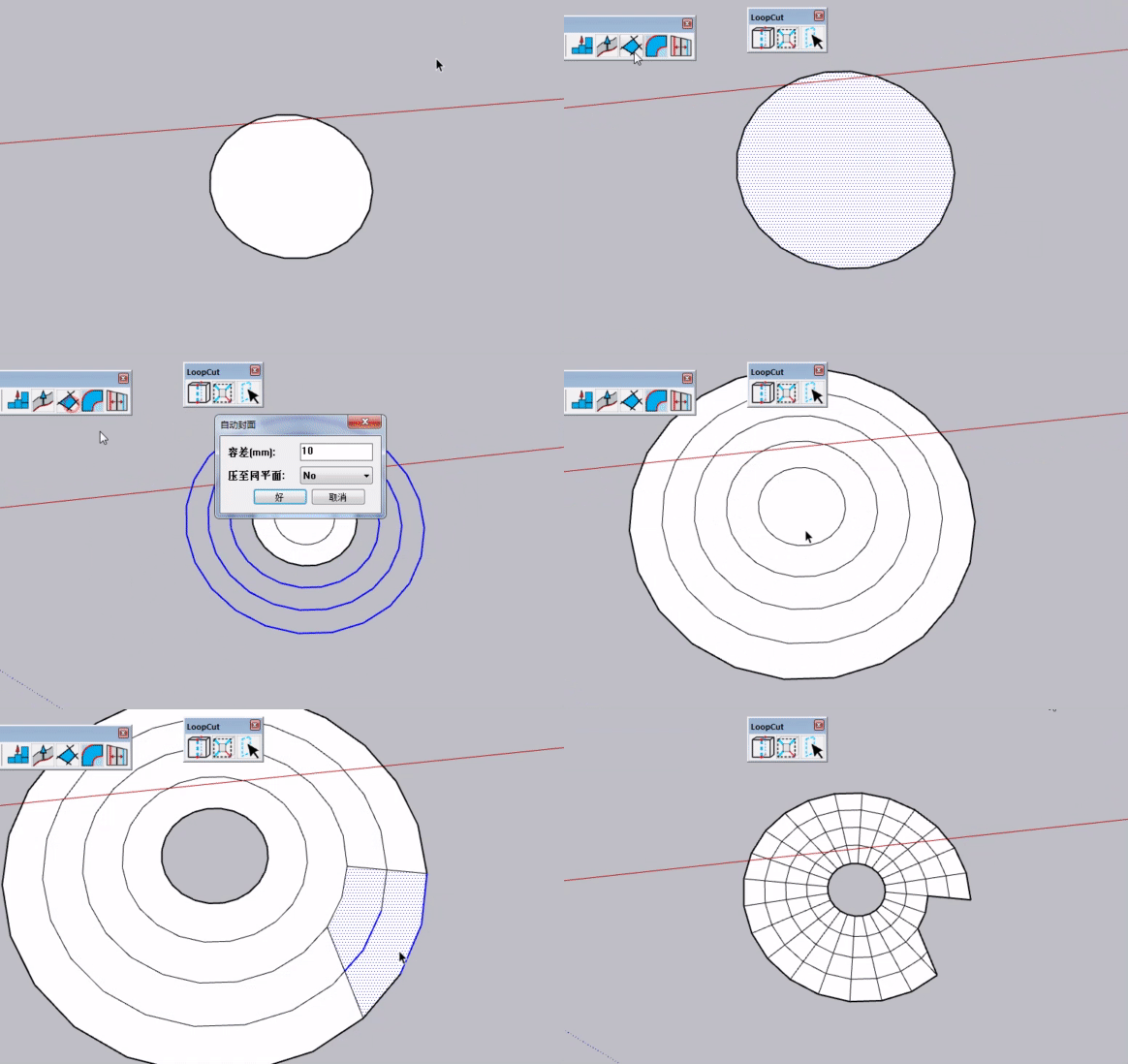
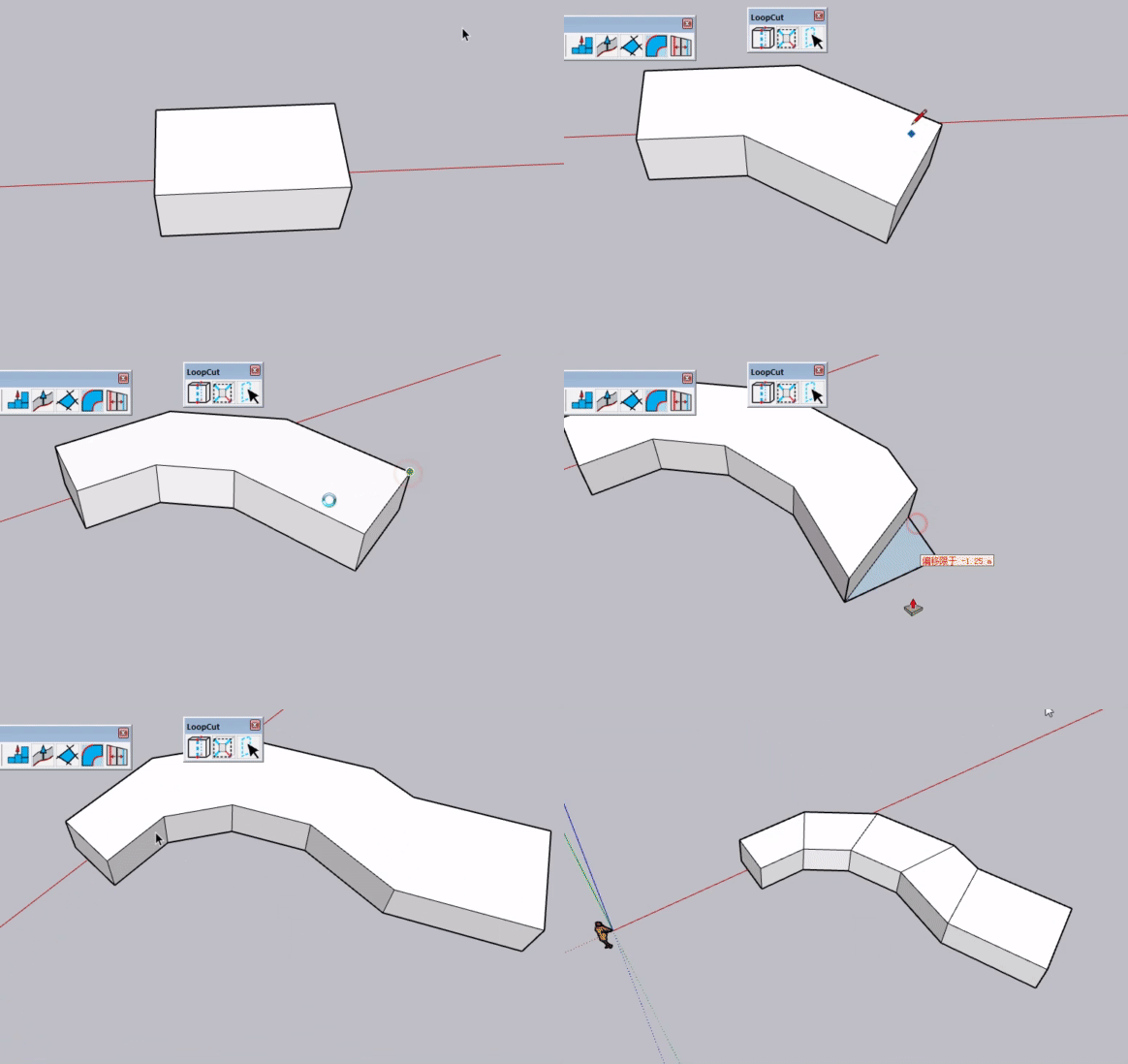
Basic function: cut non-quad faces into clean quad faces with value input support. Double-click any spot on an edge to add a center cut line.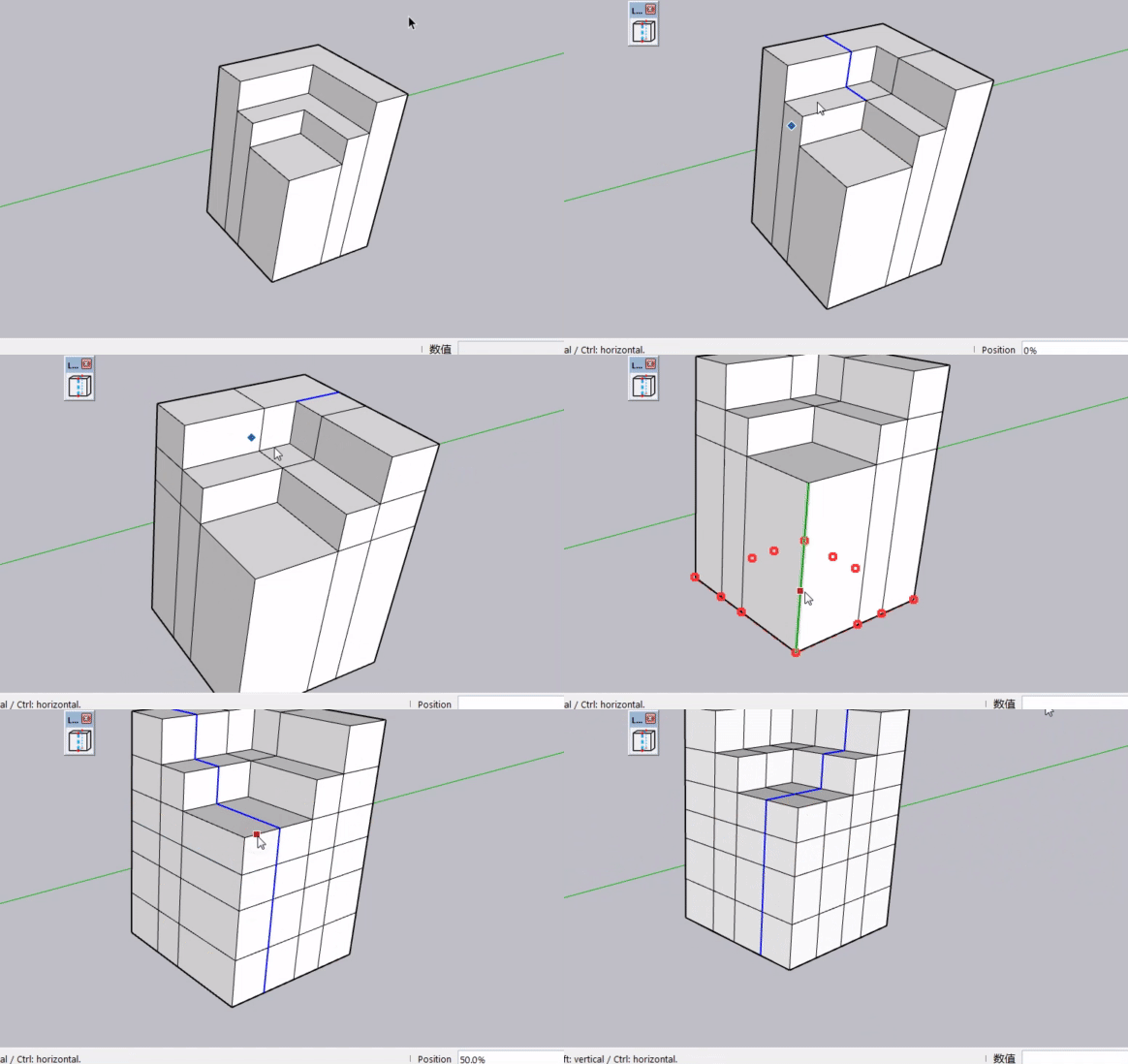
Use percentages for positioning – enter 20, 30, 70 for 20%, 30%, 70% of the edge length (50 = center). Mouse dragging is also supported for visual positioning.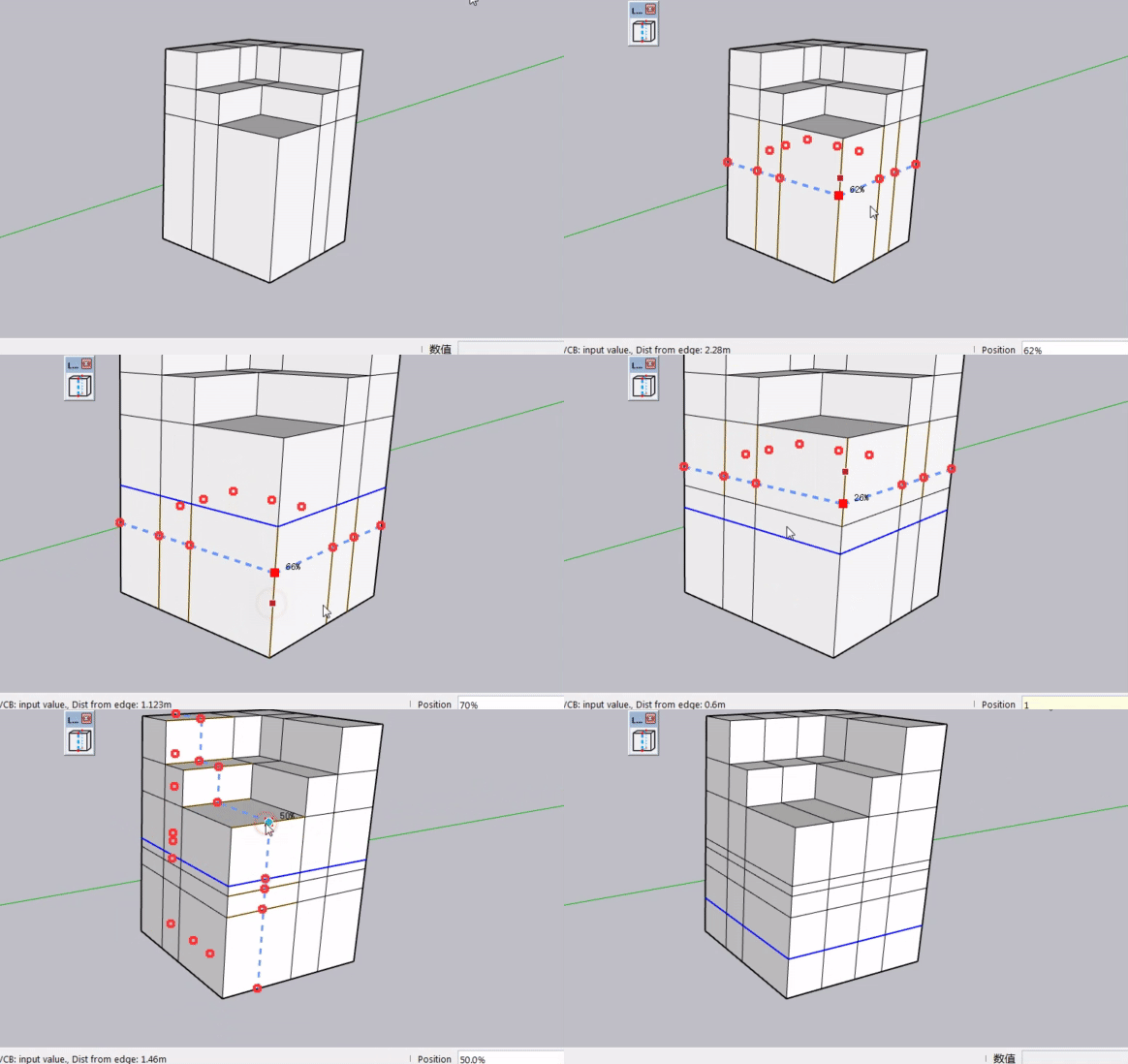
For exact measurements, type values with units in the VCB. The edge under your mouse becomes the starting point: 0–49 references one end, 51–100 the other. Hover to pick your start edge, then type 1m or 200mm to get a precise cut.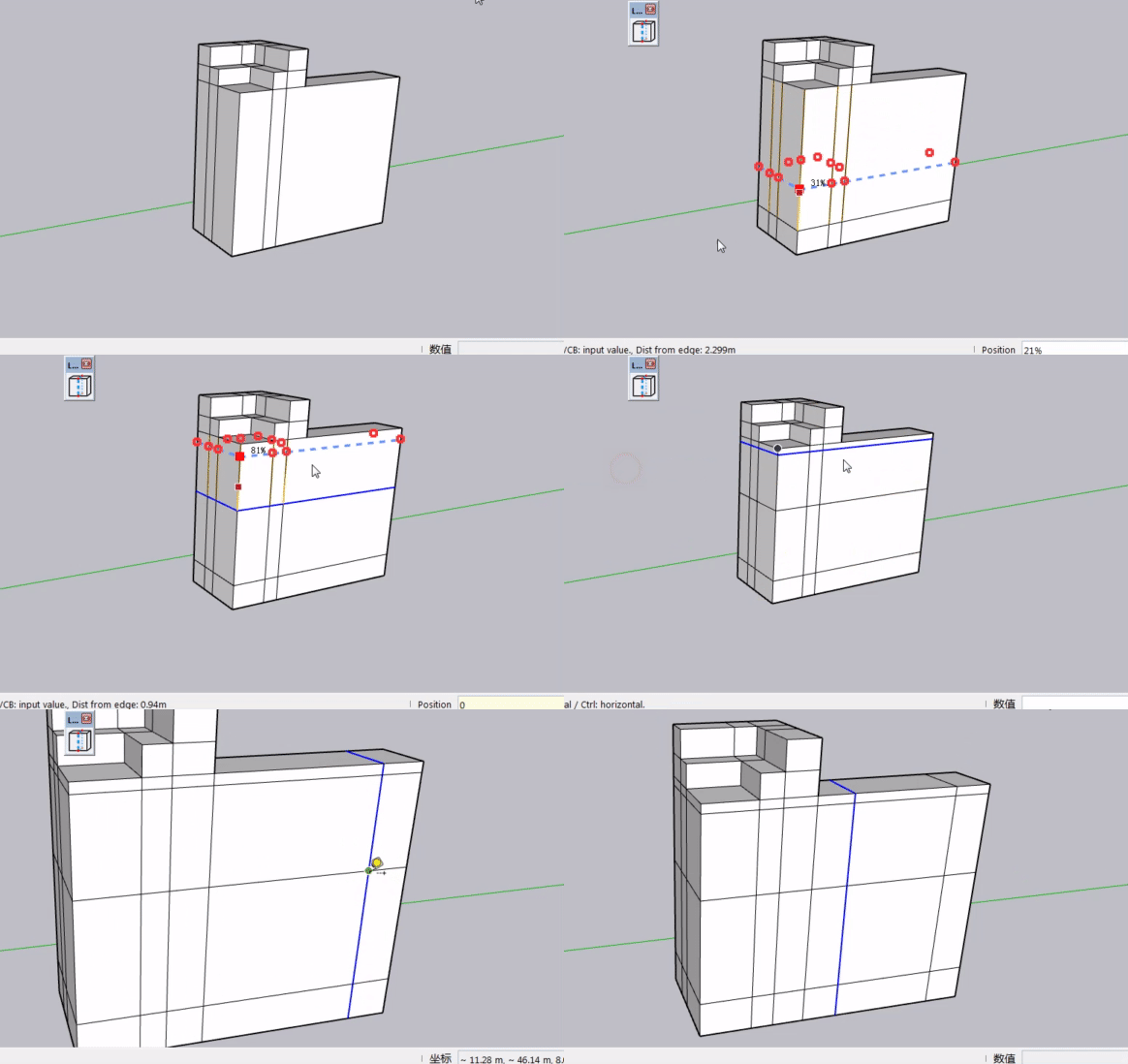
How do you like this VCB implementation? -
@Rich-O-Brien I have emailed the file to you. Please kindly check your inbox. Thank you for helping with the testing.
-
![[SHANA]bandicam 2026-08-28 23-41-25-934.gif](/assets/uploads/files/1787933206206-shana-bandicam-2026-08-28-23-41-25-934.gif) SketchUp terrain meshes are now supported. For unknown reasons, lines generated when selecting different mesh points are sometimes incomplete. Anyone know the cause?
SketchUp terrain meshes are now supported. For unknown reasons, lines generated when selecting different mesh points are sometimes incomplete. Anyone know the cause? -
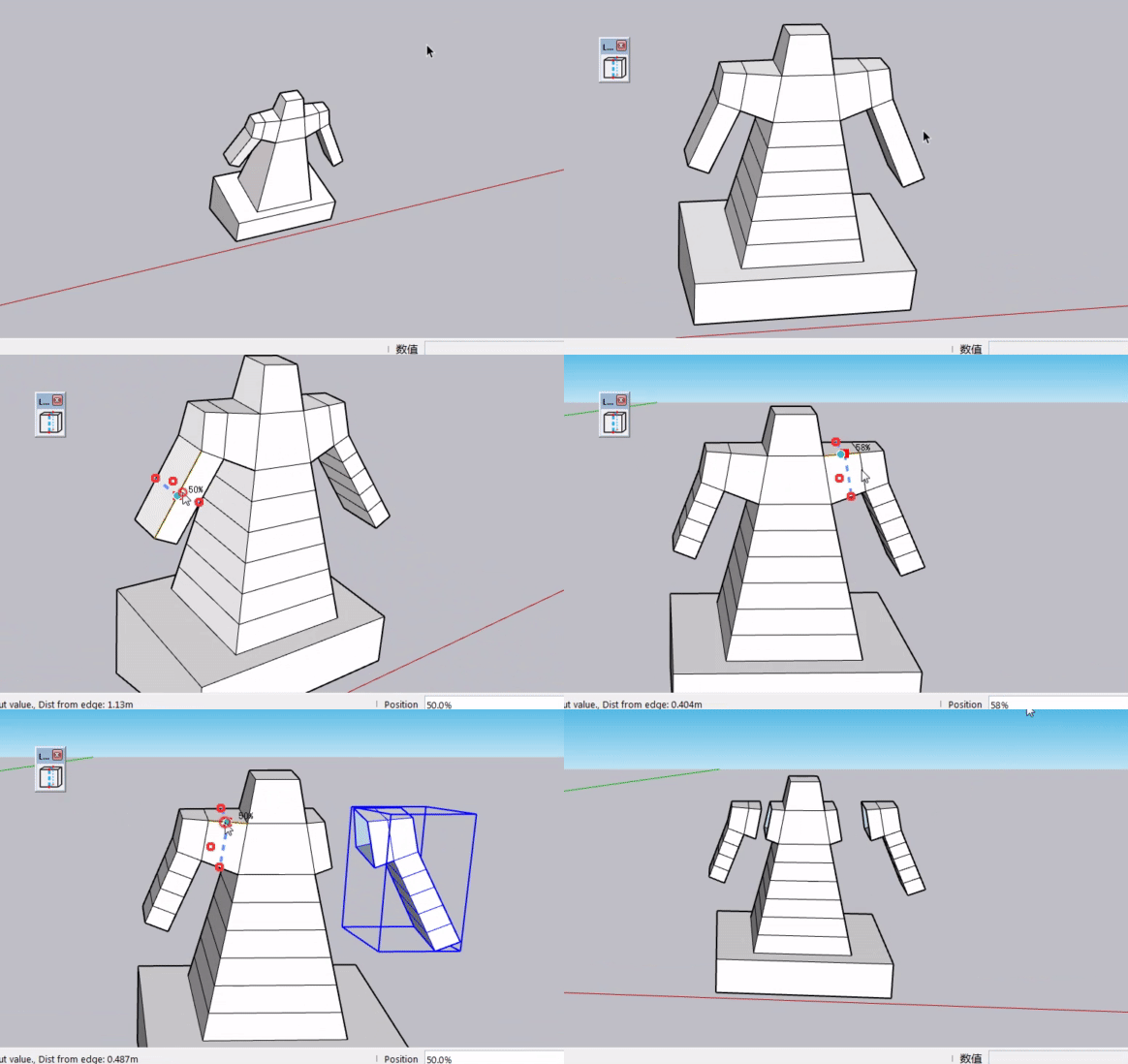
Long time no see!
LOOPCUT development update:
QuadFace meshes are not supported at this time. I plan to look into adding support in a future release.Two new features have been added:
- Bulk insert loop edges: Use
X + numbershortcut - Cut and Separate: Hold the ALT key while operating
- Bulk insert loop edges: Use
-
Hi everyone, long time no see.
This is an early preview version of my plugin LOOPCUT, for you to try out.
A full‑featured official release will be available later with more complete functions.This preview version may not be redistributed or modified without permission.
Hope you like it, your likes and support are much appreciated!
loopcut,LoopCut.rbz -
Hi everyone, long time no see.
This is an early preview version of my plugin LOOPCUT, for you to try out.
A full‑featured official release will be available later with more complete functions.This preview version may not be redistributed or modified without permission.
Hope you like it, your likes and support are much appreciated!
loopcut,LoopCut.rbz -
Grate tool-Thank U!
-
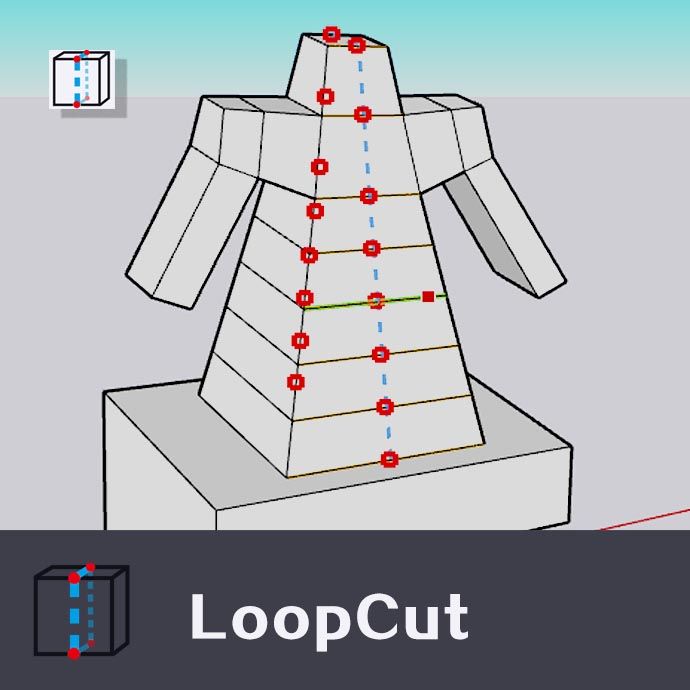
LoopCut Version 1.1.0 full release is now available on SketchUcation PluginStore!
The old preview‑version attachment in earlier post is kept for reference only.
Please download the official release from PluginStore.
链接文本If this plugin helps your work, any small donation is appreciated for further development. More new features will be added in future updates.
If you find any bugs or you have suggestions for new features, please post them here. I will try to improve it in later releases.
-
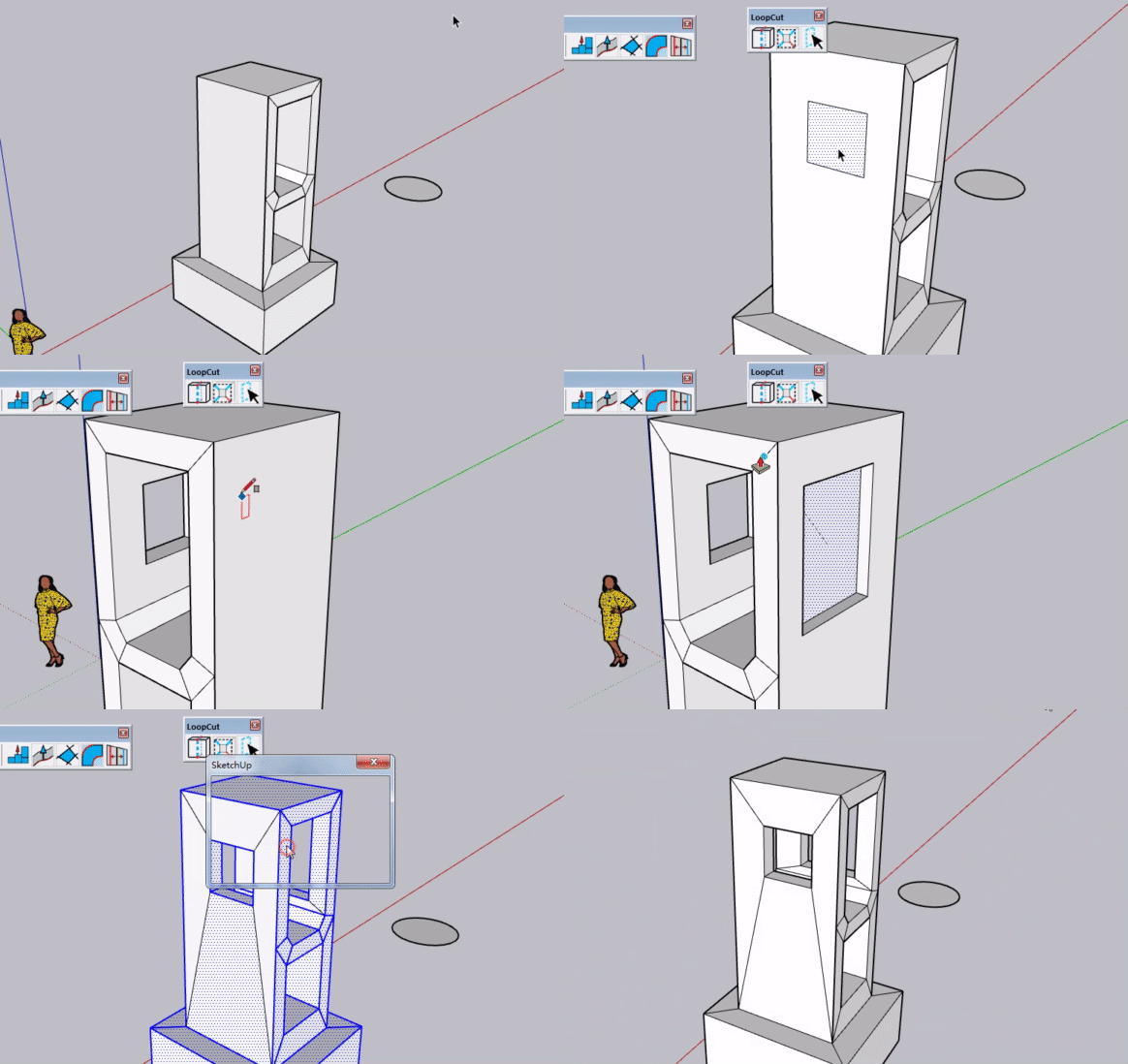
LoopCut has added a crease edge function. You can add edges along the creases of your model to turn those parts into quad faces. When the crease line is incorrect, select a face plus one edge belonging to that face.

Hello! It looks like you're interested in this conversation, but you don't have an account yet.
Getting fed up of having to scroll through the same posts each visit? When you register for an account, you'll always come back to exactly where you were before, and choose to be notified of new replies (either via email, or push notification). You'll also be able to save bookmarks and upvote posts to show your appreciation to other community members.
With your input, this post could be even better 💗
Register Login


Advertisement