LibFredo6 update ?
-
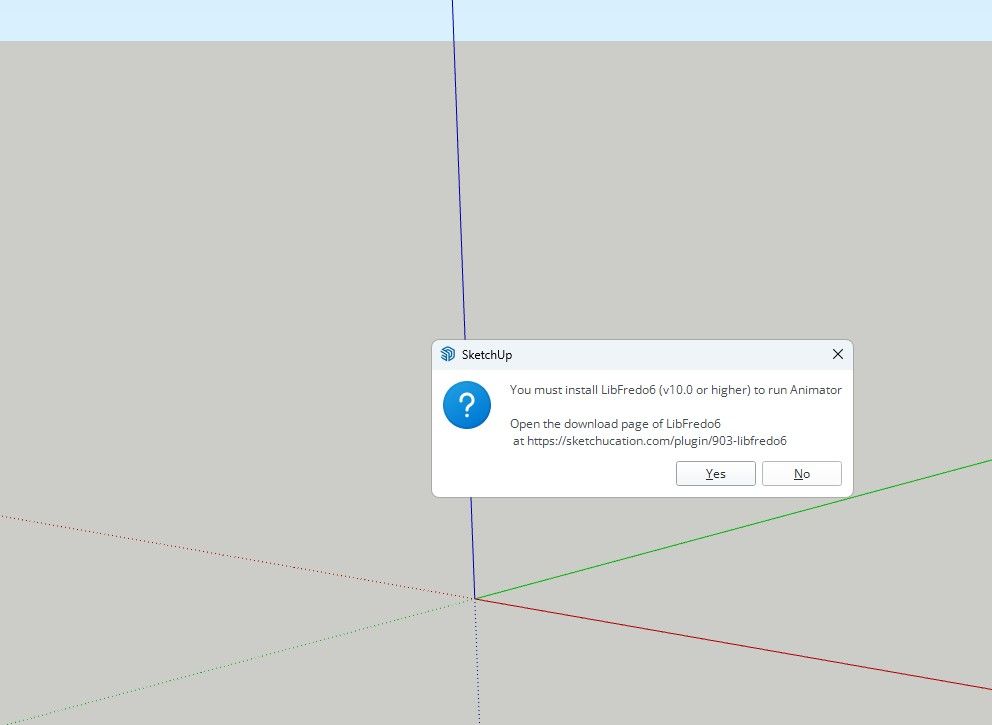
I keep getting this updated notice
I have updated this LibFredo6 six times.
And I still keep getting it.
Any solutions? -
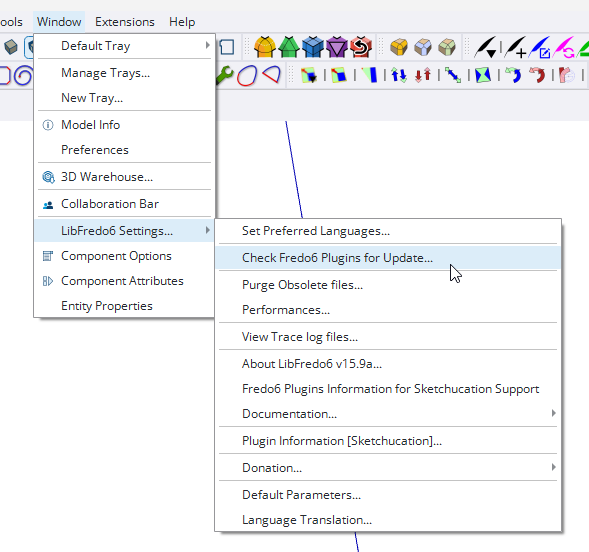
Find the currently installed version of LibFredo6 by going to Window>LibFredo6 Settings...
Since you must have the Sketchucation Extension Store installed to manage the licenses for Fredo's extensions, open the Extension Store tool and use it to install LibFredo6 as well as any other extensions that need updating including the Sketchucation Extension Store. If you installed LibFredo6 and Fredo's extensions using the ExtensionStore tool it will keep track of extensions that get updated and let you know those updates are available. Here I've just opened the ExtensionStore tool and clicked on the red bell at the top. It shows there's an update today for LibFredo6 and Thru Paint.
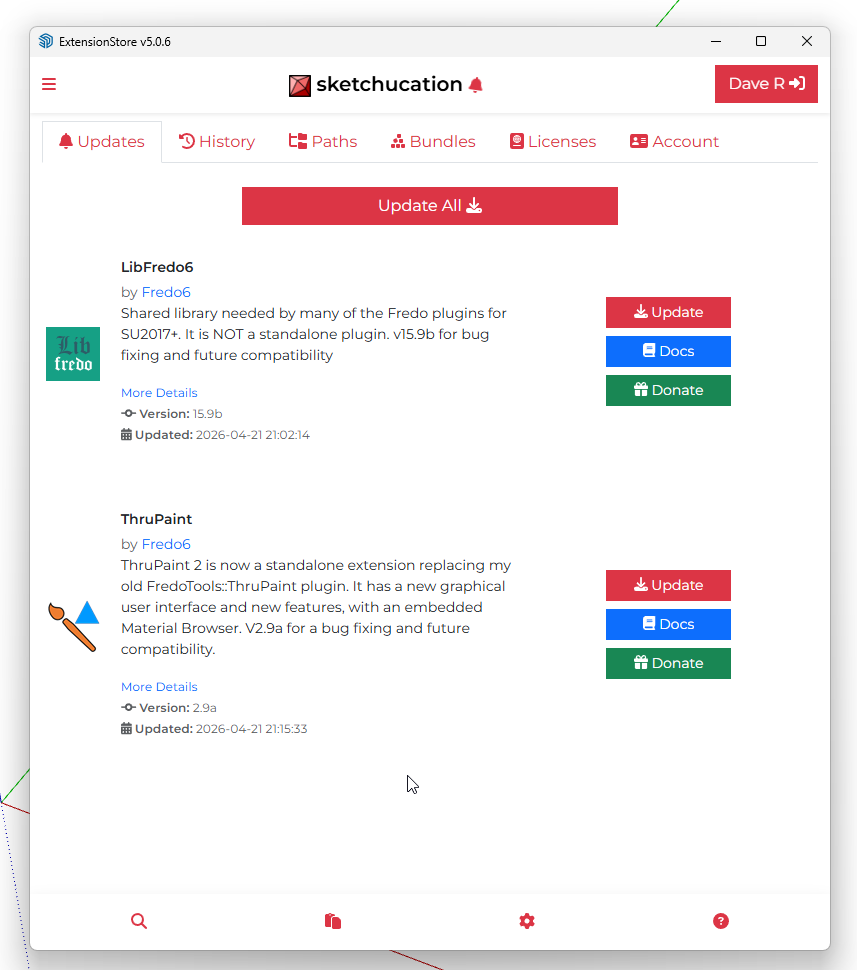
Clicking on the Update All button will update the extensions. -
What version of LibFredo6 does it show you have in Extension Manager?
What version of SketchUp are you using?
Did you quit and restart SketchUp after updating LibFredo6?
Do you have the current version of the Sketchucation Store tool installed?
-
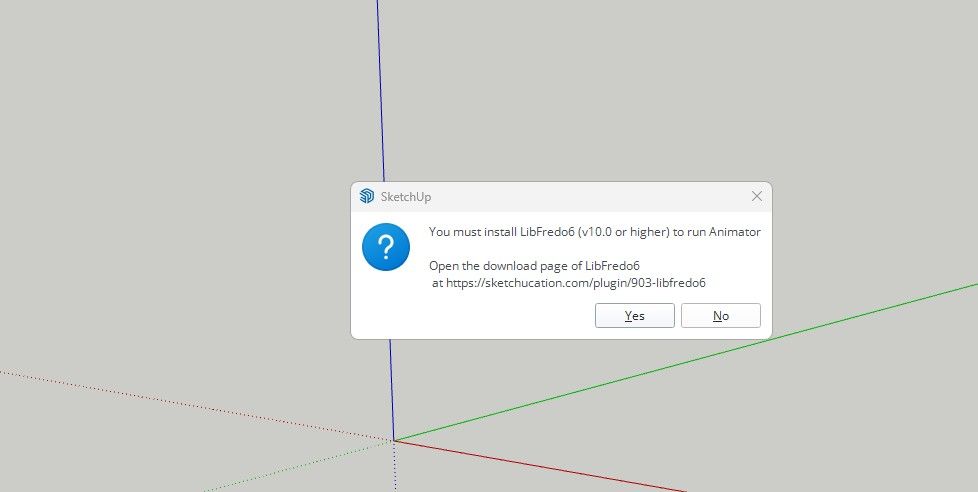
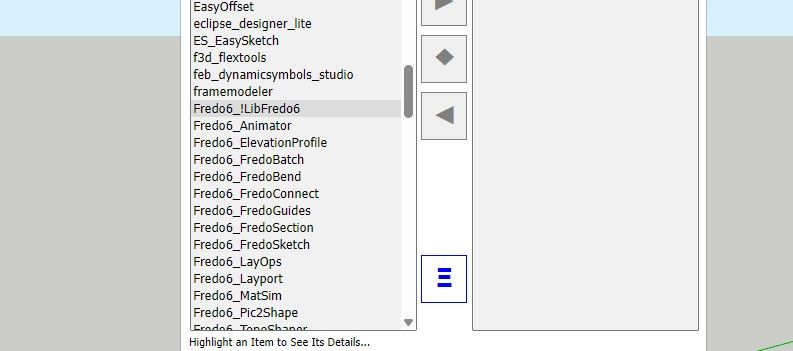
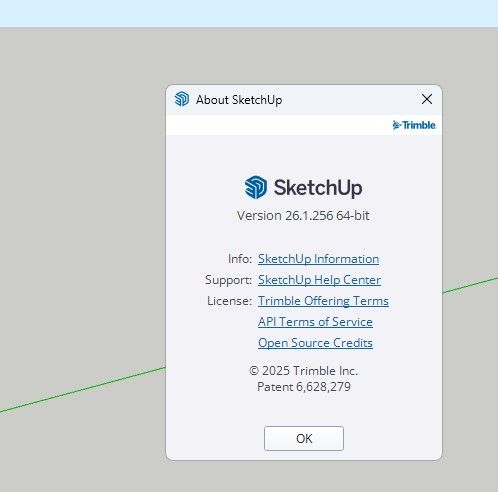
-
And Yes, I close and relaunch.
-
None of your screenshots show which LibFredo6 version you have installed.
What about the Sketchucation Extension Store tool?
Please update your forum profile to include the SketchUp version and operating system.
-
Okay, then how do I find what version of libfredo I am using and how do I install the new version?
-
Find the currently installed version of LibFredo6 by going to Window>LibFredo6 Settings...
Since you must have the Sketchucation Extension Store installed to manage the licenses for Fredo's extensions, open the Extension Store tool and use it to install LibFredo6 as well as any other extensions that need updating including the Sketchucation Extension Store. If you installed LibFredo6 and Fredo's extensions using the ExtensionStore tool it will keep track of extensions that get updated and let you know those updates are available. Here I've just opened the ExtensionStore tool and clicked on the red bell at the top. It shows there's an update today for LibFredo6 and Thru Paint.
Clicking on the Update All button will update the extensions. -
That worked.
-
 D Dave R marked this topic as a question on
-
D Dave R has marked this topic as solved on
Hello! It looks like you're interested in this conversation, but you don't have an account yet.
Getting fed up of having to scroll through the same posts each visit? When you register for an account, you'll always come back to exactly where you were before, and choose to be notified of new replies (either via email, or push notification). You'll also be able to save bookmarks and upvote posts to show your appreciation to other community members.
With your input, this post could be even better 💗
Register Login


Advertisement