Lock pan tool axis ?
-
Is there a method to lock the pan tool axis so you can keep it on the same level when creating multiple scenes?
Asking because I would like to create scenes where point A pans to point B while keeping these 2 points on the same level plain which would give the appearance similar to using a camera slider in real life.
Thank you
-
There isn't a tool to specifically lock the direction the camera moves but you coulld use the Position Camera tool to place the camera for each scene. You can use guidepoints or geometry to identify where the camera needs to be placed for each scene.
Out of curiosity, how will you use this with your model?
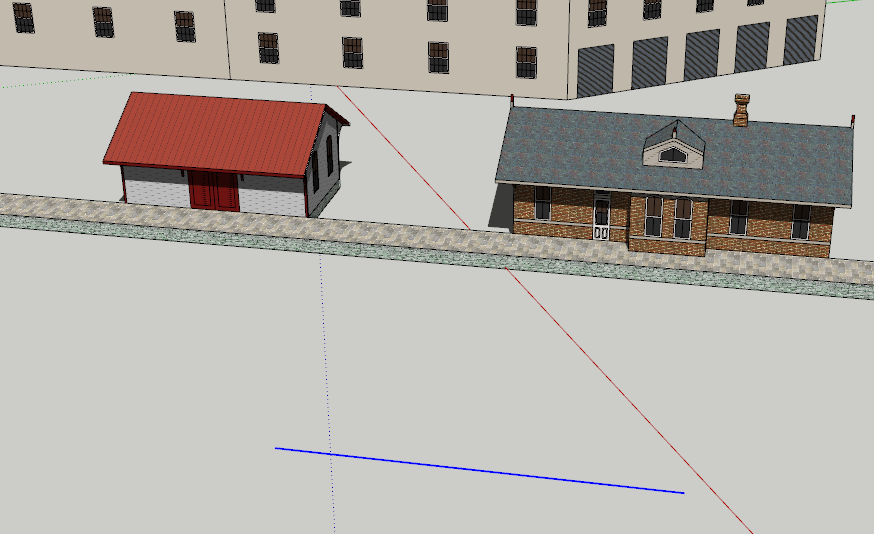
Quickie example: Camera positioned at each end of the edge shown selected in the foreground.
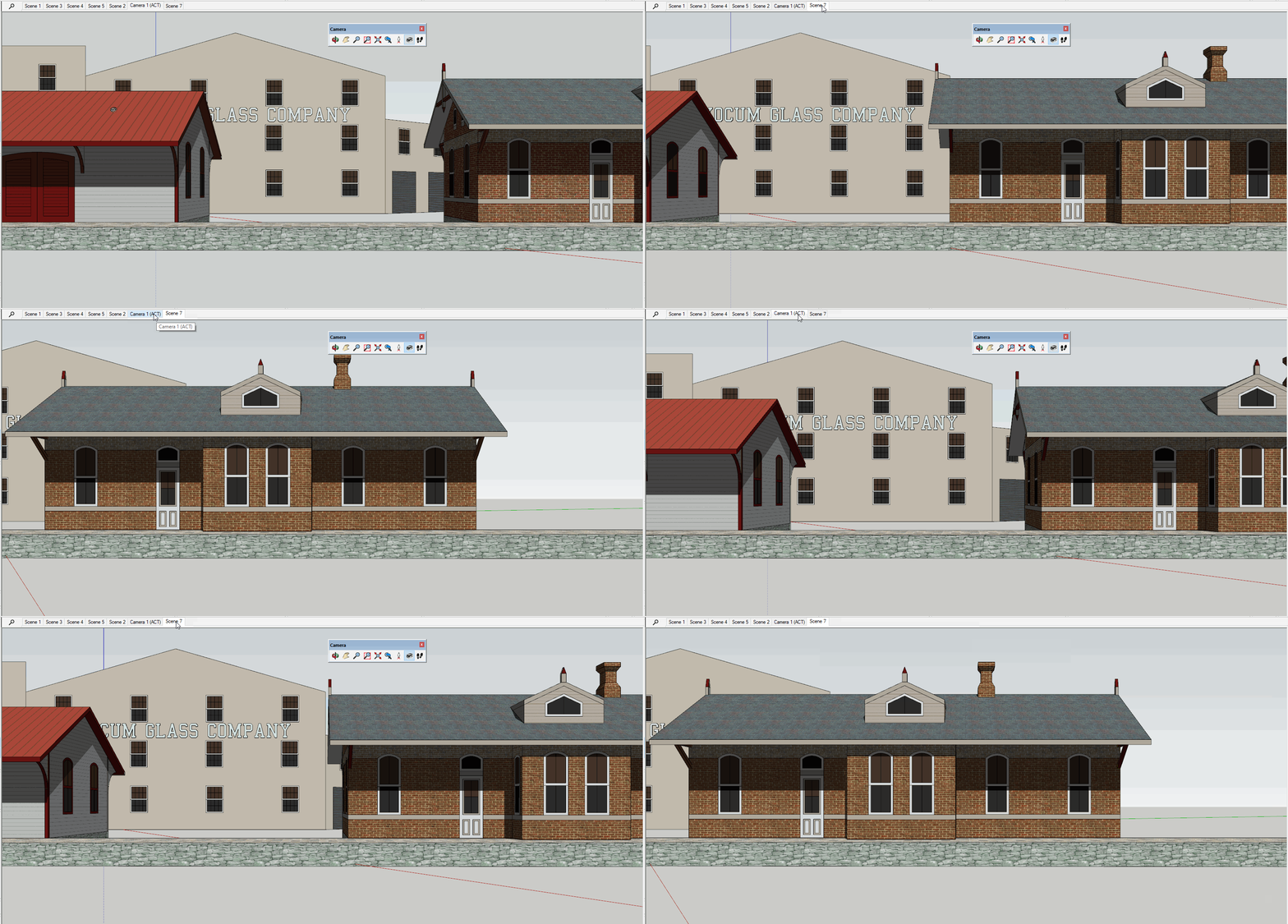
Result of transitioning between scenes. Click on the picture to see it move.

Hello! It looks like you're interested in this conversation, but you don't have an account yet.
Getting fed up of having to scroll through the same posts each visit? When you register for an account, you'll always come back to exactly where you were before, and choose to be notified of new replies (either via email, or push notification). You'll also be able to save bookmarks and upvote posts to show your appreciation to other community members.
With your input, this post could be even better 💗
Register Login


Advertisement