[Plugin] LordOfTheToolbars - v4.2a - 21 Oct 26




-
Does this mean it works now?
-
@fredo6 Thank you for the effort you put into your extensions and maintaining them, it is appreciated.
The Muzwalls loading error seems to be resolved, that error message no longer pops up. Unfortunately the custom toolbars with the MuzWalls items doesn't work, buttons greyed out while the actual MuzWalls toolbars are fine and functional.
The toolbar editing problem, where items are not added once the toolbar was checked to appear on screen, still persists. It doesn't update any custom toolbar additions or omissions once the toolbar was selected to appear on screen. The only work-around is to delete the toolbar and recreate it from fresh.
Save the Earth, it's the only planet with chocolate.
-
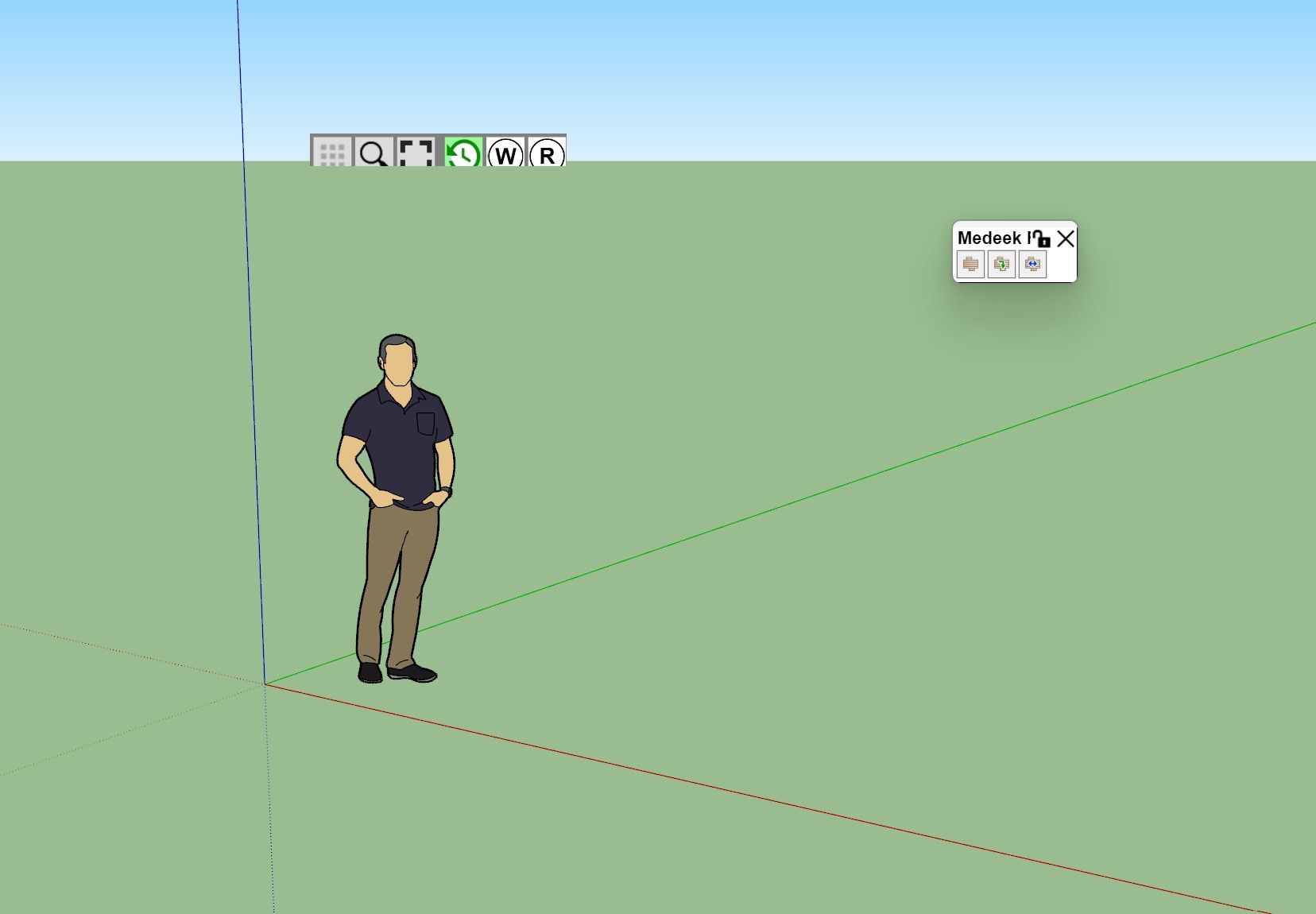
Curious, any idea why my pallets would look like this in 2017 make? Out of support thing?
-
@LinearGraphs
Which scale factor do you use on your monitor?What happen if you close the vignette stripe and reopen it (via the menu Tools > Fredo6 Collection > LordOfTheToolbars?
-
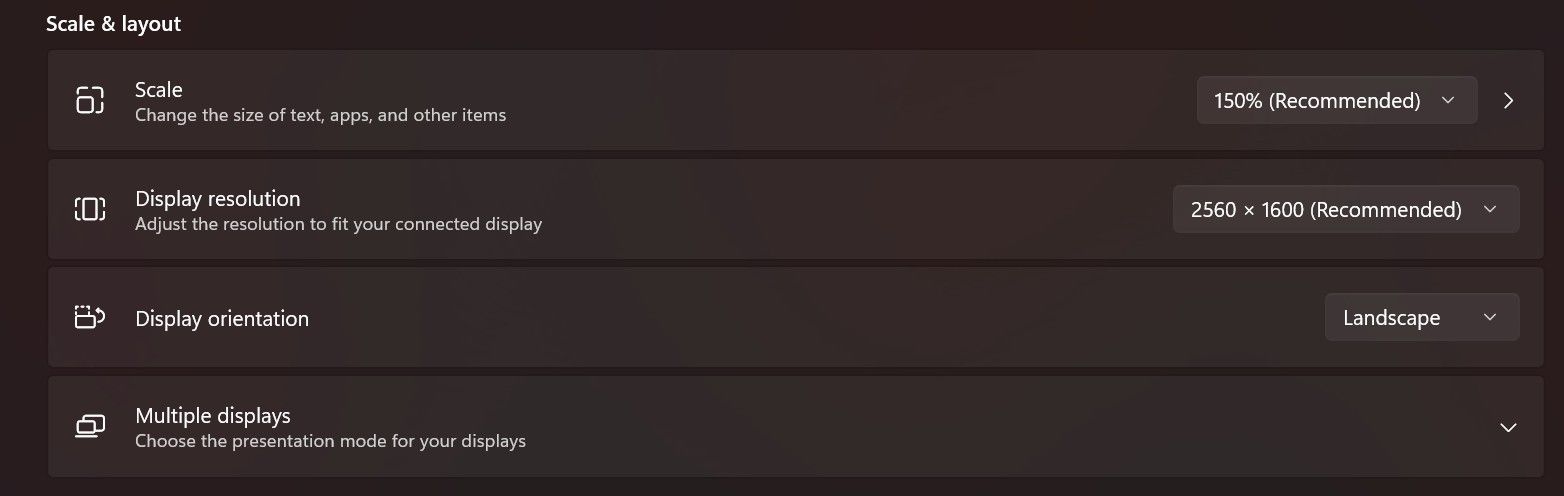
Toggling visibility has no effect. Ive actually reset and all and all my pallets and setting and started from scratch as well. This is a fresh install of the latest version.
-
Did you use 150% before, with the previous version of LibFredo6 and SU2017?
It may be a bug I introduced in LibFredo or LOTT, because SU2017 is the only version that does compute size in physical pixels and not in logical pixels.
However, on my laptop, SU2017 behaves well, but my scale is 125%

-
This post is deleted! -
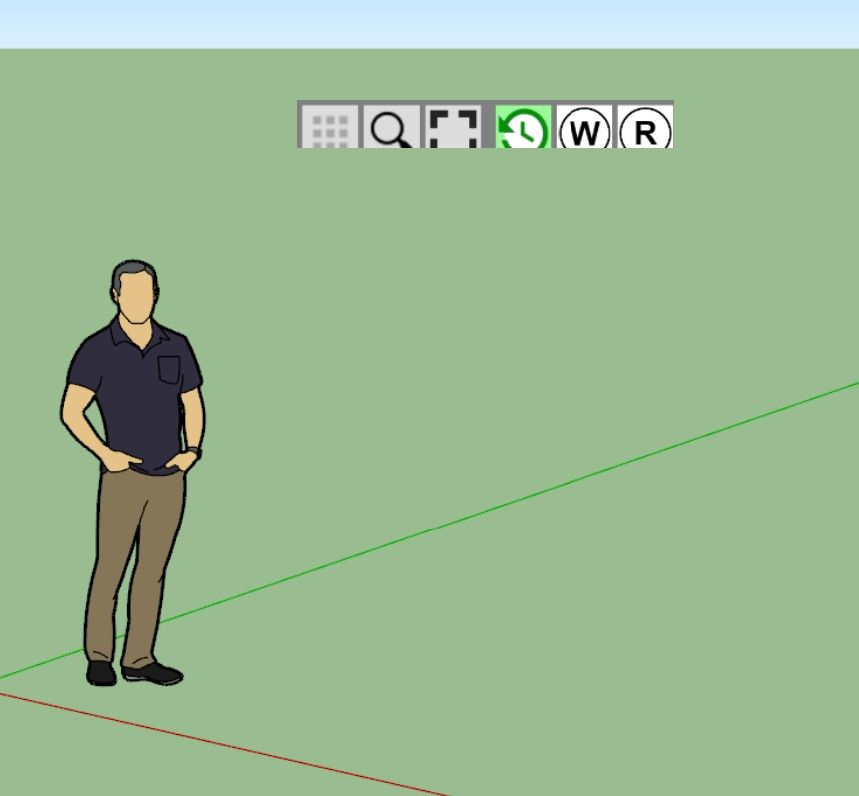
I used to only use external monitors, but now im using the laptop screen. Tried all scale settings, no dice.
-
This is an issue with SU2017, which as far as I remember does not support well external monitors with different resolutions as the main computer screen.
Could you go to Window > LibFredo6 Settings... > Default Parameters
At the top of the dialog box, check the first line and set the factor to 1.5

No guarantee it works, but worth trying.
-
juju said:
@fredo6 Thank you for the effort you put into your extensions and maintaining them, it is appreciated.
The Muzwalls loading error seems to be resolved, that error message no longer pops up. Unfortunately the custom toolbars with the MuzWalls items doesn't work, buttons greyed out while the actual MuzWalls toolbars are fine and functional.
The toolbar editing problem, where items are not added once the toolbar was checked to appear on screen, still persists. It doesn't update any custom toolbar additions or omissions once the toolbar was selected to appear on screen. The only work-around is to delete the toolbar and recreate it from fresh.
@fredo6 Any ideas on this yet?
-
Did you solve the problem of size of the Vignette Stripe?
For Muzwalls, I think this is due to the late loading of the plugin. So, LOTT cannot catch them at startup.
For custom toolbars, I can check, but I think you have to restart Sketchup to see the changes.



Hello! It looks like you're interested in this conversation, but you don't have an account yet.
Getting fed up of having to scroll through the same posts each visit? When you register for an account, you'll always come back to exactly where you were before, and choose to be notified of new replies (either via email, or push notification). You'll also be able to save bookmarks and upvote posts to show your appreciation to other community members.
With your input, this post could be even better 💗
Register Login


Advertisement