Texture color desaturated
-
Hi,
I having trouble with imported texture. When i import a .JPG file all the colors switch automatically to desaturated color. I use the Reset color buttom and see the right colors appears for 1sec and then the texture return to desaturated colors. Anyone know how to fix this?
I attach a screenshot of the result and a copy of my jpg file.
Thank!
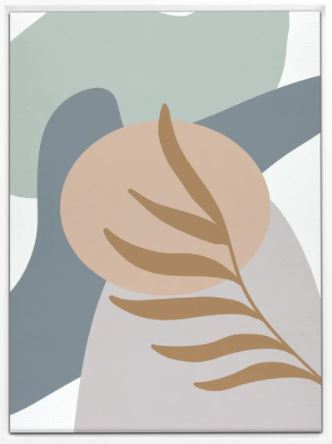
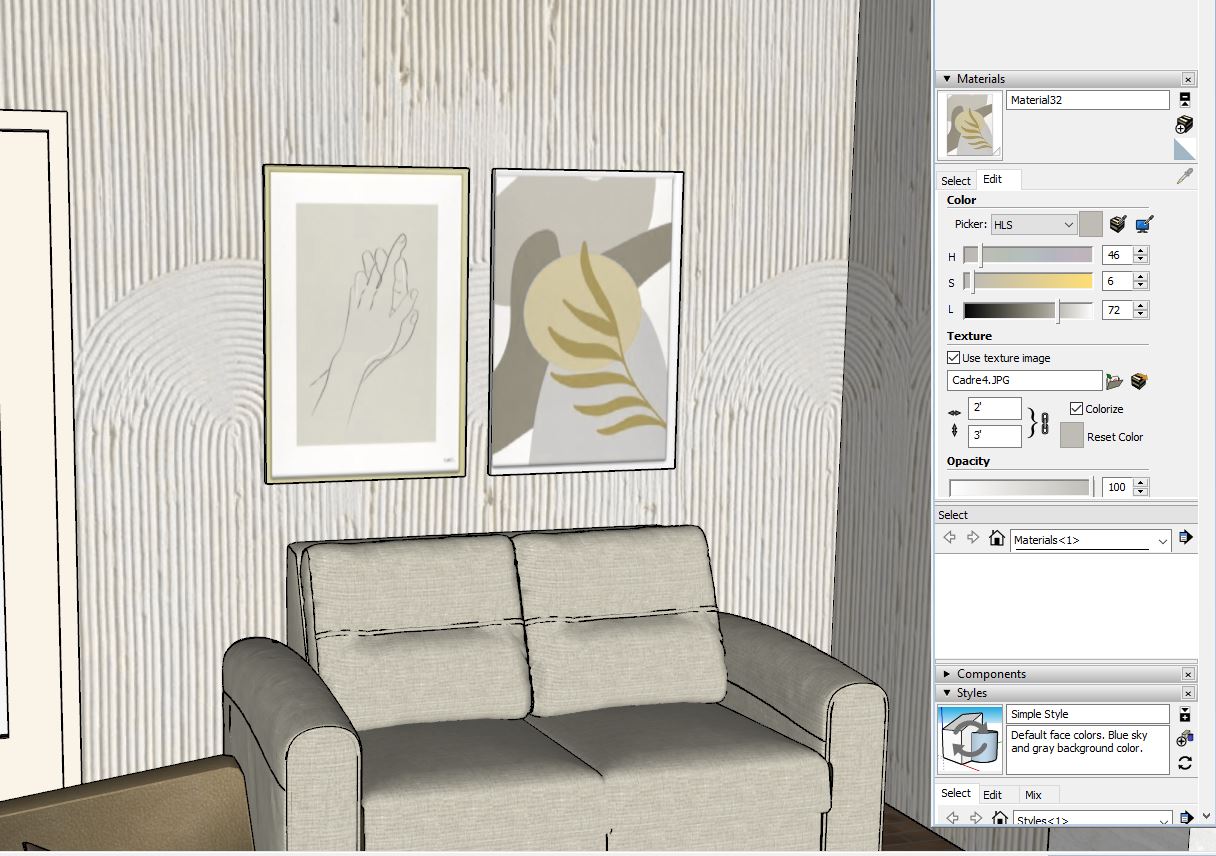
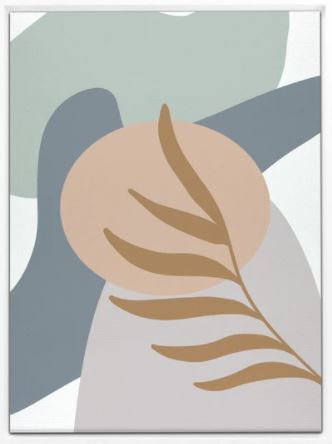
-
What's the graphics card? I'm guessing it has something to do with the card or its drivers. Here's what I get. Imported as a texture on the left and image on the right. It's slightly different from the image you uploaded but not as different as yours.
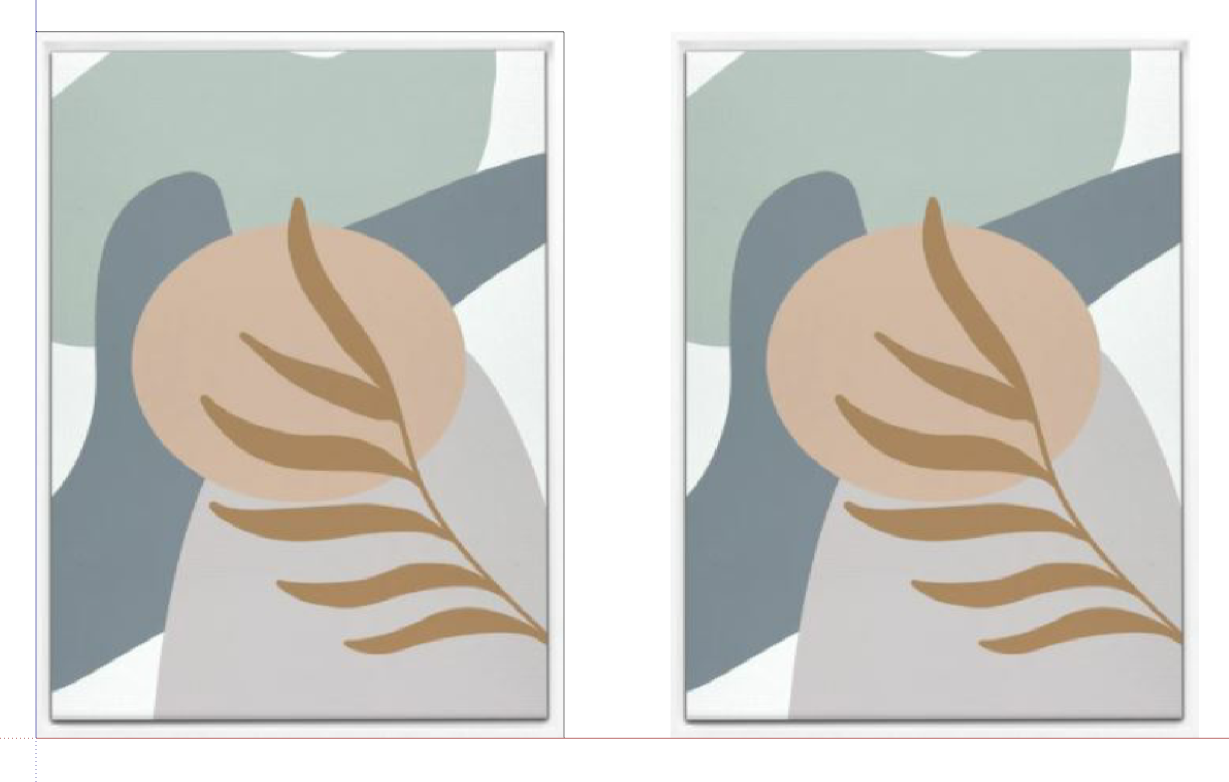
-
Thank for the reply!
The problem seams to appear on some sketchup files but not on all. My graphic card is GeForce RTX 2070
-
Have you changed your shadow settings to extreme values?


Hello! It looks like you're interested in this conversation, but you don't have an account yet.
Getting fed up of having to scroll through the same posts each visit? When you register for an account, you'll always come back to exactly where you were before, and choose to be notified of new replies (either via email, or push notification). You'll also be able to save bookmarks and upvote posts to show your appreciation to other community members.
With your input, this post could be even better 💗
Register Login


Advertisement