sketchucation logo sketchucation
    • 登入
    Oops, your profile's looking a bit empty! To help us tailor your experience, please fill in key details like your SketchUp version, skill level, operating system, and more. Update and save your info on your profile page today!
    🔌 Smart Spline | Fluid way to handle splines for furniture design and complex structures. Download

    [Plugin] Universal Importer - v1.2.6 - 30 July 2024

    已排程 已置頂 已鎖定 已移動 Plugins
    446 貼文 109 Posters 456.8k 瀏覽 109 Watching
    正在載入更多貼文
    • 從舊到新
    • 從新到舊
    • 最多點贊
    回覆
    • 在新貼文中回覆
    登入後回覆
    此主題已被刪除。只有擁有主題管理權限的使用者可以查看。
    • A 離線
      ankitdarda
      最後由 編輯

      Could you also include Revit .RVT import with textures as well????? Thanks in advance

      thank you !!!

      feel free to click on my site http://www.ankitfolio.co.cc includes my blog page link within it

      :sunglasses:

      ankitdarda

      1 條回覆 最後回覆 回覆 引用 0
      • samuel_tS 離線
        samuel_t
        最後由 編輯

        @ankitdarda said:

        Could you also include Revit .RVT import with textures as well?????

        There is little chance that the RVT (Revit) format will ever be supported by the Universal Importer plugin.

        However, there is a paid add-in for Revit that allows you to export a Revit model and its textures to SketchUp.

        1 條回覆 最後回覆 回覆 引用 0
        • M 離線
          M_Schulze Newcomers
          最後由 編輯

          Universal Importer V1.2.2 does not import any stl file. Universal Import Error: No such file or directory @ rb_sysopen - C:/3D/bottle-opener/uir-inter.mtl
          C:Users/ABC/. . ./SketchUp/Plugins/universal_importer/import.rb:170:in'read'
          Please help (Sketchup Make 2017, Windows 10)
          M_S

          1 條回覆 最後回覆 回覆 引用 0
          • samuel_tS 離線
            samuel_t
            最後由 編輯

            @m_schulze said:

            Universal Importer V1.2.2 does not import any stl file. Universal Import Error: No such file or directory @ rb_sysopen - C:/3D/bottle-opener/uir-inter.mtl
            C:Users/ABC/. . ./SketchUp/Plugins/universal_importer/import.rb:170:in'read'
            Please help (Sketchup Make 2017, Windows 10)
            M_S

            Could you please send me this STL file via Dropbox, for example?

            1 條回覆 最後回覆 回覆 引用 0
            • P 離線
              Poltava Newcomers
              最後由 編輯

              Can't download plugin on Sketchucation page...


              123.png


              1234.png

              1 條回覆 最後回覆 回覆 引用 0
              • P 離線
                Poltava Newcomers
                最後由 編輯

                Can't download plugin on Sketchucation page...


                1


                2

                1 條回覆 最後回覆 回覆 引用 0
                • Rich O BrienR 離線
                  Rich O Brien Moderator
                  最後由 編輯

                  Yes, we are working on restoring the amazon server bucket that hold the downloads.

                  Shouldn't take long.

                  Download the free D'oh Book for SketchUp 📖

                  1 條回覆 最後回覆 回覆 引用 0
                  • P 離線
                    Poltava Newcomers
                    最後由 編輯

                    Does not want to export FBX and other files. Reinstalling doesn't help


                    Screenshot

                    1 條回覆 最後回覆 回覆 引用 0
                    • samuel_tS 離線
                      samuel_t
                      最後由 編輯

                      @poltava said:

                      Does not want to export FBX and other files. Reinstalling doesn't help

                      Try importing a 3D model stored in a folder to which you have write access.

                      1 條回覆 最後回覆 回覆 引用 0
                      • R 離線
                        rizkymfadh19 Newcomers
                        最後由 編輯

                        this amazed me, really thank you for the plugin 👍 👍

                        1 條回覆 最後回覆 回覆 引用 0
                        • samuel_tS 離線
                          samuel_t
                          最後由 編輯

                          @rizkymfadh19 said:

                          this amazed me, really thank you for the plugin 👍 👍

                          I'm glad to hear that! 😄

                          1 條回覆 最後回覆 回覆 引用 0
                          • S 離線
                            Sondre_S
                            最後由 編輯

                            Hi, I've used Universal Importer for about a month now and I'm suddenly getting an error saying it doesn't have write access to my documents folder (or any other folder for that matter). The only place it would import from was the root of my C drive! I checked and all folders are marked as "Read Only", but all other programs work correctly.
                            I opened import.rb and commented out this:

                            # Source dir must be writable to host hard links we'll create later.
                                  #raise "Source dir of model to import is not writable; #{@source_dir}"\
                                   # unless File.writable?(@source_dir)
                            

                            and I can now import from my documents folder again.

                            I found this in an article from Microsoft:

                            "The Read-only and System attributes is only used by Windows Explorer to determine whether the folder is a special folder, such as a system folder that has its view customized by Windows (for example, My Documents, Favorites, Fonts, Downloaded Program Files), or a folder that you customized by using the Customize tab of the folder's Properties dialog box. As a result, Windows Explorer does not allow you to view or change the Read-only or System attributes of folders."

                            Link Preview Image
                            What does it mean if Windows isn't supported? - Microsoft Support

                            Learn what it means if you have an older version of Windows that's no longer supported.

                            favicon

                            (support.microsoft.com)

                            1 條回覆 最後回覆 回覆 引用 0
                            • samuel_tS 離線
                              samuel_t
                              最後由 編輯

                              @Sondre_S

                              Thanks for the technical details. I will solve this problem as soon as possible.

                              1 條回覆 最後回覆 回覆 引用 0
                              • samuel_tS 離線
                                samuel_t
                                最後由 編輯

                                1.2.3 version doesn't display anymore the "Source dir of model to import is not writable" error message.

                                Download latest Universal Importer plugin from SketchUcation PluginStore.

                                1 條回覆 最後回覆 回覆 引用 0
                                • R 離線
                                  romanencom Newcomers
                                  最後由 編輯

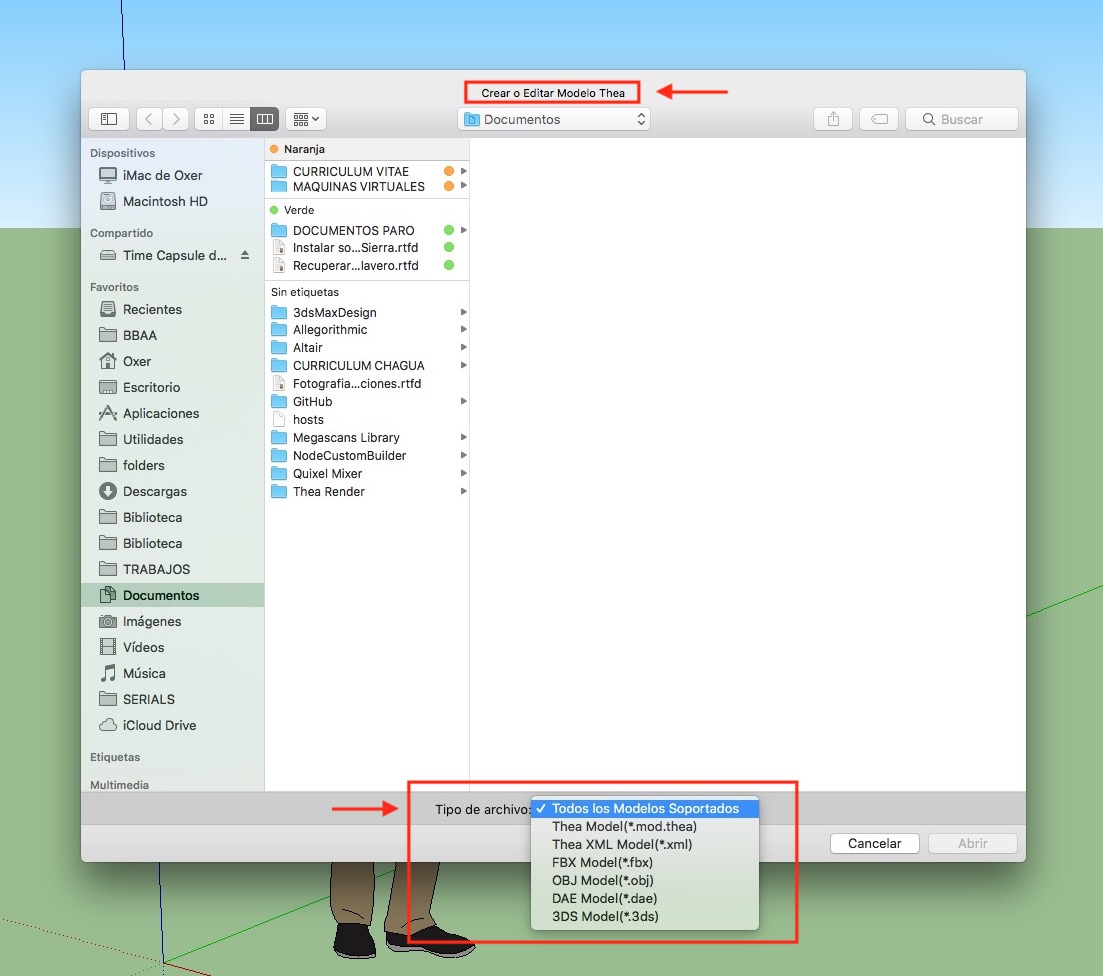
                                  Dear samuel_t, I just installed your plugin, but I can't import the step file, I get this message. At the same time, a duplicate of it with a different name is created in the folder with this file. You can help me?


                                  Снимок экрана 2023-07-25 в 01.01.41.png

                                  U 1 條回覆 最後回覆 回覆 引用 0
                                  • O 離線
                                    Ottown
                                    最後由 編輯

                                    Hi Samuel,

                                    Have downloadeed the latest version along with sketchup pro 2023 for mac, but every time i try to import a model fbx or obj im getting the errow shown.
                                    Any advise
                                    Universal Importer Error: Command failed: cd "/Users/davidott/Downloads/Test" && "/Users/davidott/Library/Application Support/SketchUp 2023/SketchUp/Plugins/universal_importer/Applications/Assimp/Mac/assimp" export "uir-source.3ds" "uir-inter.obj" -tri

                                    /Users/davidott/Library/Application Support/SketchUp 2023/SketchUp/Plugins/universal_importer/assimp.rb:106:in `convert_model'

                                    Universal Importer Version: 1.2.3

                                    1 條回覆 最後回覆 回覆 引用 0
                                    • samuel_tS 離線
                                      samuel_t
                                      最後由 編輯

                                      @romanencom said:

                                      Dear samuel_t, I just installed your plugin, but I can't import the step file, I get this message. At the same time, a duplicate of it with a different name is created in the folder with this file. You can help me?

                                      Dear Roman,

                                      Unfortunately, compatibility with the STEP format is low.

                                      1 條回覆 最後回覆 回覆 引用 0
                                      • samuel_tS 離線
                                        samuel_t
                                        最後由 編輯

                                        @ottown said:

                                        Hi Samuel,

                                        Have downloadeed the latest version along with sketchup pro 2023 for mac, but every time i try to import a model fbx or obj im getting the errow shown.
                                        Any advise
                                        Universal Importer Error: Command failed: cd "/Users/davidott/Downloads/Test" && "/Users/davidott/Library/Application Support/SketchUp 2023/SketchUp/Plugins/universal_importer/Applications/Assimp/Mac/assimp" export "uir-source.3ds" "uir-inter.obj" -tri

                                        Hi David,

                                        In this situation, the error message does not provide enough details. Maybe your macOS is not allowed to run Assimp executable?

                                        1 條回覆 最後回覆 回覆 引用 0
                                        • W 離線
                                          Waltersch
                                          最後由 編輯

                                          Hi Samuel
                                          First of all thank you very much for this great and super useful extension!
                                          But I do habe a problem on importing from Model Converter X.
                                          Here my workflow.

                                          Construction on Sketchup 17. Export as collada file.
                                          Import to 3DCoat for texturing. Export as obj file.
                                          Import to Model Converter X for checking and file conversion. Export as obj file.

                                          I do check the polygons in every step and they are the same in every step. Pic1 shows the correct wireframe so far.

                                          Import to Sketchup with "Universal Importer Plugin". Now the wireframe is not as it was in all the steps ahead. Some of the edges are missing. I´m not using any polygon reduction. Pic2 shows the result after the import.

                                          My question to you is only, why the imported wireframe is not the same as it was in all the other steps ahead. Because the wireframe is broken in some area, the texture does´nt fit any more.

                                          For an additional explanation. The workfrlow may seam strange and all can be done with different software solutions much easier. You are all right, but this is my workflow I´m used to it.


                                          Pic1.jpg


                                          Pic2.jpg

                                          1 條回覆 最後回覆 回覆 引用 0
                                          • J 離線
                                            jamesdavies0211
                                            最後由 編輯

                                            Hi!

                                            Really love the look of this extension, however, having some issues with importing blend and obj files.

                                            Capture.JPG

                                            Any help would be greatly appreciated!

                                            1 條回覆 最後回覆 回覆 引用 0
                                            • 1
                                            • 2
                                            • 3
                                            • 4
                                            • 5
                                            • 6
                                            • 7
                                            • 8
                                            • 22
                                            • 23
                                            • 6 / 23
                                            • 第一個貼文
                                              最後的貼文
                                            Buy SketchPlus
                                            Buy SUbD
                                            Buy WrapR
                                            Buy eBook
                                            Buy Modelur
                                            Buy Vertex Tools
                                            Buy SketchCuisine
                                            Buy FormFonts

                                            Advertisement