sketchucation logo sketchucation
    • 登入
    Oops, your profile's looking a bit empty! To help us tailor your experience, please fill in key details like your SketchUp version, skill level, operating system, and more. Update and save your info on your profile page today!
    🔌 Smart Spline | Fluid way to handle splines for furniture design and complex structures. Download

    [Plugin] Random Entity Generator - v1.2.1 - 29 April 2025

    已排程 已置頂 已鎖定 已移動 Plugins
    41 貼文 9 Posters 20.5k 瀏覽 9 Watching
    正在載入更多貼文
    • 從舊到新
    • 從新到舊
    • 最多點贊
    回覆
    • 在新貼文中回覆
    登入後回覆
    此主題已被刪除。只有擁有主題管理權限的使用者可以查看。
    • samuel_tS 離線
      samuel_t
      最後由 samuel_t 編輯

      Hello, I created a plugin for SketchUp that generates random entities and randomizes existing ones. It's able to create proxies for Enscape. (It's also compatible with V-Ray and Thea Render.) You can doing scattering with it. 😉

      => You can download it from the SketchUcation PluginStore.

      Below, three Random Entity Generator plugin demonstrations:

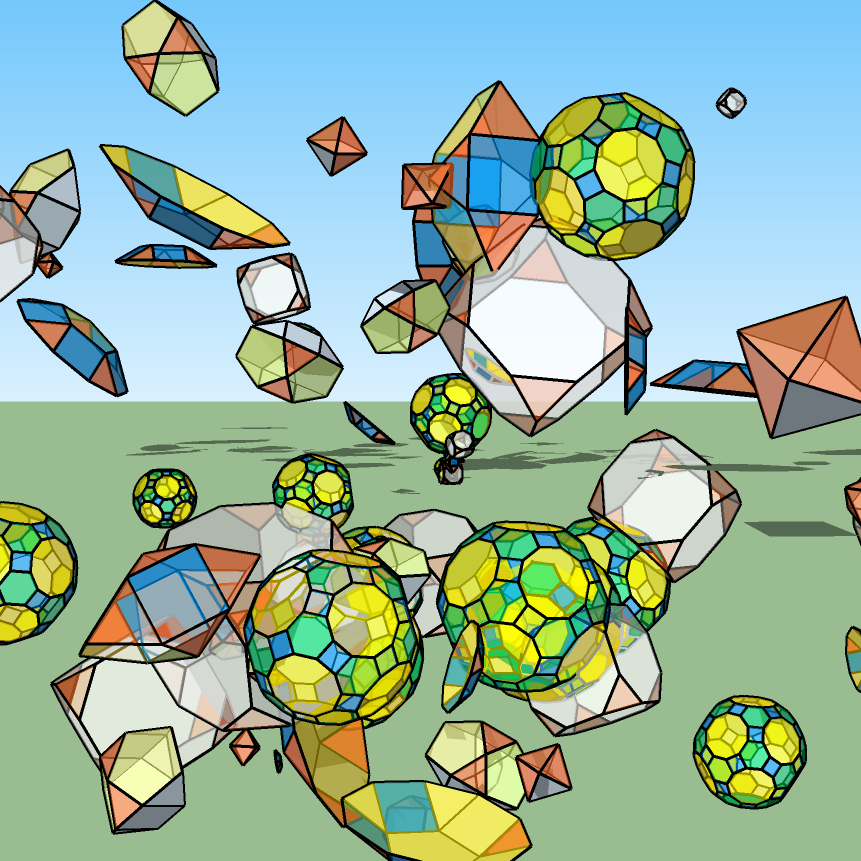
      REG Plugin Star Demo

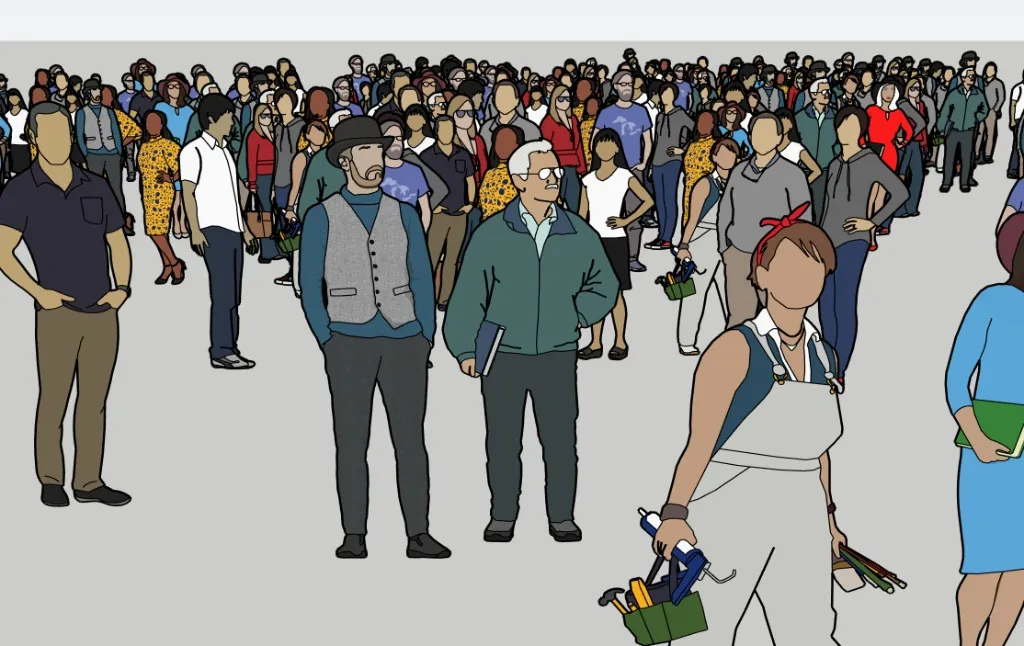
      REG Plugin People Demo

      REG Plugin Deformations Demo

      1 條回覆 最後回覆 回覆 引用 0
      • pilouP 離線
        pilou
        最後由 編輯

        Always interesting! 👍

        Not yet used (some busy with Flowscape 😉 but can we have a version where elements are choosen in an existing family ? ☀

        http://moiscript.weebly.com/uploads/3/9/3/8/3938813/737237300_orig.jpg

        Frenchy Pilou
        Is beautiful that please without concept!
        My Little site :)

        1 條回覆 最後回覆 回覆 引用 0
        • pilouP 離線
          pilou
          最後由 編輯

          Absolutly marvelous! 😎 👍

          Frenchy Pilou
          Is beautiful that please without concept!
          My Little site :)

          1 條回覆 最後回覆 回覆 引用 0
          • samuel_tS 離線
            samuel_t
            最後由 編輯

            @pilou said:

            [...] can we have a version where elements are choosen in an existing family ?
            It's possible with 1.0.1 version...Attention, selected entities must be groups:

            Random.png

            1 條回覆 最後回覆 回覆 引用 0
            • samuel_tS 離線
              samuel_t
              最後由 samuel_t 編輯

              With 1.0.3 version you can:

              • Randomize components
              • Glue entities to ground 🌻
              1 條回覆 最後回覆 回覆 引用 0
              • samuel_tS 離線
                samuel_t
                最後由 編輯

                What's new in version 1.0.1?

                • Generation process is way faster.
                • Extension is translated in French.
                • You can, via context menu, randomize position and size of selected entities:
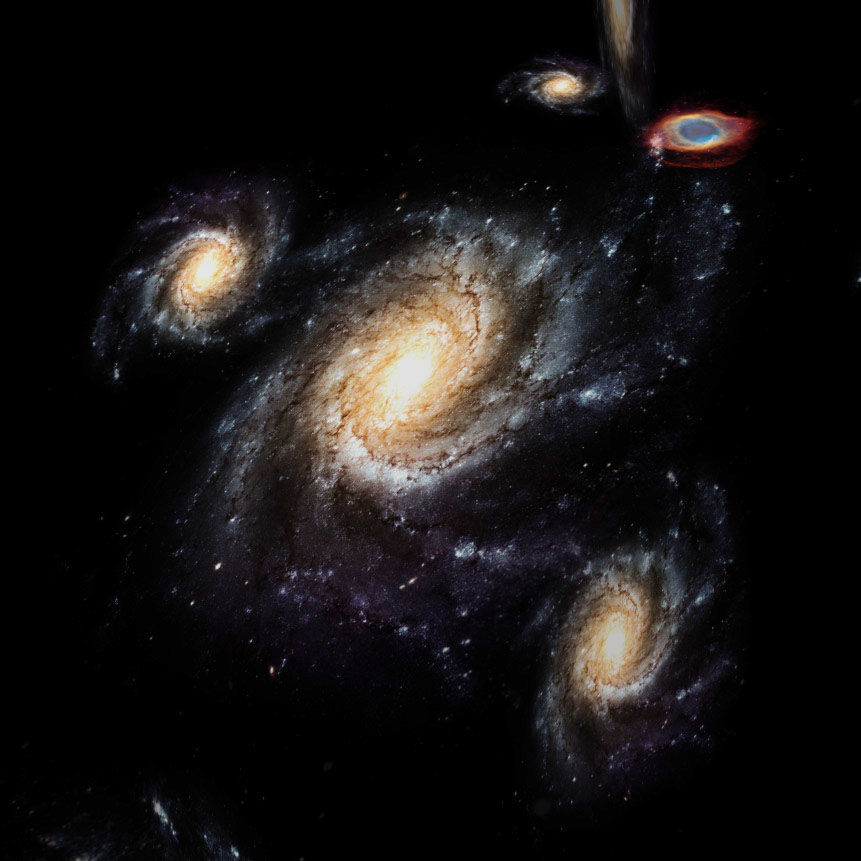
                REG Plugin Galaxies Demo

                1 條回覆 最後回覆 回覆 引用 0
                • samuel_tS 離線
                  samuel_t
                  最後由 編輯

                  The 1.0.2 version adds many parameters:

                  • Rotate entities?
                  • Entity min size
                  • Entity max size
                  • Entity density
                  1 條回覆 最後回覆 回覆 引用 0
                  • pilouP 離線
                    pilou
                    最後由 編輯

                    Near the perfection! 👍

                    What is the process for don't have frame (segments) around the object with the transparent texture/photo ?
                    If i erase them (segments) all is erased! (Texture/photo)

                    I can mask it but does exist something else ?
                    Here the fame was "masked"
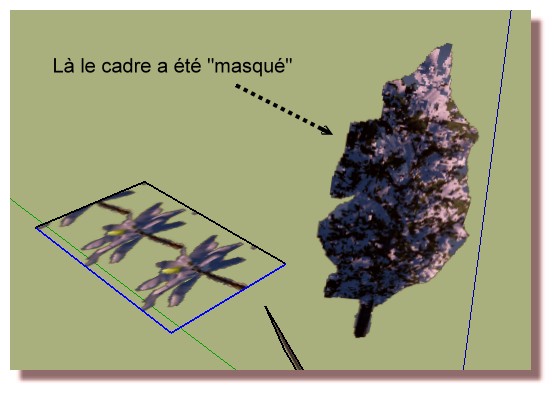
                    https://i.postimg.cc/43S6CmnQ/maask.jpg

                    Frenchy Pilou
                    Is beautiful that please without concept!
                    My Little site :)

                    1 條回覆 最後回覆 回覆 引用 0
                    • PixeroP 離線
                      Pixero
                      最後由 編輯

                      @pilou said:

                      Near the perfection! 👍

                      What is the process for don't have frame (segments) around the object with the transparent texture/photo ?
                      If i erase them (segments) all is erased! (Texture/photo)

                      Set SketchUp to show Wireframes.
                      Open any group or component.
                      Drag to select the edges and right click to hide them.
                      Set SketchUp to Shaded with textures.
                      The edges are now "gone".

                      1 條回覆 最後回覆 回覆 引用 0
                      • pbacotP 離線
                        pbacot
                        最後由 編輯

                        Looks like a good one. I think it's amazing you can make it work with Enscape and all. Thank you!

                        MacOSX MojaveSketchUp Pro v19 Twilight v2 Thea v3 PowerCADD

                        1 條回覆 最後回覆 回覆 引用 0
                        • samuel_tS 離線
                          samuel_t
                          最後由 編輯

                          With 1.0.4 version:

                          You can create proxies for Enscape. So, a tree becomes a forest in secs.
                          Proxies are symbolized by little translucent cubes with a random color:
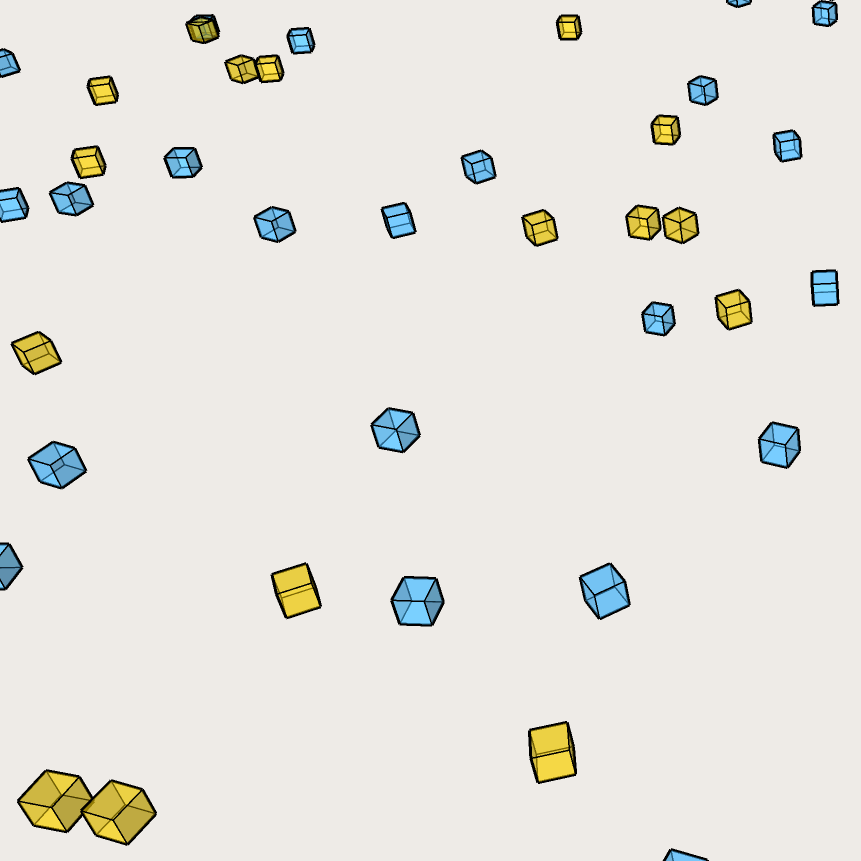
                          REG Plugin Proxies Demo

                          1 條回覆 最後回覆 回覆 引用 0
                          • pilouP 離線
                            pilou
                            最後由 編輯

                            @unknownuser said:

                            Drag to select the edges and right click to hide them.

                            @Pixero
                            It's that I made with "Masked them" 😉
                            It's curious because seems to me that was a trick for have only the "material/texture/Photo" but maybe i have dreamed! 😄

                            Frenchy Pilou
                            Is beautiful that please without concept!
                            My Little site :)

                            1 條回覆 最後回覆 回覆 引用 0
                            • samuel_tS 離線
                              samuel_t
                              最後由 編輯

                              What's new in 1.0.5 version?

                              • There is a new param: Avoid entity collision. After 5 unsuccessful attempts, collided entity is erased.
                              • Enscape proxies have real dimensions based on real model. This allows a better collision detection.
                              • You can specify, via context menu, a spawn zone for generated objects. It is called "Random Zone":
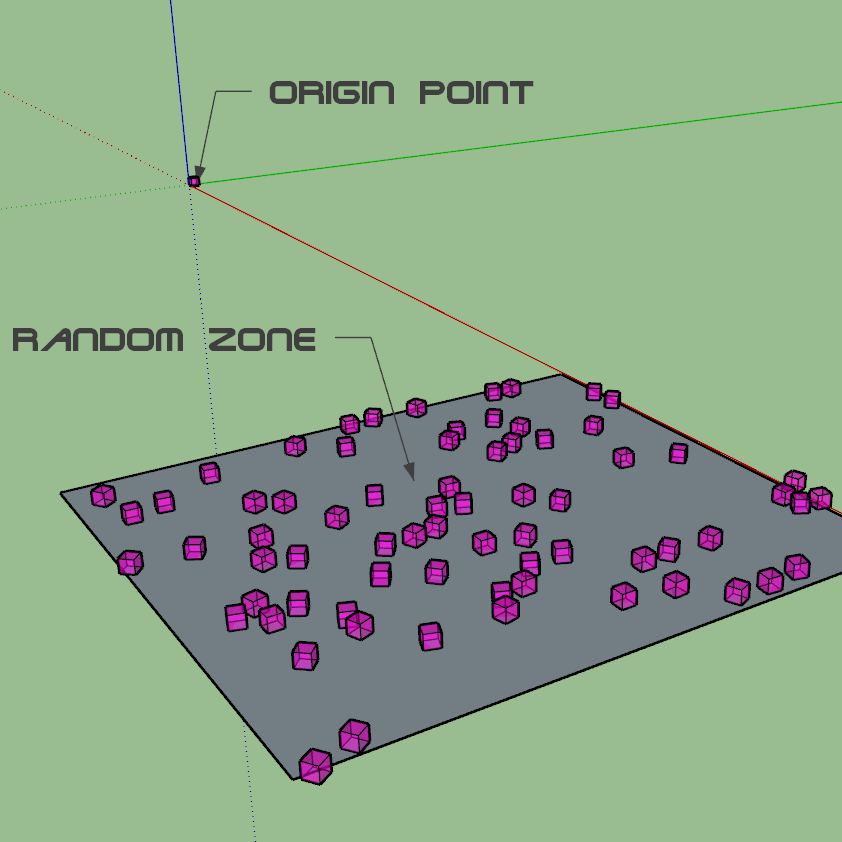
                              REG Plugin Zone Demo

                              1 條回覆 最後回覆 回覆 引用 0
                              • samuel_tS 離線
                                samuel_t
                                最後由 編輯

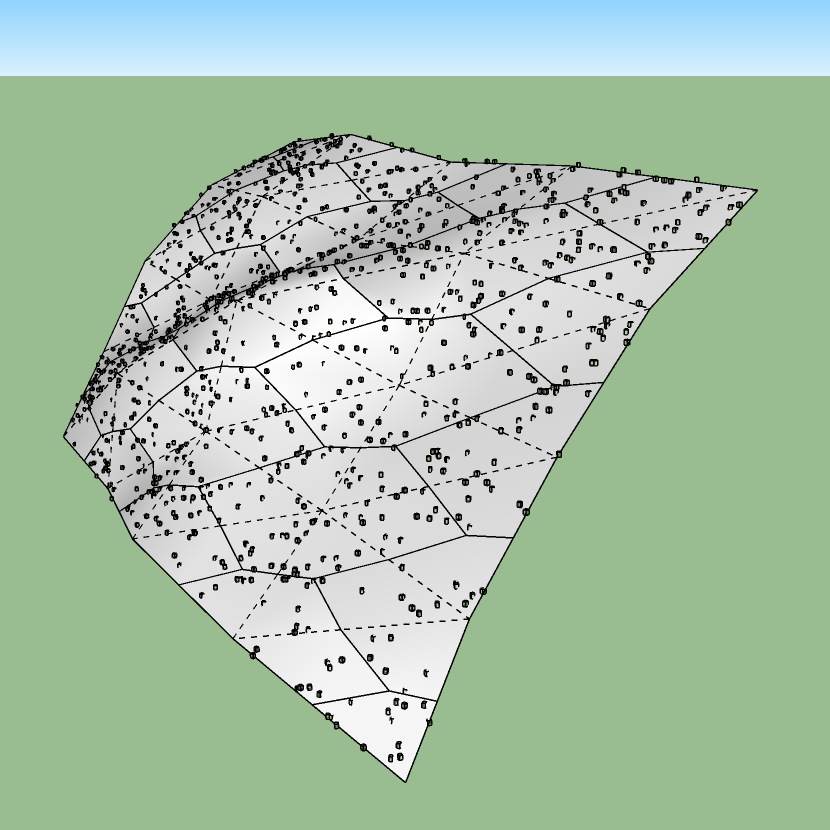
                                New in v1.0.6: If you've set a Random Zone, distribution algorithm follows possible mesh deformations:
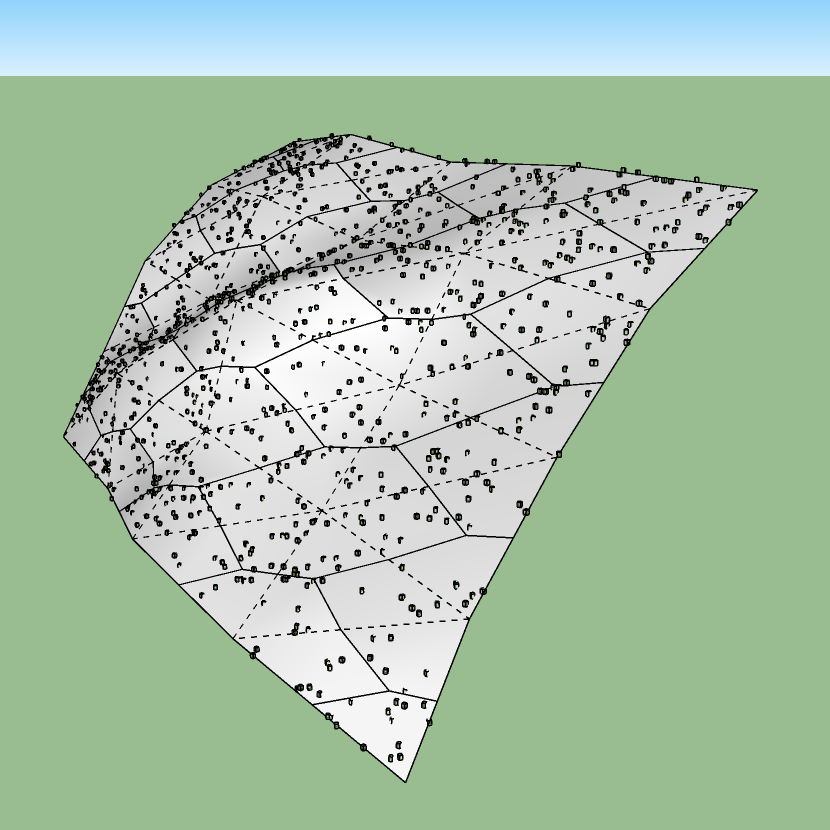
                                REG Plugin Deformations Demo

                                Download latest REG plugin from the SketchUcation PluginStore.

                                1 條回覆 最後回覆 回覆 引用 0
                                • samuel_tS 離線
                                  samuel_t
                                  最後由 編輯

                                  1.0.8 version fixes a bug about entity rotation.

                                  Download latest REG plugin from the SketchUcation PluginStore.

                                  1 條回覆 最後回覆 回覆 引用 0
                                  • samuel_tS 離線
                                    samuel_t
                                    最後由 編輯

                                    1.0.9 version includes a library of proxies ready-to-use for Enscape and V-Ray. (It's available on Windows only.)
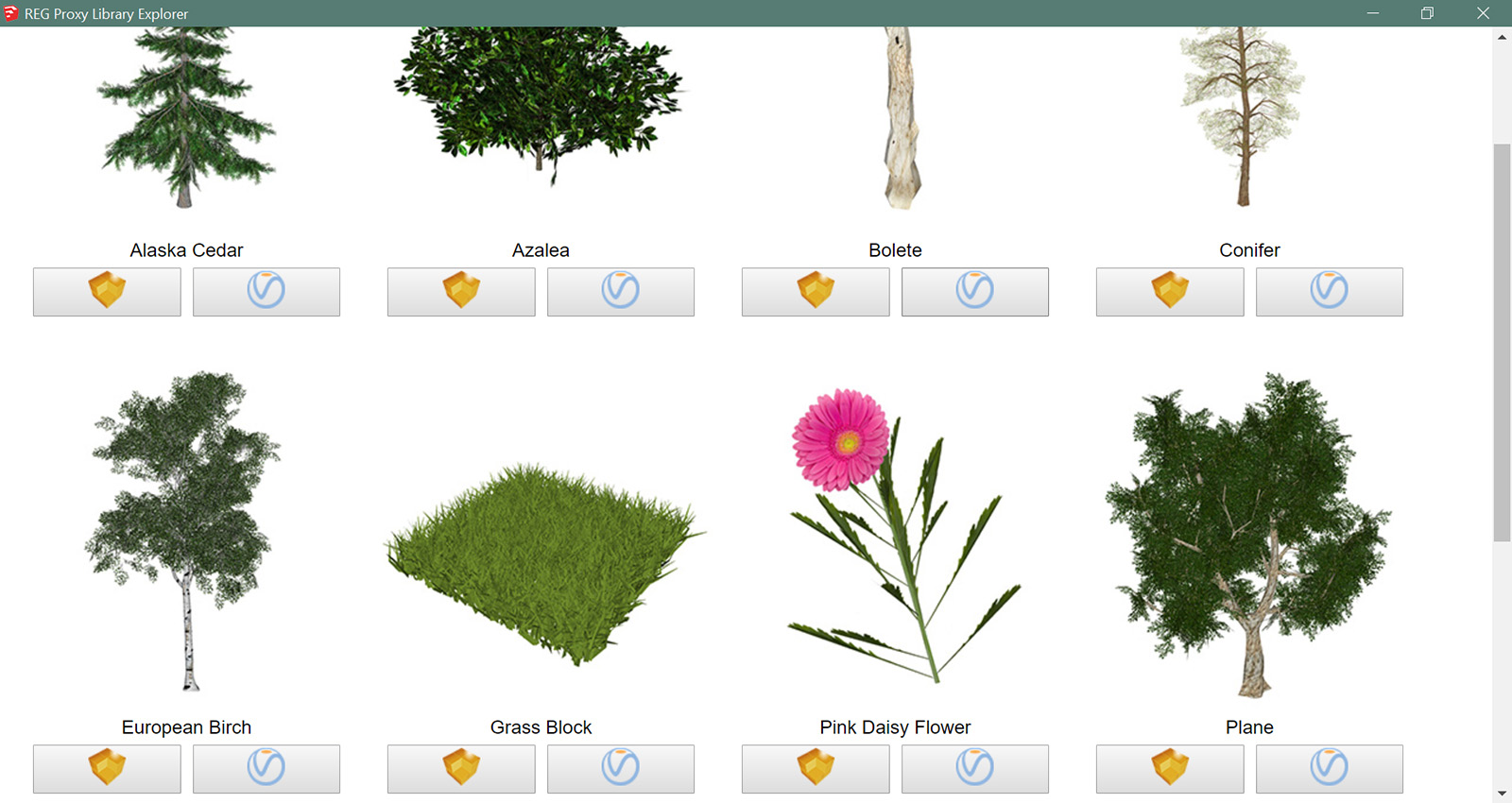
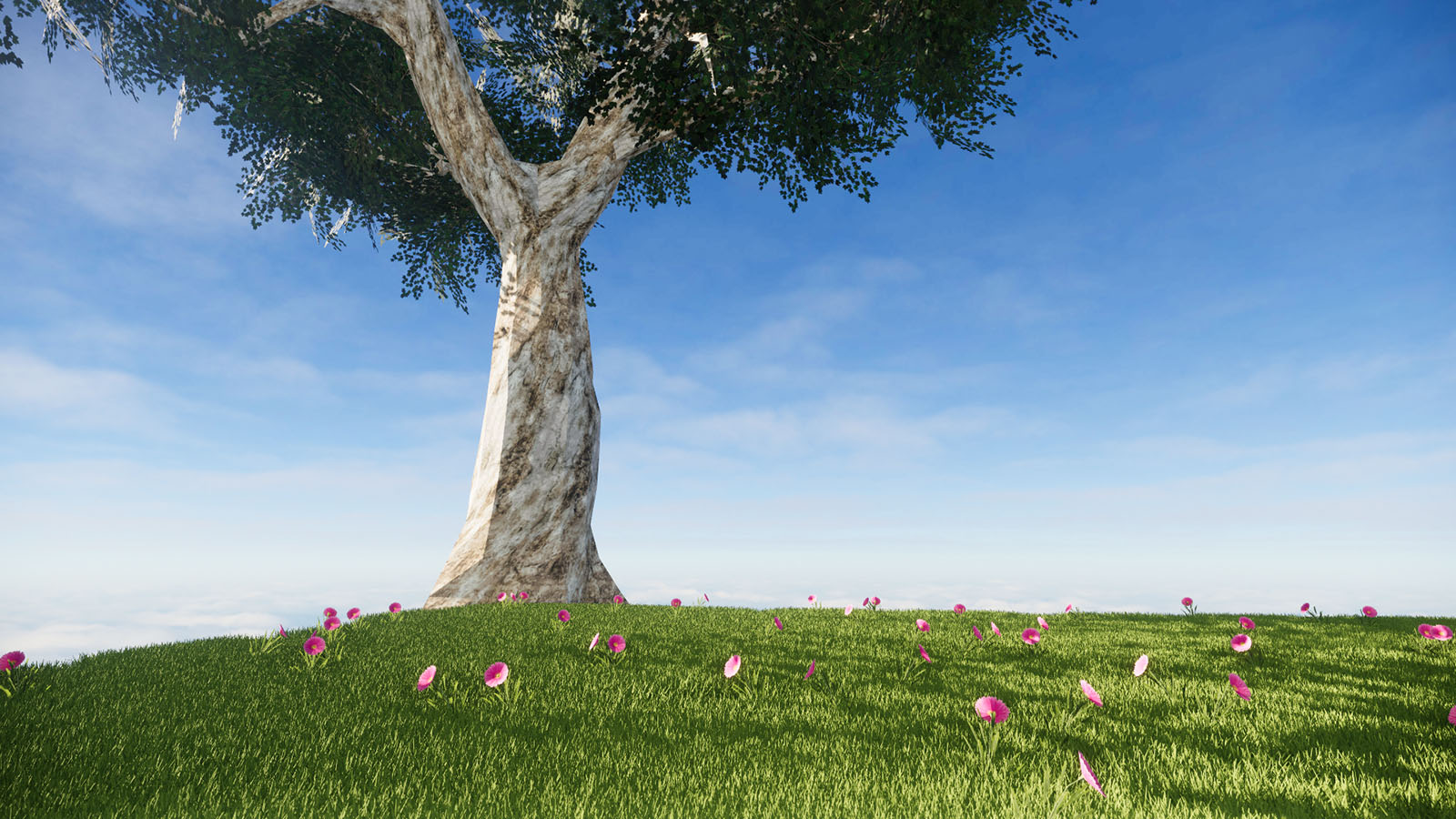
                                    REG Proxy Library

                                    REG Plugin Proxy Library Demo

                                    Download latest REG plugin from the SketchUcation PluginStore.

                                    1 條回覆 最後回覆 回覆 引用 0
                                    • samuel_tS 離線
                                      samuel_t
                                      最後由 編輯

                                      1.1.0 version:

                                      • Adds a parameter: Entity max. altitude.
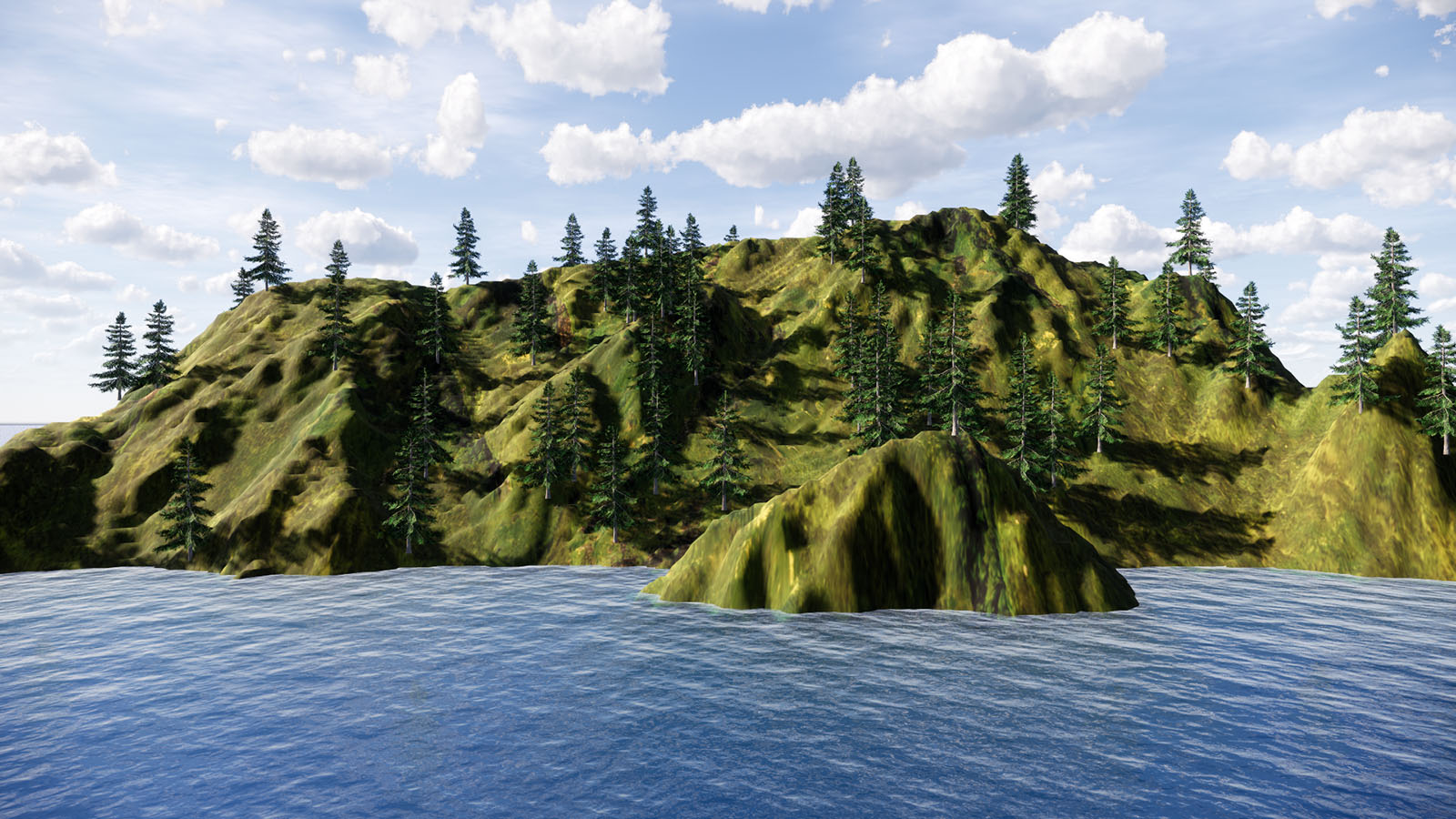
                                      • Handles complex meshes very quickly:

                                      Terres émergées (1600p).jpg

                                      Download latest REG plugin from the SketchUcation PluginStore.

                                      1 條回覆 最後回覆 回覆 引用 0
                                      • pilouP 離線
                                        pilou
                                        最後由 編輯

                                        A FlowScape challenger! 😉

                                        Frenchy Pilou
                                        Is beautiful that please without concept!
                                        My Little site :)

                                        1 條回覆 最後回覆 回覆 引用 0
                                        • samuel_tS 離線
                                          samuel_t
                                          最後由 編輯

                                          1.1.1 version:

                                          • Adds a parameter useful e.g. to hide tree roots: Push entities to down (cm).
                                          • Adds four presets to help you discover how parameters work in REG plugin.

                                          Download latest REG plugin from the SketchUcation PluginStore.

                                          1 條回覆 最後回覆 回覆 引用 0
                                          • samuel_tS 離線
                                            samuel_t
                                            最後由 編輯

                                            What's new in 1.1.2 version?

                                            • There is a "Preview" button in REG Parameters.
                                            • Random Zones can be constituted of triangles.

                                            Download latest REG plugin from the SketchUcation PluginStore.

                                            1 條回覆 最後回覆 回覆 引用 0
                                            • 1
                                            • 2
                                            • 3
                                            • 1 / 3
                                            • 第一個貼文
                                              最後的貼文
                                            Buy SketchPlus
                                            Buy SUbD
                                            Buy WrapR
                                            Buy eBook
                                            Buy Modelur
                                            Buy Vertex Tools
                                            Buy SketchCuisine
                                            Buy FormFonts

                                            Advertisement