Copy Paste component
-
When copying and pasting between files geometry is lost.
For example, a box is copied from one file and pasted into another, but it's without a face or an edge.
Using 2015 Make.
Any ideas? -
It sounds to me as if the face or edge that doesn't come over is not included in the component. Can you upload a sample component that when copied shows this problem?
-
Dave,
The initial work was started in sketchup 2015 and later saved in 2017.
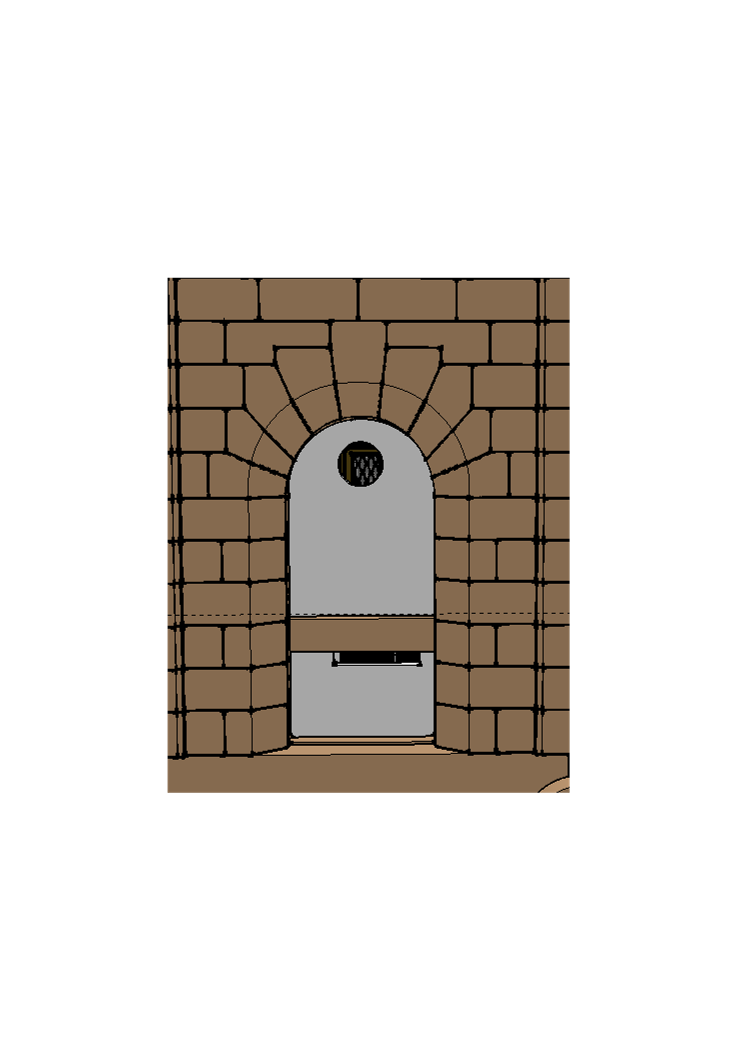
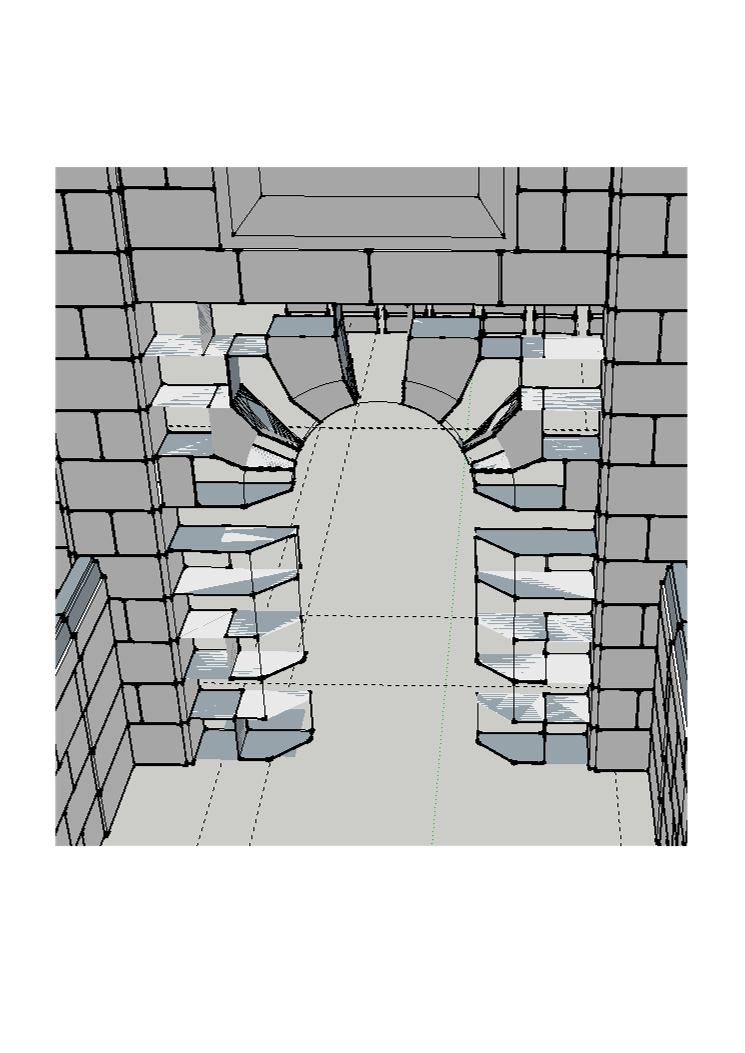
-
It looks like almost all the edges came through because many are clearly there but hidden. And with all the edges showing here, there could be hidden faces. Hard to say without the file. Have you looked at it with hidden geometry on? Are all layers visible?
-
Upload the SKP file so we can see what you have going on. In fact upload both SKP files.
-
Thanks to DaveR and Pbacot for your help. The geometry was hidden in another layer.
The project started 2015 and is 68MB of a very old limestone library. Thanks -
Glad you got it sorted.
@jgillick said:
The geometry was hidden in another layer.
The penny drops! Another good example of why the rule about leaving Layer 0 as the active layer and keeping all geometry on Layer 0 should be followed. Bookmarked for the next time someone isn't convinced from reading the help articles on layer usage in SketchUp.



Hello! It looks like you're interested in this conversation, but you don't have an account yet.
Getting fed up of having to scroll through the same posts each visit? When you register for an account, you'll always come back to exactly where you were before, and choose to be notified of new replies (either via email, or push notification). You'll also be able to save bookmarks and upvote posts to show your appreciation to other community members.
With your input, this post could be even better 💗
Register Login


Advertisement