Model: lost in space
-
Ok, this may sound silly, but I've lost my model amid panning, zooming and orbiting. All I have is a gray field with no reference to where the model is. How do I bring it back into view?
-
From the Camera dropdown menu select 'Zoom Extents' which should bring you back to your model. Hope this helps!
-
Darn, I tried "Zoom Extents" to no avail... still just a vast field. On the upside, it's blue rather than gray now, so I know I'm above the horizon, somewhere in the stratosphere.
-
Attach the model so one of us can check it.
-
Is this it?
I hit zoom extents, which strangely took me inside the model, I zoomed out until I could see it.
The orbited around to a correct view. Noticed your Axes had be change so I reset them.
And the Field of view was set to 1deg I changed that to the more standard 35deg.
To be honest I can't tell you off hand what was wrong with your model apart from what I have described.I've had a bit more of a look at your model and you are using Layers incorrectly.
All raw geometry must remain associated to Layer 0 only Groups and Components should be assigned a layer visibility tag.
You can read up on it here.
https://help.sketchup.com/en/article/3000122
-
Thanks, Box, for both finding my model and the great feedback! I'll check out that article.
-
Here's the model... Hoping you can find it and, most important, tell me how to retrieve lost models in the future.
-
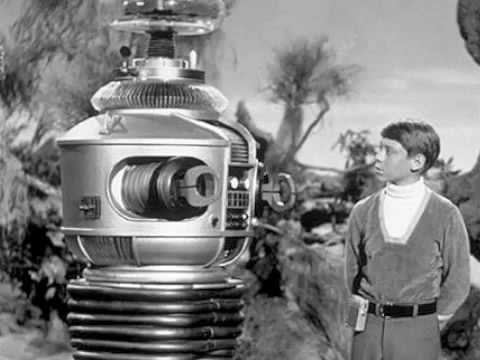
Darn. .I thought the topic was about this "Lost in Space"

Danger Will Robinson!


Hello! It looks like you're interested in this conversation, but you don't have an account yet.
Getting fed up of having to scroll through the same posts each visit? When you register for an account, you'll always come back to exactly where you were before, and choose to be notified of new replies (either via email, or push notification). You'll also be able to save bookmarks and upvote posts to show your appreciation to other community members.
With your input, this post could be even better 💗
Register Login


Advertisement