How to use Flowify on Circular face
-
I need help to understand how to work flowify on the circular surface, for example, I have a geometry in our case 3d letter A and I have to project this on a shield.
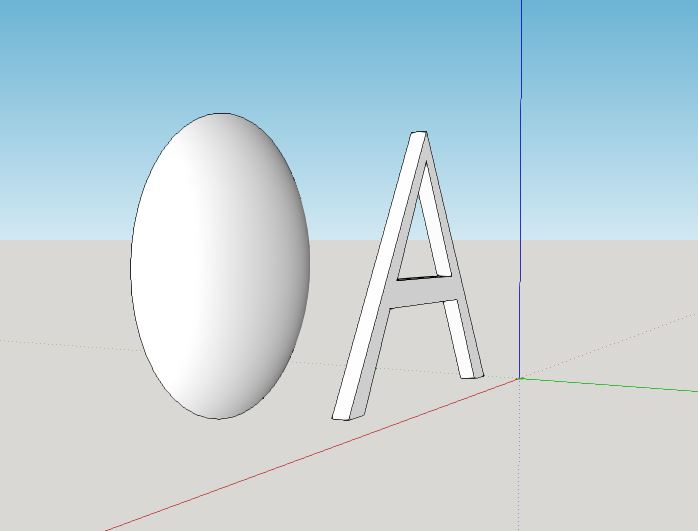
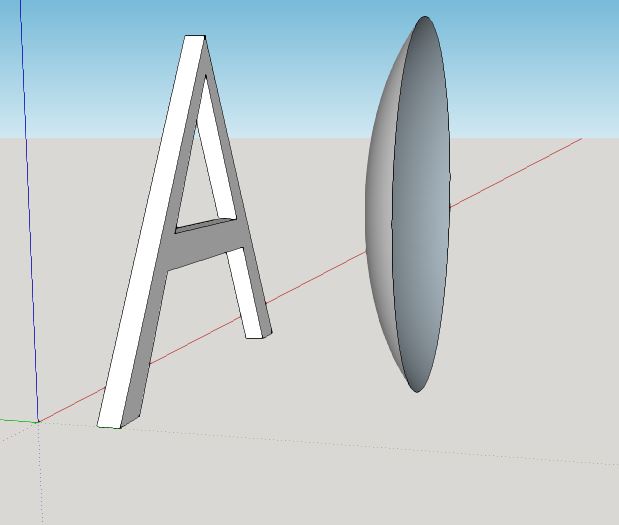
On youtube, I have seen many tutorials but they don’t show how to deal with the circular surface.
Thanks -
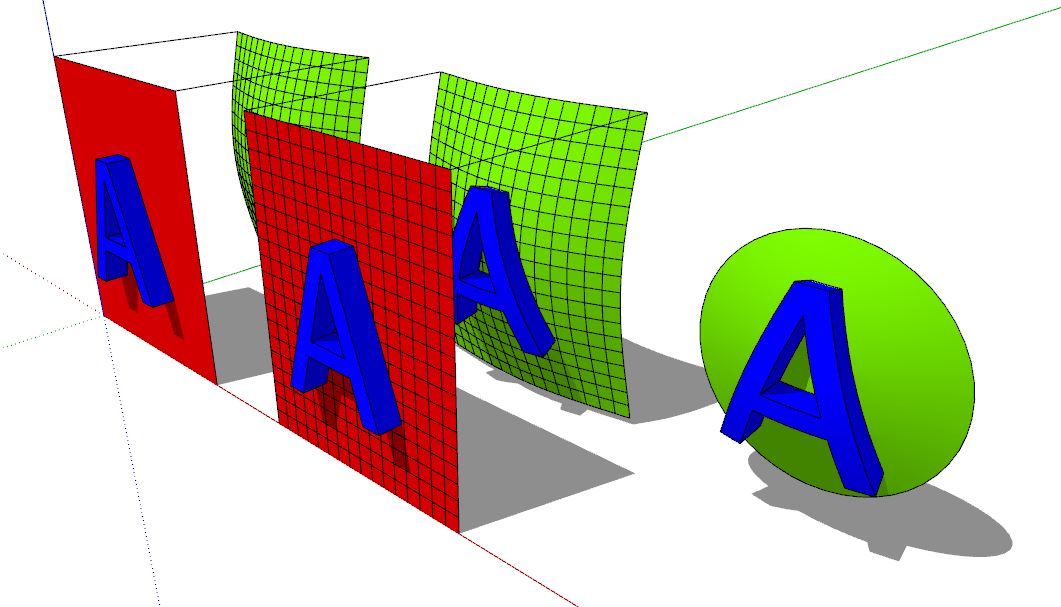
You need a quad face mesh to use the plugin, you can modify your task like this to use the plugin here...
-
Interesting extension...I keep getting surprised what people can develop for SketchUp.
-
You must make a very tiny seam on the circular form! (center to perimeter or from anywhere to the perimeter)
Because form must have 4 "sides" !
So another solution
here a big one seam!
But you see easily the "4 sides" of the curvated surface!



Hello! It looks like you're interested in this conversation, but you don't have an account yet.
Getting fed up of having to scroll through the same posts each visit? When you register for an account, you'll always come back to exactly where you were before, and choose to be notified of new replies (either via email, or push notification). You'll also be able to save bookmarks and upvote posts to show your appreciation to other community members.
With your input, this post could be even better 💗
Register Login


Advertisement